


The Top 248 Animation Webflow cloneables
Easily add animations to Webflow with these helpful native Webflow animation cloneables.



A fun way of adding a water mouse hover ripple effect to your Webflow site. Simply add a tiny code and the javascript library and you're all set.


A huge selection of premade Webflow animations, including animated buttons, click buttons, circular hover buttons, scroll down animations, nav link animations, tab animations, search bars, social media buttons, text animations, contact cards, blog cards, product cards and more.


Here's a beautiful WebGL colorful background animation on page load. A great way to add extra color and a dynamic element to your Webflow site.


A two colored spiral galaxy animation for Webflow created with Three.js. This spiral galaxy spins in the background of your Webflow site and offers zoom in/zoom out functionality by the scroll wheel on your mouse.

Add a liquid metal background animation to your Webflow site via WebGL. Please note that this example relies heavily on scripts and custom code so you'll need to add the custom code found within the page settings.


Here's a demonstration of using three.js for the background of your Webflow site.
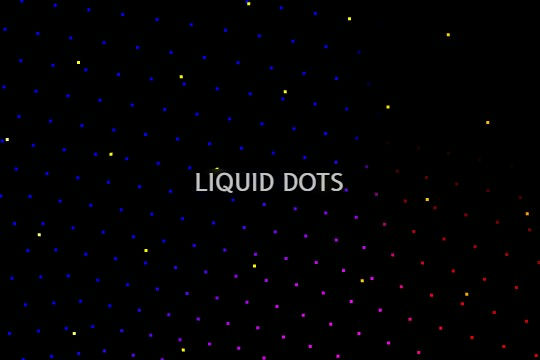

A liquid 3D mesh net with gradients and transitions engulfs the background of your Webflow site. Inside there are shaders and code found in the page. You can adjust the values to customize the effects of this liquid 3D mesh design.
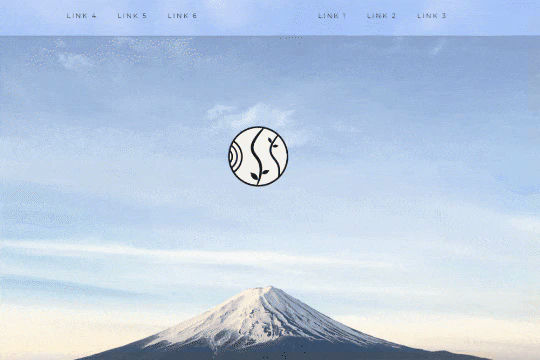

A unique way of showcasing your logo front and center and have it move up on page scroll in Webflow. This adds a fun dynamic element to your Webflow site and draws the users attention in. This interaction was created entirely from Webflow's native interactions using the While page is scrolling functionality and size, move, scale, opacity and more. This requires no additional custom code and can be cloned and setup quickly.
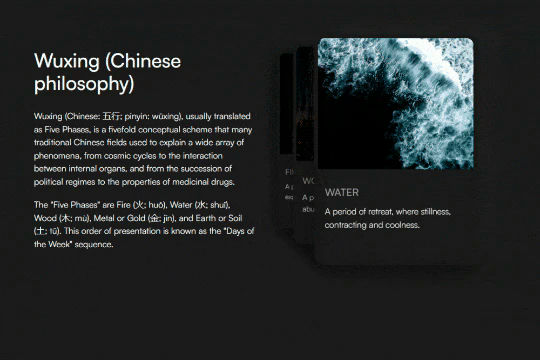
A unique 3D looping card animation built with zero code on Webflow. This is perfect for a unique way to display features, services, images and more on a site. This infinite looping card animation continues endlessly and provides a fun and unique interaction animation that adds a dynamic flair to your Webflow site.
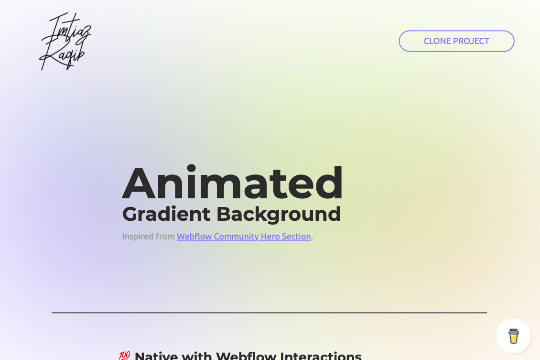

A fully cloneable animated blurry gradient background that can be used on your hero section, or other sections of your site. Helps add a layer of dynamic elements to your Webflow site. This is a 100% native solution with Webflow interactions and utilizes colored div blocks with CSS scaling.


An exploding text particles animation using Three.js in Webflow. A good demonstration of how to add Three.js to your Webflow site. In this cloneable the text begins to morph and explode as you move the cursor over it. Please note that this uses custom code found in the head and closing body tags of the page settings.
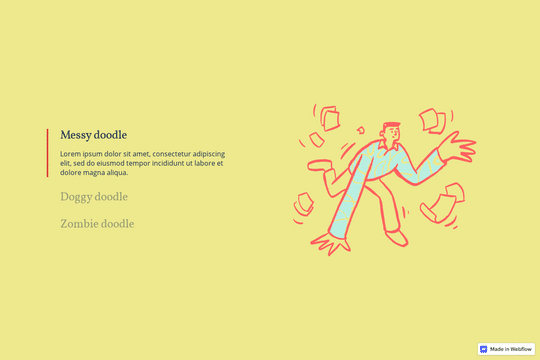

Here's a way to utilize a tab change interaction for your Webflow sites. Upon clicking the tab the elements animate and the tab changes. Note that any interactions happening within the tab page much start after any interactions within the tab link are finished. Otherwise the tab component will cut off the animation resulting in nothing happening within the tab pane itself.


A wacky and fun button animation in which emoji's explode after clicking a button in Webflow. This effect was created using custom JS so be sure to add the code found in the page settings to your site in order for it to work properly. While this could be created natively with Webflow interactions a simple JS library helps create this effect faster and easier.
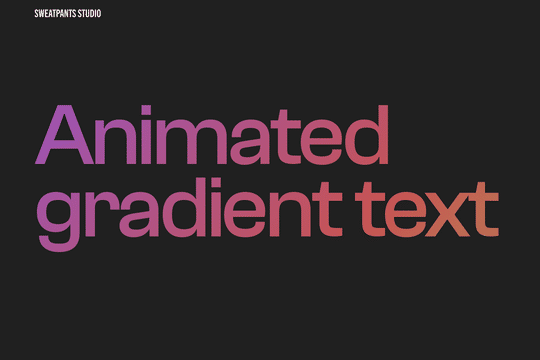

A CSS technique to create animated gradient text animations in Webflow. This allows you to add extra emphasis and design to your text headlines or any text on your Webflow site. Via a custom CSS found within the HTML embed you can create this animated gradient text effect.
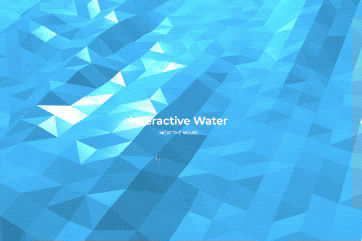
Using three.js and vanta.js to accomplish a 3D interactive polygon water background effect for Webflow. This interactive background allows for a ripple and water effect to be added to your Webflow site. When a user interacts with the page the water changes views and dimensions. You can edit the following variables based on your requirements. You can edit: shininess: 150.00, waveHeight: 26.00, waveSpeed: 0.70, zoom: 0.65, color: 0x368bbe
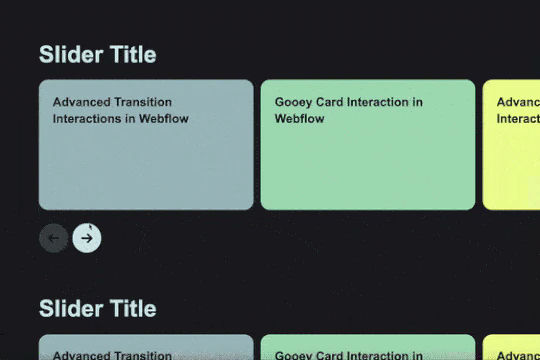


Another fun text effect, this one shows you how to scramble text between transitions.
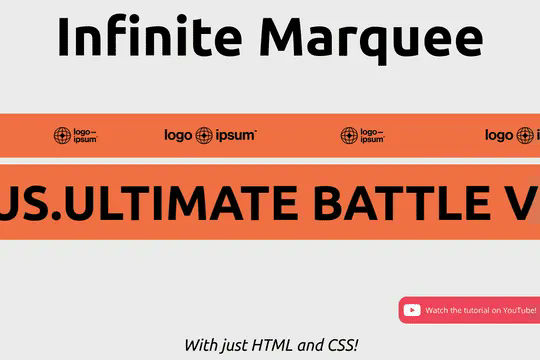

Add an infinite horizontal marquee to your Webflow site using only HTML & CSS. Building infinite marquees with Webflow interactions can be difficult and confusing. This solution allows you to easily add a horizontal marquee to your Webflow site using HTML embeds or Webflow's custom code. The infinite marquee is lightweight and allows you to customize the direction, as well as the speed at which the marquee is displayed on your site. Skip the confusing calculations typically required for native Webflow interactions and add an infinite Webflow horizontal marquee to your site in seconds.

Looking to create a rotating text effect for your headline and hero section? Here's an easy way to add this effect to your Webflow site. This also works in the preview/designer via a custom HTML code embed.
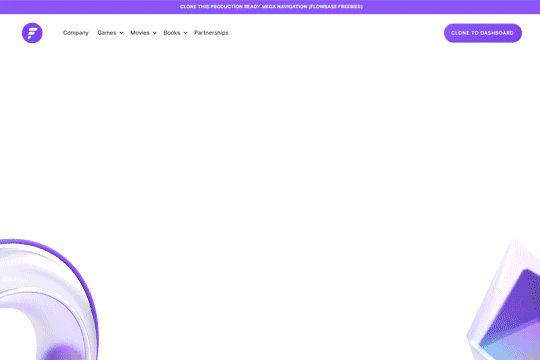

A fully cloneable mega menu navigation with full page dropdown interactions for Webflow. A great way to quickly get your Webflow menu/navigation launched with pre-built dropdowns, CTA buttons, and more. This was built with clear class names, native Webflow interactions, basic dropdown triggers and fully responsive.

This is a unique way of adding Curtain.js WebGL slider to your Webflow site. This allows for a variety of transitions and change effects not available to the standard slider. This is based on Curtain.js and is fully customizable in both shape and size, it's also responsive behaving like CSS cover. There are many options from autoplay to buttons, transition duration, displacement maps and even pixel distance, built in easings without libraries.
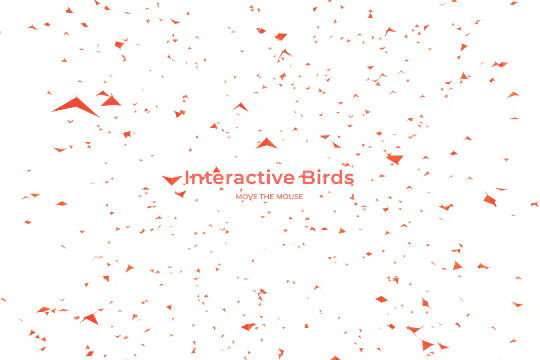
Add a flock of interactive flying birds to your Webflow site via three.js and vanta.js. A wonderful way of adding an interactive background of 3D birds flying to your Webflow site. You can edit the following sections of the custom code for further refinement. You can edit: backgroundColor: 0xffffff, color1: 0xf70707, color2: 0xff5a00, birdSize: 0.90, wingSpan: 29.00, speedLimit: 4.00, separation: 22.00, alignment: 21.00, cohesion: 21.00, backgroundAlpha: 0.93
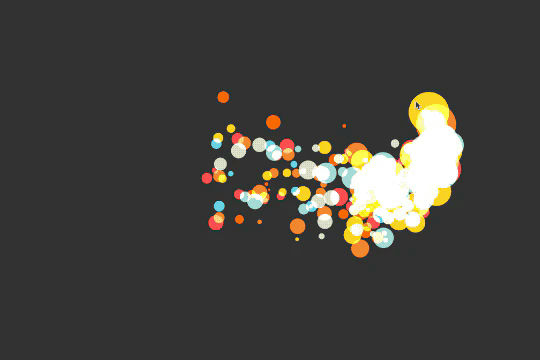
Custom cursor particles effect for Webflow. When a user moves his mouse over the page custom particles are shown trailing the mouse. A fun, dynamic interaction that adds some animation and life to your Webflow site. This is accomplished via Sketch.js
A unique headline animation for Webflow powered by Anime.js. The headline text sweeps in from the bottom one letter at a time and after displaying the line sweeps out one letter at a time with a fading effect. In order for this effect to occur you'll need to be sure to add the custom code in both the head and closing body tag in Page Settings. This is perfect for a preloader page or temporary scrolling section.
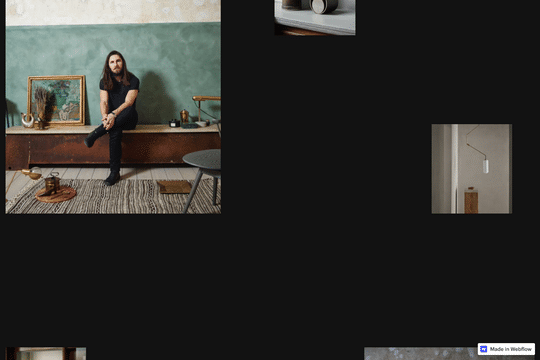

An infinite scrolling vertical image interaction for Webflow. A great way of achieving a vertical scrolling looping image on your Webflow site. This technique uses custom CSS and JS so be sure to check the custom code within the Page Settings.
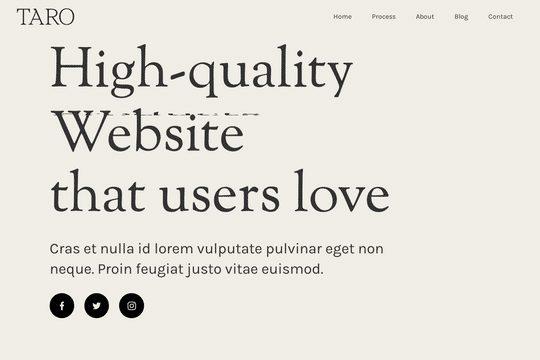

A demonstration of how to add an infinity cycle text header rotation with 3D style changes in Webflow. This technique uses native Webflow interactions and does not require any 3rd party scripts or plugins to work properly.
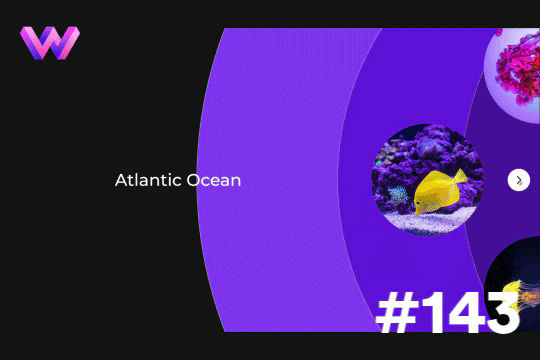

Add a unique circular slider to your Webflow hero. This demo showcases a circular slider with animated panels via the background. These panels were created in Adobe After Effects and triggered via a slider element within Webflow. The main slider is also linked to a secondary slider that showcases the text. The sliders were then linked together via custom code.
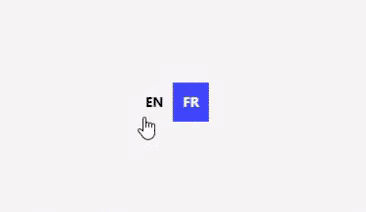

A set of various language switcher elements designed for your Webflow site. If you use translation on your site these handy language switcher elements will come in handy. There are 14 different designs with necessary interactions to make them easy to copy and paste into your Webflow site. Nearly every kind of design you could think of to make this easy to implement.
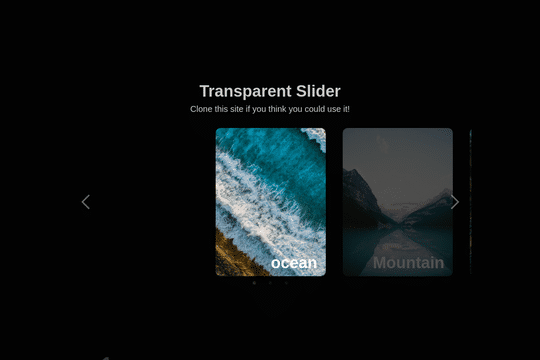

Here's a way to add an infinite, transparent slider to your Webflow site. An easy cloneable that you can copy and paste to your site and have it setup and running in no time.
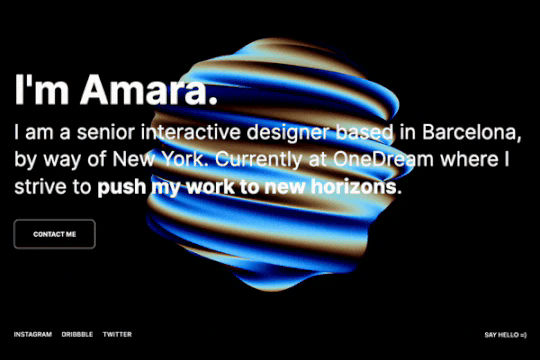
A stunning background animation that's interactive and provides a glassmorphism design via Three.js for Webflow. This interactive, twisting sphere can be dragged and rotated anywhere. Playing with the settings, especially phase, will produce colorful and unique results.
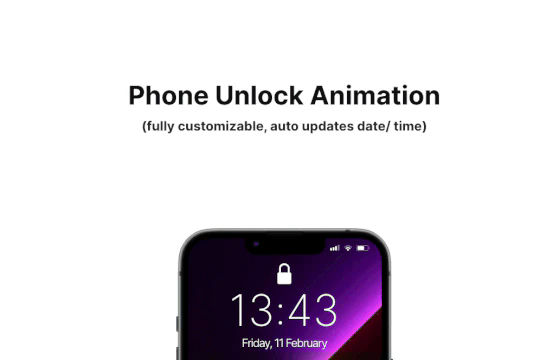
Add some dynamic flair to your iPhone mockups in Webflow. When you scroll down the animated phone unlocking animation is shown to reveal content. The phone has auto updating date and time based on the users location. The iPhone GUI was recreated and the phone has the ability to unlock and reveal content on scroll. The mockup is fully customizable and you can change the content and wallpaper and is also fully responsive on all devices.
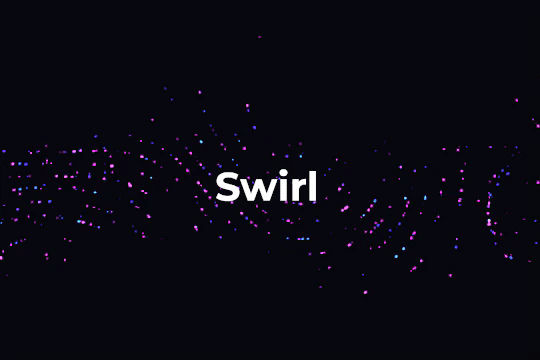
Background swirl animation via canvas backgrounds in Webflow. This method is created via a custom JS file found in the closing body tag of the page settings. This utilizes the unique javascript text "hack" allowing you to host JS files as text files in Webflow and calling that text file as a script.
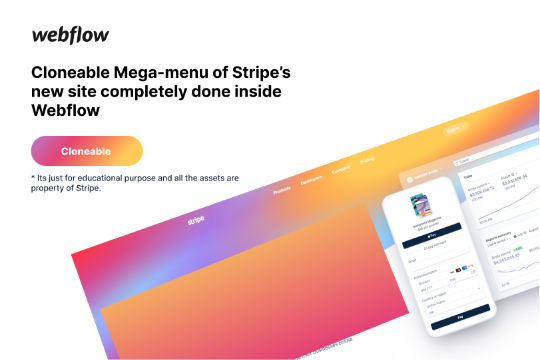

Here's a rebuild of Stripes mega menu design in Webflow. Add a unique mega menu design and navbar to your site inspired by Stripe's mega menu.

Here's a way of rotating/transitioning text on a section of your Webflow site. Perfect for hero and headline sections in which multiple headlines or text is needed to explain or demonstrate something.
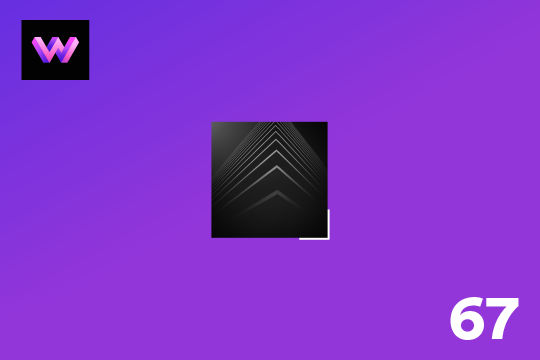
Showcase and feature your CTA by adding moving lines to the border in Webflow. Using this technique you can showcase anything that you want to draw the users eyes to by adding moving lines and a 3D hover rotation to products, cards and other important aspects on your site.
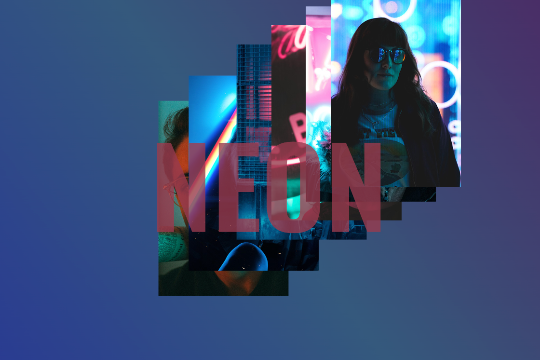

A unique interaction in which images pop up an trail the mouse cursor when moved on the page. A fun technique that could be implemented a number of ways to create various dynamic effects to your Webflow site.
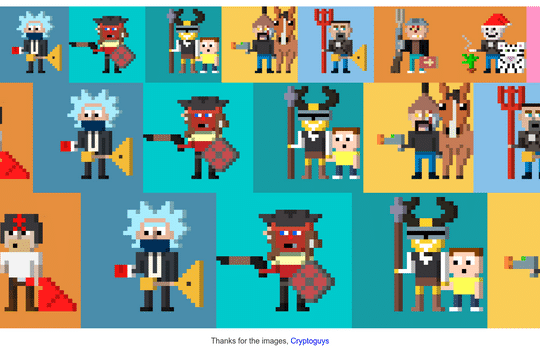

Three different variations of an infinite scrolling marquee driven by completely by Webflow CMS. All you need to do is choose the marquee, use Webflow CMS and you've got an infinite scroll marquee. Three different size variations available in this cloneable. The scrolling marquee is created via CSS, making this easier to implement then Webflow's native interactions, especially when incorporating Webflow's native CMS. You'll find this code within the HTML embed.
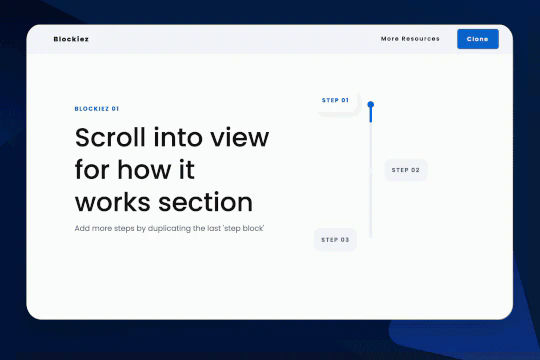

A simple animation that has a scroll bar interaction/animation as you scroll down the page in Webflow. The animation is applied to the class, if you want to add more steps simply duplicate the last step and then edit the content.

A very cool three.js background animation featuring fly by hills that are black and white. A unique way to add 3D depth the background of your Webflow site.
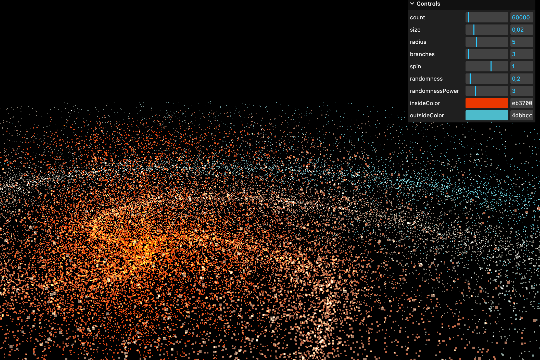
A demonstration of a spiral galaxy via three.js in Webflow with a GUI control panel. In this example you're able to manipulate the spiral galaxy animation and customize the settings. A great way of testing/playing with this three.js technique to find the best settings for your spiral galaxy.
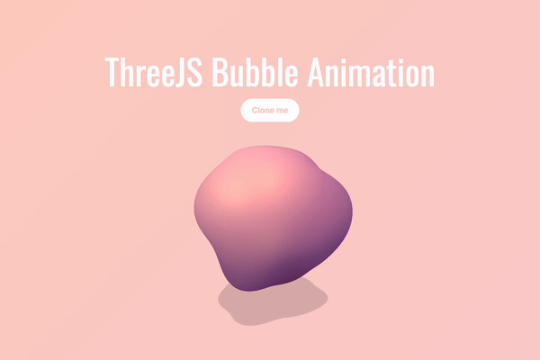

A fun, interactive bubble blog for your Webflow site driven by Three.js. This interactive bubble blob follows the mouse around the page and moves and interacts based on it's location. A fun way of adding a dynamic and interactive background animation to your Webflow site.
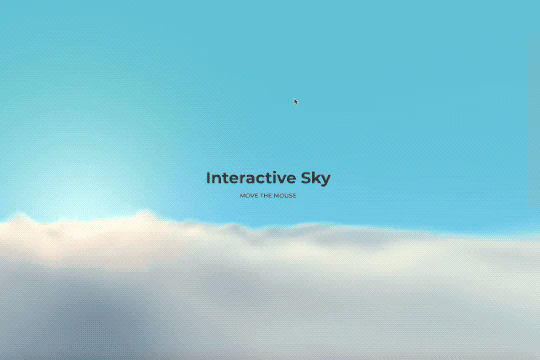
An interactive sky background for your Webflow site using three.js and vanta.js. When a user interacts with the page it feels like you're flying through a set of clouds. A perfect way of adding depth and interactive nature to your Webflow site.
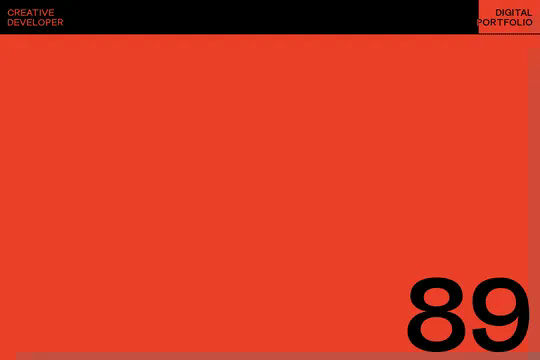
Here's a way to add a count up preloader screen to your Webflow site. This preloader counts up based on the amount loaded to create an adaptive preloading screen that's perfect for any Webflow project. This includes a loading bar/progress bar as well as the percent loaded text field. This technique utilizes GSAP and CustomEase.min.js in order to work properly so you'll need to view the custom code page settings to get the relevant code. This code also checks to see if the user has visited the site previously and creates a cookie if they have not. A simple yet effective way of adding a truly dynamic preloading page that captivates the user as your site is loading.
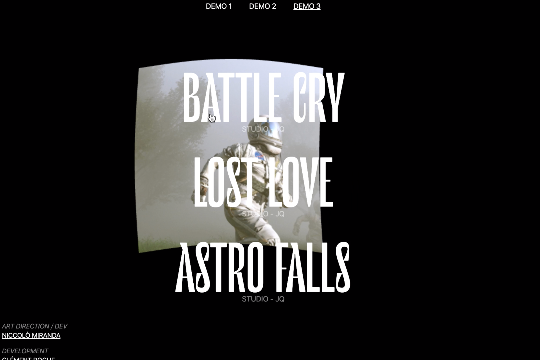

Three different link hover effects perfect for a menu on Webflow. These three effects create an image hover distortion using three.js.
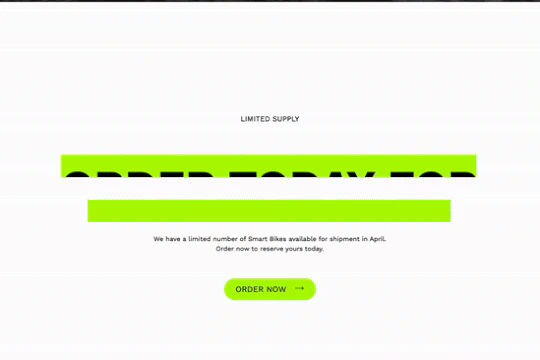
Here's a way to add a text reveal on scroll to your Webflow site. An eye catching animation reveals the text as the user scrolls down the page. An underline appears and then glitches the color and finally rolls away as you scroll.
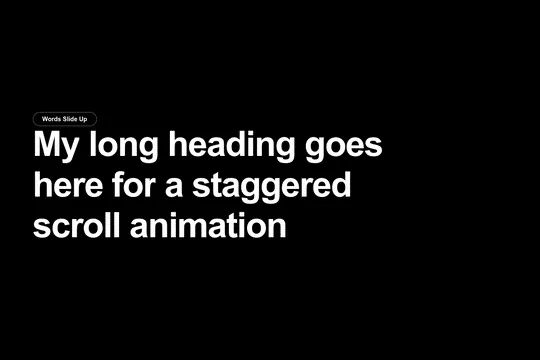
Integrate GSAP scroll text effects to your Webflow site. Eight different text scroll effects powered by GSAP for your Webflow site. The effects include words sliding up, individual words rotating in, words sliding in from the right, individual letters sliding up, individual letters sliding down, and individual letters fading in. This effect utilizes GSAP, ScrollTrigger and split type in order to work properly, you'll also need to add and modify the pages custom JS code in order for it to work. The code can be modified to change the start offset of the effect, the opacity, the duration, the ease effect and much more. Unlock the power of GSAP for various text effects today in your Webflow projects.
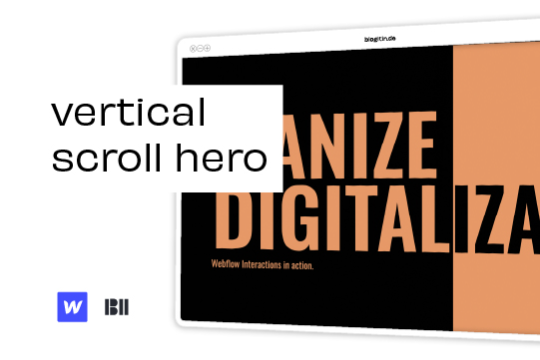

Liven up your hero section with this unique vertical hero scroll animation.

Here's a technique to add growing divs or sections on mouse hover in Webflow.
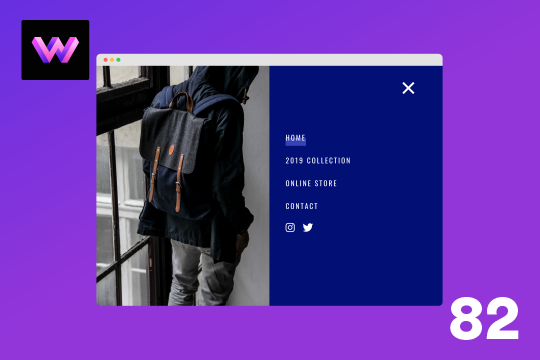
Here's a full screen menu navigation with animations and interactions in Webflow. This is a great way to easily add a menu/navigation to your Webflow site. This was comprised of three components during the build process. First, an image wrapper with an image inside of it. Second, the blue background and third a right wrapper with the menu items inside of it. The image wrapper and right wrapper are both 50% width within the menu. The width of the blue background is 150% so it has a quicker animation as it scales in. By having separate wrappers inside of the menu wrapper the scaling effect can also apply to the image, and the blue background as well as individual animations to the menu items. The menu trigger also turns into a close icon on click and then back to the hamburger button.
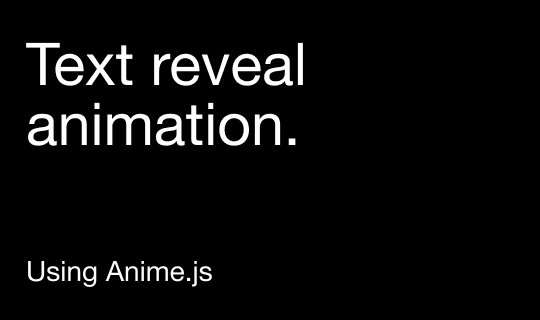

Here's a way of adding a text reveal animation on scroll to Webflow powered by Anime.js and Luxy.js. As a user scrolls down the page the text animation is displayed showing one letter fading in at a time. As you scroll further down the page you'll notice the smooth scrolling effect created by Luxy.js. All of this is powered by the custom code found within the page settings of both the header and body section. Be sure to add these to your site in order for this method to work properly.
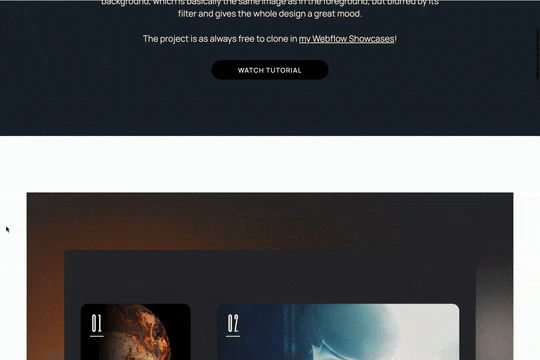

Here's a unique parallax blur scrolling animation that's perfect for portfolio sections in Webflow. This parallax blur scrolling animation effect adds the image that's being scrolled to the background with a blur filter effect. All of this is achieved via native Webflow interactions.
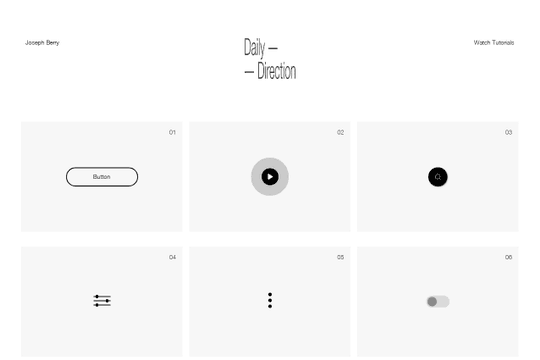

A full set of beautifully designed interactions in Webflow for your projects. These interactions include buttons, play buttons, search, toggles, hamburger buttons, toggles, social sharing and much more.
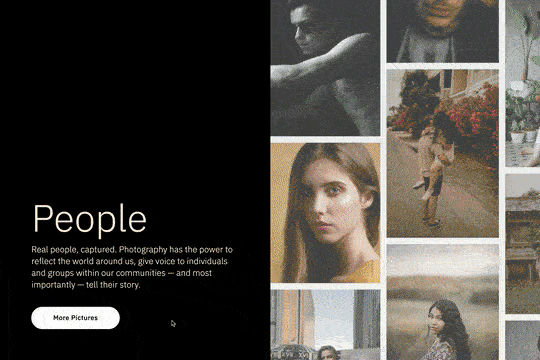
A great way of adding a slider component with a splitscreen gallery slideshow that automatically rotates a collage while animating each slide with it's own transition. View the tutorial here: https://youtu.be/IvxswB5jy-w
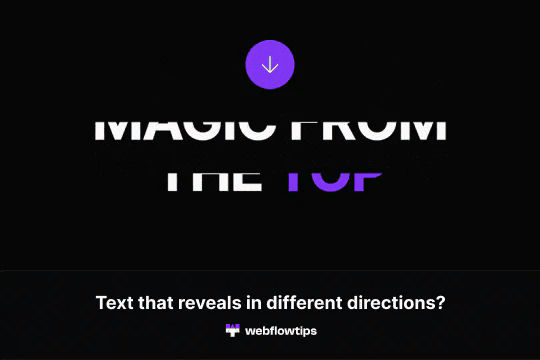

Text reveals is one of the most popular animations on the web today. This demonstrates how to achieve text reveals from different locations in Webflow. It's built using a custom script so be sure to check out the custom code section in Page Settings to ensure you have the proper scripts for the text reveal examples you want to achieve.
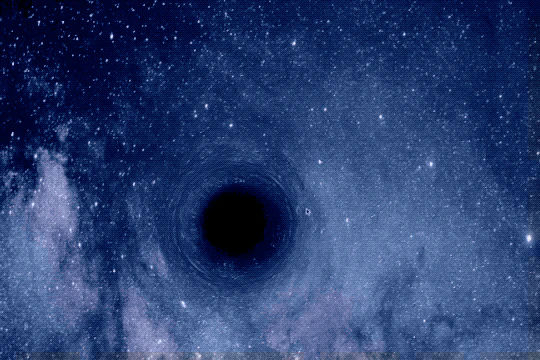
Turn your site into an interactive black hole with this unique Webflow cloneable. Please note that this entire example relies on scripts and code so you'll need to add the code found on the page and within the page settings for this to work properly.
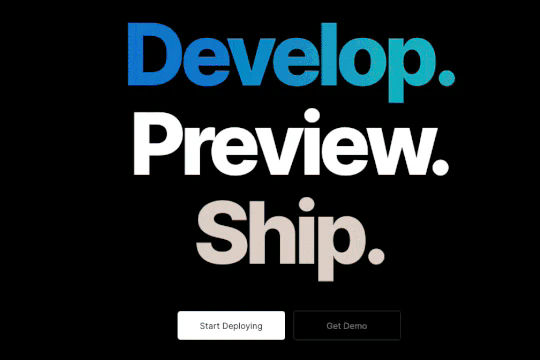
A unique gradient hero text animation in which the text of the hero section becomes a gradient a timed interval. This technique uses Webflow native interactions and a little bit of custom code.
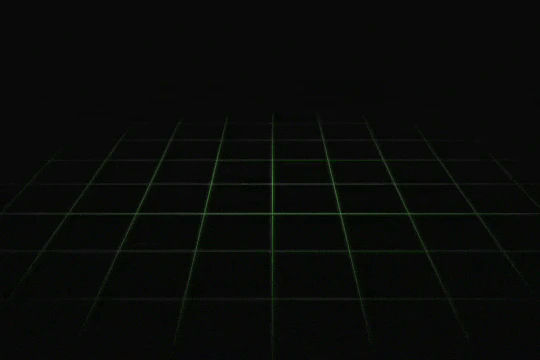

A fun way of adding a little retro 3D grid animation with overlay scan-lines to your background/site.

Here's a way to add a parallax slider to your Webflow site. You can navigate the slider via dragging or using your arrow keys.
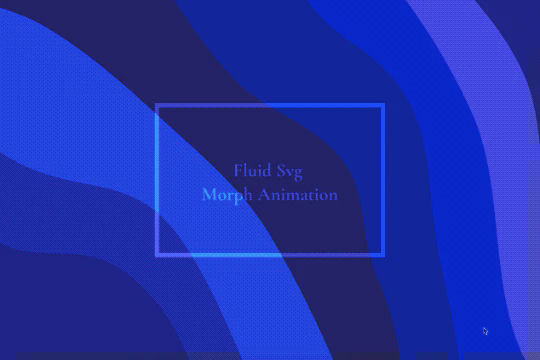
A fluid, morphing SVG background for your Webflow site using Anime.js. Perfect for the background of your Webflow sections, or entire site.
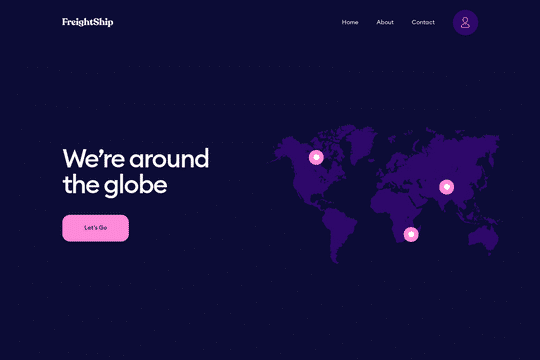

A unique way of using a CMS to create an interactive responsive map. You can watch the full tutorial here: https://www.youtube.com/watch?v=VqSEvzzLoVQ
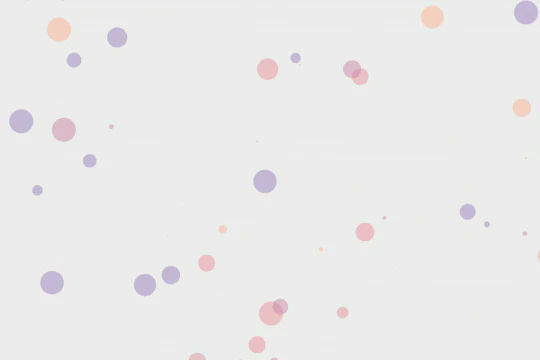
Here's a guide and an example of Particle.js on a Webflow site. Particle.js is a fun way of adding a dynamic background to your Webflow site. In this example a new particle is added every time you click on the background of the site.
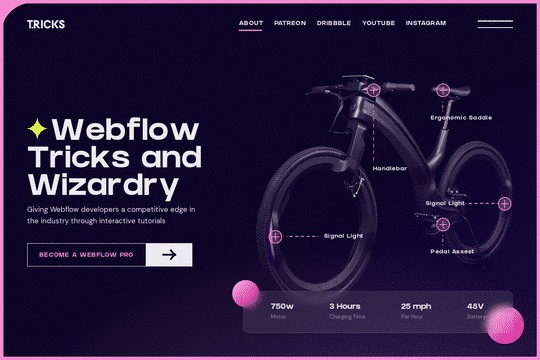
A fun way of showing off a product by allowing for feature zoom in on click. Great for ecommerce sites that need to provide context into features with an interactive zoom in capability.
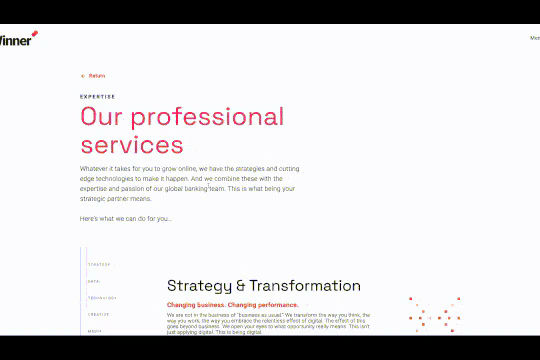

Perfect for a services or overview page on a Webflow site. This progress bar indicates where you've scrolled through and which content you're currently viewing. The progress bar was created to scroll to the dynamic CMS collection blocks, typically this is not possible with Webflow since collections can't have anchor links. This was resolved via a nice hack by assigning the ID to the collection classes through an embed and then converting the progress bar links to anchor links so that you can scroll through the various content naturally.
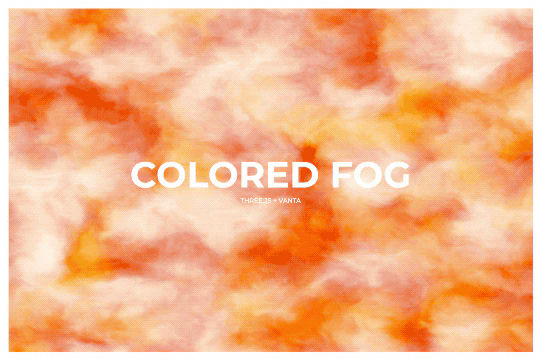
Here's a way of adding a colored fog background effect to your Webflow site using Three.js and Vanta.js. Please keep in mind that this has good browser compatibility however is CPU intensive and may have some minor issues on mobile. Be sure use only one Vanta.js animation per page.
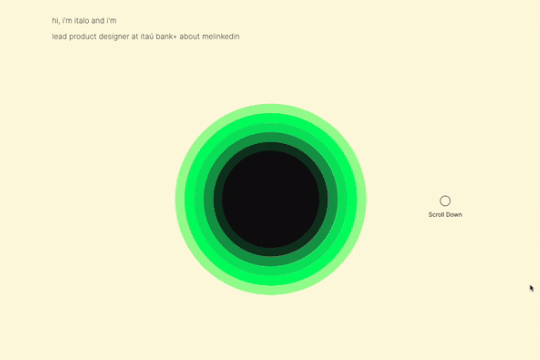
A sun circle animation that grows based on the page scroll in Webflow. This entire animation is built natively with Webflow interactions and requires no custom code. A great example of how you can use Webflow's native interactions to build in depth, multi stage animations based on page scrolling.
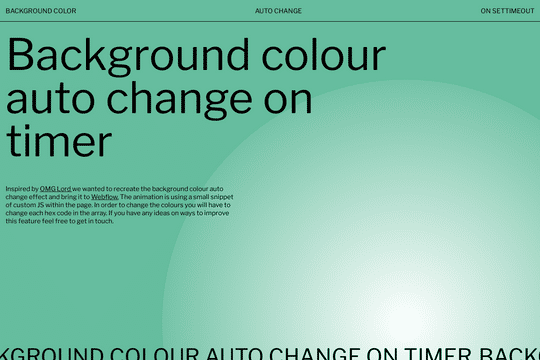

An amazing background color changing on timer for Webflow. The background color changes automatically based on a timed interval of your choosing. The animation uses a small snippet of JS within each page. In order to change the colors you will have to change the hex code in the array.

Here's a unique way of adding count up odometers to your Webflow site via Hubspots odometer library. This cloneable includes several features, count up by 1 in a fixed interval, trigger odometer via GSAP Scrolltrigger, currency options, interval increase by own value, interval increment with a randomly generated number in a range, show numbers on a button click and a tutorial of how to make it work.
Twenty prebuilt CSS button hover effects to allow you to easily add button hover effects without complicated Webflow interactions. These include a number of unique effects such as marquee text on hover, fade in and fade out, 3D expanding effects, chat widget buttons, rotating and much more. You can add these to your Webflow site by copying the HTML embed with the relevant CSS scripts for the button effects that you want. Add the custom css class to your buttons and you'll immediately be able to view the button effects within Webflow designer. This makes for easy, and lightweight buttons that provide fun effects without the headache of interactions or complicated hover states.

A shooting stars effect for the background of your Webflow site. The stars come in from the top right to the bottom left on your Webflow site.
A beautiful text hover animation for Webflow built entirely from native Webflow interactions. On hovering over the circle the text changes its position on the page. A great way of adding a unique text animation effect to your Webflow site.

Here are two different examples of logo animations in Webflow. Great inspiration for ways that you could animation your Webflow site logo with native interactions.
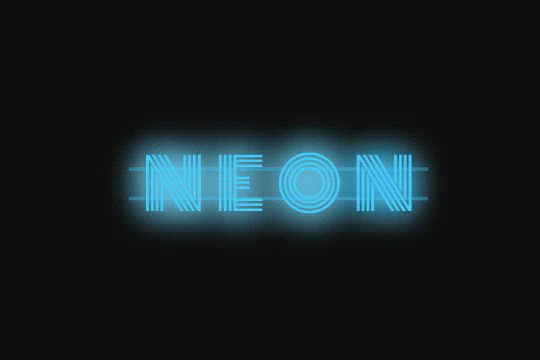
Here's a way to add a neon sign text effect to your Webflow site. A perfect CSS effect that creates a neon sign style text effect in Webflow.
Here's a fun card interaction in which the cursor acts like a peeling of a label on a Webflow card. Perfect interactions to add a new layer of dynamic flair to your otherwise boring Webflow cards.
Here's a way to add random stroke backgrounds to your Webflow site via three.js and vanta.js. Each time the page is loaded the strokes are loaded randomly.

A nice background animation with a very small fie size. Download the JS files, download the .txt fill file Search for backgroundColor Change the hsla code Upload the new file Link the new script in the script tag
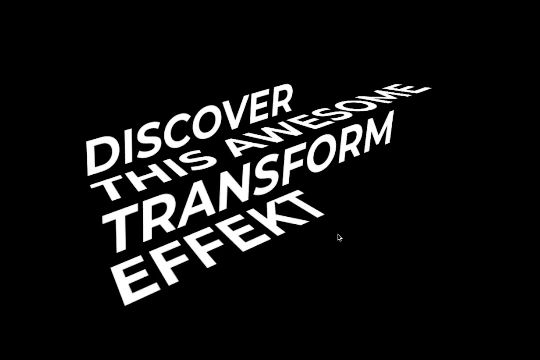
A fun way of adding a stair melting text transformation animation on hover in Webflow. Perfect for adding a dynamic layer of text to your Webflow site's header or headline section.

Here's a way of adding GSAP's motionpath technique using Scrolltrigger and Motionpath in Webflow. As a user scrolls down the page an animation follows a wavy path. Please note in order to get this to work you'll need to add the custom code found. in the closing body tag as well as the custom HTML embed found near the image file.
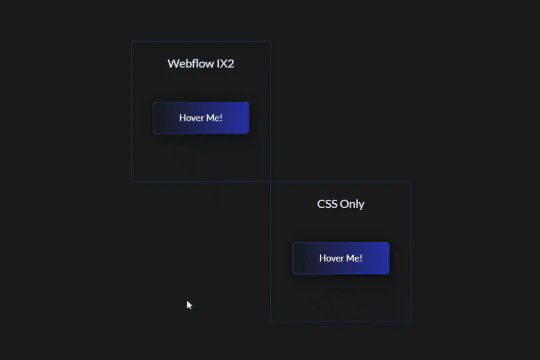
Add flair to your Webflow buttons with this linear gradient animation. This demonstration include two different variations of the linear button gradient animation, one created solely via Webflow interactions and the other via CSS. There are also two different styled animations, one that's one time and another that infinite loops while on hover.
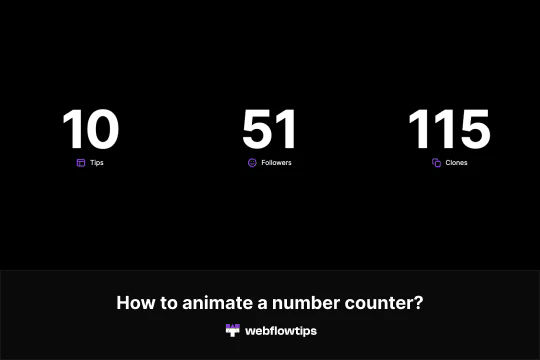
Here's a way to add an animated number counter on load in Webflow. Now you can add a number counter that counts up on your Webflow sites. To accomplish this you'll need to add a class to the number you want to animate. Copy and paste the code in the Settings -> Before body tag. Change the name of the class that you created for the number. Finally, modify the parameters for it to work. The parameters that can be modified are start, end, duration, delay, true, repeat, decimals, currency and the separator. Please keep in mind that this will only show on the published site and not within Webflow editor.

Here's a large testimonial slider component with auto-transitions for Webflow. This smooth transitioning testimonial slider is perfect for any Webflow site. It transitions smoothly between each testimonial and provides unique interactions. This demonstration also includes the possibility of a video as well.
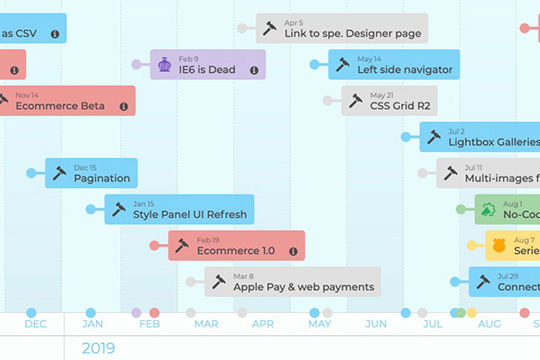

A horizontal scrolling timeline of events driven by Webflow CMS. You can navigate through the timeline both vertically (below) and horizontally. Both lists stay in sync. The vertical section shows more notes and links regarding the timeline events. This timeline is CMS driven and there are two collections, one for the events and one for the categories of each events. Each year of the timeline is made out of one collection list. There is more info on how this works at the bottom of the page, specifically how the CMS and CSS calc work. This could be great for about pages, client timeline pages, and much more.

An amazing 3D scroll animation that rotates a tablet towards the viewer on scrolling down. This can be used for both static images or animated videos and creates a wonderful depth perspective on page scroll by users.
A great way to add mouse aware, location aware slider navigation interactions to a slider.
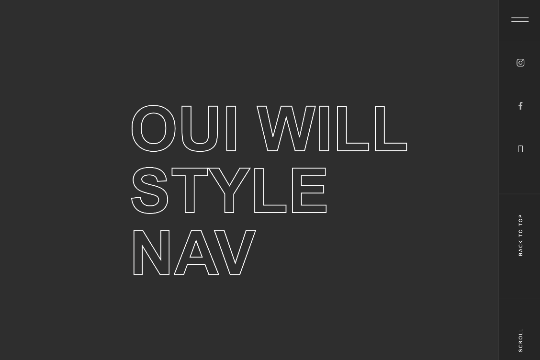
A full screen animated navigation with hover interactions and slide in animations.

A unique way of adding dynamic and animated portfolio items to your portfolio page. These bubbles automatically float up and include mouse interactions to access different pages.
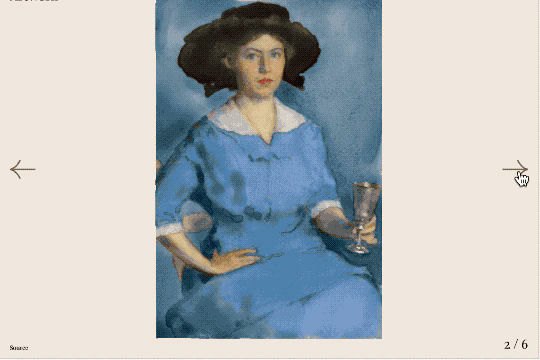
A unique Webflow slider created with Three.js and GlslCanvas. While this is a good example of a slider it uses hand coded image URLs rather than Webflow sliders. A good demonstration of how to add Three.js slider effects to your Webflow site but will need some customization to make it work properly on a Webflow site.

A custom, automatic slider with unique animations on Webflow. It was made with Webflow with custom interactions.
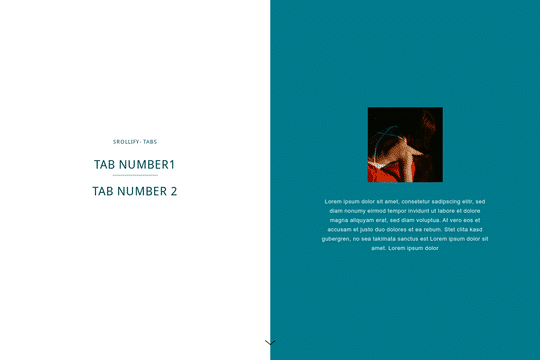

A unique effect using Scrollify.js and tabs that scroll/ease in content based on the tab selected in Webflow. Using this method you can create a tabbed section that can be accessed via click or by scrolling down the page. When you scroll down the page the selected section will become highlighted to signify which section you are currently viewing. This method utilizes Scrollify.js so you'll need to add the custom JS found within the closing body tag.

A unique animated button with a grid effect on hover via Anime.js


Here's a way to achieve a dual slider effect in Webflow. When clicking on the next or previous two different sliders will be triggered via the single onlick trigger via a custom button. This clicks on two hidden slider links simultaneously allowing you to maximize the slider transitions and effects.
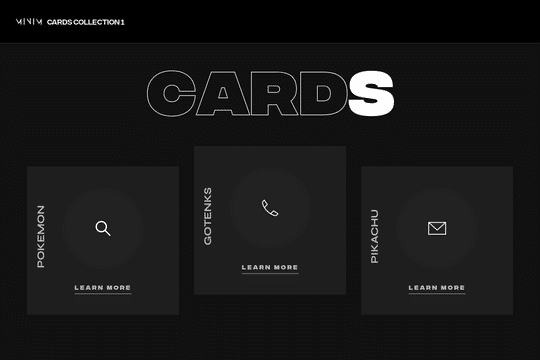
A set of unique 3D cards in Webflow with hover over animations and unique interactions. These dark themed cards include mouse cursor interactions in which the cards create a 3D effect on hover. At the same time the cards have a hover animation in which a circle grows and changes the card from dark, to white with all icons/text and everything changing on the hover state.


Using Webflow's 3D transform, custom animations and a bit of JS you're now able to recreate the Star Wars intro on your Webflow site. Please note that there's custom code required for this to work which you can find within the closing body tag of the Page Settings. There are two scripts, one that powers the music and the other that powers the moving stars.


A fun, fully responsive slide in menu animation for your Webflow navigation. This menu slides in via a dynamic animation and more importantly is already mobile and responsive friendly.

A fun, book and page flipping interaction in Webflow. Please note that while a majority of the page designs are created with Webflow interactions there is some custom code found in the page settings to get this to work properly.

A 100% native CMS based Webflow horizontal scroll technique. This CMS horizontal scroll animation was built solely with Webflow native interactions without any custom code. The method was to use a second collection list and make the length of the scroll trigger wrapper always proportional to the width of the horizontal strip. This way nothing to adjust or change in the designer when the number of items changes, and the animation will always feel consistent and smooth.
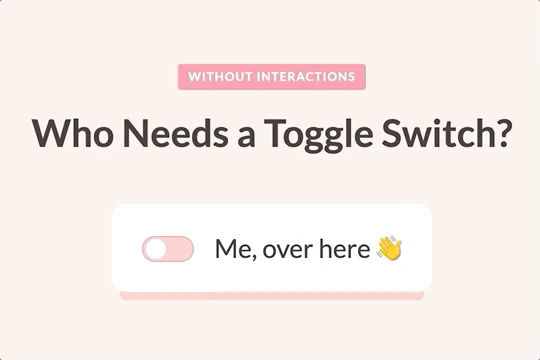

Here's a method of adding a toggle switch without any native Webflow interactions. Step one is to place a checkbox in your form (use custom checkbox option. Step 2 style your checkbox like a toggle box. Step 3 place the dot as a svg image. Step 4 style the checked state: move the dot to the right / change the background color. Step 5 on normal state add transition to background-position and background color property. Done.
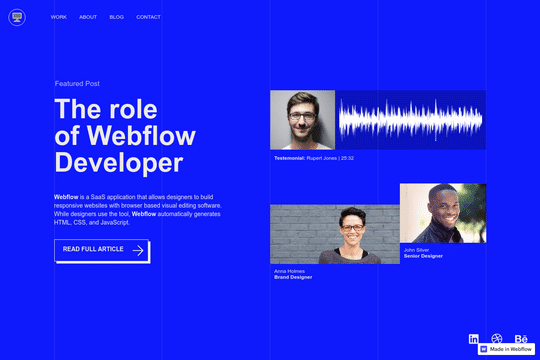

A free cloneable hero section with blue and white fonts. Includes buttons, social media links and a pre-made menu.
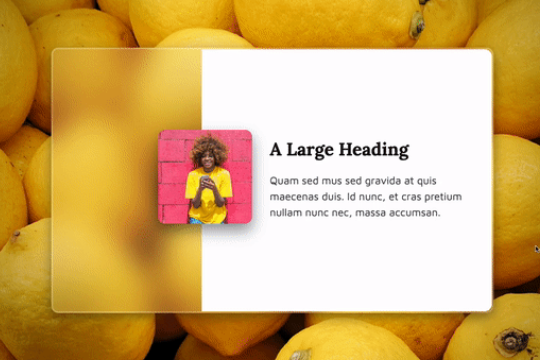

Here's a demonstration of a frosted glassmorphism card with hover and mouse interactions. An easy way to add a glassmorphic effect to your Webflow site.
Four different custom button designs for your Webflow site. These custom, animated buttons already have the necessary interactions to make them dynamic and interactive. A variety of hover states effects can be found in these 4 different button designs.
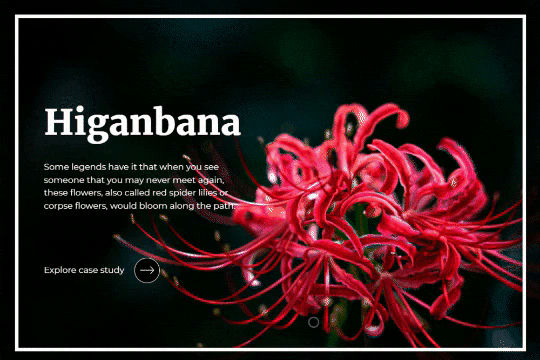
A fancy scrolling interaction to showcase your work in Webflow. This cloneable uses Webflow's native CMS and the power of Webflow interactions to create a smooth scrolling interaction in which each slide is a different section. Upon scrolling the images move in smoothly and the headline and description appear. This is a rather extensive interaction as it deals with scroll actions and scale, opacity, move based on the location of the page.