How it Works Scroll Animation

Try the cloneable below

Cloneable tags

Description

The How it Works Scroll Animation is a simple and effective way to add some interactive and animated elements to your website. This cloneable includes a scroll bar interaction/animation that is triggered as you scroll down the page, adding a dynamic and engaging element to your website. The animation is applied to a specific class, and you can easily duplicate and edit the content to add more steps to the animation. This cloneable, created by Mor Tene & Ilya Lisi, is categorized under the categories of Scroll, Interactions, Animation, and Date/Time, and it's a great way to add some visual interest and engagement to your website. If you want to add a scroll-based animation to your website, the How it Works Scroll Animation cloneable is a great choice. So why wait? Try this cloneable today and see how the How it Works Scroll Animation can enhance your website.

A fun way of adding a water mouse hover ripple effect to your Webflow site. Simply add a tiny code and the javascript library and you're all set.

A huge selection of premade Webflow animations, including animated buttons, click buttons, circular hover buttons, scroll down animations, nav link animations, tab animations, search bars, social media buttons, text animations, contact cards, blog cards, product cards and more.

Here's a beautiful WebGL colorful background animation on page load. A great way to add extra color and a dynamic element to your Webflow site.

A unique stacking cards on scroll interaction in Webflow. When you scroll down the page the cards on the right side stack on top of each other. A unique interaction perfect for a SaaS or technology site. The stacking cards effect was built entirely using Webflow interactions and does not require any additional code or scripts. The effect is created by using the While scrolling into view trigger, with the use of Scale and Filter. The filter applied reduces the overall brightness of the card and the scaling is used to send the item back smaller. Overall a well designed and thought out solution for a stacking card interaction.

A method to highlight text on page scroll in Webflow. A unique a fun interaction in which the text on the page begins to highlight as you scroll down the page. Each letter even partially highlights depending on where you've scrolled on the page. This effect uses GSAP and Scrolltrigger.js to create the effect. You'll need to add the custom code found on page settings for this to work properly.

A two colored spiral galaxy animation for Webflow created with Three.js. This spiral galaxy spins in the background of your Webflow site and offers zoom in/zoom out functionality by the scroll wheel on your mouse.

Add a liquid metal background animation to your Webflow site via WebGL. Please note that this example relies heavily on scripts and custom code so you'll need to add the custom code found within the page settings.

An animated timeline scrolling effect perfect for about pages, historical pages and many others. As the user scrolls down the page a fun native interaction is applied that allows users to visit historical timelines with a unique Webflow interaction. The current date and item that is in view increases brightness while others out of view are faded out. The user can scroll down the page and have historical information provided in a unique and interactive fashion. This interaction uses while scrolling in view and while page is scrolling page trigger interactions.

DRAG
Real-time sorting by

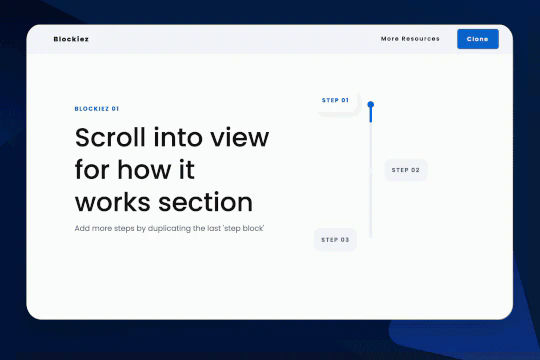
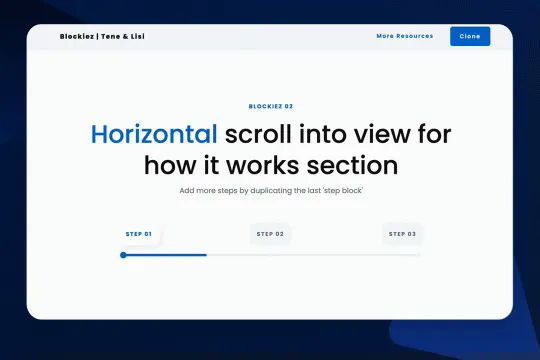
A simple animation that has a scroll bar interaction/animation as you scroll down the page in Webflow. The animation is applied to the class, if you want to add more steps simply duplicate the last step and then edit the content.

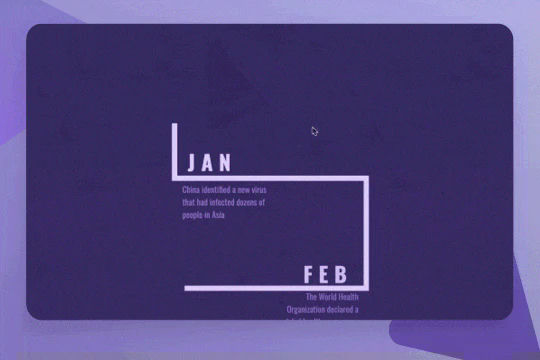
A unique way of creating an interactive scrolling timeline within Webflow. This demonstration provides a Covid timeline as an example for it's implementation. The animation is based on while scrolling into view with a scale of the line div blocks from 0 to 1. A

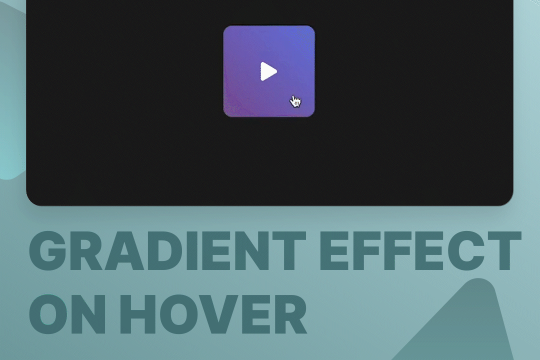
Here's a way to add a nice gradient color transition for a button on the hover state. This is accomplished by using only Webflow interactions.

A unique how it works horizontal scroll feature section perfect for your Webflow site. As a user scrolls down the page each section snaps into place horizontally. This effect was built entirely using Webflow's native interactions and does not utilize any other JS libraries or custom code. This effect was created by creating a scroll wrap with three different triggers for each section. As the user scrolls through each section the opacity, background color and size of each element changes. A unique approach to creating horizontal sliders within Webflow without the use of additional JS libraries or code.

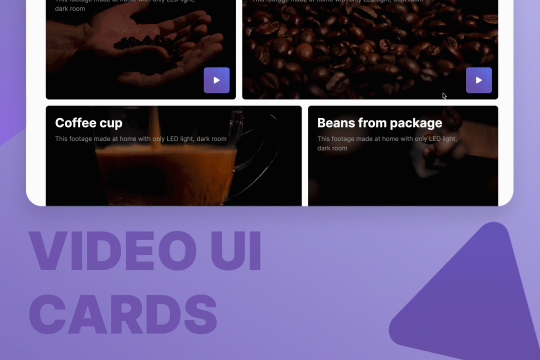
Here are quite a few, well designed UI layouts for video cards and elements for video sections. You'll find hero sections, grids for video blogs, play button animations, and pop-up modals for videos for your Webflow site.

A rebuild of the Who Wants to be a Millionaire gameshow screen in Webflow. Built with some custom code.

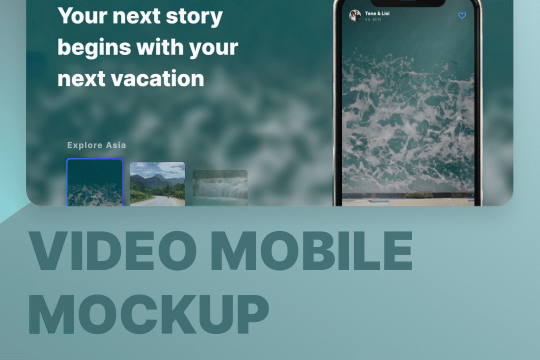
A great way of displaying videos within a mobile iPhone mockup. You can design the story layout and upload multiple videos into one mobile frame.

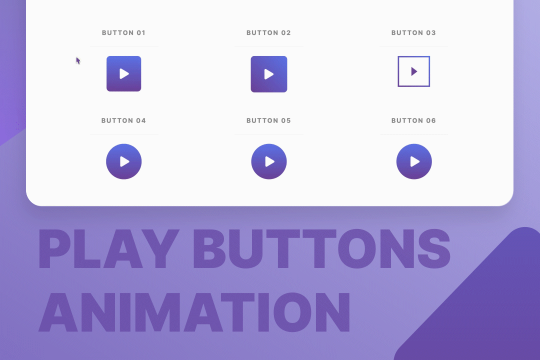
Nine different video play button animations ready to be cloned to your Webflow site. This allows you to add dimensions and CTA's to your videos on your Webflow site.

DRAG
Real-time sorting by