Full Screen Navigation Menu





Cloneable tags
Description
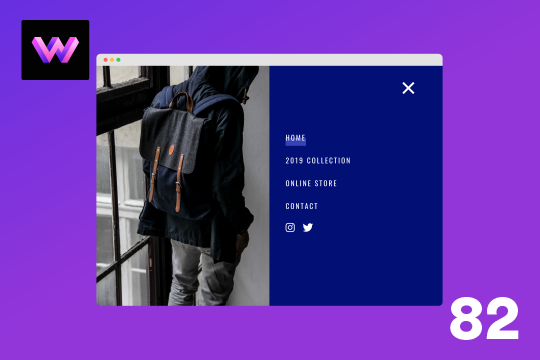
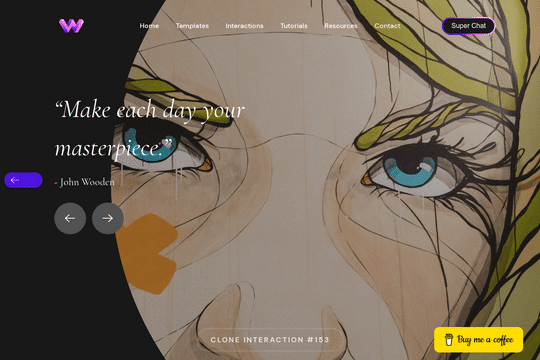
The Full Screen Navigation Menu cloneable is a visually appealing and interactive feature that allows you to easily add a menu/navigation to your Webflow site. It includes animations and interactions that make it easy to use and engaging for the user. The Full Screen Navigation Menu cloneable is comprised of three components: an image wrapper with an image inside of it, a blue background, and a right wrapper with the menu items inside of it. The image wrapper and right wrapper are both 50% width within the menu, while the blue background has a width of 150% to create a quicker animation as it scales in. The menu trigger also turns into a close icon on click and then back to the hamburger button. The Full Screen Navigation Menu cloneable is easy to use and integrate into your Webflow project, and it is categorized under Menu, Interactions, Hover, and Animation. It was created by WebDevForYou, and it is a great way to add a full screen menu/navigation to your Webflow site. So, if you want to easily add a menu/navigation to your Webflow site, consider using the Full Screen Navigation Menu cloneable.