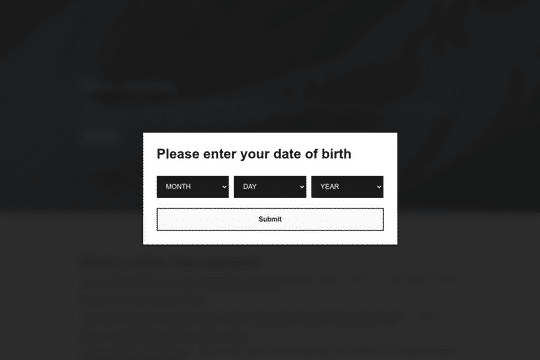

Here's a way to create an age gated pop up modal in Webflow. Using the power of cookies you can now gate your content/site with a age date requirement. The code in the settings takes the submission of the month, day and year of the persons birthday and calculates their age against todays date. If they validate that they are over 18, then a cookie will be added to their browser and the pop up modal will be hidden from them until they clear their cookies. If they are not over 18 then they are redirected from your site.

Connect Webflow's native CMS to an image plotter via this cloneable. With this cloneable you can add an image plotter to highlight features, locations, items, product features and much more. The multi-reference highlight items to each main gallery image item using a simple top and left coordinate value to set the specific location of the dots on the image. Each highlight dot also leverages conditional visibility to adjust the position of the tooltip image polotter depending on the location of the dot and whether or not the values were set in CMS.
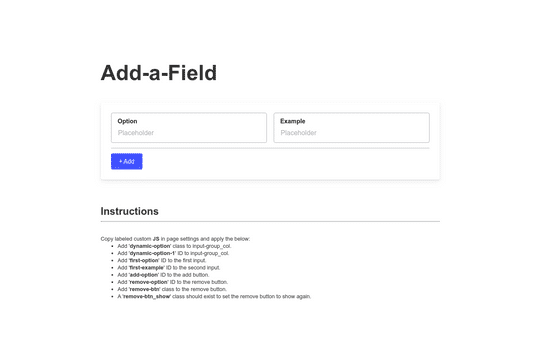
Here's a way to add or remove additional form fields in Webflow. This is a great way to have added functionality to native Webflow forms.
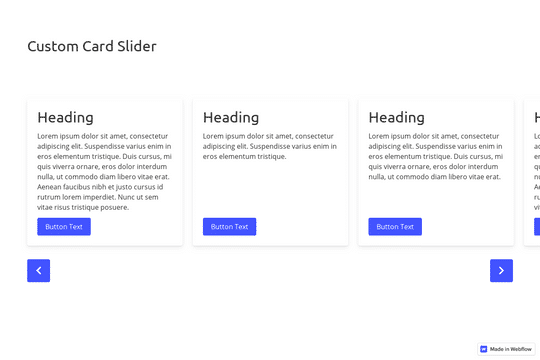
A great example of a CMS slider with custom navigation arrows that are designed within Webflow. It also features a dropdown to filter the slides. This uses the slick slider JS library.

The Mast CSS framework is one of our favorite Webflow frameworks. It's based on a developer first mentality and features essential classes and strategies to help you build efficient Webflow sites. It's built with the less is more mentality, less classes, less elements to maintain which means faster sites and less development time. This framework allows you to quickly build anything from scratch by utilizing an essential set of HTML and CSS building blocks. Get up and running quickly with the Styleguide that features typography, heading classes, body text classes for paragraph, eyebrow text elements, ordered lists, unordered lists, color swatches, text colors, components such as buttons (primary, secondary, text links, form fields with radios and checkboxes, cards, utility classes, padding, alignment, overflow, size, helpers, layout, grids, columns and other helpful items.

Here's a way to utilize a tab change interaction for your Webflow sites. Upon clicking the tab the elements animate and the tab changes. Note that any interactions happening within the tab page much start after any interactions within the tab link are finished. Otherwise the tab component will cut off the animation resulting in nothing happening within the tab pane itself.
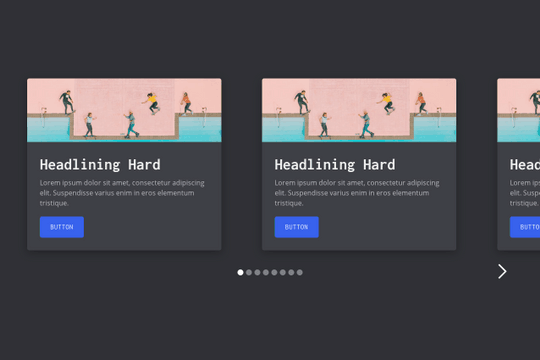
A multi-column, fully fluid responsive card slider for Webflow. The starting cards are left aligned while the final card is right aligned. The slider mask is set to percentage based width varying on the number of cards in the slider. This way you can control the number of cards shown depending on the size of the screen.

A fun way to have an animated, cursor following dog animation on Webflow. This is driven fully by div elements and a bit of CSS and JS to make the magic happen.
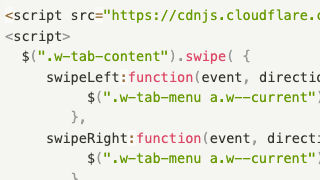
Swipe Webflow Tabs
Add native swiping gestures to Webflow tabs to allow for swiping between tabs with this Javascript code. Webflow doesn't natively support swiping gestures, however it's easy to add swiping gestures to switch between tabs via this JS code.
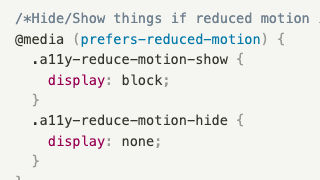
Reduced motion media query
The ability to hide and show elements on your Webflow site based on if a user has reduced motion activated in their operating system. Adding this Javascript code helps with accessibility by hiding and showing elements based on the users predefined OS accessibility settings.

If Internet Explorer Show/Hide
If the users browser is Internet Explorer show or hide elements on your Webflow site with this Javascript snippet. This allows you to display warning messages, remove elements that aren't IE friendly and other similar use cases.
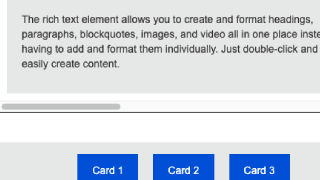
Scroll overflow move on click
Utilize buttons to move between cards within an overflow: scroll wrapper to a specified card via each button in Webflow. This uses a simple JS code to allow seamless transitions between various cards of your choosing using an overflowed wrapper.
Hide Static if CMS Collection Empty
This allows you to hide a CMS collection in the event it's empty via a small Javascript snippet.
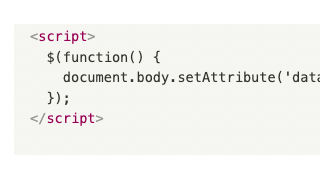
Prefer Reduced Motion on Anchors
This allows you to utilize users OS preferences for reduced motion on anchors in Webflow. Adding this Javascript code snippet to your page settings helps the accessibility of your Webflow site based on your users preferences.
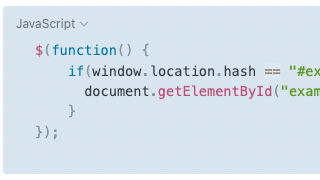
Click Item Based on Element ID
Click on an object based on an element ID in Webflow. This is great to simulate a click, for example click on next slide button, link or object via a simple Javascript code.

Hide Element After Click w/Cookie
Hide an element on your Webflow site after click with a cookie via this Javascript snippet. This is perfect for welcome modals, cookie notifications, notification alerts and other items that only need to be displayed a single time.

Prevent Body Scroll on Click
A technique to stop by scrolling on click in Webflow via a small Javascript snippet. This is perfect for modal popups, navigation dropdowns and other overlays that should prevent the body from scrolling on opening.

Open Lightbox on Pageload
Automatically open Webflow's native lightbox on page load via this Javascript code snippet. Adding a parameter to your website URL allows for the lightbox to automatically be shown on page load.
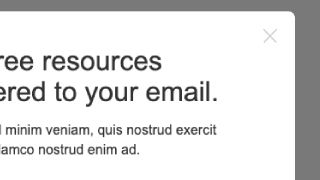
Escape Close Modal Accessibility
Add accessibility functionality to your Webflow modals with this Javascript code. When a user presses escape the modal window will automatically close.
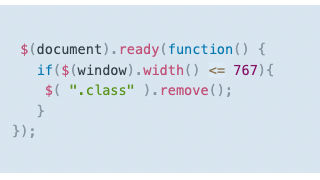
Remove Element from Mobile Load
Remove an element from loading on mobile or low resolution devices in Webflow. This Javascript code makes it easier to remove elements from your mobile and smaller screen resolutions.

Customize Text Selection Color
Customize the color of the highlight when a user selects text on your Webflow site with this simple CSS script.
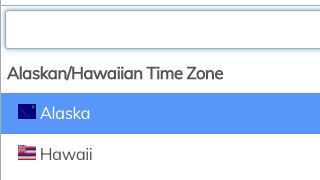
Custom Select Styling Multi-Select Input
Design your own dropdowns and multi-select inputs in Webflow using Select2. With this Javascript code you'll be able to customize the look and design of the multi-select from the native browser select.
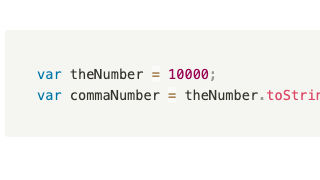
Add Commas to Large Numbers
Easily add commas to large numbers in Webflow via a simple Javascript code snippet. This is perfect for unformatted CMS items, or other numbers utilized on a Webflow site.
Rich text editor
Easily add a rich text editor form field in Weblow with this Javascript code. Webflow doesn't provide a native rich text editor, however with a bit of Javascript you can add a rich text editor form to your Webflow site.

Effect all siblings on mouse hover with CSS
When you over over a child class the other children's opacity is set to 10% using CSS. An easy way to utilize CSS vs Interactions to control children elements.
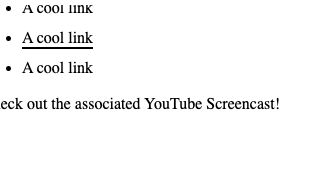
Text Hover Animate Underline
When hovering over a text link the links underline animates to provide a unique effect for your Webflow site. This CSS code snippet can be customized based on your specifications.
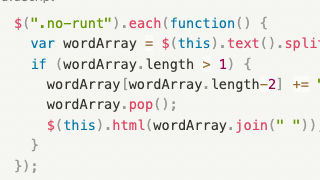
Paragraph Runt Fix
Combine the last two words of your Webflow paragraph with a nonbreaking space via this paragraph runt fix. Add this Javascript code to your Webflow site to fix the paragraph runt issues with Webflow's native paragraph element.

Pause/Reset Vimeo Embed on Modal Close
Automatically pause or reset a Vimeo video on modal close in Webflow via this helpful Javascript code. This prevents Vimeo videos to continue to play if they happen to be in a modal on your Webflow site.

Autoplaying Rotating Tabs
Here's a way to create autoplaying tabs in Webflow using JS. Autoplaying tabs allow for tabs to automatically rotate between tabs based on a time of your choosing. Keep in mind that this method uses the click method and could cause problems if you are using forms or other interactions that rely on mouse click functionality.
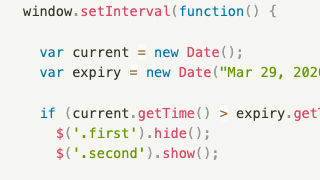
Show/Hide Based on Date or Time
This allows you to show or hide items based on date or time in Webflow. This is great for event based information, you can display various elements based on if its prior to a time or after a specified time on your Webflow site.
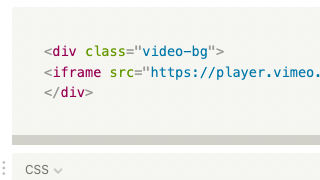
Vimeo as Background Video
Add a Vimeo video as a background video on your Webflow site using this custom CSS code. If you've wanted to add a Vimeo video as a background video you'll see that it's not possible natively in Webflow. This CSS allows you to add a Vimeo background video to your Webflow site.
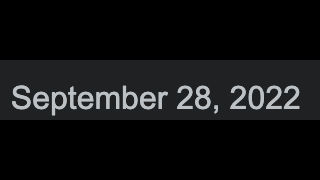
Set Div to Today's Date
Dynamically add today's date to a div on your Webflow site. A perfect way to easily display the current date on your site without any headaches.
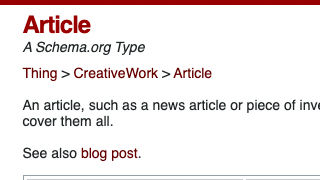
Google Article Schema
Add Google article schema to your Webflow site with this custom script. This allows you to let Google know that there's a relevant article and the necessary information to markup via a schema.

Facebook Open Graph Meta
Add Facebook's open graph meta information to your site to optimize the information when something is shared on Facebook from your site. Optimize this even more by hooking up Webflow CMS to Facebook's open graph meta.

Back to Previous Page Button
Add a back to previous page button to your Webflow site with this simple Javascript code snippet. When a user clicks on the button they'll be returned to the previous page they were visiting.
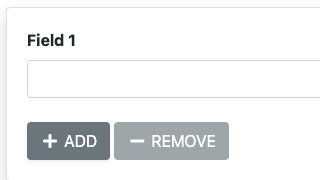
Add/Remove Form Input Buttons
Add or remove form input fields with buttons on your Webflow site. This allows your users to add or remove form fields based on buttons on your Webflow site. A great way of adding dynamic form elements to your Webflow site.

Halftone Overlay
Add a halftone overlay to your Webflow site via this CSS code.
Superscript All ® Trademark Characters
Automatically superscript all ® Trademark Characters on your Webflow site. Adding this Javascript and CSS allows your Webflow site to automatically superscript all ® trademark symbols on your Webflow site.
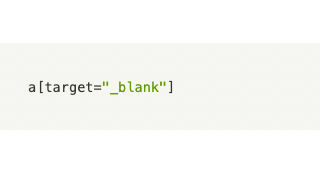
CSS Target Attributes
Utilize CSS to target attributes/elements in Webflow. Here's a quick CSS snippet that allows you to target elements as needed.
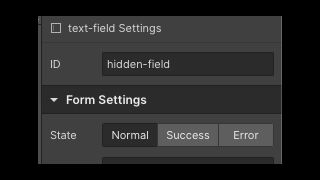
Set referring URL as hidden input
A method to pass the referring domain/URL as a hidden field in a form in Webflow. This is perfect to know who referred the person submitted the form, or a way to display the referring domain on the page on your Webflow site.

Infinite CSS Marquee/Ticker Logo
An easy way to utilize CSS for Logo marquees and other sections in your Webflow site. An easier way to create an infinite looping marquee on your Webflow site than creating them manually with Webflow interactions.

International Flags Phone Number Input
Add international flags to a phone number for input in Webflow. Adding this allows for a unique way of adding international flags to a phone form field in your Webflow site.
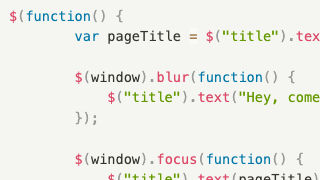
Update browser page title on tab change
A simple way to dynamically update the browsers page title on tab change in Webflow. A great way to add a dynamic element and user friendly method of updating page title on native Webflow tab change.

SVG Clip-path for Custom Image Cropping
Create a responsive clip path for images using SVG shapes in Webflow.This allows you to create unique shaped images using SVG paths rather than DIVs or similar methods.
Change Lightbox BG Color
Change the default native Webflow lightbox background color with this custom CSS code snippet.
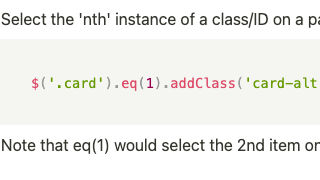
Customize CSS Class of Nth Item
Customize Webflow CMS items by adding a class to your choosing via this Javascript code snippet. If you ever wanted to add a class to a specific item you can now do so via this simple JS snippet.

Count Up Numbers on Page Scroll
Add count up numbers on page scroll to your Webflow site via this Javascript code. This method allows you to add a count up numbers via a page scroll to your Webflow site. As the user scrolls down numbers start to count up as they enter the viewport.
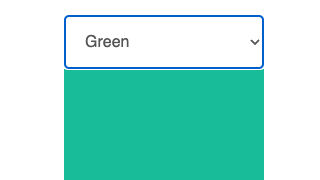
Hide/Show Element from <select>
Dynamically hide/show elements based on the <select> option in Webflow. A great way of showing various elements based on the dropdown selection. This could be used for changes views, changing images and much more.
CMS Add to Calendar Button
Add a Calendar button for via your Webflow CMS via this custom Javascript and CSS. This enables your users to easily add events to their calendars based on dates/information in your Webflow CMS.
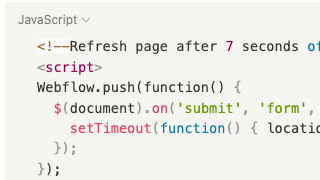
Reload Page after Form Submit
Automatically refresh your Webflow site's page after a form submit with this Javascript snippet. A great way of indicating that a form has been submitted to a user or refreshing the page for another submission.

Truncate multi-line text with Ellipse
Do you want consistency with your Webflow designs? Truncate multi-line texts with ellipses based on 2 or 3 lines of your choosing via CSS. This helps keep your designs uniformed without needing to set max height limitations by truncating text that goes beyond a certain length.
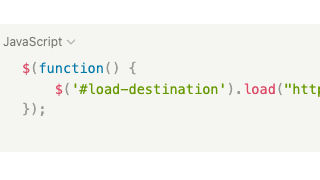
Load another page content
Load another pages content on your Webflow site via a simple jQuery script. This allows you to target an element on your page and then put the URL on the page that you want to load without using iFrames.
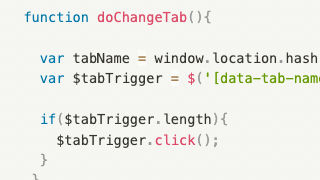
Set URL from Tab Change
Link to specific tabs using URL parameters by setting tab URLs in Webflow. This script allows you to set the tab name in the elements panel for the tabs that you want the URL to include for each tab. The URL will use the # parameter, for example something like example.com#tabName where tabName is the element ID you set on the tab. This allows you to link to specific tabs from other pages and have more control over the tab experience.

View All/Show Less Pagination List
This allows you to create a view all/show less on your Webflow's pagination collection list via a simple Javascript code snippet. Toggles the height of each item multiplied by the number of items you want to show.
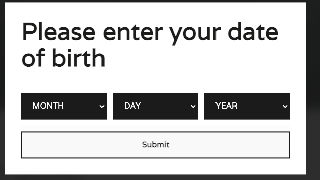
Age Gate Modal Overlay
Add a birthday/age gate modal confirmation to your Webflow site via this simple Javascript code snippet.
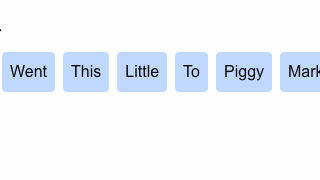
Random CMS Sort on Page Load
Webflow's random sort feature doesn't always work. This method allows for truly random sorting of Webflow CMS items on page load.
Twitter Open Graph Meta
Optimize your Twitter Open Graph meta information for your Webflow site with this code snippet. This allows you to optimize the shared information and what's displayed on Twitter when someone shares your site.

Count Up Numbers on Page Scroll
When scrolling down the page numbers count up as they enter browser view via this Javascript snippet on your Webflow site. An easy way to add number count up to your Webflow site.
About
Corey Moen
Senior Brand Designer, Web @webflow