Motion Image Hover Effects

Try the cloneable below

Cloneable tags

Description

The Motion Image Hover Effects is a creative and visually striking way to add hover effects to your Webflow site, particularly to a menu. This cloneable element includes three different link hover effects that use three.js to create an image distortion effect when hovered over. It's a great way to add a touch of whimsy and interactivity to your site, and the use of three.js ensures that the effects are smooth and seamless. This cloneable component was created by CJ Hersh, a talented designer and developer, and it falls under the categories of WebGL, Three.js, Hover, and Animation. Whether you're looking to add a touch of creativity to your site or simply want to enhance the user experience, the Motion Image Hover Effects is a great choice.

A fun way of adding a water mouse hover ripple effect to your Webflow site. Simply add a tiny code and the javascript library and you're all set.

A fun way of changing the gradient background color via mouse in Webflow. Please note this will not work in Firefox. This is a native Webflow interaction and just a single line of CSS code. The CSS controls the pointer events to none while the interactions control the location of the blur and it's surrounding effects.

A huge selection of premade Webflow animations, including animated buttons, click buttons, circular hover buttons, scroll down animations, nav link animations, tab animations, search bars, social media buttons, text animations, contact cards, blog cards, product cards and more.

Here's a beautiful WebGL colorful background animation on page load. A great way to add extra color and a dynamic element to your Webflow site.

A two colored spiral galaxy animation for Webflow created with Three.js. This spiral galaxy spins in the background of your Webflow site and offers zoom in/zoom out functionality by the scroll wheel on your mouse.

Add a liquid metal background animation to your Webflow site via WebGL. Please note that this example relies heavily on scripts and custom code so you'll need to add the custom code found within the page settings.

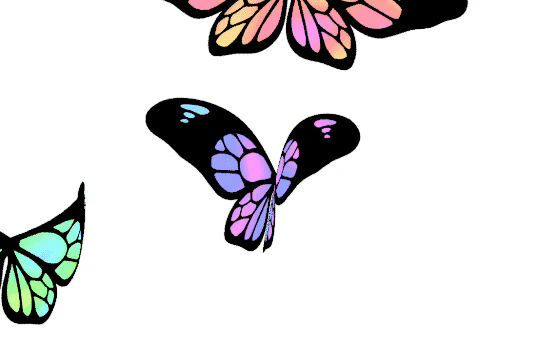
A fun three.js background animation for your Webflow site. Flying butterflies will come from the bottom left hand corner of your page and fly up to the top right and off of the screen. A fun background animation effect powered by Three.js and Webflow.

Here's a demonstration of using three.js for the background of your Webflow site.

DRAG
Real-time sorting by

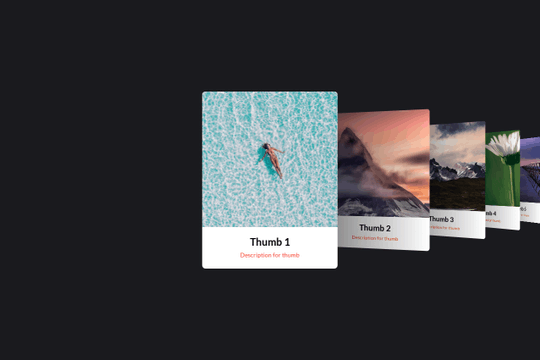
Here's a basic example of utilizing Swiper.js for a slider within your Webflow site. Swiper.js is great for adding a draggable slider with a variety of effects within Webflow.

Three different link hover effects perfect for a menu on Webflow. These three effects create an image hover distortion using three.js.

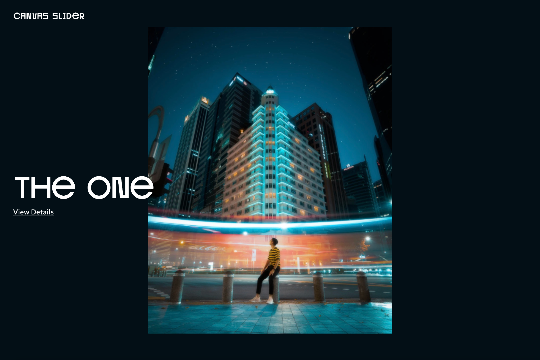
A set of unique and interesting image slider transitions including distortion and warping effects made with WebGL. The code was modified to behave as bidrectional looping slider. This works on both desktop and on mobile.

A smooth scrolling effect in Webflow that zooms into images as the page is scrolled. Perfect for adding smooth page scrolling and an image effect within your Webflow site.

Here are examples of multi-layered SVG shape overlays with generated animations for your Webflow site. There are several examples in this cloneable and provide good demonstration of how to use SVG shape overlays. Now you can easily modify the SVG colors in each pages custom code panel (header). Easily create a transition for your menu links. There are two demonstrations of ways to prevent multiple clicks and having the menu get out of sync via a Webflow interaction.

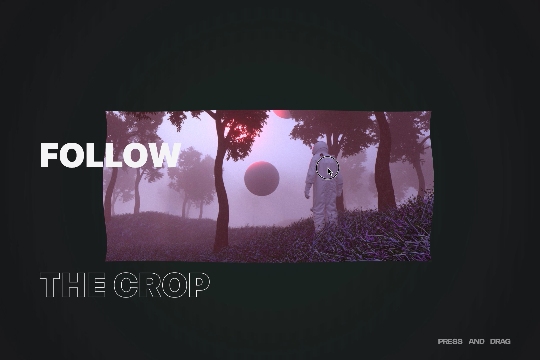
A custom WebGL draggable slider with 3D effects in Webflow. This is a very unique and cool effect to achieve a 3D expand and collapse between transitions on your Webflow site. You can update the text, links, and images in footer via the page settings. Easily modify the effects speed, frequency and more in the footer via the page settings.

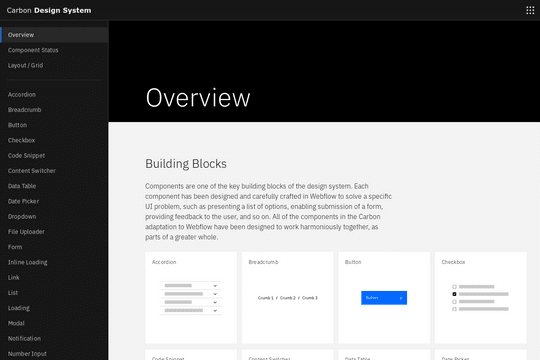
A full UI kit for your next Webflow site. This includes just about everything you could ever need, including accordions, breadcrumbs, buttons, checkbox, code snippets, data tables, date pickers, dropdowns, file uploaders, forms, loading elements, lists, pagination, progress indicator and much much more. This is a great source for just about every type of element you'd ever need for your Webflow projects.

A beautiful, draggable slider for your Webflow site. Some notes about the draggable slider, in mobile view it uses hammer.js for the slider. Images can be updated by changing the attributes found in each <li> item>. The view details URLs can be updated the same way. You can also change the view details and view project by changing the data-video to false. If you want it to say something else you can dive into the code and update that way.

DRAG
Real-time sorting by