


The Top 87 Text Effects Webflow cloneables
Dynamic Webflow text effect cloneables to add text animations, text rotators, text interactions and more to Webflow.
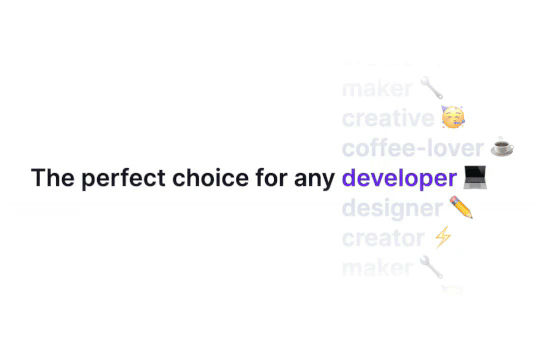


Ever wanted to add an infinite text rotation/changer to your Webflow site? This infinite text rotation technique allows you to have a long list of words that rotate in from bottom to the top and then repeat endlessly. This includes an infinite loop version and a finite version that only runs once. This is fully responsive and easy to customize.

A method to highlight text on page scroll in Webflow. A unique a fun interaction in which the text on the page begins to highlight as you scroll down the page. Each letter even partially highlights depending on where you've scrolled on the page. This effect uses GSAP and Scrolltrigger.js to create the effect. You'll need to add the custom code found on page settings for this to work properly.


An animated timeline scrolling effect perfect for about pages, historical pages and many others. As the user scrolls down the page a fun native interaction is applied that allows users to visit historical timelines with a unique Webflow interaction. The current date and item that is in view increases brightness while others out of view are faded out. The user can scroll down the page and have historical information provided in a unique and interactive fashion. This interaction uses while scrolling in view and while page is scrolling page trigger interactions.

Featuring 10 different text and typography scroll effects powered by GSAP, ScrollTrigger, Lenis.js, splitting.imin.js and Scrolltype.js. Keep in mind that these effects are great but you will need to have some understanding of code in order to modify these significantly as they rely on simply the JS libraries and data attributes to apply each effect. The first effect rotates the text and highlights each letter as the paragraph comes into view. This is achieved via the data attributes as mentioned previously. The second text effect showcases each letter coming into view from a different rotation and then all combines together to make the visible text. The third effect has each word come in at different positions from out of view and then into view on page scroll. The third version unwraps each word letter by letter as you scroll down the page. The fourth effect takes each letter and has it fold up at random intervals as you scroll into view. The fifth demonstration shows each letter rotating into place upon scrolling into view. The next demonstration creates a rolling hills effect for the letters as you scroll into view. The next one showcases a paragraph in which each letter is grown from the initial position as you scroll down the page. An appear example follows this one in which each letter of a word appears to be blurry and come into focus as you scroll down the page. The next and final variation has each word come in from random directions to create the paragraph.
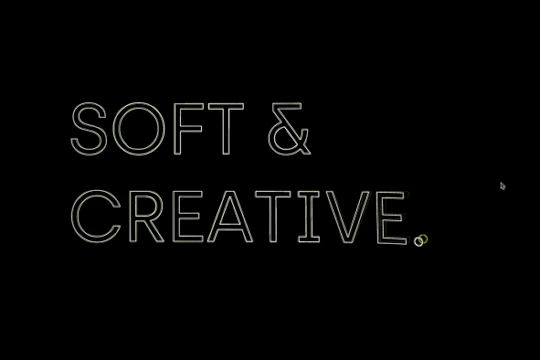

An exploding text particles animation using Three.js in Webflow. A good demonstration of how to add Three.js to your Webflow site. In this cloneable the text begins to morph and explode as you move the cursor over it. Please note that this uses custom code found in the head and closing body tags of the page settings.

Learn how to implement GSAP ScrollTrigger in Webflow. This tutorial and example cloneable showcases several different Scrolltrigger GSAP effects to turn your Webflow site into a dynamic powerhouse. When loading the page you are presented with a primary image and brand name. As you scroll down the brand moves from the bottom of the page to the top menu while reducing size. Further down the hero section appears and one of the words begins to move behind other text. Further down an image appears and then grows as you scroll further down the page. This shifts into the product section in which images appear with a parralax effect over certain words. This shifts into another product section and the backgrounds transition while the images still float above the text. Each section has a different background color/text color with the images continually scrolling above the text. This utilizes a lot of custom code, and utilizes Webflow's native CMS for products and items found on this page with CSS nth-child. You will need to add the custom code found in Page Settings to get this to work properly. Watch my GSAP Scrolltrigger tutorial for this project at https://www.youtube.com/watch?v=x-BVEhyYW50 Conceptual design for https://www.minimalgoods.co/
A fun GSAP text hover image span effect created for Webflow. When hovering over a specific text or link, images appear on the screen. Perfect for dynamic and playful interactions powered by GSAP. This script is powered by GSAP and you can find the custom code found in the page settings. This allows you to signify images that appear when a user hovers over a native Webflow text span item. This is also mobile friendly as the code allows you to set media resolution settings and customizing the effect on the non-selected text span. You are able to customize the easing, zindex position, colors and much more.
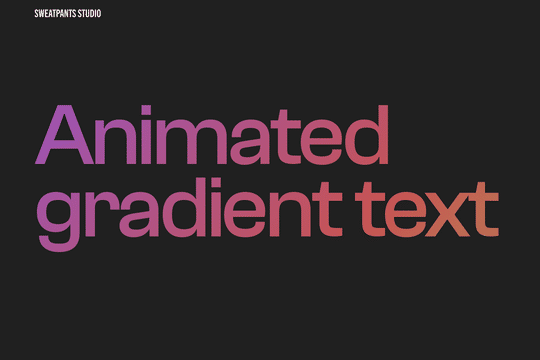

A CSS technique to create animated gradient text animations in Webflow. This allows you to add extra emphasis and design to your text headlines or any text on your Webflow site. Via a custom CSS found within the HTML embed you can create this animated gradient text effect.
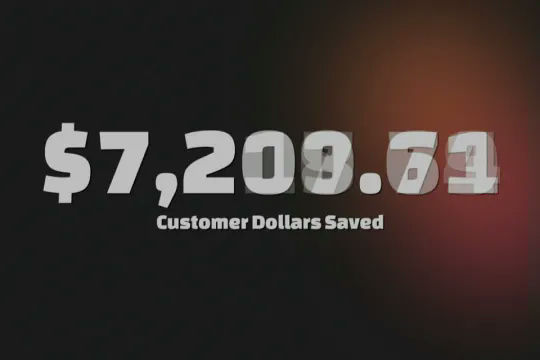

A number of different examples of utilizing Countup.js in your Webflow projects. The examples include, currency count up, intervals, scroll and more. The first example loads when the page is loaded, the second example counts up when the item enters viewport, the third item counts up several items at different intervals and finally there's a currency countup that continuously counts up. This requires custom code which you can find in the custom code section of page settings. Each example is commented within the code and allows you to update the target ID as well as the final count number. The second example is the scroll into view option and can be added as shown in the code. There's also a count down example, count up example with a duration and suffix. This is a great cloneable if you plan on adding count up or count down text items to your Webflow site.

Another fun text effect, this one shows you how to scramble text between transitions.

Looking to create a rotating text effect for your headline and hero section? Here's an easy way to add this effect to your Webflow site. This also works in the preview/designer via a custom HTML code embed.

Here's an easy way to create a masked video in text in Webflow. No custom code is required. This was created with an SVG file and added interactions to zoom in while scrolling.

A unique headline animation for Webflow powered by Anime.js. The headline text sweeps in from the bottom one letter at a time and after displaying the line sweeps out one letter at a time with a fading effect. In order for this effect to occur you'll need to be sure to add the custom code in both the head and closing body tag in Page Settings. This is perfect for a preloader page or temporary scrolling section.


Here's a way to add magnetic images to links on Webflow. The images appear as you hover over the links and stick to the mouse and overlay the text over the image. This method relies strictly on Webflow interactions and doesn't require any custom code or HTML embeds. The interactions use a combination of hide/show, scale, opacity text color and border color to work properly.
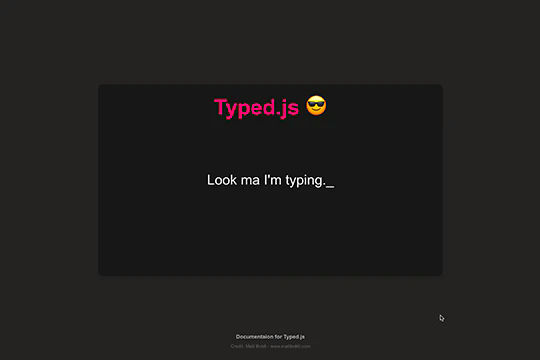

Add a typewriter effect to your Webflow site via this Typed.js example. This cloneable showcases the ability to add typed words that appear and then appear to be deleted between each word. The effect utilizes Typed.js and some custom CSS. You can customize the Typed.js typing effect by updating the words, the typespeed, the backspeed, the backdelay, the startdelay, looping, cursor and more all within the custom code found within the page settings. Typed.js has been popular for some time and this cloneable will help you understand how to implement it on your next Webflow project.
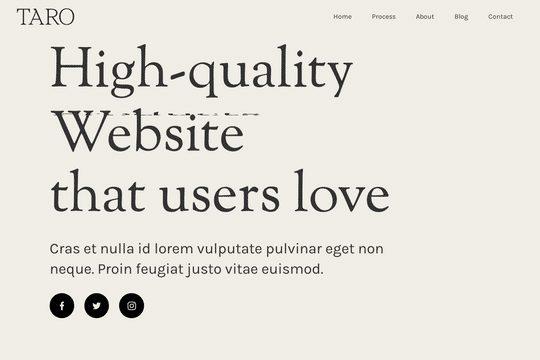

A demonstration of how to add an infinity cycle text header rotation with 3D style changes in Webflow. This technique uses native Webflow interactions and does not require any 3rd party scripts or plugins to work properly.

A well designed scrolling sections that utilizes no additional page code or custom codes in order to achieve the effect. As a user scrolls down the page it appears that each section is on a different Z-index, which in turn makes it seem like the sections are unfolding. There's also a unique text masking effect being applied to one section so that the text appears transparent and you can view the background change in the text as you scroll down. As mentioned this cloneable doesn't use custom code or even Webflow native interactions to showcase it's effects. Instead it uses Webflow designer and unique positioning and text masking functionality.
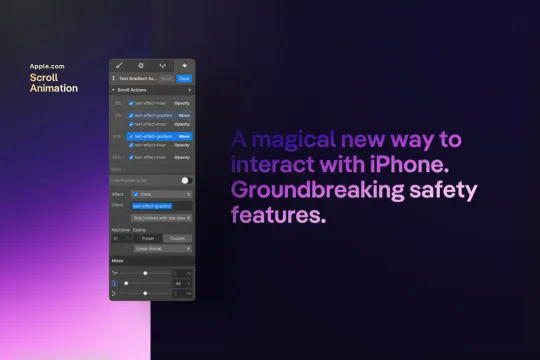
A text gradient scroll effect that was similar to the one used on Apple's website. This text scroll effect showcases a block of text, which has a gradient effect applied to it. As the user scrolls down the bottom portion of the text is visible and as the user scrolls down further the entire text is visible, scrolling down further on the page the text then fades out. This effect does not require any HTML embed or custom code and utilizes Webflow's native interactions. This interaction utilizes the element trigger and while scrolling into view to create the effect. This interaction works by changing the opacity and moving an object over the text.

Here's a way of rotating/transitioning text on a section of your Webflow site. Perfect for hero and headline sections in which multiple headlines or text is needed to explain or demonstrate something.
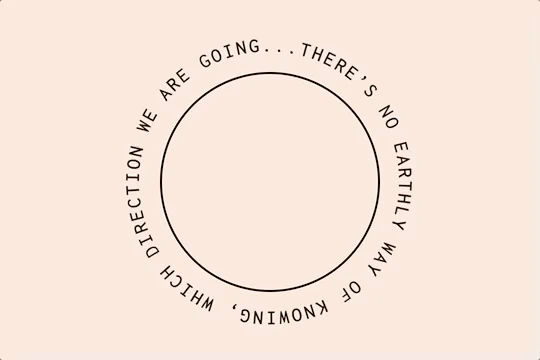

Here's a way of adding a circular text with movement effect to Webflow via circulartype.js. Unfortunately the sizing is a little weird and doesn't work properly, although it does work. This includes an interaction for page load, scrolling through sections ad for page transitions.
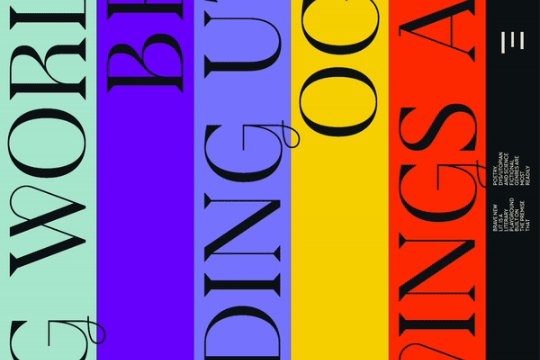

Horizontal vertical marquees are easy to create in Webflow. However vertical infinite scroll marquees aren't as prevalent. Here's a way to create a vertical infinite scroll marquee in Webflow. This example even includes a masking hover over effect for each different scrolling marquee. Each marquee is built with native Webflow interactions and no custom code.
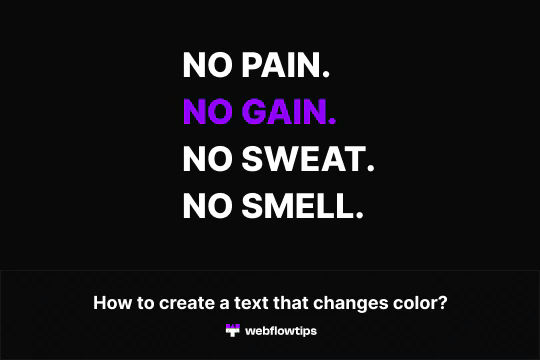

A fun way of adding a text color changing effect to a headline or other piece of text in Webflow. This technique uses Webflow's native interactions to achieve a color changing text effect in Webflow. This demonstration as two different methods, one which each text changes colors at a time and the second in which all texts change color and then revert back and loop again.

Here are four different text reveal animations on scroll interactions in Webflow. These designs all use custom code via HTML embeds. The four techniques include classic text review on scroll, growing circle mask on scroll, and text in from left and right on scroll.
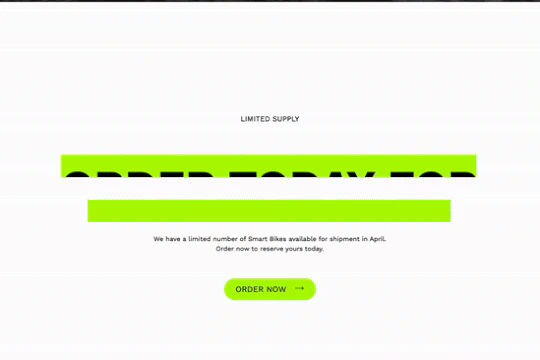
Here's a way to add a text reveal on scroll to your Webflow site. An eye catching animation reveals the text as the user scrolls down the page. An underline appears and then glitches the color and finally rolls away as you scroll.
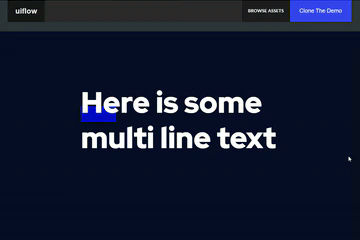

Here's a way to add a dropped in text underline on hover in Webflow. When you hover over the multiple lines of text an underline interaction is triggered and the underline appears over the text.
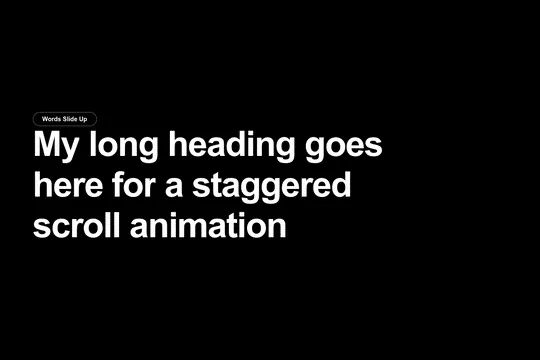
Integrate GSAP scroll text effects to your Webflow site. Eight different text scroll effects powered by GSAP for your Webflow site. The effects include words sliding up, individual words rotating in, words sliding in from the right, individual letters sliding up, individual letters sliding down, and individual letters fading in. This effect utilizes GSAP, ScrollTrigger and split type in order to work properly, you'll also need to add and modify the pages custom JS code in order for it to work. The code can be modified to change the start offset of the effect, the opacity, the duration, the ease effect and much more. Unlock the power of GSAP for various text effects today in your Webflow projects.
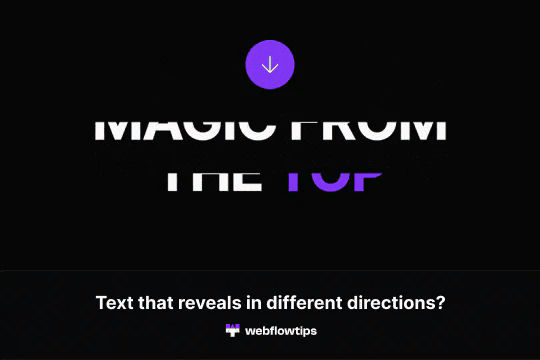
Text reveals is one of the most popular animations on the web today. This demonstrates how to achieve text reveals from different locations in Webflow. It's built using a custom script so be sure to check out the custom code section in Page Settings to ensure you have the proper scripts for the text reveal examples you want to achieve.
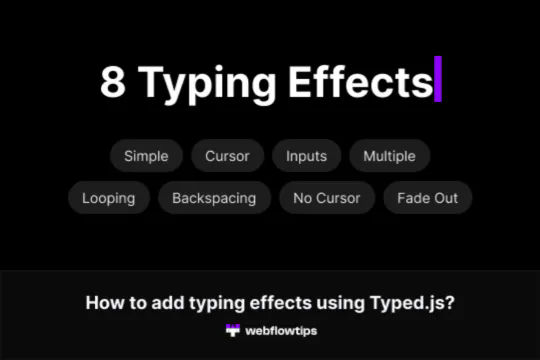
Eight different examples of Typed.js typewriter effects perfect for your Webflow projects. The eight variations include a standard simple one, which types the word once and then provides the typing cursor. A looping version in which it retypes the same text over and over again. A multiple text version in which you signify different texts that you'd like for it to type and it cycles through each one. A version without the blinking cursor. One with a custom cursor that's an underscore. Smart backspacing in which deletes only portion of the sentence and then retypes it. A version that fades out after typing the sentence. Typing within an input field, perfect for searches or suggested searches. You'll find the Typed.js code within the sites custom code settings and can be modified to your specifications.


Using Webflow's new blending modes this text effect on scroll becomes apparent of the capabilities of blend modes.
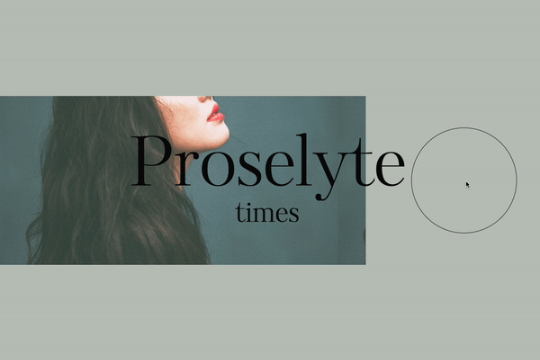
A beautiful text hover animation for Webflow built entirely from native Webflow interactions. On hovering over the circle the text changes its position on the page. A great way of adding a unique text animation effect to your Webflow site.


An example of a fixed slogan/text that changes when scrolling through different sections on a Webflow site. The embedded code is compatible with all major browsers, including some variations of Internet Explorer and Edge.
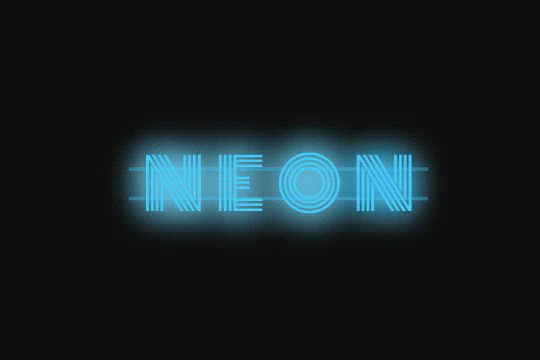

Here's a way to add a neon sign text effect to your Webflow site. A perfect CSS effect that creates a neon sign style text effect in Webflow.
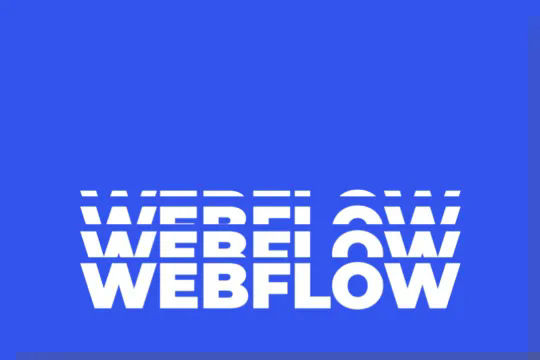

A unique collapsing text Webflow interaction that utilizes native Webflow interactions and custom CSS for the text shadow effect. This is perfect for hero sections or areas where you'd like to add unique text animations. This utilizes Webflows page trigger interaction with when page starts loading. Using a few different divs and two text elements you're able to produce this looping effect on your Webflow site. A powerful yet easy to implement interaction that will make any Webflow site pop.
A magnetic call to action button featuring rotating text and a trailing custom cursor in Webflow. Circletype.js was used for the circular text rotating animation. You can change the text and the circle radius will automatically recalculate.
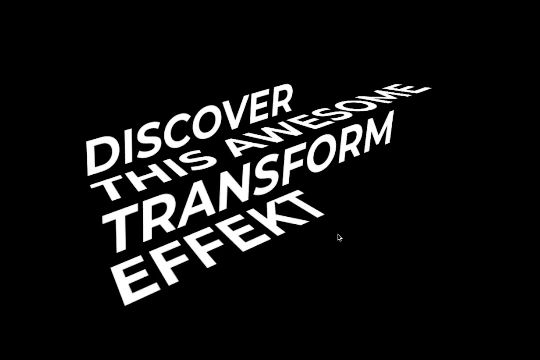
A fun way of adding a stair melting text transformation animation on hover in Webflow. Perfect for adding a dynamic layer of text to your Webflow site's header or headline section.
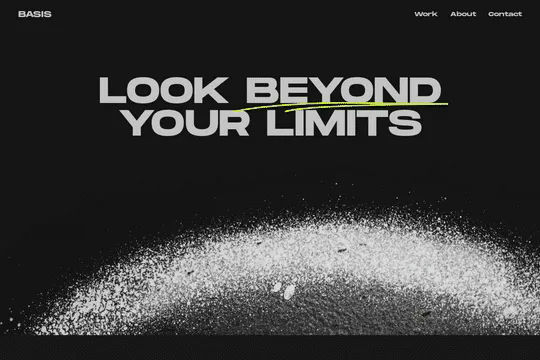
Here's a way to add images within text spans in Webflow. This method utilizes Webflow's designer and some custom Javascript to allow you to add images within a text span. The Javascript snippet is used to move each span-element to be a child element of it's corresponding span wrapper element. This allows you to dynamically alter the HTML structure to accomplish this technique.
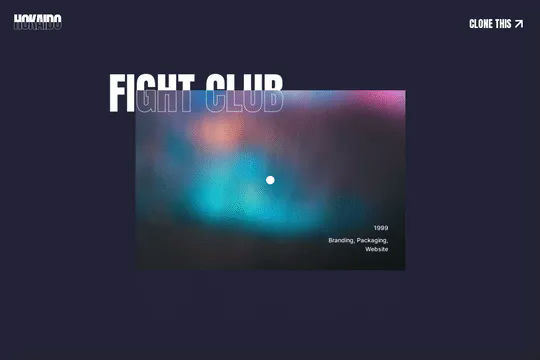

A unique horizontal scrolling technique created for Webflow and built using a combination of Webflow interactions, custom CSS code and jQuery. This allows you to add horizontal scrolling to your Webflow site, this cloneable also features a page loader and a mouse cursor interaction. As you scroll down the page you'll notice the horizontal slider that also features parallax style effects, there's a unique text outline stroke effect. Each section is driven by Webflow CMS which allows you to easily add or remove pages based on your needs and requirements. This was built to work on both mobile and desktop devices making it responsive for any size browser.
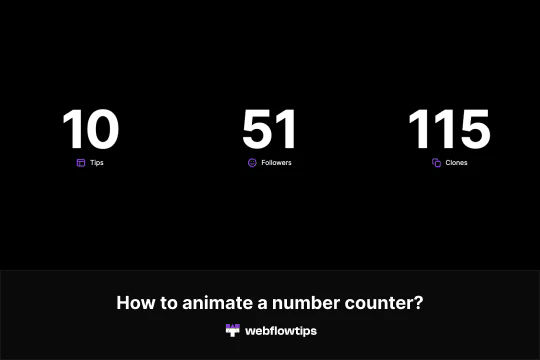
Here's a way to add an animated number counter on load in Webflow. Now you can add a number counter that counts up on your Webflow sites. To accomplish this you'll need to add a class to the number you want to animate. Copy and paste the code in the Settings -> Before body tag. Change the name of the class that you created for the number. Finally, modify the parameters for it to work. The parameters that can be modified are start, end, duration, delay, true, repeat, decimals, currency and the separator. Please keep in mind that this will only show on the published site and not within Webflow editor.
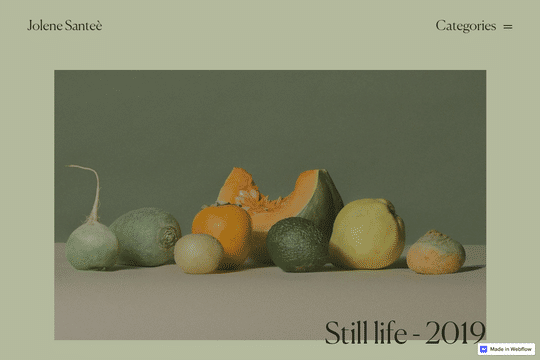

Here's a well designed, full screen navigation menu with hover image interactions and slide in transitions for Webflow. A unique, classy styled navigation and menu that provides interactions when hovering over text links. The images change out and there are text effects.
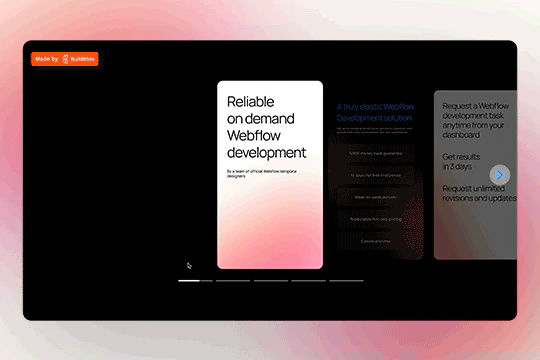

A unique slider that provides functionality support not found in my other sliders in Webflow. Including responsive, swipe gestures, keyboard arrows. Easy to customize simply copy and paste the slide item to add more items. Place content within the content wrapper. This slider utilizes Slick Carousel to create the slider and thus requires you to add the custom JS code found in the closing body tag.
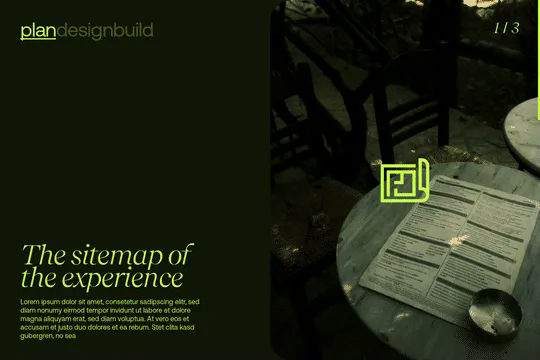
Unleash the power of GSAP Scrolltrigger toggle in your Webflow projects. This allows you to create complex, and yet lightweight effects powered by both GSAP and Scrolltrigger. This CMS powered GSAP & Scrolltrigger effect showcases a hero section in which three different slides transition between each other based on the users position on the page. After the initial hero the second section features different words and images that ease in and out based again on the users position on the page. These sections are utilize Webflow's native CMS to power each slide. You will find the custom code that powers this under the pages custom code settings and it allows for you to customize the items, the trigger element, the timeline and mobile friendly attributes.

A Matrix style text scramble effect in Webflow. This entire effect relies on custom code which is included as an HTML embed and was found on a CodePen. In order to modify the text you'll need to update the custom code in the HTML embed.


A simple but unique text link hover animation powered by Splittext.js, CSS and custom Javascript. When a user hovers over a text link the letters produce a splitting animation in which every other letter moves in alternating directions. There's also a sound effect that plays that's simple yet effective. This cloneable also features a mouse gesture in which a ball follows the mouse cursor location, when hovering over the text link the ball increases in size and then appears appears to text mask and invert the colors of the text that it's hovering over. If you plan on using this cloneable keep in mind that you'll need to add the custom CSS found in the custom code page settings as well as the Splittype.js script. The splittype.js script can be modified and relies on the css class .menu-link in this example. You can also customize and define the audio files in the script, although keep in mind that you'll want to host these externally. The cursor effect is built with Webflow's native interactions using Mouse click interactions.

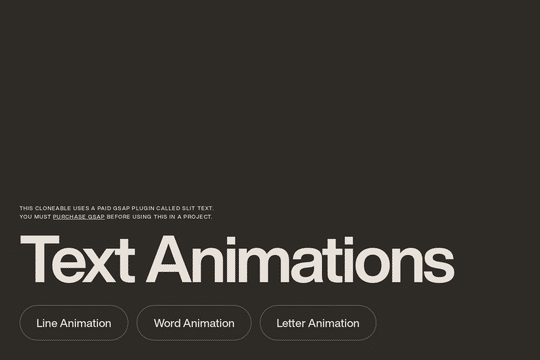
Several different text reveal on scroll animations for Webflow. These techniques use a paid GSAP plugin called SplitText was used to achieve this effect. You can find the plugin here: https://greensock.com/club/ There are three different animations demonstrated here, line animation in which each line is animated as the user scrolls into the viewport, word animation in which each word is animated on scroll, and letter animation in which each letter individually animates.

Here's a fun way of adding a text color invert on mouse hover effect for your Webflow site.
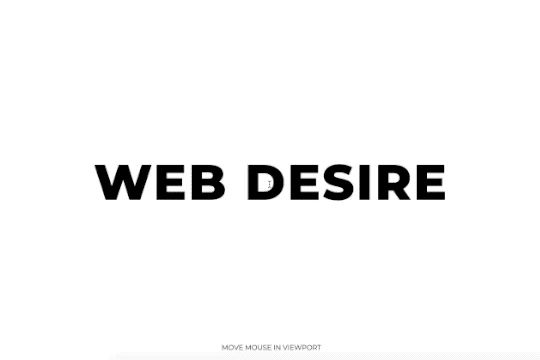
Here's a fun way to add a 3D text stroke effect on hover in Webflow. When a user moves the cursor around the page the text creates a 3D stroke effect following the cursor around the page.
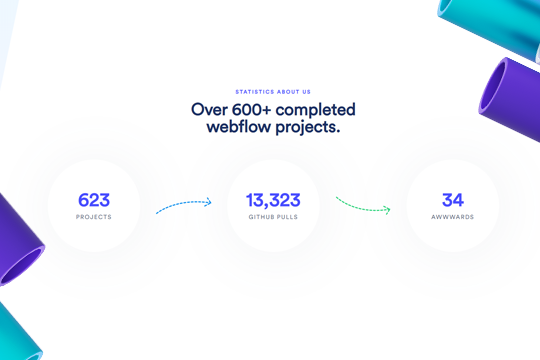

Here's a way to add a dynamic counter metric section to your Webflow site. This is accomplished via the simple JS available within the custom code section of the page settings.


A unique gradient glowing text effect for Webflow with unique hover interactions. Playing with backdrop filters, SVG clip path, and linear gradients you can now add a unique glowing text effect to your Webflow projects. Just hover over the image to reveal the animation. Be sure to add the custom HTML embed found on the cloneable to ensure that this works properly.