Text Rotation Change Effect

Try the cloneable below

Cloneable tags

Description

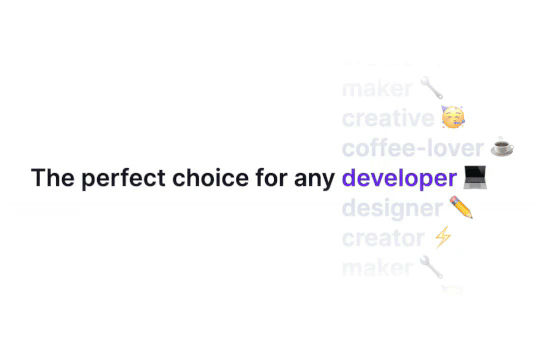
The Text Rotation Change Effect is a technique for rotating or transitioning text on a section of your Webflow site. This cloneable, which was created by Aviv Shwartz, is available in Webflow and is categorized under the Text Effects, Rotate, Interactions, and Animation categories. The Text Rotation Change Effect is a great tool for hero and headline sections that need to display multiple headlines or text to explain or demonstrate something. This technique is easy to implement in your Webflow project and is a great way to add some visual interest and dynamic elements to your website. Whether you want to add some flair to your website or just want to make it more engaging and interactive for users, the Text Rotation Change Effect is a great choice.

A fun way of adding a water mouse hover ripple effect to your Webflow site. Simply add a tiny code and the javascript library and you're all set.

A huge selection of premade Webflow animations, including animated buttons, click buttons, circular hover buttons, scroll down animations, nav link animations, tab animations, search bars, social media buttons, text animations, contact cards, blog cards, product cards and more.

Here's a beautiful WebGL colorful background animation on page load. A great way to add extra color and a dynamic element to your Webflow site.

Ever wanted to add an infinite text rotation/changer to your Webflow site? This infinite text rotation technique allows you to have a long list of words that rotate in from bottom to the top and then repeat endlessly. This includes an infinite loop version and a finite version that only runs once. This is fully responsive and easy to customize.

A unique stacking cards on scroll interaction in Webflow. When you scroll down the page the cards on the right side stack on top of each other. A unique interaction perfect for a SaaS or technology site. The stacking cards effect was built entirely using Webflow interactions and does not require any additional code or scripts. The effect is created by using the While scrolling into view trigger, with the use of Scale and Filter. The filter applied reduces the overall brightness of the card and the scaling is used to send the item back smaller. Overall a well designed and thought out solution for a stacking card interaction.

A method to highlight text on page scroll in Webflow. A unique a fun interaction in which the text on the page begins to highlight as you scroll down the page. Each letter even partially highlights depending on where you've scrolled on the page. This effect uses GSAP and Scrolltrigger.js to create the effect. You'll need to add the custom code found on page settings for this to work properly.

A two colored spiral galaxy animation for Webflow created with Three.js. This spiral galaxy spins in the background of your Webflow site and offers zoom in/zoom out functionality by the scroll wheel on your mouse.

Add a liquid metal background animation to your Webflow site via WebGL. Please note that this example relies heavily on scripts and custom code so you'll need to add the custom code found within the page settings.

DRAG
Real-time sorting by

Here's a way of rotating/transitioning text on a section of your Webflow site. Perfect for hero and headline sections in which multiple headlines or text is needed to explain or demonstrate something.

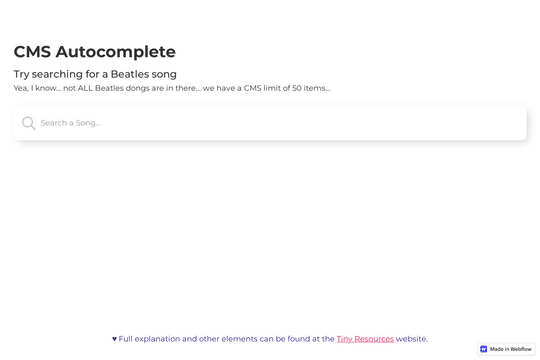
Here's a way of creating an autocomplete style search input in Webflow via a small JS snippet. This is perfect for giving your users autosuggestions as they search based on items within your native Webflow CMS list. Be sure to add the custom code found within the closing body tags of the Page Settings for this to work properly.

Here's a way to add background video, with sound, to your Webflow site that features a mute/unmute button. This is completed using plyr.js plugin and works on any Webflow site. Perfect for background videos or other sections that require sound/audio but with the ability for users to mute and unmute. Be sure to add the html video embed, as well as the plyr.js code found in the closing body tag section of the Page Settings.

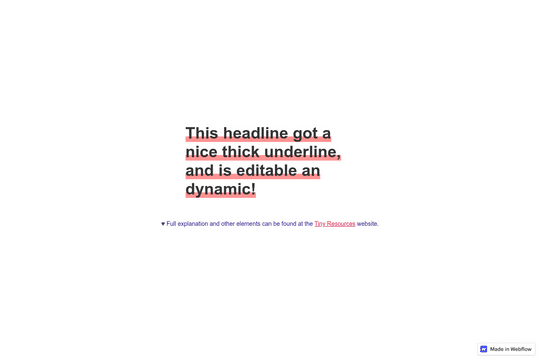
Here's a way to add an underline effect to your Webflow headlines and text. The underline is fully editable to customize to your requirements.

Ever wanted to achieve slanted/diagonal sections on your Webflow site? With this no code technique you'll be able to create a Webflow section that isn't flat but has a slant or diagonal edge between sections.

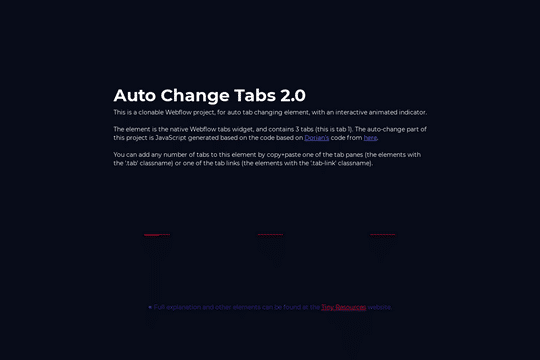
Add dynamic, auto changing tabs to your Webflow site. These tabs can be changed automatically based on a time interval. Add a dynamic layer to your Webflow native tabs via this unique interaction.

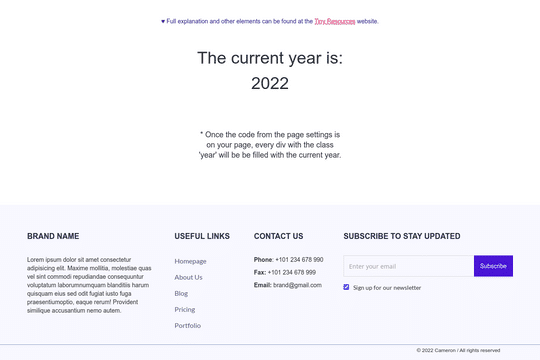
Never change the copyright year or other year on your Webflow site again. With this simple javascript code you'll be able to have years automatically update on all of your Webflow sites. Simply add the custom code found within the body tag section in Page settings, identify the div, and you're all set.

Here's a unique contact form designed as a chat widget in Webflow. Perfect for simulating a chat widget on your site without paying hefty fees. This gives the user a feeling of a live chat element that's hooked up to Webflow's native forms.

DRAG
Real-time sorting by