CSS Button Hover Effects

Try the cloneable below

Cloneable tags

Description

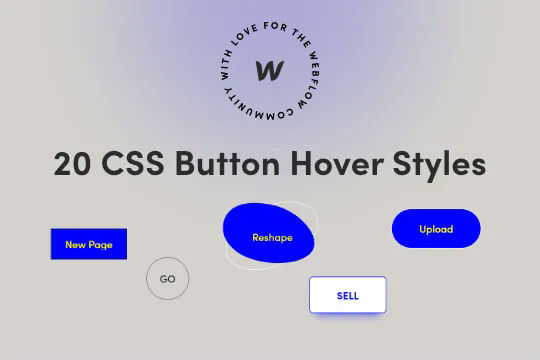
Twenty prebuilt CSS button hover effects to allow you to easily add button hover effects without complicated Webflow interactions. These include a number of unique effects such as marquee text on hover, fade in and fade out, 3D expanding effects, chat widget buttons, rotating and much more. You can add these to your Webflow site by copying the HTML embed with the relevant CSS scripts for the button effects that you want. Add the custom css class to your buttons and you'll immediately be able to view the button effects within Webflow designer. This makes for easy, and lightweight buttons that provide fun effects without the headache of interactions or complicated hover states.

A fun way of adding a water mouse hover ripple effect to your Webflow site. Simply add a tiny code and the javascript library and you're all set.

A fun way of changing the gradient background color via mouse in Webflow. Please note this will not work in Firefox. This is a native Webflow interaction and just a single line of CSS code. The CSS controls the pointer events to none while the interactions control the location of the blur and it's surrounding effects.

A huge selection of premade Webflow animations, including animated buttons, click buttons, circular hover buttons, scroll down animations, nav link animations, tab animations, search bars, social media buttons, text animations, contact cards, blog cards, product cards and more.

Here's a beautiful WebGL colorful background animation on page load. A great way to add extra color and a dynamic element to your Webflow site.

A two colored spiral galaxy animation for Webflow created with Three.js. This spiral galaxy spins in the background of your Webflow site and offers zoom in/zoom out functionality by the scroll wheel on your mouse.

Add a liquid metal background animation to your Webflow site via WebGL. Please note that this example relies heavily on scripts and custom code so you'll need to add the custom code found within the page settings.

Here's a demonstration of using three.js for the background of your Webflow site.

A liquid 3D mesh net with gradients and transitions engulfs the background of your Webflow site. Inside there are shaders and code found in the page. You can adjust the values to customize the effects of this liquid 3D mesh design.

DRAG
Real-time sorting by

Twenty prebuilt CSS button hover effects to allow you to easily add button hover effects without complicated Webflow interactions. These include a number of unique effects such as marquee text on hover, fade in and fade out, 3D expanding effects, chat widget buttons, rotating and much more. You can add these to your Webflow site by copying the HTML embed with the relevant CSS scripts for the button effects that you want. Add the custom css class to your buttons and you'll immediately be able to view the button effects within Webflow designer. This makes for easy, and lightweight buttons that provide fun effects without the headache of interactions or complicated hover states.

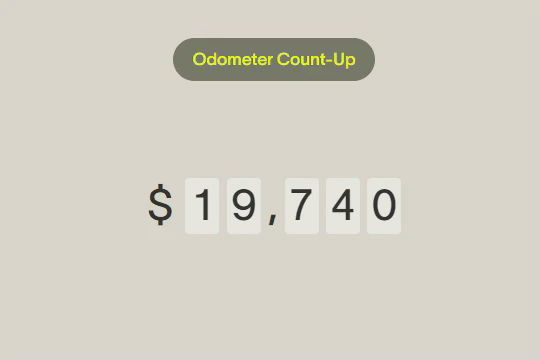
Here's a unique way of adding count up odometers to your Webflow site via Hubspots odometer library. This cloneable includes several features, count up by 1 in a fixed interval, trigger odometer via GSAP Scrolltrigger, currency options, interval increase by own value, interval increment with a randomly generated number in a range, show numbers on a button click and a tutorial of how to make it work.

DRAG
Real-time sorting by