





Cloneable tags
Description
The CMS Case Study Scroll Effect is a fancy scrolling interaction designed to showcase your work in Webflow. This technique, demonstrated in a cloneable created by Francesco Castronuovo, uses Webflow's native CMS and interactions to create a smooth scrolling interaction in which each slide is a different section. As you scroll through the slides, the images move in smoothly and the headline and description appear. This interaction is rather extensive as it involves scroll actions and effects such as scale, opacity, and movement based on the location of the page. It has been categorized under the categories of Scroll, Interactions, CMS, and Animation. By using the CMS Case Study Scroll Effect, you can create a dynamic and interactive way to showcase your work in Webflow.
Related cloneables



A fun way of adding a water mouse hover ripple effect to your Webflow site. Simply add a tiny code and the javascript library and you're all set.


A huge selection of premade Webflow animations, including animated buttons, click buttons, circular hover buttons, scroll down animations, nav link animations, tab animations, search bars, social media buttons, text animations, contact cards, blog cards, product cards and more.


Here's a beautiful WebGL colorful background animation on page load. A great way to add extra color and a dynamic element to your Webflow site.


A unique stacking cards on scroll interaction in Webflow. When you scroll down the page the cards on the right side stack on top of each other. A unique interaction perfect for a SaaS or technology site. The stacking cards effect was built entirely using Webflow interactions and does not require any additional code or scripts. The effect is created by using the While scrolling into view trigger, with the use of Scale and Filter. The filter applied reduces the overall brightness of the card and the scaling is used to send the item back smaller. Overall a well designed and thought out solution for a stacking card interaction.

A method to highlight text on page scroll in Webflow. A unique a fun interaction in which the text on the page begins to highlight as you scroll down the page. Each letter even partially highlights depending on where you've scrolled on the page. This effect uses GSAP and Scrolltrigger.js to create the effect. You'll need to add the custom code found on page settings for this to work properly.


A two colored spiral galaxy animation for Webflow created with Three.js. This spiral galaxy spins in the background of your Webflow site and offers zoom in/zoom out functionality by the scroll wheel on your mouse.

Add a liquid metal background animation to your Webflow site via WebGL. Please note that this example relies heavily on scripts and custom code so you'll need to add the custom code found within the page settings.

A beautiful Swiper.js overlapping cards slider built for Webflow. This Swiper.js slider is perfect for a hero section or features section of a site. When a user navigates between slides the top card is removed and the next card in line comes into view. The cards are stacked with various offsets so it looks like playing cards. There are text transitions for each text associated with the slide. This slider was created using Swiper.js and utilizes Webflow's native CMS collections. This allows you to dynamically generate slides based on the collection list items. This requires custom code so be sure to look at the pages custom code for the Swiper.js code. You can modify the Swiper.js code to include grabcursor, looping, and utilizing arrows to navigate between slides.

More from author
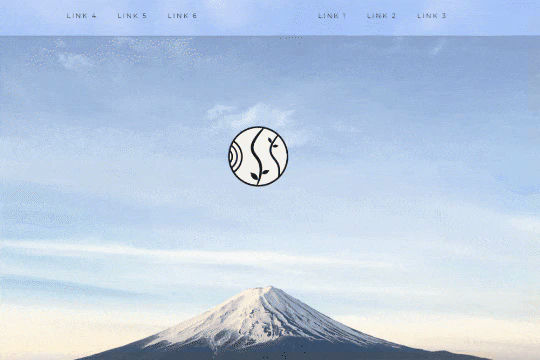
A unique way of showcasing your logo front and center and have it move up on page scroll in Webflow. This adds a fun dynamic element to your Webflow site and draws the users attention in. This interaction was created entirely from Webflow's native interactions using the While page is scrolling functionality and size, move, scale, opacity and more. This requires no additional custom code and can be cloned and setup quickly.
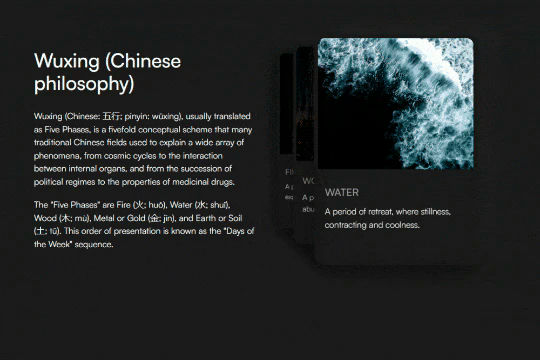
A unique 3D looping card animation built with zero code on Webflow. This is perfect for a unique way to display features, services, images and more on a site. This infinite looping card animation continues endlessly and provides a fun and unique interaction animation that adds a dynamic flair to your Webflow site.
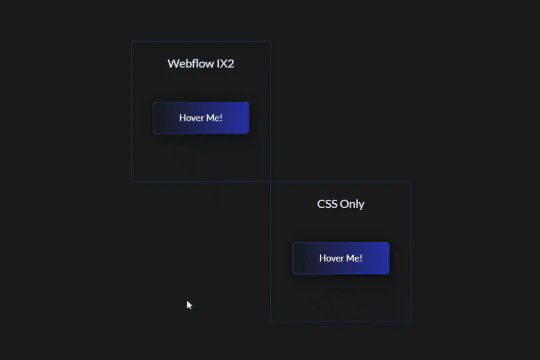
Add flair to your Webflow buttons with this linear gradient animation. This demonstration include two different variations of the linear button gradient animation, one created solely via Webflow interactions and the other via CSS. There are also two different styled animations, one that's one time and another that infinite loops while on hover.
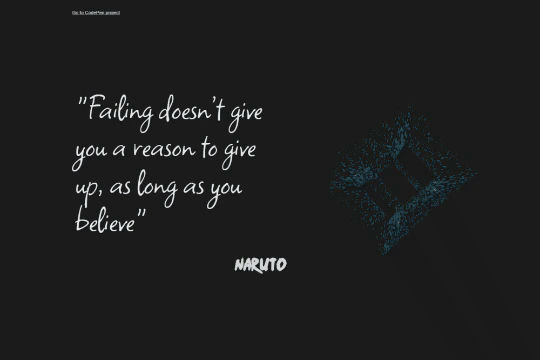
A fun cube particles animation for your Webflow site. The code was tweaked to make it fully responsive and configurable within your Webflow project using attributes. You can edit particle color (HSL format), scale factor for desktop and mobile, particle density, cube perspective, particle spread and particle velocity all within the attributes. Be sure to add the HTML embed to ensure that this works properly.
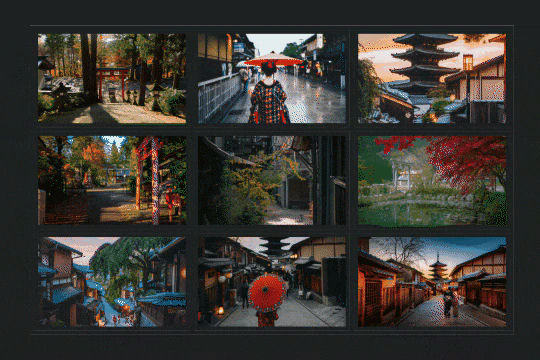
A stunning portfolio/image grid interaction in which a circle follows and grows when hovering over the portfolio/image grid in Webflow. This was created via Webflow interactions and animations and some custom jQuery. A lovely way to liven up your image grids or portfolio items on your Webflow site.
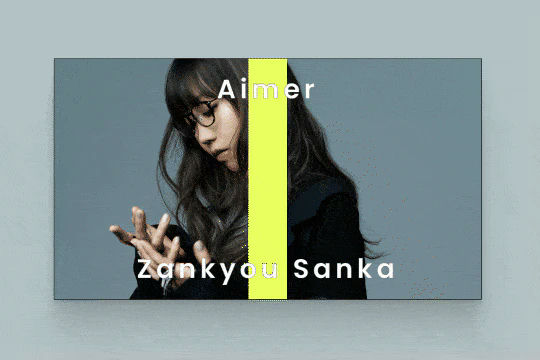
Here's a technique to autoplay videos on horizontal scroll in Webflow. Using the power of Youtube APIs, window scroll events and the power of Webflow interactions you're able to now create horizontal scroll animations in which videos are automatically played or paused on scroll events. There's also a delay on the play function to add a bit of an intro animation to each video by mixing the scroll into view interactions.
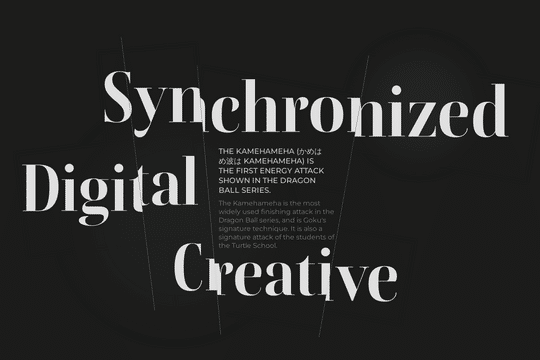
Here's a way to transform text with Webflow without using any SVGs or custom code. This text effect is accomplished with text & divs and mixing those with some move and rotate transforms with the overflow property. A unique approach to creating vibrant text effects within Webflow.
A fully responsive 3D flippable/foldable card effect on hover. You can also achieve this via the scroll method as there are two options in this demonstration. These affects were created using Webflow's native interaction and require no additional code. The interaction uses hover event and rotate and move actions.