


The Top 175 Hover Webflow cloneables
Hover Webflow cloneables that focus on mouse hover effects. Adding mouse ever effects to Webflow has never been easier.



A fun way of adding a water mouse hover ripple effect to your Webflow site. Simply add a tiny code and the javascript library and you're all set.


A fun way of changing the gradient background color via mouse in Webflow. Please note this will not work in Firefox. This is a native Webflow interaction and just a single line of CSS code. The CSS controls the pointer events to none while the interactions control the location of the blur and it's surrounding effects.


A huge selection of premade Webflow animations, including animated buttons, click buttons, circular hover buttons, scroll down animations, nav link animations, tab animations, search bars, social media buttons, text animations, contact cards, blog cards, product cards and more.
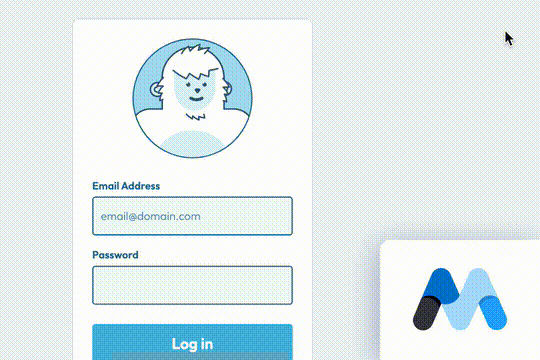

A fun login and sign up page for Webflow featuring a unique cartoon character that follows your mouse cursor. This is accomplished via 100% native Webflow interactions. The SVG was broken up into several parts, and added a hover over element interaction to the background and hover/in out interactions to the email, password and login fields. The rotating head effect is created by moving close-up elements slightly more than the background elements. For example, the nose moves 11px to the left or right, while the mouth only moves 9px and the face moves 6px while the body doesn't move at all.
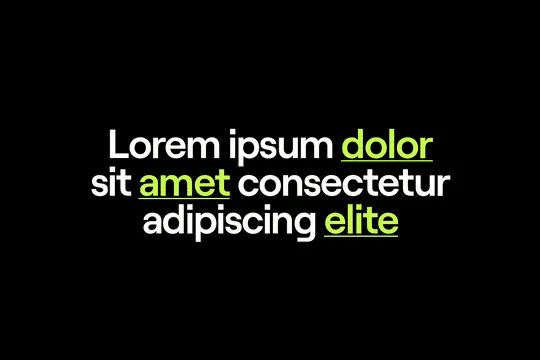

A fun GSAP text hover image span effect created for Webflow. When hovering over a specific text or link, images appear on the screen. Perfect for dynamic and playful interactions powered by GSAP. This script is powered by GSAP and you can find the custom code found in the page settings. This allows you to signify images that appear when a user hovers over a native Webflow text span item. This is also mobile friendly as the code allows you to set media resolution settings and customizing the effect on the non-selected text span. You are able to customize the easing, zindex position, colors and much more.
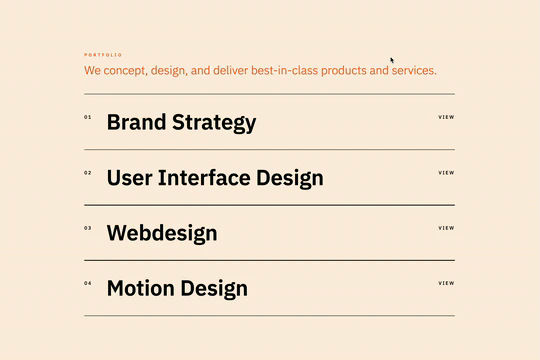

Here's a way to add magnetic images to links on Webflow. The images appear as you hover over the links and stick to the mouse and overlay the text over the image. This method relies strictly on Webflow interactions and doesn't require any custom code or HTML embeds. The interactions use a combination of hide/show, scale, opacity text color and border color to work properly.
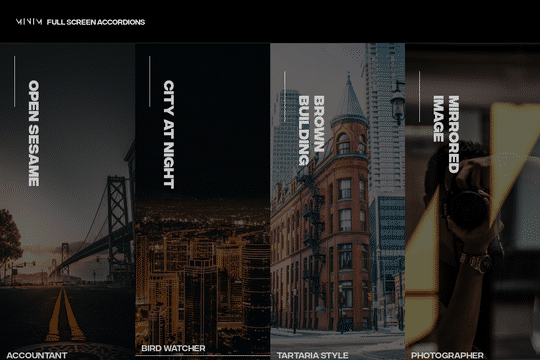
A fullscreen photo accordion with hover over interactions for Webflow. This Webflow cloneable features a unique full screen accordion powered by Webflow's native CMS system. When a user hovers over each card the card expands to show a larger image and detailed information about the accordion. While a majority of the effects were created with Webflow's native interactions there is some custom code that needs to be applied.
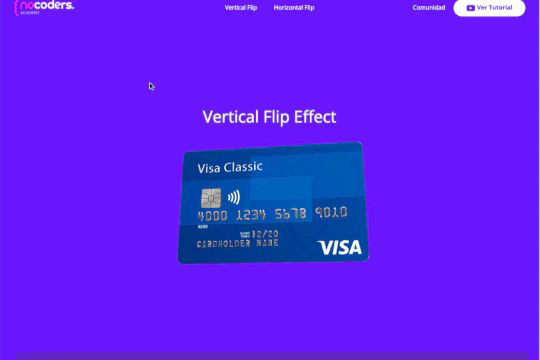

A 3D credit card effect/animation in Webflow. This 3D credit card has hover over effects as well as click interactions, on click the card flips vertically, horizontally. All of this is accomplished via native Webflow interactions and no custom code.
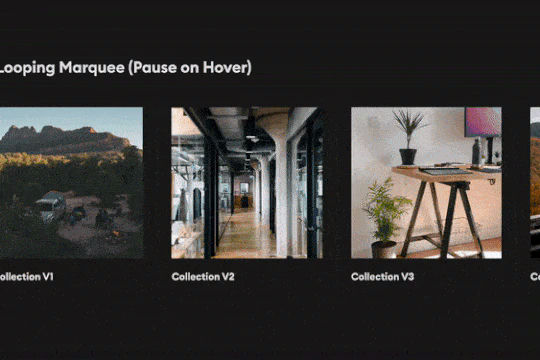
Create a looping infinite CMS Marquee with pause on hover effect. Achieved via custom CSS.
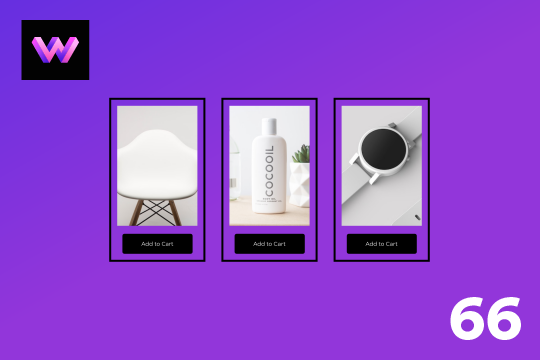

An add to cart hover button animation for Webflow. When a user hovers over the Add to Cart button a shopping cart icon slides in from the right side. This helps users understand the action taking place on the button and helps add a new level of dynamic buttons to your Webflow site.
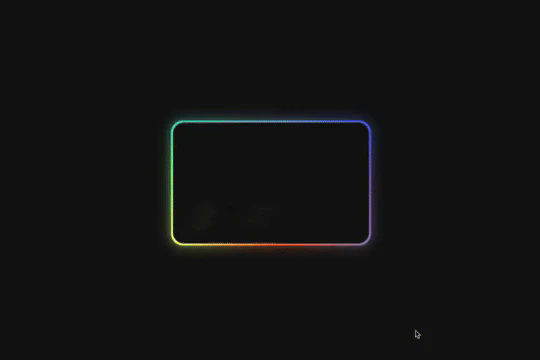
Here's a way of creating a glowing, 3D hover card effect in Webflow. When a user hovers over the card the card creates a 3D effect with a gradient outline, another interaction is added to show a 3D rotating reflection. All of this was created with Webflow interactions and zero custom code.
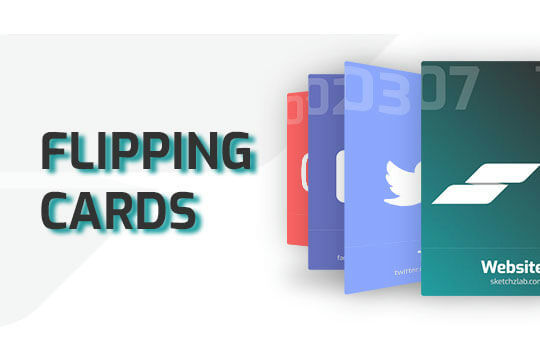

Here's a way of adding a flipping card animation to cards on your site. This component can be used for a number of scenarios and allows for additional information to be displayed on your cards without taking up important site real estate.
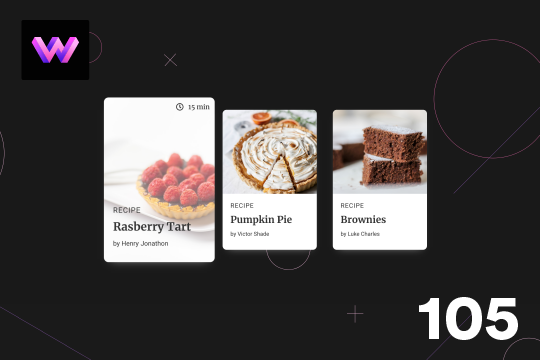
Here's a unique, recipe card animation created in Webflow. This is perfect for showcasing recipes on your Webflow site in a unique and interactive way. When hovering over the card the image becomes full height, and the card moves forward on the z-axis. The card was placed in a wrapper with a perspective applied to it to bring the card forward. Also a timer icon shows up on the top right corner to display the time it takes to create each recipe.
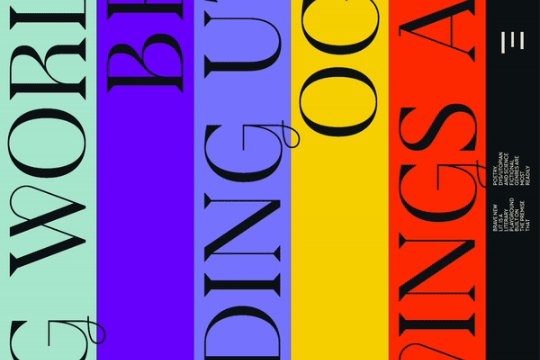

Horizontal vertical marquees are easy to create in Webflow. However vertical infinite scroll marquees aren't as prevalent. Here's a way to create a vertical infinite scroll marquee in Webflow. This example even includes a masking hover over effect for each different scrolling marquee. Each marquee is built with native Webflow interactions and no custom code.
Showcase and feature your CTA by adding moving lines to the border in Webflow. Using this technique you can showcase anything that you want to draw the users eyes to by adding moving lines and a 3D hover rotation to products, cards and other important aspects on your site.
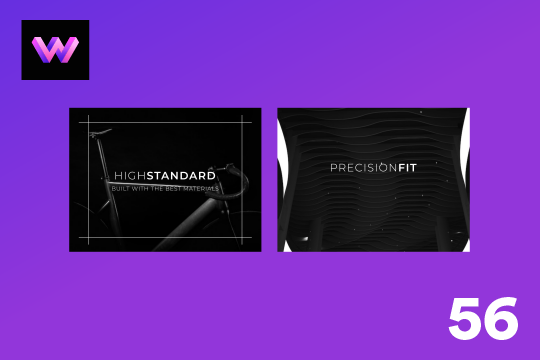
A unique product card animation on hover in Webflow. When a user hovers over a card the image shifts down, and a border appears with an animation, there's also a description of the card that appears as well. This animation effect was built entirely with Webflow's native interactions.
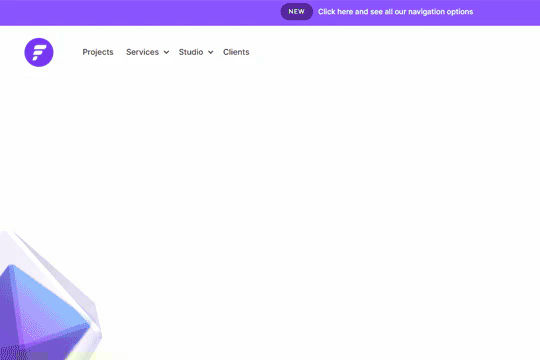

A well designed starter dropdown navigation menu with hover over for Webflow. This consists of clear class names, 100% native interactions and basic dropdown triggers. It's also mobile friendly and responsive design.
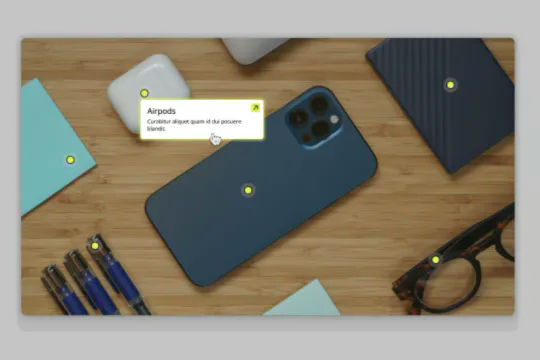

Connect Webflow's native CMS to an image plotter via this cloneable. With this cloneable you can add an image plotter to highlight features, locations, items, product features and much more. The multi-reference highlight items to each main gallery image item using a simple top and left coordinate value to set the specific location of the dots on the image. Each highlight dot also leverages conditional visibility to adjust the position of the tooltip image polotter depending on the location of the dot and whether or not the values were set in CMS.
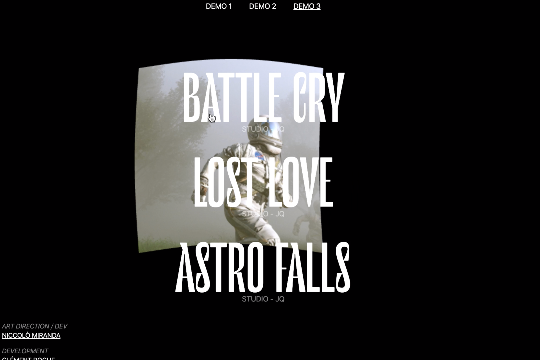

Three different link hover effects perfect for a menu on Webflow. These three effects create an image hover distortion using three.js.

Here's a technique to add growing divs or sections on mouse hover in Webflow.
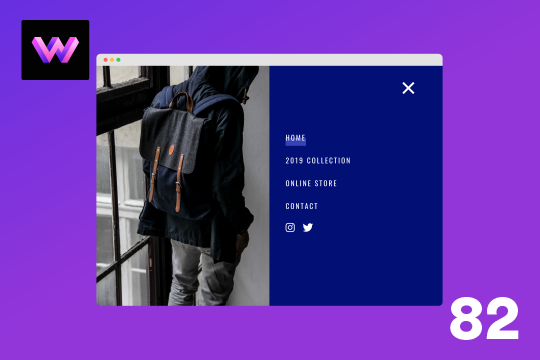
Here's a full screen menu navigation with animations and interactions in Webflow. This is a great way to easily add a menu/navigation to your Webflow site. This was comprised of three components during the build process. First, an image wrapper with an image inside of it. Second, the blue background and third a right wrapper with the menu items inside of it. The image wrapper and right wrapper are both 50% width within the menu. The width of the blue background is 150% so it has a quicker animation as it scales in. By having separate wrappers inside of the menu wrapper the scaling effect can also apply to the image, and the blue background as well as individual animations to the menu items. The menu trigger also turns into a close icon on click and then back to the hamburger button.
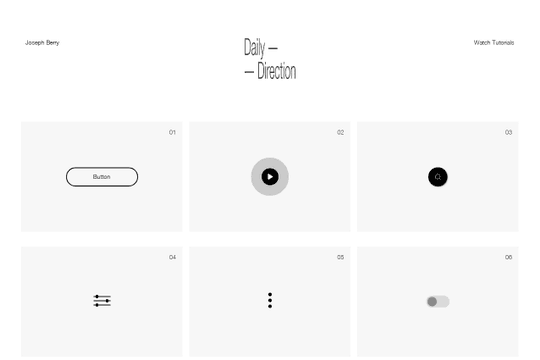

A full set of beautifully designed interactions in Webflow for your projects. These interactions include buttons, play buttons, search, toggles, hamburger buttons, toggles, social sharing and much more.
A unique button design in Webflow with hover over interactions. When a user hovers over the button the button fills from right to left and on hover out the fill moves from left to right creating a unique Webflow button via native interactions.
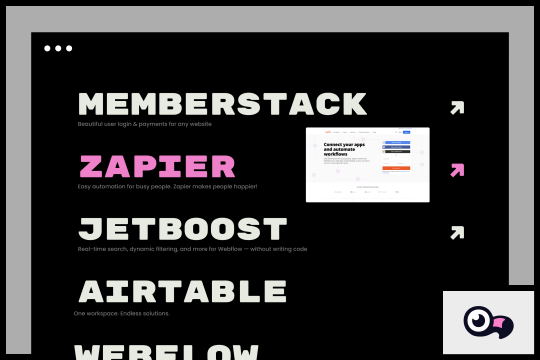

A unique way to display and reveal a thumbnail image preview on hover.
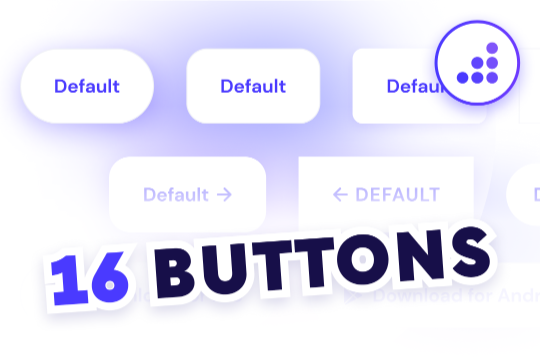

Looking to easily add buttons to your Webflow site? Here are 16 different button designs with prebuilt hover state interactions.
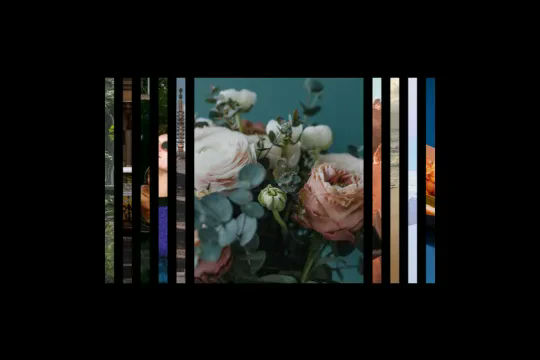

A unique expanding portfolio hover interaction built completely with Webflow interactions. When a user hovers over these portfolio items they expand to showcase a larger version of the image. This cloneable was built using entirely Webflow's native interactions and does not require any additional code or HTML embeds. The Webflow interaction uses the Element trigger on mouse hover targeting the class so that all classes will have the same Webflow interaction. When the user hovers over the size of the item expands, on hover out the item returns to the original state. A clean, lightweight solution to create expanding portfolio items in Webflow.
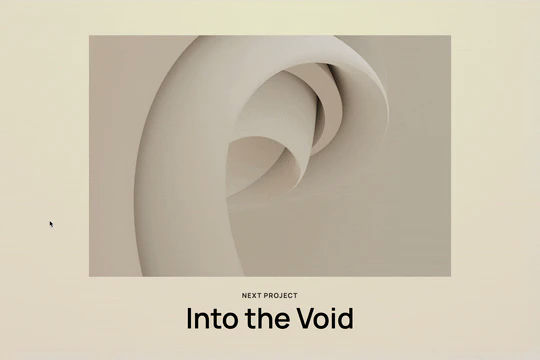
Here's a way to add a custom mouse cursor tooltip in Webflow. This custom tooltip fades in when hovering over an element and follows the mouse pointer over that element. This could be used for project title information, additional/next slider information and much more. A majority of this is created with Webflow interactions. Please note that there is some custom style CSS in the head section of the page.
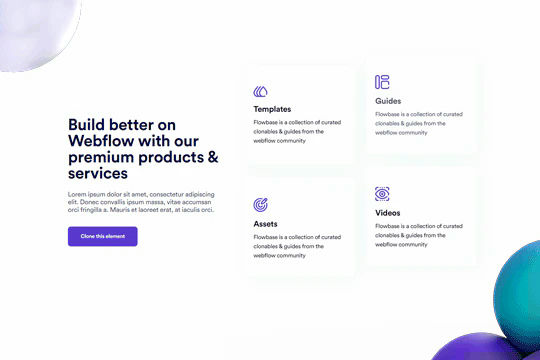
Well designed card hover transitions/interactions for Webflow. When a user hovers over a card the card changes colors, moves the content up, removes the icon and adds a link indicator. Perfect for dynamic cards/feature sections within Webflow. This was created with minimal hover interactions.
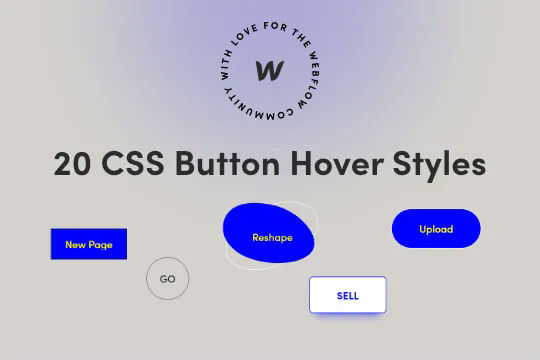

Twenty prebuilt CSS button hover effects to allow you to easily add button hover effects without complicated Webflow interactions. These include a number of unique effects such as marquee text on hover, fade in and fade out, 3D expanding effects, chat widget buttons, rotating and much more. You can add these to your Webflow site by copying the HTML embed with the relevant CSS scripts for the button effects that you want. Add the custom css class to your buttons and you'll immediately be able to view the button effects within Webflow designer. This makes for easy, and lightweight buttons that provide fun effects without the headache of interactions or complicated hover states.
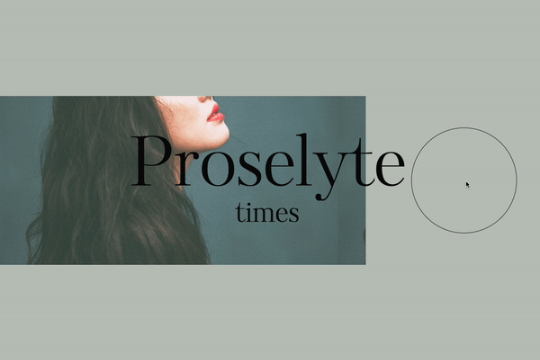
A beautiful text hover animation for Webflow built entirely from native Webflow interactions. On hovering over the circle the text changes its position on the page. A great way of adding a unique text animation effect to your Webflow site.
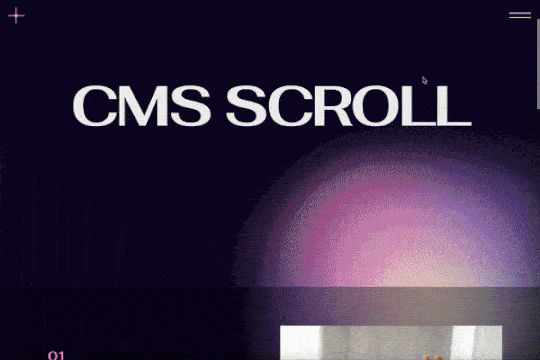
A scroll into view CMS driven portfolio or features interaction. Also has hover over effect.
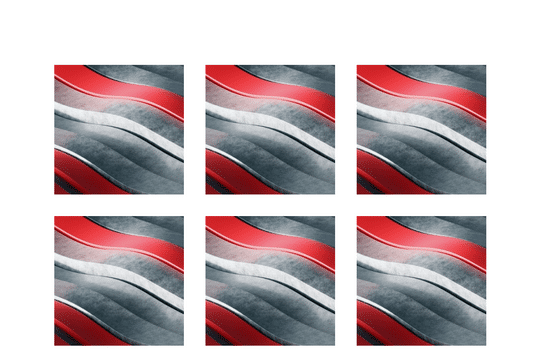
Here's a fun card interaction in which the cursor acts like a peeling of a label on a Webflow card. Perfect interactions to add a new layer of dynamic flair to your otherwise boring Webflow cards.
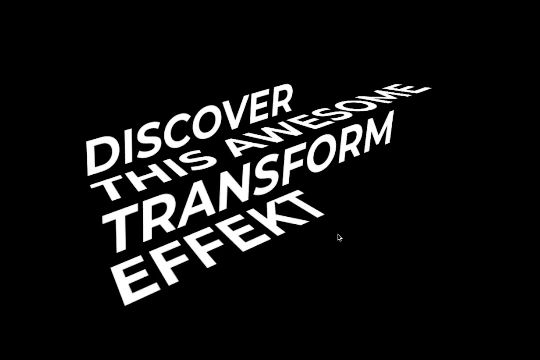

A fun way of adding a stair melting text transformation animation on hover in Webflow. Perfect for adding a dynamic layer of text to your Webflow site's header or headline section.

Here's another well designed Webflow navigation menu bar with dropdown interactions. This nav menu is perfect cloneable to jump start your Webflow site builds by providing a fully functional, mobile friendly mega menu navigation to your Webflow site.
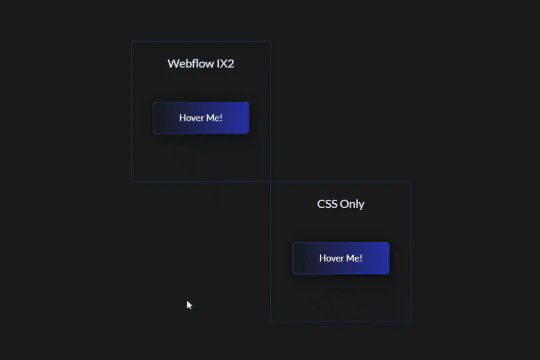

Add flair to your Webflow buttons with this linear gradient animation. This demonstration include two different variations of the linear button gradient animation, one created solely via Webflow interactions and the other via CSS. There are also two different styled animations, one that's one time and another that infinite loops while on hover.


Here's a fun demonstration of creating a 3D layered interactive page for Webflow. When you move the cursor around the page the elements move around the page.
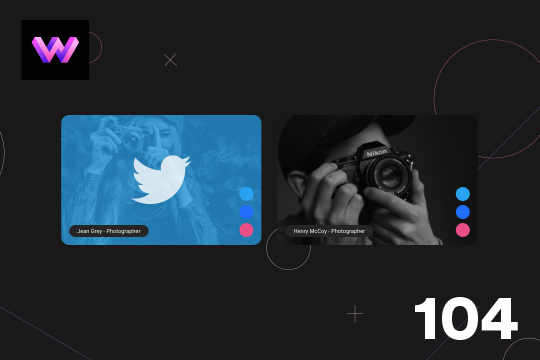
Here's a unique way to show off your team cards on your Webflow site. When you hover over a card a social media panel appears on the right hand side. The dots are color coded to match the brand color of the social media platform. You can place text or icons inside of these dots as well. On the hover a panel appears with the brand color and a large social media icon. The image rotates -10 degrees to 10 degrees on hover. The animation is pretty straight forward. The only thing to note is that the dots had to placed in the same wrapper so that when you hover over the dots you could target a sibling element within the interaction. This allowed to make sure that the effect could be repeated across multiple cards by targeting the sibling classes of the dots.
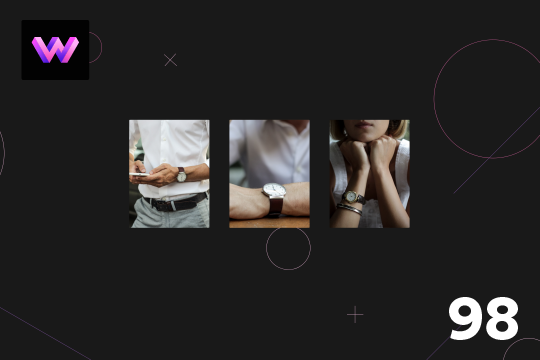
A product card with hover animations for Webflow. When a user hovers over the card the title of the product appears, and a few icons appear as well as the price staggered from the bottom. There is a cart icon that can be used to add the product to the cart, an eye icon which can link to the product page, and a heart icon that can link to a counter of some type.
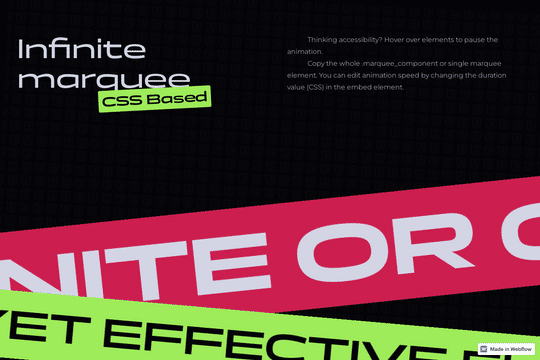

A simple yet effective CSS infinite marquee for Webflow featuring hover pause capabilities. Easily adjust the animation duration via the embed element with CSS. While you could create the marquee effect with Webflow's native interactions this allows you to bypass added JS through a simple CSS embed allowing for greater control over the marquee via this CSS script.

A unique card hover animation in Webflow that creates a 3D parallax style interaction. A great example of what can be built using Webflow's native interactions. When hovering over the card a two layer parallax effect is shown with the top transparent purple layer separating from the bottom image layer. Both layers seem to transform in a 3D space while the Name and Title moves at a different rate than the other two cards.
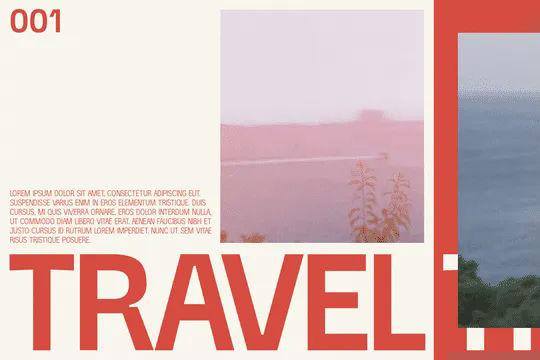
A unique GSAP Webflow cloneable in which items expand on hover with a unique transition. In this example there are three vertical columns, when hovering over one of them it expands it into view and closes the other opened vertical column. This is accomplished via GSAP & Flip.js which can be found in the custom code section of the page settings. The code is customizable to target different classes and then adds or removes a class to those other classes. Flip allows you to customize the duration and the easing. In this demonstration there are three videos and three tab divs. Do not get confused that these are normal Webflow tabs as these are just the names of the div. Be sure to check out this use case of using GSAP, Flip.js and Webflow together to create a unique interaction.

A unique animated button with a grid effect on hover via Anime.js
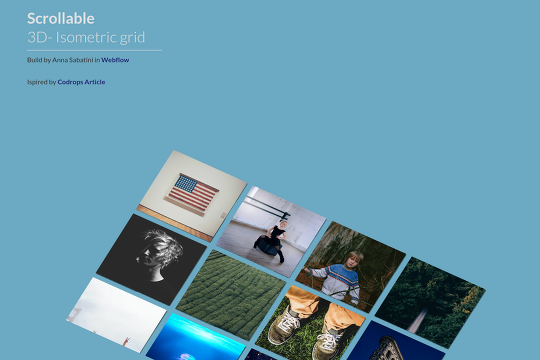

Here's a way to achieve a 3D scrollable isometric grid in Webflow. When you add this to your Webflow sites you'll create a dynamic, scrollable grid that adds a 3D popping effect on hover. This technique is accomplished without any interactions and uses Webflow's native transitions and effects. This example also is tied to Webflow CMS.

A unique button design for Webflow with hover interactions. This purple styled button features a hover interaction in which the purple arrow expands and grows when hovering and then shrinks back to the original design on hover out. All of the button animations are built with native Webflow interactions.
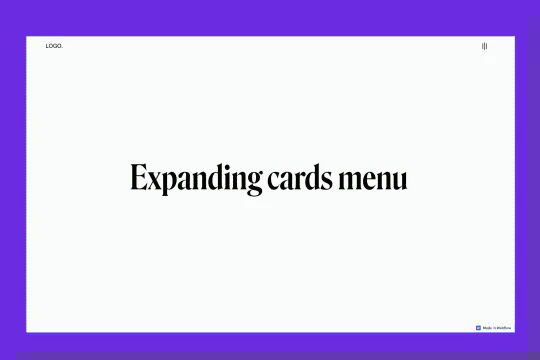
An example of an expanding image cards on hover menu and navbar in Webflow. This full page menu adds a hover interaction that expands cards or images on hover in your Webflow menu.
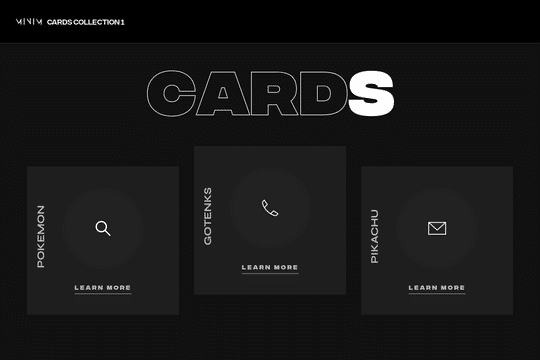
A set of unique 3D cards in Webflow with hover over animations and unique interactions. These dark themed cards include mouse cursor interactions in which the cards create a 3D effect on hover. At the same time the cards have a hover animation in which a circle grows and changes the card from dark, to white with all icons/text and everything changing on the hover state.
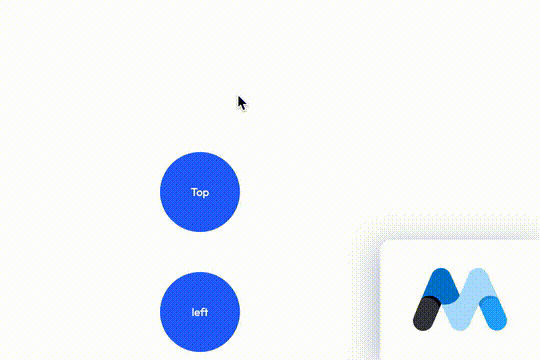
A 100% native Webflow tooltips solution. Most tooltips utilize third party JS libraries to add tool tips to Webflow. These tooltips are created 100% with Webflow dropdowns to create a unique solution to creating tooltips within Webflow.
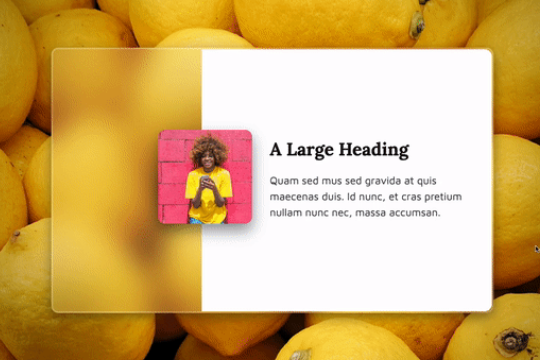

Here's a demonstration of a frosted glassmorphism card with hover and mouse interactions. An easy way to add a glassmorphic effect to your Webflow site.
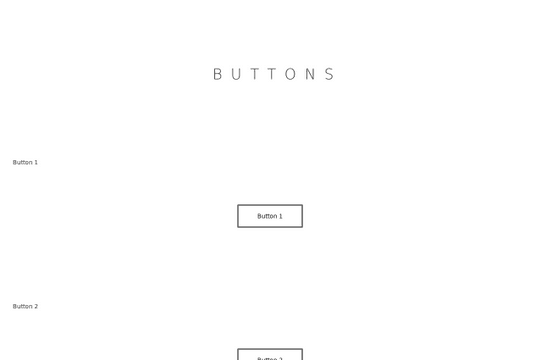
Four different custom button designs for your Webflow site. These custom, animated buttons already have the necessary interactions to make them dynamic and interactive. A variety of hover states effects can be found in these 4 different button designs.
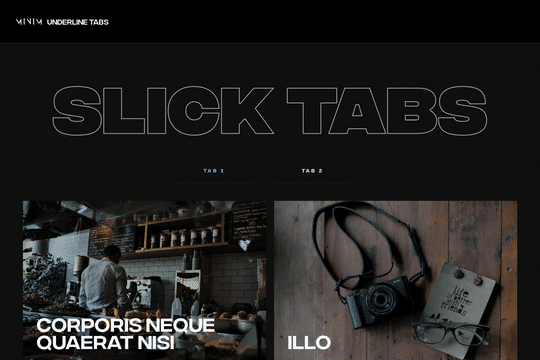
Here's a unique underline animation for tabs in Webflow. When you hover over a tab, an animated underline interaction is triggered. The tabbed items also have a hover over interaction in which a view magnetic button appears and follows the cursor over the hovered item.