Native Webflow Tooltips

Try the cloneable below

Cloneable tags

Description

Native Webflow Tooltips is a Webflow cloneable that allows you to create tooltips entirely within the Webflow platform. Most tooltips utilize third-party JS libraries to add tooltips to Webflow, but Native Webflow Tooltips offers a unique solution by using Webflow dropdowns to create tooltips entirely within the platform. Whether you're looking to add tooltips to your website or simply want to create a more interactive and engaging user experience, Native Webflow Tooltips is an excellent choice. Created by Duncan Hamra, Native Webflow Tooltips is categorized under Hover, Tooltips, making it a valuable resource for those looking to add tooltips to their website. Whether you're looking to add tooltips to your website or simply want to create a more interactive and engaging user experience, Native Webflow Tooltips is an excellent choice.

A fun way of adding a water mouse hover ripple effect to your Webflow site. Simply add a tiny code and the javascript library and you're all set.

A fun way of changing the gradient background color via mouse in Webflow. Please note this will not work in Firefox. This is a native Webflow interaction and just a single line of CSS code. The CSS controls the pointer events to none while the interactions control the location of the blur and it's surrounding effects.

A huge selection of premade Webflow animations, including animated buttons, click buttons, circular hover buttons, scroll down animations, nav link animations, tab animations, search bars, social media buttons, text animations, contact cards, blog cards, product cards and more.

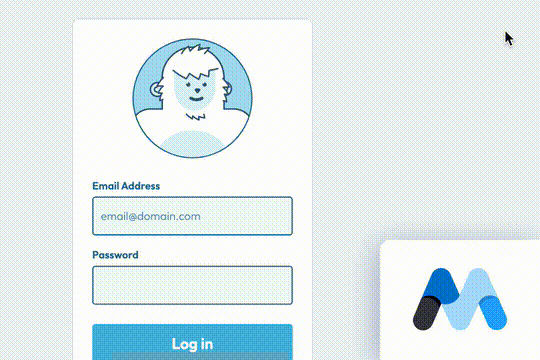
A fun login and sign up page for Webflow featuring a unique cartoon character that follows your mouse cursor. This is accomplished via 100% native Webflow interactions. The SVG was broken up into several parts, and added a hover over element interaction to the background and hover/in out interactions to the email, password and login fields. The rotating head effect is created by moving close-up elements slightly more than the background elements. For example, the nose moves 11px to the left or right, while the mouth only moves 9px and the face moves 6px while the body doesn't move at all.

A fun GSAP text hover image span effect created for Webflow. When hovering over a specific text or link, images appear on the screen. Perfect for dynamic and playful interactions powered by GSAP. This script is powered by GSAP and you can find the custom code found in the page settings. This allows you to signify images that appear when a user hovers over a native Webflow text span item. This is also mobile friendly as the code allows you to set media resolution settings and customizing the effect on the non-selected text span. You are able to customize the easing, zindex position, colors and much more.

Here's a way to add magnetic images to links on Webflow. The images appear as you hover over the links and stick to the mouse and overlay the text over the image. This method relies strictly on Webflow interactions and doesn't require any custom code or HTML embeds. The interactions use a combination of hide/show, scale, opacity text color and border color to work properly.

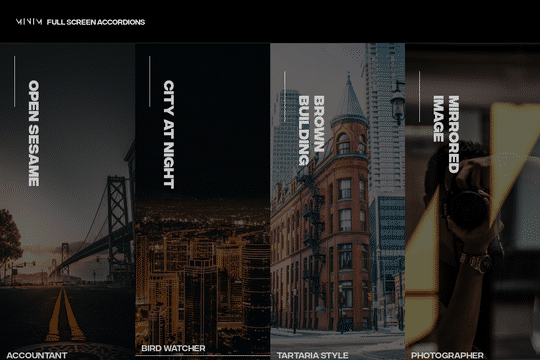
A fullscreen photo accordion with hover over interactions for Webflow. This Webflow cloneable features a unique full screen accordion powered by Webflow's native CMS system. When a user hovers over each card the card expands to show a larger image and detailed information about the accordion. While a majority of the effects were created with Webflow's native interactions there is some custom code that needs to be applied.

A 3D credit card effect/animation in Webflow. This 3D credit card has hover over effects as well as click interactions, on click the card flips vertically, horizontally. All of this is accomplished via native Webflow interactions and no custom code.

DRAG
Real-time sorting by

Another fun text effect, this one shows you how to scramble text between transitions.

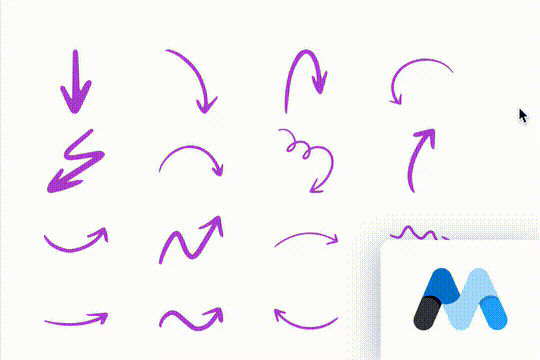
Here are 18 hand drawn SVG elements for your Webflow site. This cloneable includes 18 different arrows inside individual custom embeds. The great thing about SVGs, when setup properly is that they can inherit their color from the font-color of the parent elements.

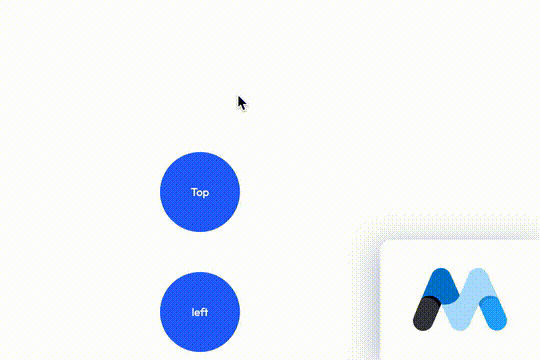
A 100% native Webflow tooltips solution. Most tooltips utilize third party JS libraries to add tool tips to Webflow. These tooltips are created 100% with Webflow dropdowns to create a unique solution to creating tooltips within Webflow.

A fun login and sign up page for Webflow featuring a unique cartoon character that follows your mouse cursor. This is accomplished via 100% native Webflow interactions. The SVG was broken up into several parts, and added a hover over element interaction to the background and hover/in out interactions to the email, password and login fields. The rotating head effect is created by moving close-up elements slightly more than the background elements. For example, the nose moves 11px to the left or right, while the mouth only moves 9px and the face moves 6px while the body doesn't move at all.

A Matrix style text scramble effect in Webflow. This entire effect relies on custom code which is included as an HTML embed and was found on a CodePen. In order to modify the text you'll need to update the custom code in the HTML embed.

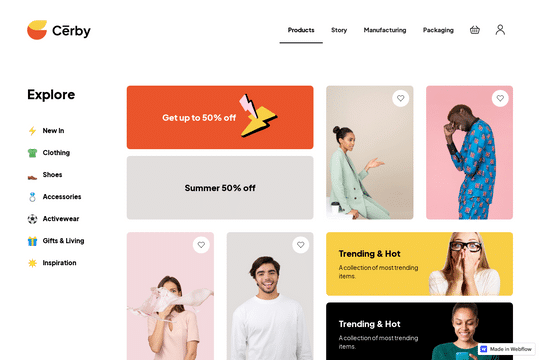
A free dashboard collection for an ecommerce company.

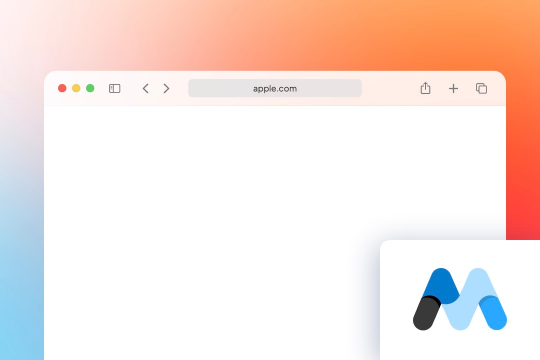
A responsive safari mockup built for Webflow. A perfect way to showcase a product demonstration or image in a responsive Safari style window. This Apple Safari mockup window is a light version rather than a dark version.

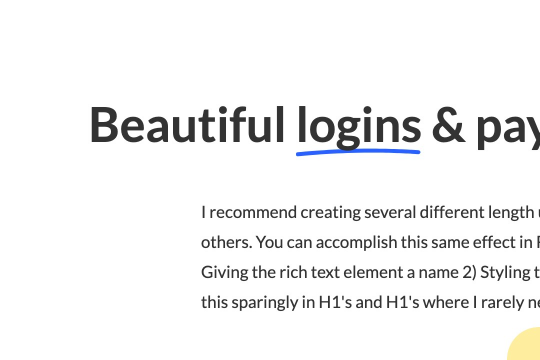
Here's a way to create a simple drawn underline for text in Webflow. This method demonstrates how to create a span text class and use a hand drawn underline image in text for Webflow. It's recommended to create several different underline length spans as some words look better than others with different sizes.

DRAG
Real-time sorting by