Mouse Card Hover Effect





Cloneable tags
Description
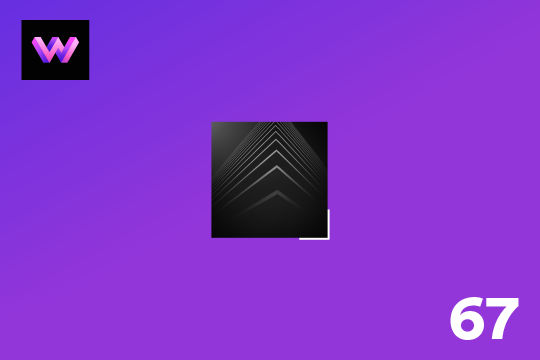
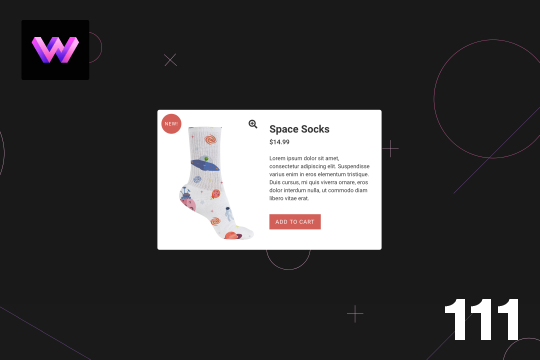
The Mouse Card Hover Effect Webflow cloneable is a unique and interactive way to showcase your projects on your site. This cloneable features a project flipping card animation that flips 180° upon clicking on the card. It also has a hover-over animation in which the stars scale in and out behind the image, and the image moves around the card as the mouse moves. To create this effect, a 6x8 grid of 50x50 blocks was created and added within two div blocks inside the cross, and the stars were set to rotate, scale, and loop on hover. On hover out, the crosses go back to the original size and stop rotating. For the image moving, there is a mouse move over element interaction that moves the image 20px to each side as the mouse moves around the card. On click, the card flips via a rotation, so it was placed in a 3D wrapper and added child perspective to it. This cloneable is easy to implement on your Webflow site and can be customized to fit your specific needs. Simply add it to your page and adjust the settings to your liking. This cloneable was created by WebDevForYou and falls under the categories of 3D Transform, Card, Interactions, and Hover. With the Mouse Card Hover Effect, you can add a dynamic and interactive touch to your project cards on your Webflow site.