


The Top 516 Interactions Webflow cloneables
Native Webflow interaction cloneables that utilize Webflow interactions to make your sites pop.



A huge selection of premade Webflow animations, including animated buttons, click buttons, circular hover buttons, scroll down animations, nav link animations, tab animations, search bars, social media buttons, text animations, contact cards, blog cards, product cards and more.


A unique stacking cards on scroll interaction in Webflow. When you scroll down the page the cards on the right side stack on top of each other. A unique interaction perfect for a SaaS or technology site. The stacking cards effect was built entirely using Webflow interactions and does not require any additional code or scripts. The effect is created by using the While scrolling into view trigger, with the use of Scale and Filter. The filter applied reduces the overall brightness of the card and the scaling is used to send the item back smaller. Overall a well designed and thought out solution for a stacking card interaction.



An animated timeline scrolling effect perfect for about pages, historical pages and many others. As the user scrolls down the page a fun native interaction is applied that allows users to visit historical timelines with a unique Webflow interaction. The current date and item that is in view increases brightness while others out of view are faded out. The user can scroll down the page and have historical information provided in a unique and interactive fashion. This interaction uses while scrolling in view and while page is scrolling page trigger interactions.


Add a progress bar to your draggable CMS slider sections in Webflow. Typically most draggable, or third party sliders, don't offer a progress bar indicator. Using the power of Dragdealer.js you can now add a progress bar and draggable CMS slider to your Webflow site. Please note that you'll need to add the global styles HTML embed as well as the custom script found in the closing body tag within the Page settings for this to work properly.


Here's a demonstration of using three.js for the background of your Webflow site.
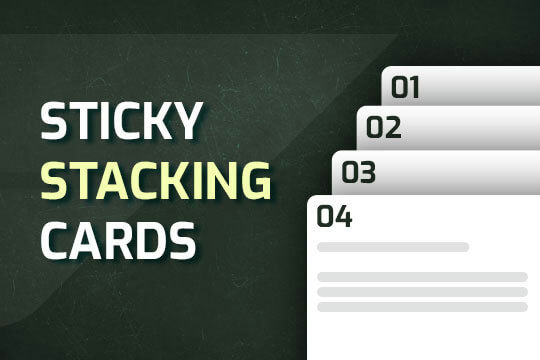

A way of utilizing sticky cards that stack on scroll in Webflow. Using position sticky and a scrolling into view interaction allows for this effect without any custom code.
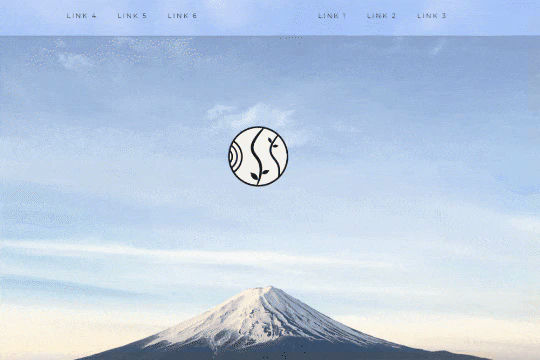

A unique way of showcasing your logo front and center and have it move up on page scroll in Webflow. This adds a fun dynamic element to your Webflow site and draws the users attention in. This interaction was created entirely from Webflow's native interactions using the While page is scrolling functionality and size, move, scale, opacity and more. This requires no additional custom code and can be cloned and setup quickly.


Power up your Webflow tabs through a timed, auto-rotating tabs feature. This is perfect to add emphasis to your Webflow tabs and more specifically demos, explainers, testimonials and just about everything else you can think of. This is a super simple script that adds auto rotation to Webflows native tabs.
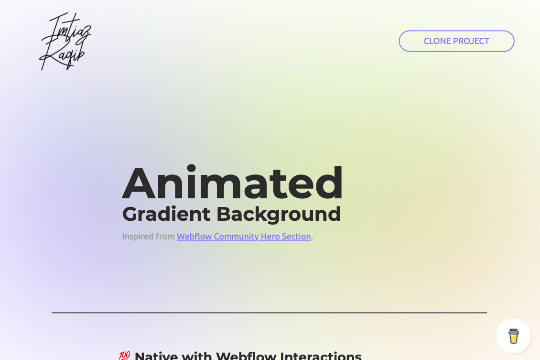

A fully cloneable animated blurry gradient background that can be used on your hero section, or other sections of your site. Helps add a layer of dynamic elements to your Webflow site. This is a 100% native solution with Webflow interactions and utilizes colored div blocks with CSS scaling.
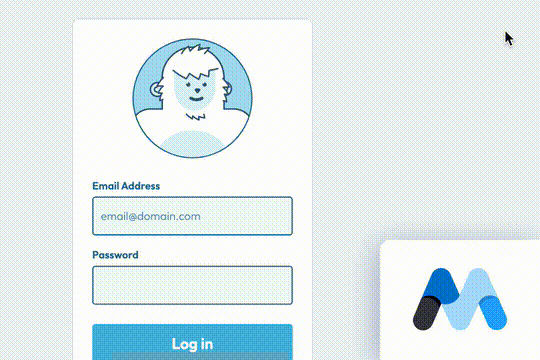

A fun login and sign up page for Webflow featuring a unique cartoon character that follows your mouse cursor. This is accomplished via 100% native Webflow interactions. The SVG was broken up into several parts, and added a hover over element interaction to the background and hover/in out interactions to the email, password and login fields. The rotating head effect is created by moving close-up elements slightly more than the background elements. For example, the nose moves 11px to the left or right, while the mouth only moves 9px and the face moves 6px while the body doesn't move at all.
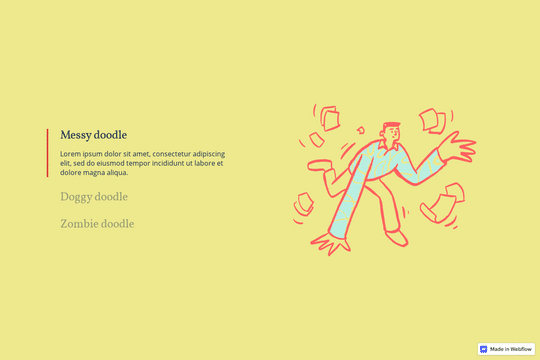

Here's a way to utilize a tab change interaction for your Webflow sites. Upon clicking the tab the elements animate and the tab changes. Note that any interactions happening within the tab page much start after any interactions within the tab link are finished. Otherwise the tab component will cut off the animation resulting in nothing happening within the tab pane itself.


A wacky and fun button animation in which emoji's explode after clicking a button in Webflow. This effect was created using custom JS so be sure to add the code found in the page settings to your site in order for it to work properly. While this could be created natively with Webflow interactions a simple JS library helps create this effect faster and easier.
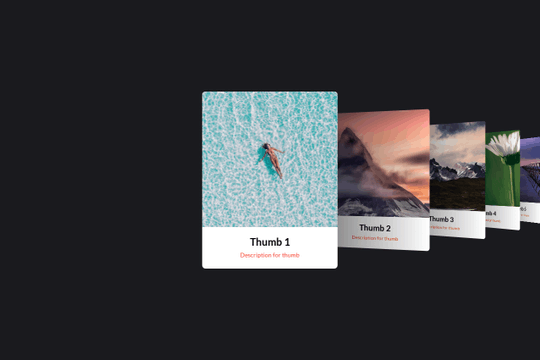

Here's a basic example of utilizing Swiper.js for a slider within your Webflow site. Swiper.js is great for adding a draggable slider with a variety of effects within Webflow.
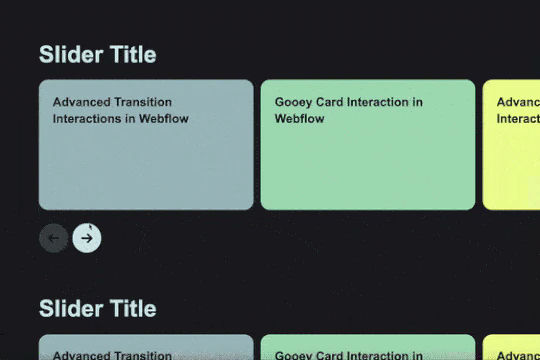
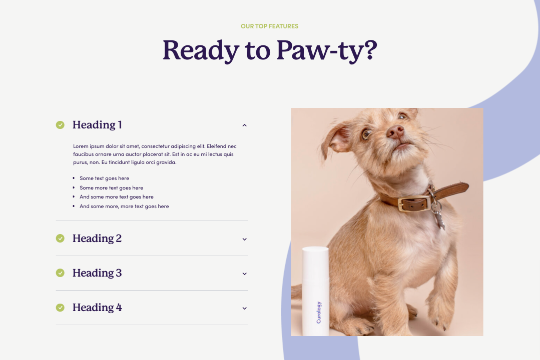

Are you looking to use Webflow tabs with a rich text CMS field? By default Webflow doesn't allow rich text fields to be placed in the tabs by default. This technique uses a bit of JavaScript so if you change the classes be sure to update the code within the page settings. The arrows in this demonstration are from Font Awesome and the colors can also be updated in the page settings.
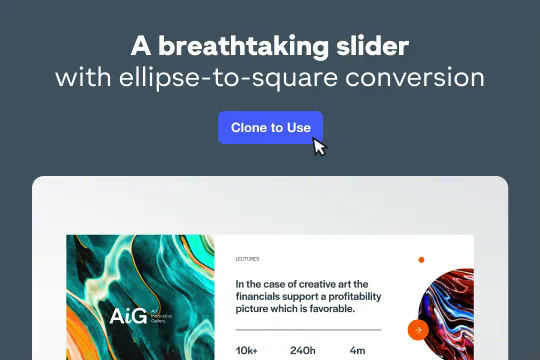

A stunning and easy to implement Swiper.js draggable slider created for Webflow. This slider is completely draggable for both desktop and mobile devices, when the next slide is triggered there's a slide in feature that is powered by Webflow interactions. This makes the next card appear to slide in upon being visible. Swiper.js powers the slider and allows for custom functionality such as speed, looping, breakpoints and much more. Keep in mind that this utilizes data attributes to work properly so you will need to update each slides data attributes in order for the Swiper.js functionality to work properly.
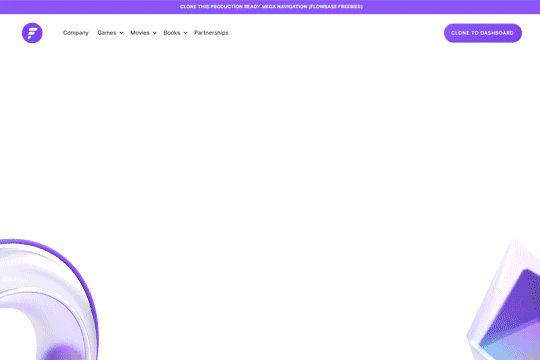
A fully cloneable mega menu navigation with full page dropdown interactions for Webflow. A great way to quickly get your Webflow menu/navigation launched with pre-built dropdowns, CTA buttons, and more. This was built with clear class names, native Webflow interactions, basic dropdown triggers and fully responsive.
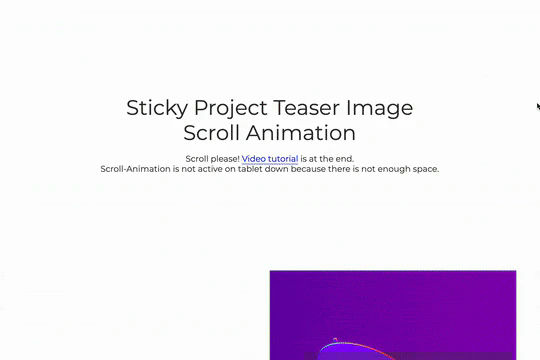

A great way to achieve a sticky Webflow effect for features, about sections or really anything in which the image becomes sticky in the viewport while the text still scrolls. As you scroll down the images are sticky while the text is scrollable, between each section there's an image transition effect. This effect uses no custom code and is all accomplished via Webflow's while scrolling into view interaction with the opacity and scale options.

An FAQ accordion for Webflow that includes all of the Webflow interactions to make it work. This accordion offers a simple design and is fully responsive with prebuilt interactions to make the magic happen.

This is a unique way of adding Curtain.js WebGL slider to your Webflow site. This allows for a variety of transitions and change effects not available to the standard slider. This is based on Curtain.js and is fully customizable in both shape and size, it's also responsive behaving like CSS cover. There are many options from autoplay to buttons, transition duration, displacement maps and even pixel distance, built in easings without libraries.


Here's an easy way to create a masked video in text in Webflow. No custom code is required. This was created with an SVG file and added interactions to zoom in while scrolling.
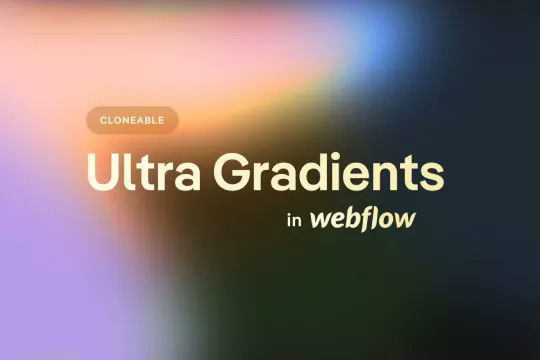
A fun example of how to utilize native div shapes to create ultra gradients in Webflow. In this example the author creates unique gradients via Webflow by creating colored blobs and utilizing a number of different effects to create a gradient style background for your Webflow site. This utilizes a combination of border radius, 2d & 3d transforms and other effects to allow you to create gradients without 3rd party images or CSS gradient classes. Add in native Webflow interactions and you can build Stripe like animated gradients in no time.
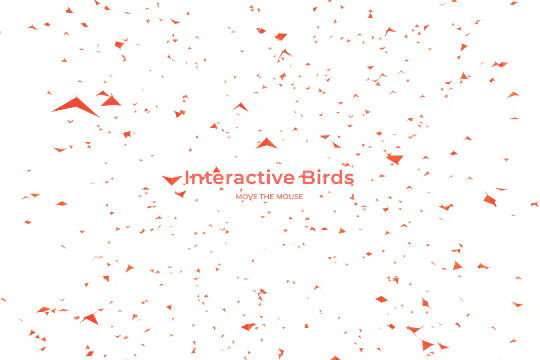

Add a flock of interactive flying birds to your Webflow site via three.js and vanta.js. A wonderful way of adding an interactive background of 3D birds flying to your Webflow site. You can edit the following sections of the custom code for further refinement. You can edit: backgroundColor: 0xffffff, color1: 0xf70707, color2: 0xff5a00, birdSize: 0.90, wingSpan: 29.00, speedLimit: 4.00, separation: 22.00, alignment: 21.00, cohesion: 21.00, backgroundAlpha: 0.93
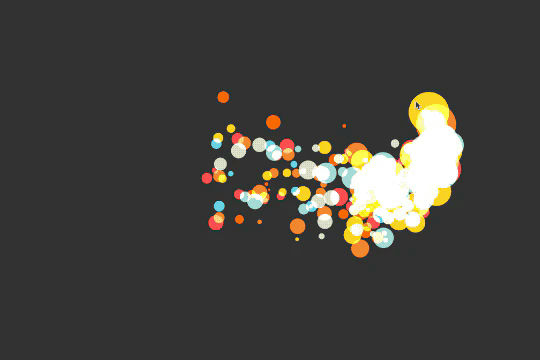
Custom cursor particles effect for Webflow. When a user moves his mouse over the page custom particles are shown trailing the mouse. A fun, dynamic interaction that adds some animation and life to your Webflow site. This is accomplished via Sketch.js
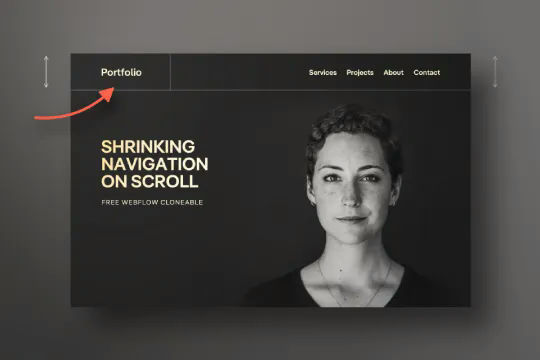
Have your navbar shrink on page scroll via this Webflow cloneable. Easily create dynamic navbars for your Webflow site that shrink upon scrolling down the page. Once a user reaches a certain point on the page the navbar transitions from dark to light while shrinking. This does not require any custom code and utilizes Webflow's native interactions. This utilizes Webflow's While scrolling in view for two different classes and as previously mentioned does not require any extra custom code. This cloneable is perfect for anyone looking to create a dynamic navbar that allows for dynamic changes based on the users scroll depth on the site.
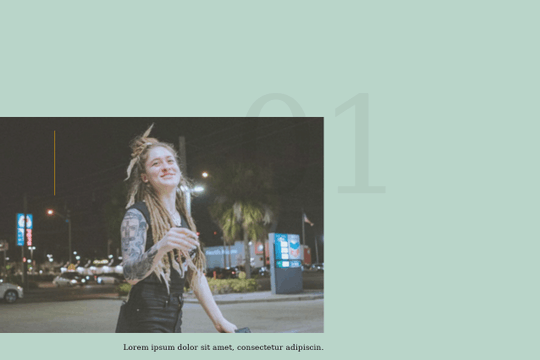
A smooth scrolling effect in Webflow that zooms into images as the page is scrolled. Perfect for adding smooth page scrolling and an image effect within your Webflow site.
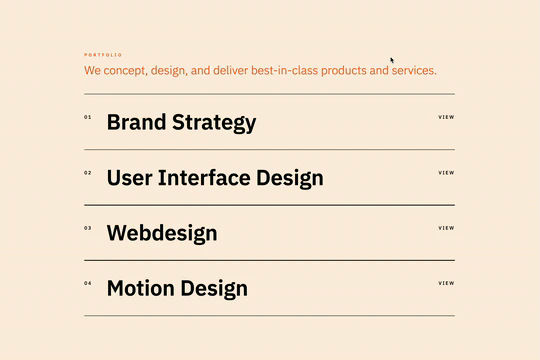
Here's a way to add magnetic images to links on Webflow. The images appear as you hover over the links and stick to the mouse and overlay the text over the image. This method relies strictly on Webflow interactions and doesn't require any custom code or HTML embeds. The interactions use a combination of hide/show, scale, opacity text color and border color to work properly.

Pop up contact form modal interaction for Webflow. A clean modal window appears with a contact form when clicking on the contact button. This contact modal form features all the native Webflow interactions required for a modal window in a fully responsive design.
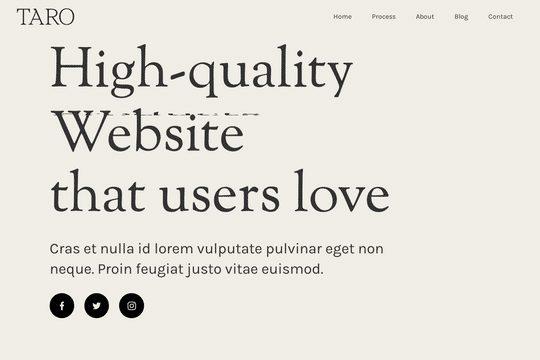

A demonstration of how to add an infinity cycle text header rotation with 3D style changes in Webflow. This technique uses native Webflow interactions and does not require any 3rd party scripts or plugins to work properly.
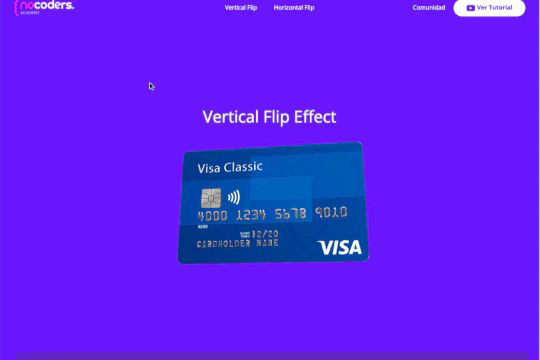

A 3D credit card effect/animation in Webflow. This 3D credit card has hover over effects as well as click interactions, on click the card flips vertically, horizontally. All of this is accomplished via native Webflow interactions and no custom code.
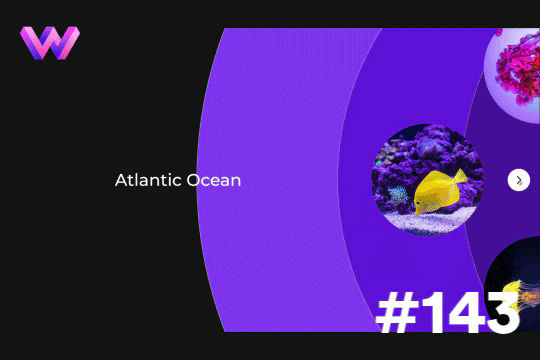

Add a unique circular slider to your Webflow hero. This demo showcases a circular slider with animated panels via the background. These panels were created in Adobe After Effects and triggered via a slider element within Webflow. The main slider is also linked to a secondary slider that showcases the text. The sliders were then linked together via custom code.
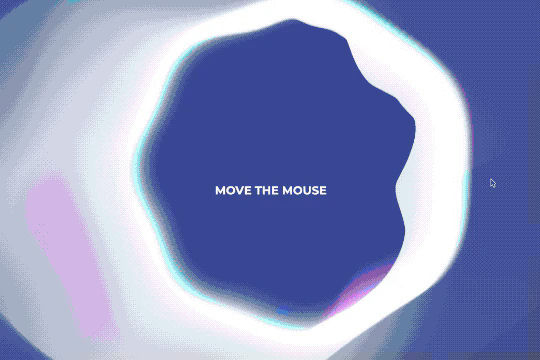
A fun way of adding an interactive halo background effect to your Webflow site using the power of Three.js and Vanta.js.
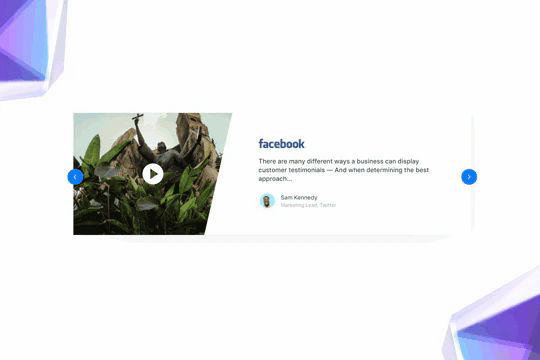
Here's a beautifully designed rotating testimonial slider in Webflow. A great way to build trust with your prospective clients. This testimonial component will auto slide between your testimonials with a smooth transitioning effect.
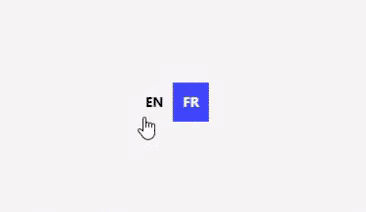

A set of various language switcher elements designed for your Webflow site. If you use translation on your site these handy language switcher elements will come in handy. There are 14 different designs with necessary interactions to make them easy to copy and paste into your Webflow site. Nearly every kind of design you could think of to make this easy to implement.
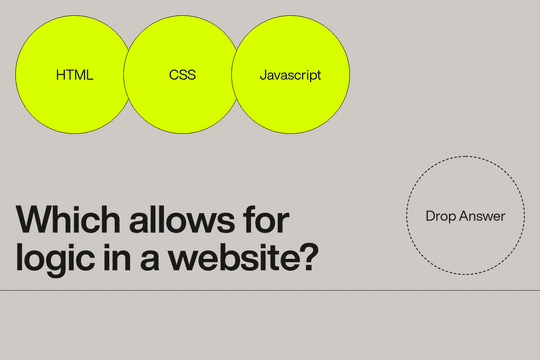
A drag and drop interaction for Webflow. This turns the elements into draggable and droppable objects on your Webflow site. A great way of adding some unique interactions that bring your site to life. Please note that there is custom code in the closing body tag and a style embed.
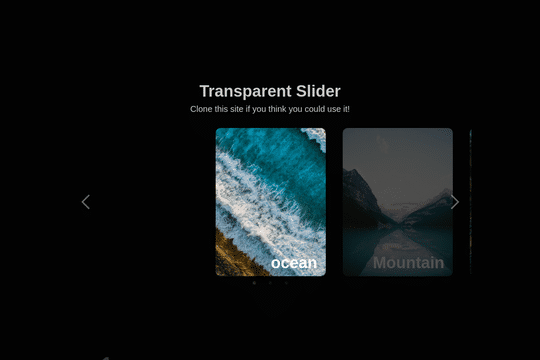

Here's a way to add an infinite, transparent slider to your Webflow site. An easy cloneable that you can copy and paste to your site and have it setup and running in no time.
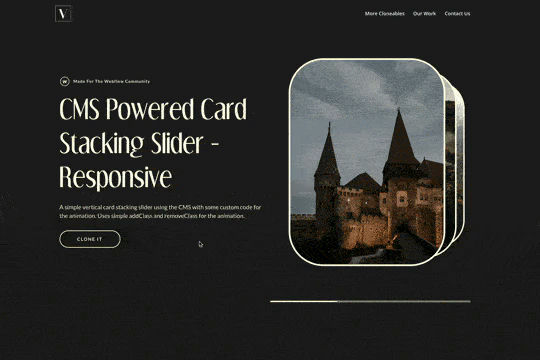

A simple way of adding a CMS driven stacked slider to Webflow using addClass and removeClass jquery code that is fully responsive. This opens up a new way of adding a 3D stacked effect for your native Webflow sliders.
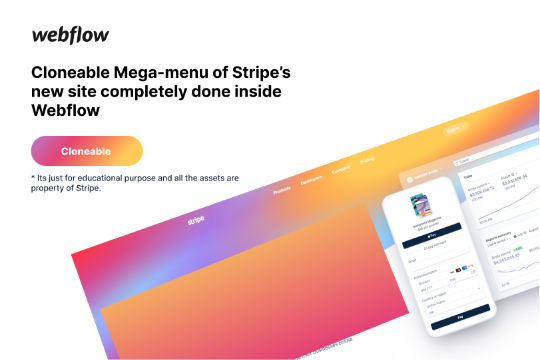

Here's a rebuild of Stripes mega menu design in Webflow. Add a unique mega menu design and navbar to your site inspired by Stripe's mega menu.
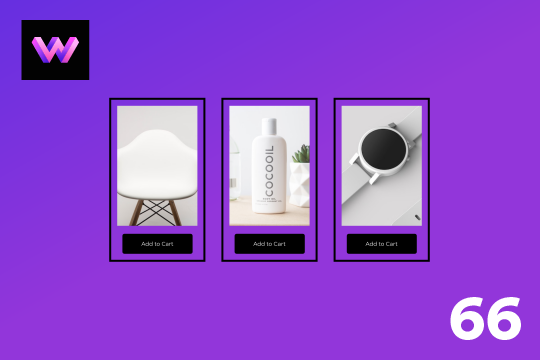
An add to cart hover button animation for Webflow. When a user hovers over the Add to Cart button a shopping cart icon slides in from the right side. This helps users understand the action taking place on the button and helps add a new level of dynamic buttons to your Webflow site.
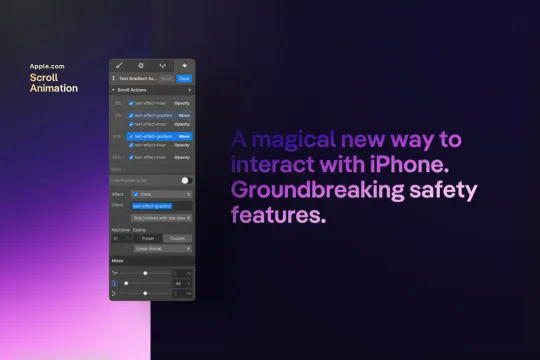
A text gradient scroll effect that was similar to the one used on Apple's website. This text scroll effect showcases a block of text, which has a gradient effect applied to it. As the user scrolls down the bottom portion of the text is visible and as the user scrolls down further the entire text is visible, scrolling down further on the page the text then fades out. This effect does not require any HTML embed or custom code and utilizes Webflow's native interactions. This interaction utilizes the element trigger and while scrolling into view to create the effect. This interaction works by changing the opacity and moving an object over the text.
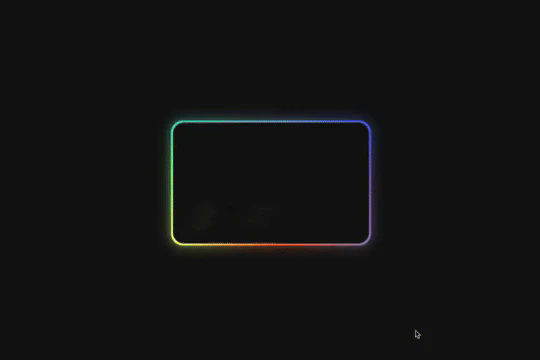

Here's a way of creating a glowing, 3D hover card effect in Webflow. When a user hovers over the card the card creates a 3D effect with a gradient outline, another interaction is added to show a 3D rotating reflection. All of this was created with Webflow interactions and zero custom code.

Here's a way of rotating/transitioning text on a section of your Webflow site. Perfect for hero and headline sections in which multiple headlines or text is needed to explain or demonstrate something.
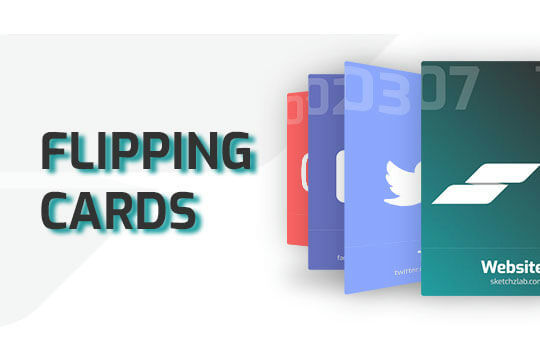
Here's a way of adding a flipping card animation to cards on your site. This component can be used for a number of scenarios and allows for additional information to be displayed on your cards without taking up important site real estate.
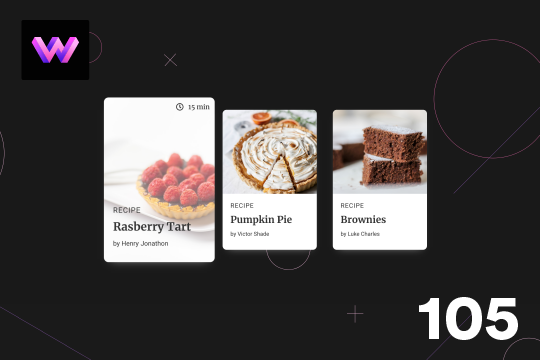
Here's a unique, recipe card animation created in Webflow. This is perfect for showcasing recipes on your Webflow site in a unique and interactive way. When hovering over the card the image becomes full height, and the card moves forward on the z-axis. The card was placed in a wrapper with a perspective applied to it to bring the card forward. Also a timer icon shows up on the top right corner to display the time it takes to create each recipe.
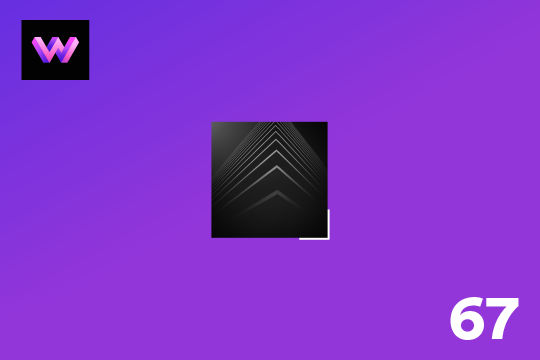
Showcase and feature your CTA by adding moving lines to the border in Webflow. Using this technique you can showcase anything that you want to draw the users eyes to by adding moving lines and a 3D hover rotation to products, cards and other important aspects on your site.
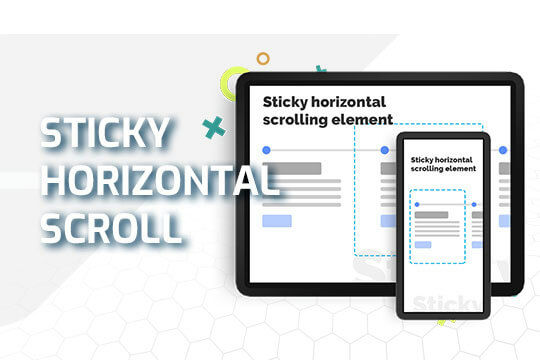
A sticky horizontal scrolling timeline container for your Webflow site. This is a combination of sticky position, overflow-x hidden and a scrolling in view interaction. This is perfect for timelines, milestones, process steps, about, history and much more.
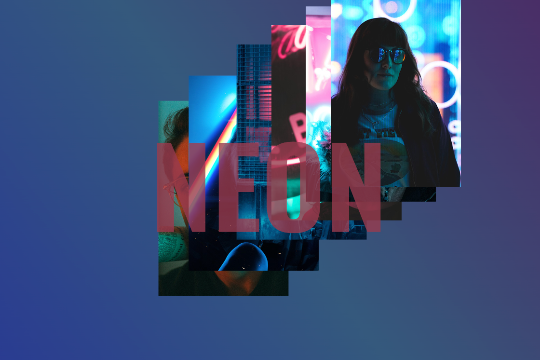

A unique interaction in which images pop up an trail the mouse cursor when moved on the page. A fun technique that could be implemented a number of ways to create various dynamic effects to your Webflow site.
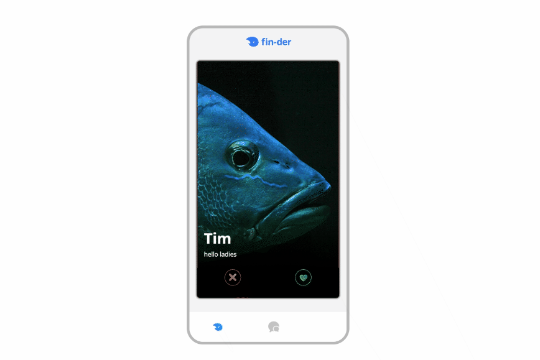

A unique tinder style swiping module for Webflow. This demonstration uses fish and a tinder like design to like, or dislike fish. This was built using Webflow CMS and Jetboost for the like feature.
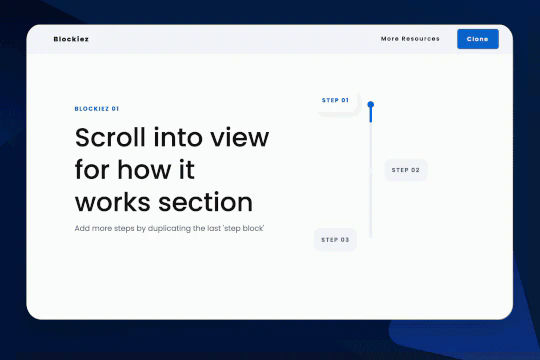

A simple animation that has a scroll bar interaction/animation as you scroll down the page in Webflow. The animation is applied to the class, if you want to add more steps simply duplicate the last step and then edit the content.
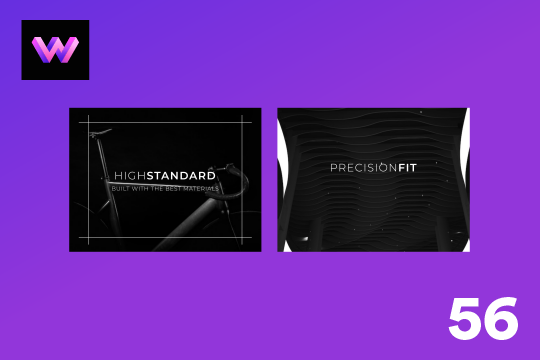
A unique product card animation on hover in Webflow. When a user hovers over a card the image shifts down, and a border appears with an animation, there's also a description of the card that appears as well. This animation effect was built entirely with Webflow's native interactions.