





Cloneable tags
Description
The Cookie Consent Design Elements Webflow cloneable is a collection of five different design options for adding a cookie consent notification to your website. This cloneable includes working code that can be easily copied and pasted to your Webflow site, making it quick and easy to implement a cookie consent notification on your site. The cookie consent notification is an important aspect of website compliance, as it allows users to understand how their data is being used and gives them the option to accept or decline the use of cookies. With the Cookie Consent Design Elements Webflow cloneable, you can choose from a variety of design options and easily add a cookie consent notification to your site.
Related cloneables
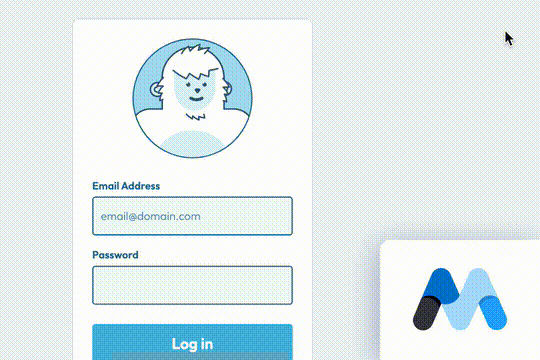


A fun login and sign up page for Webflow featuring a unique cartoon character that follows your mouse cursor. This is accomplished via 100% native Webflow interactions. The SVG was broken up into several parts, and added a hover over element interaction to the background and hover/in out interactions to the email, password and login fields. The rotating head effect is created by moving close-up elements slightly more than the background elements. For example, the nose moves 11px to the left or right, while the mouth only moves 9px and the face moves 6px while the body doesn't move at all.
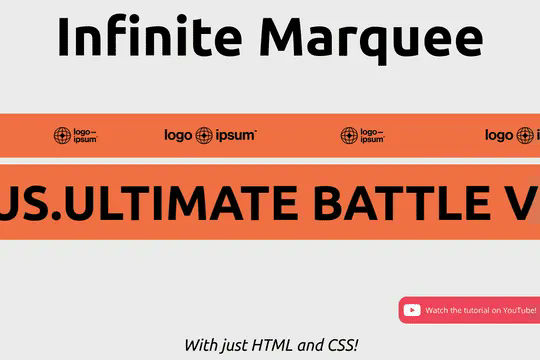

Add an infinite horizontal marquee to your Webflow site using only HTML & CSS. Building infinite marquees with Webflow interactions can be difficult and confusing. This solution allows you to easily add a horizontal marquee to your Webflow site using HTML embeds or Webflow's custom code. The infinite marquee is lightweight and allows you to customize the direction, as well as the speed at which the marquee is displayed on your site. Skip the confusing calculations typically required for native Webflow interactions and add an infinite Webflow horizontal marquee to your site in seconds.

Pop up contact form modal interaction for Webflow. A clean modal window appears with a contact form when clicking on the contact button. This contact modal form features all the native Webflow interactions required for a modal window in a fully responsive design.
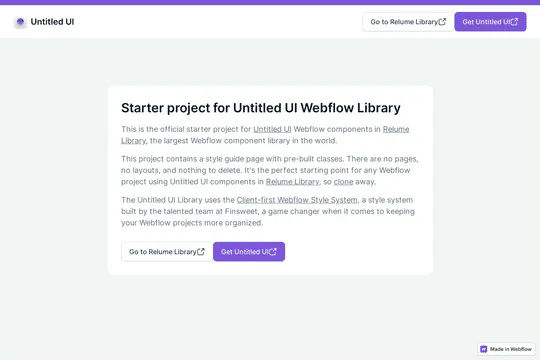

This is the official starter UI kit for the Untitled UI Webflow components library driven by Relume. This project contains a styleguide with all of the necessary pre-built classes. There are no pages, no layouts and nothing that you need to delete. This Untitled UI kit uses the client-first Webflow styling system. The styleguide features all typography, H1 headings, H2 headings all the way through H6 headings. This also includes the heading classes from xxlarge to xsmall, paragraphs, links, block quotes, unordered and ordered lists. You'll find the class text sizes such as text size large, text weights, text heights, text styles, color swatches, including error, warning and success color states. Background colors, text colors, shadows, UI buttons and all necessary elements, badges, badge groups, form elements such as inputs, dropdowns, checkboxs and radios. This is the complete Untitled UI styleguide kit to jump start your next Webflow builds.
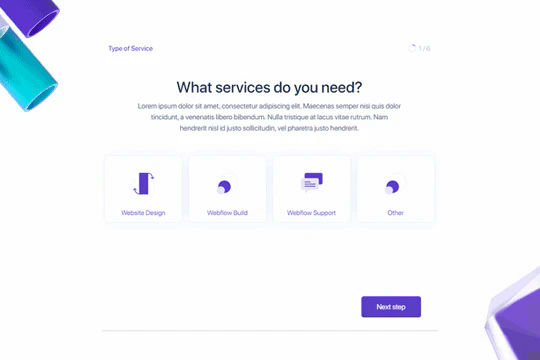

Here's a way to create a multi-step Webflow form that includes a step counter, custom confirmation animations and custom checkboxes. A perfect way to filter leads, create long forms that are filled out, and segment your lists/clients.
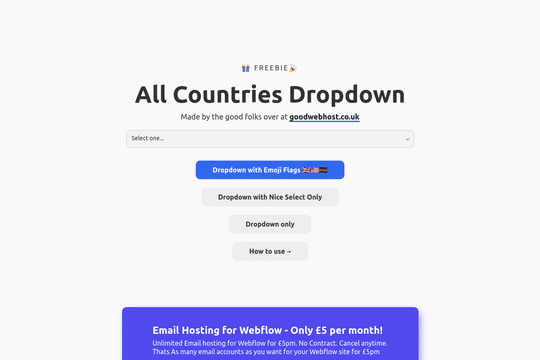

A way to add a dropdown with all the countries and flags to your Webflow site. There are several examples that utilize Nice Select, including flags, no flags and a dropdown only. You can copy-paste the custom code element with a select tag with all the countries in it. Note that this is achieved via JS and you won't be able to preview this within the WEbflow designer.
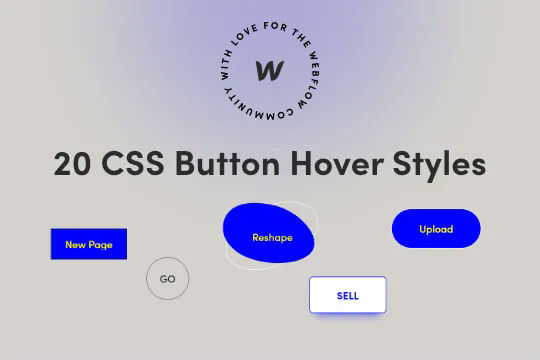

Twenty prebuilt CSS button hover effects to allow you to easily add button hover effects without complicated Webflow interactions. These include a number of unique effects such as marquee text on hover, fade in and fade out, 3D expanding effects, chat widget buttons, rotating and much more. You can add these to your Webflow site by copying the HTML embed with the relevant CSS scripts for the button effects that you want. Add the custom css class to your buttons and you'll immediately be able to view the button effects within Webflow designer. This makes for easy, and lightweight buttons that provide fun effects without the headache of interactions or complicated hover states.
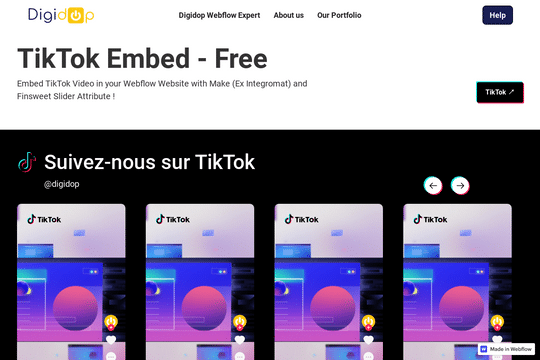

Here's a way to add TikTok videos in a slider with Finsweet client first naming conventions driven by Webflow native CMS. Adding videos could be automated with Make/Integromat or Zapier with the creation of new items in the slider from this collection. This uses the CMS to drive the videos and uses Client-first CSS classes.

More from author
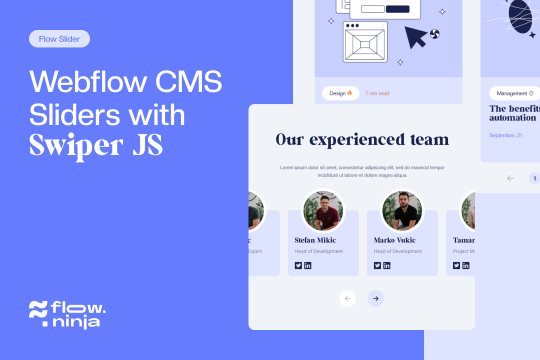
Explore techniques for implementing unique Webflow CMS sliders via Swiper.js. Flow Ninja built 8 different slider options including a basic slider, a thumbnail slider, infinite loop swiper great for client logos, auto height, pop-up modal sliders, grid sliders, vertical sliders and a number pagination slider. These prebuilt Webflow sliders utilize Swiper.js to operate correctly so it's important to add the code implemented in the head tag and closing body tag found in the Page Settings for this to work properly.
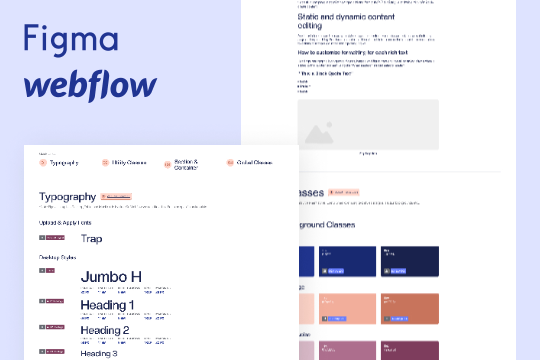
A wonderful style guide created by Flow Ninja. Jump start your Webflow build with this pre-built style guide. Includes a figma file, font styles, headings, block quotes, unordered lists, ordered lists, rich text elements, buttons, colors, inputs, containers, sections, paddings/sizing, margins, text alignment, flex and much more. This is a well organized styleguide featuring screenshots of the relevant sections if affects in Webflow. An excellent starting platform to build your own styleguide or use Flow Ninja's default styles.
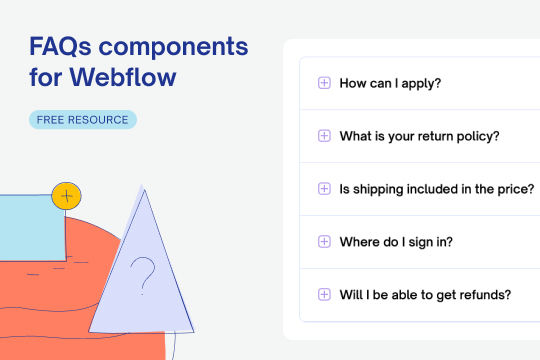
Easily add dynamic and interactive FAQ sections with accordions and slide in interactions to your Webflow site. There are 5 different designs that include scroll into view interactions as well as expanding/closing accordions, tabs and more.
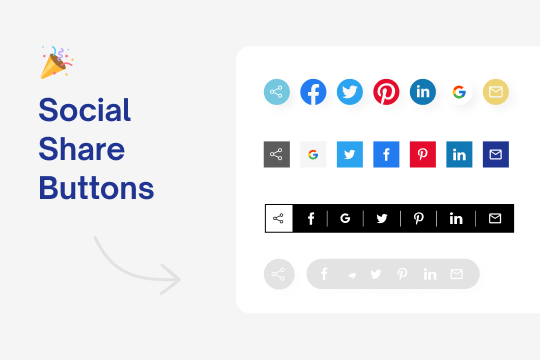
Five different styles of animated and interactive social media share buttons for Webflow.
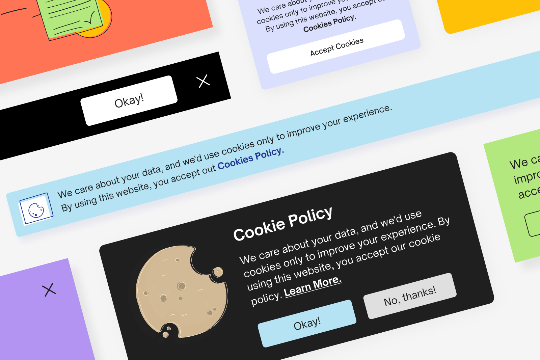
Add a cookie consent to your Webflow site in no time. Here are 5 different designs for a cookie consent with working codes attached at the bottom of the page.
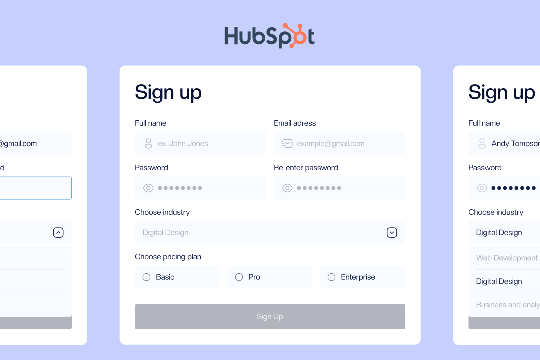
Here's a tutorial on how to integrate Hubspot to Webflow in the four most popular ways, with full tutorials and examples. These include Webflow to Zapier to Hubspot. Webflow with Hubspot HTML form embeds. Enterprise Hubspot to Webflow and finally Webflow and Hubspot tracking code integration.
Creating a proper Webflow site should start with brand guidelines and a style guide. This ensures that your sites brand and feel stays consistent from the start of your Webflow site build. This is a great resource and UI kit to build your own styleguide and brand guidelines.
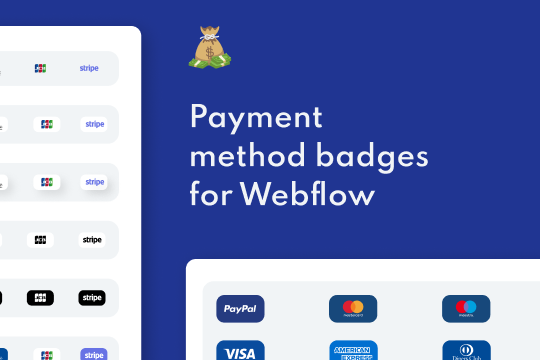
Just about every kind of payment method badge, icon or image you'd need for your Webflow site. This includes payment methods like PayPal, American Express, Visa, Google Pay, Apple Pay, Visa, Stripe, Mastercard. They include images with backgrounds, no backgrounds and much more.