





Cloneable tags
Description
The FAQ Animations Interactions Designs cloneable is a collection of five different design options for creating interactive and dynamic FAQ sections on your Webflow site. These designs feature accordions, tabs, and other elements that allow users to easily expand and collapse the FAQ items, as well as scroll into view interactions that add a touch of animation to the experience. Whether you want to add simple accordions or more complex tabs, this cloneable has something for everyone, and is a great way to add interactive FAQs to your Webflow site.
Related cloneables



A fun way of adding a water mouse hover ripple effect to your Webflow site. Simply add a tiny code and the javascript library and you're all set.


A huge selection of premade Webflow animations, including animated buttons, click buttons, circular hover buttons, scroll down animations, nav link animations, tab animations, search bars, social media buttons, text animations, contact cards, blog cards, product cards and more.


Here's a beautiful WebGL colorful background animation on page load. A great way to add extra color and a dynamic element to your Webflow site.


A unique stacking cards on scroll interaction in Webflow. When you scroll down the page the cards on the right side stack on top of each other. A unique interaction perfect for a SaaS or technology site. The stacking cards effect was built entirely using Webflow interactions and does not require any additional code or scripts. The effect is created by using the While scrolling into view trigger, with the use of Scale and Filter. The filter applied reduces the overall brightness of the card and the scaling is used to send the item back smaller. Overall a well designed and thought out solution for a stacking card interaction.


A two colored spiral galaxy animation for Webflow created with Three.js. This spiral galaxy spins in the background of your Webflow site and offers zoom in/zoom out functionality by the scroll wheel on your mouse.

Add a liquid metal background animation to your Webflow site via WebGL. Please note that this example relies heavily on scripts and custom code so you'll need to add the custom code found within the page settings.


An animated timeline scrolling effect perfect for about pages, historical pages and many others. As the user scrolls down the page a fun native interaction is applied that allows users to visit historical timelines with a unique Webflow interaction. The current date and item that is in view increases brightness while others out of view are faded out. The user can scroll down the page and have historical information provided in a unique and interactive fashion. This interaction uses while scrolling in view and while page is scrolling page trigger interactions.


Add a progress bar to your draggable CMS slider sections in Webflow. Typically most draggable, or third party sliders, don't offer a progress bar indicator. Using the power of Dragdealer.js you can now add a progress bar and draggable CMS slider to your Webflow site. Please note that you'll need to add the global styles HTML embed as well as the custom script found in the closing body tag within the Page settings for this to work properly.

More from author
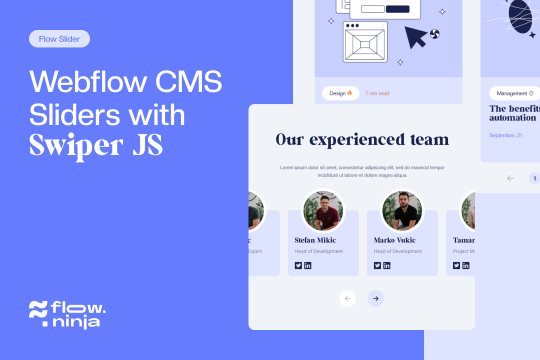
Explore techniques for implementing unique Webflow CMS sliders via Swiper.js. Flow Ninja built 8 different slider options including a basic slider, a thumbnail slider, infinite loop swiper great for client logos, auto height, pop-up modal sliders, grid sliders, vertical sliders and a number pagination slider. These prebuilt Webflow sliders utilize Swiper.js to operate correctly so it's important to add the code implemented in the head tag and closing body tag found in the Page Settings for this to work properly.
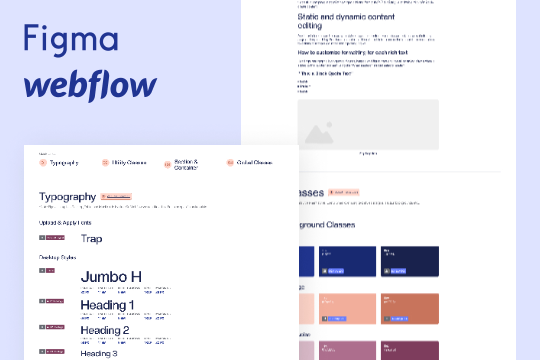
A wonderful style guide created by Flow Ninja. Jump start your Webflow build with this pre-built style guide. Includes a figma file, font styles, headings, block quotes, unordered lists, ordered lists, rich text elements, buttons, colors, inputs, containers, sections, paddings/sizing, margins, text alignment, flex and much more. This is a well organized styleguide featuring screenshots of the relevant sections if affects in Webflow. An excellent starting platform to build your own styleguide or use Flow Ninja's default styles.
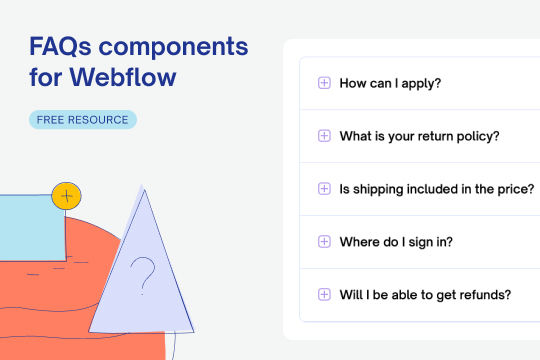
Easily add dynamic and interactive FAQ sections with accordions and slide in interactions to your Webflow site. There are 5 different designs that include scroll into view interactions as well as expanding/closing accordions, tabs and more.
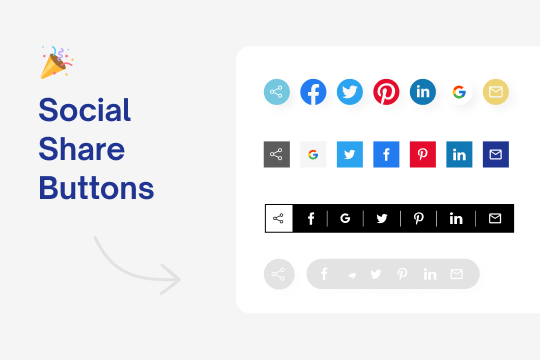
Five different styles of animated and interactive social media share buttons for Webflow.
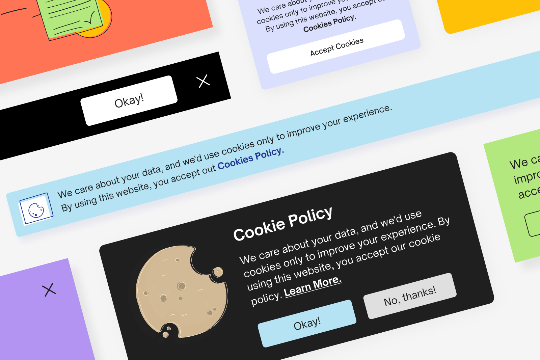
Add a cookie consent to your Webflow site in no time. Here are 5 different designs for a cookie consent with working codes attached at the bottom of the page.
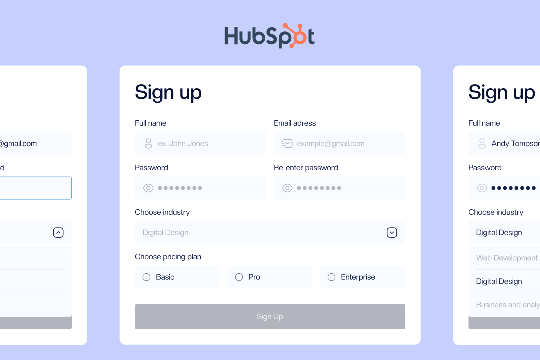
Here's a tutorial on how to integrate Hubspot to Webflow in the four most popular ways, with full tutorials and examples. These include Webflow to Zapier to Hubspot. Webflow with Hubspot HTML form embeds. Enterprise Hubspot to Webflow and finally Webflow and Hubspot tracking code integration.
Creating a proper Webflow site should start with brand guidelines and a style guide. This ensures that your sites brand and feel stays consistent from the start of your Webflow site build. This is a great resource and UI kit to build your own styleguide and brand guidelines.
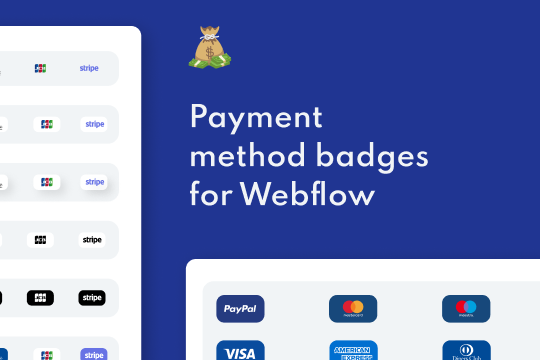
Just about every kind of payment method badge, icon or image you'd need for your Webflow site. This includes payment methods like PayPal, American Express, Visa, Google Pay, Apple Pay, Visa, Stripe, Mastercard. They include images with backgrounds, no backgrounds and much more.