





Cloneable tags
Description
The All Countries Dropdown is a Webflow cloneable that allows you to easily add a dropdown menu with all of the countries and flags to your website. With this cloneable, you have access to multiple examples that utilize the Nice Select plugin, including versions with flags, no flags, and a dropdown only. You can easily copy and paste the custom code element with a select tag containing all of the countries. It's important to note that this dropdown menu is achieved through the use of JavaScript and cannot be previewed within the Webflow Designer. The All Countries Dropdown is a useful and convenient way to add a comprehensive list of countries and flags to your Webflow site.
Related cloneables
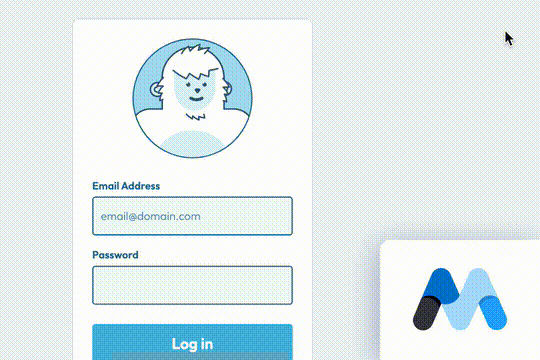


A fun login and sign up page for Webflow featuring a unique cartoon character that follows your mouse cursor. This is accomplished via 100% native Webflow interactions. The SVG was broken up into several parts, and added a hover over element interaction to the background and hover/in out interactions to the email, password and login fields. The rotating head effect is created by moving close-up elements slightly more than the background elements. For example, the nose moves 11px to the left or right, while the mouth only moves 9px and the face moves 6px while the body doesn't move at all.

Pop up contact form modal interaction for Webflow. A clean modal window appears with a contact form when clicking on the contact button. This contact modal form features all the native Webflow interactions required for a modal window in a fully responsive design.
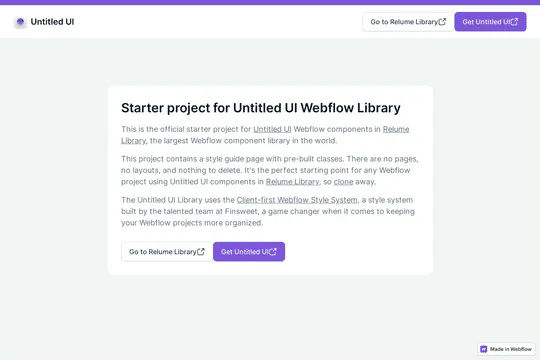

This is the official starter UI kit for the Untitled UI Webflow components library driven by Relume. This project contains a styleguide with all of the necessary pre-built classes. There are no pages, no layouts and nothing that you need to delete. This Untitled UI kit uses the client-first Webflow styling system. The styleguide features all typography, H1 headings, H2 headings all the way through H6 headings. This also includes the heading classes from xxlarge to xsmall, paragraphs, links, block quotes, unordered and ordered lists. You'll find the class text sizes such as text size large, text weights, text heights, text styles, color swatches, including error, warning and success color states. Background colors, text colors, shadows, UI buttons and all necessary elements, badges, badge groups, form elements such as inputs, dropdowns, checkboxs and radios. This is the complete Untitled UI styleguide kit to jump start your next Webflow builds.
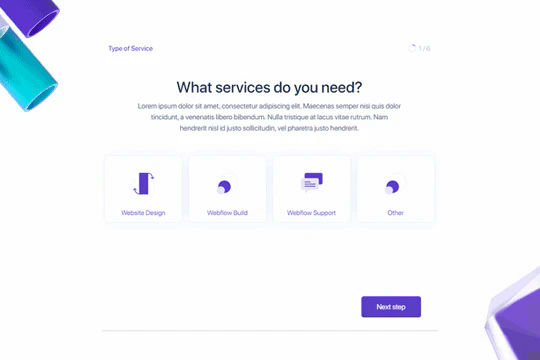

Here's a way to create a multi-step Webflow form that includes a step counter, custom confirmation animations and custom checkboxes. A perfect way to filter leads, create long forms that are filled out, and segment your lists/clients.
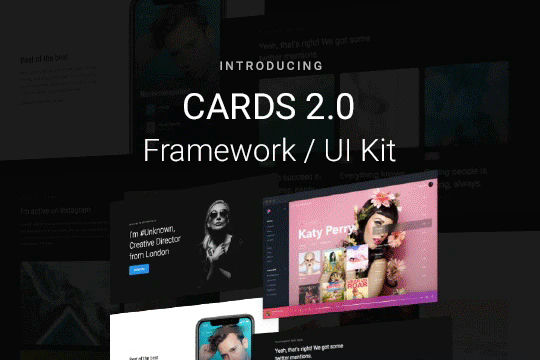

Cards 2 is an amazing UI kit and framework to allow you to quickly design and wireframe your next landing page using Webflow. There are over 100+ different prebuilt symbols and components included for hi-fidelity wireframing for any UI/UX designers. Create landing pages and designs faster with the Cards 2.0 UI kit directly in Webflow and ready to be published directly with code. This UI kit includes 50 new cards as Webflow components/symbols in both dark and light variations. 3 complete landing page designs in both dark and light. Symbols/components for both hero sections, features, testimonials, team, pricing pages, blog posts and more. These are responsive for all 4 breakpoints and all cards are offered in a Sketch file. This UI kit allows you to build your designs faster and begin the design process directly in Webflow.
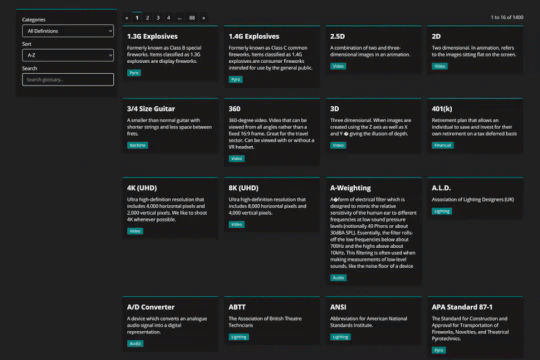

Using Mixitup to combine CMS lists into a single list and add both sorting and filtering to your Webflow site.
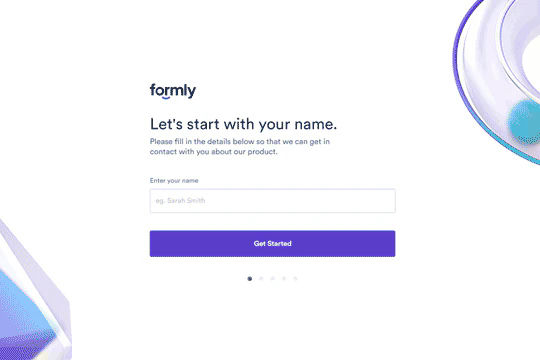
A beautifully designed, multi-step custom onboarding form perfect for your SaaS, web design or site which requires a multi-step form. This is a complete onboarding form page design that allows for multi-step progress via a bit of Javascript. You will find the necessary JS and CSS files within the pages custom code settings. One set of code allows the form to use the arrows for the next and previous form pages. This form also features a unique range slider which was used for the date. This can be customized to your own requirements but is a well designed, multi-step onboarding form that allows you to break down long questionairres or onboarding forms into small, bite size pieces.
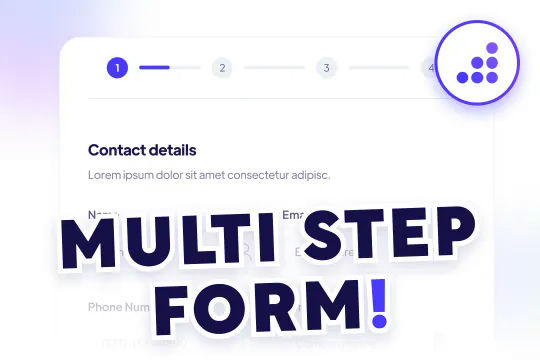

A modern and yet sophisticated multi-step quote request form for Webflow. This multi step form features a status indicator for which step you are currently in with the form. The form was created using Webflow forms and embedding various native Webflow sliders within the Webflow form. This method does NOT require any extra custom code or HTML embeds to work properly and is a perfect starting point for any multi-step form. The form utilizes checkboxes for large options on the second portion of the form, there are also custom designed radio buttons, and a final confirmation page to submit the form. Overall this is an excellent cloneable if you plan on adding multi-step forms, contact forms or questionairre's/onboarding pages for your Webflow site.

More from author
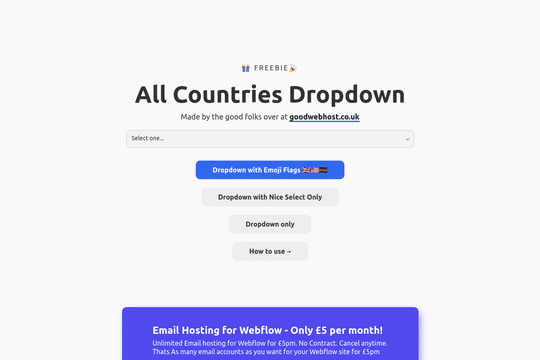
A way to add a dropdown with all the countries and flags to your Webflow site. There are several examples that utilize Nice Select, including flags, no flags and a dropdown only. You can copy-paste the custom code element with a select tag with all the countries in it. Note that this is achieved via JS and you won't be able to preview this within the WEbflow designer.
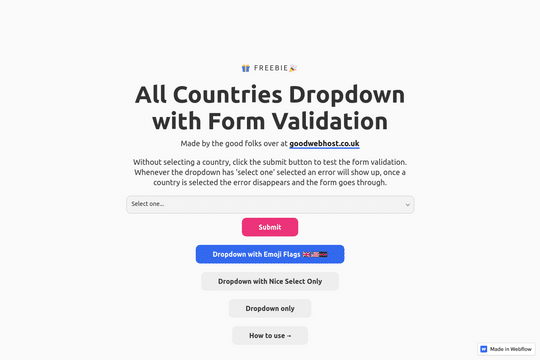
Add all countries to a dropdown in your Webflow forms. If the dropdown/country isn't selected the form will produce an error state. With this project you can copy-paste the custom <select> code. There are three different variations of the dropdown. 1. With Emoji flags 2. Without Emoji flags 3. Without the Nice select Please note that the countries are loaded via JS and won't display in the editor.
