Untitled UI Kit

Try the cloneable below

Cloneable tags

Description

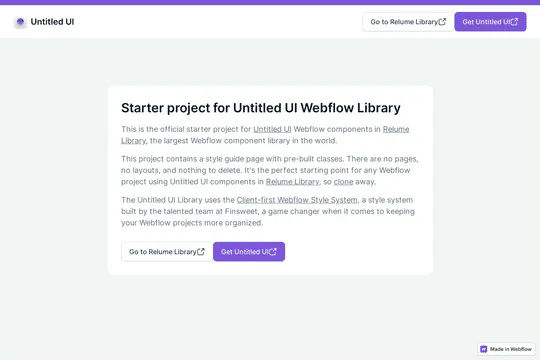
This is the official starter UI kit for the Untitled UI Webflow components library driven by Relume. This project contains a styleguide with all of the necessary pre-built classes. There are no pages, no layouts and nothing that you need to delete. This Untitled UI kit uses the client-first Webflow styling system. The styleguide features all typography, H1 headings, H2 headings all the way through H6 headings. This also includes the heading classes from xxlarge to xsmall, paragraphs, links, block quotes, unordered and ordered lists. You'll find the class text sizes such as text size large, text weights, text heights, text styles, color swatches, including error, warning and success color states. Background colors, text colors, shadows, UI buttons and all necessary elements, badges, badge groups, form elements such as inputs, dropdowns, checkboxs and radios. This is the complete Untitled UI styleguide kit to jump start your next Webflow builds.
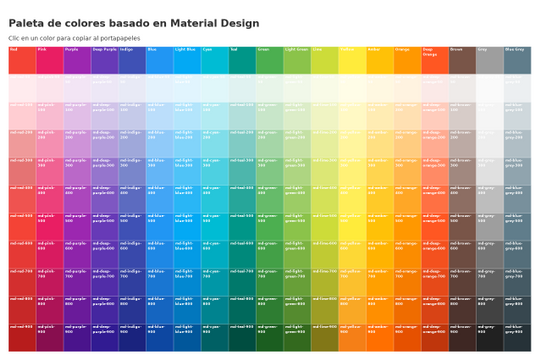
Here's a great project that shows all of Google's material color palette in an easy copy and paste method. Perfect for building color palettes for your site or finding inspiration for colors to utilize in your Webflow site.

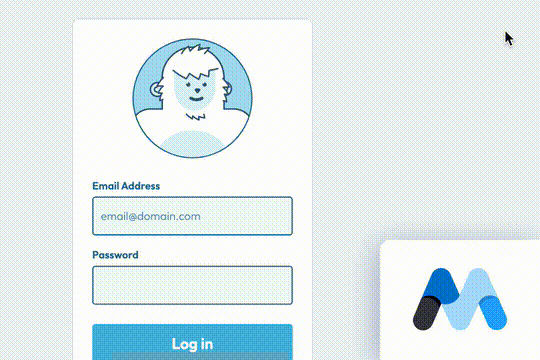
A fun login and sign up page for Webflow featuring a unique cartoon character that follows your mouse cursor. This is accomplished via 100% native Webflow interactions. The SVG was broken up into several parts, and added a hover over element interaction to the background and hover/in out interactions to the email, password and login fields. The rotating head effect is created by moving close-up elements slightly more than the background elements. For example, the nose moves 11px to the left or right, while the mouth only moves 9px and the face moves 6px while the body doesn't move at all.

Pop up contact form modal interaction for Webflow. A clean modal window appears with a contact form when clicking on the contact button. This contact modal form features all the native Webflow interactions required for a modal window in a fully responsive design.

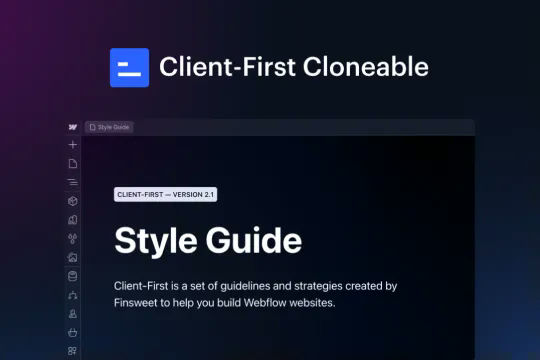
This is the official project starter cloneable for Client-First. It contains a style guide page with all the utility classes that come with the Client-First style system. What is Client-First? https://www.finsweet.com/client-first Full docs: https://www.finsweet.com/client-first/docs Made with 💪 by Finsweet

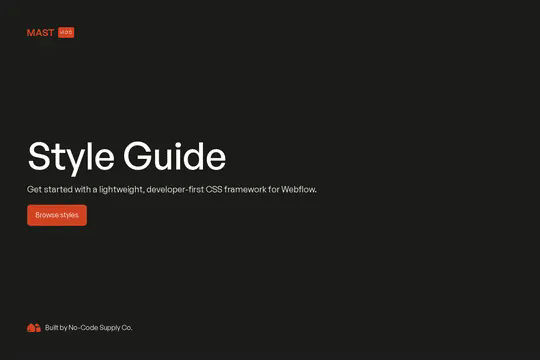
The Mast CSS framework is one of our favorite Webflow frameworks. It's based on a developer first mentality and features essential classes and strategies to help you build efficient Webflow sites. It's built with the less is more mentality, less classes, less elements to maintain which means faster sites and less development time. This framework allows you to quickly build anything from scratch by utilizing an essential set of HTML and CSS building blocks. Get up and running quickly with the Styleguide that features typography, heading classes, body text classes for paragraph, eyebrow text elements, ordered lists, unordered lists, color swatches, text colors, components such as buttons (primary, secondary, text links, form fields with radios and checkboxes, cards, utility classes, padding, alignment, overflow, size, helpers, layout, grids, columns and other helpful items.

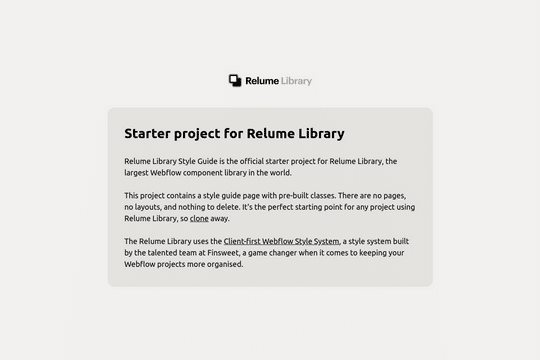
The starter style guide project for the Relume Library. This project contains a style guide with the necessary pre-built classes. There are no pages, no layouts, and nothing to delete. This simply allows you to get up and running with Relume, easily. The Relume Library uses Finsweet's client-first Webflow style system. You can find the prebuilt page under Drafts/Style Guide. The styleguide comes with Headings (H1-H6), heading classes (heading-xxlarge), Paragraphs, Links, Block Quotes, Lists, text sizes, text weights, letter spacing, line heights, text styles (using custom Global CSS), text alignment, rich text, colors, background colors, premade shadows, UI elements, buttons (with icons, alternates, icon locations), form elements, icons, image wrappers.

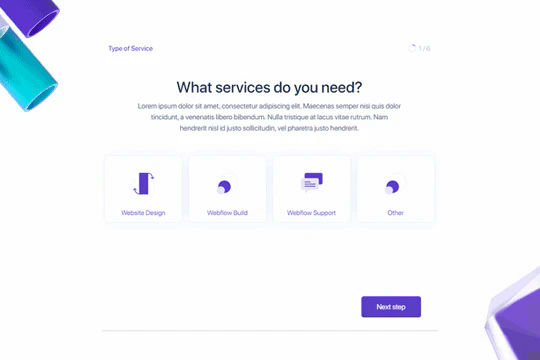
Here's a way to create a multi-step Webflow form that includes a step counter, custom confirmation animations and custom checkboxes. A perfect way to filter leads, create long forms that are filled out, and segment your lists/clients.

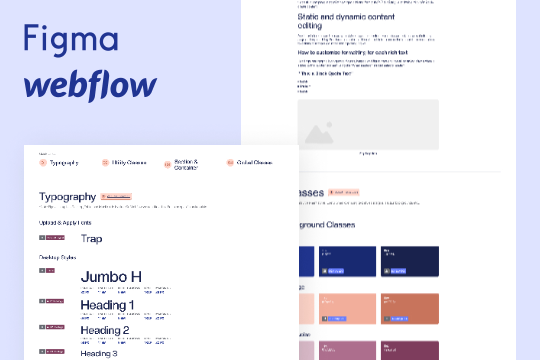
A wonderful style guide created by Flow Ninja. Jump start your Webflow build with this pre-built style guide. Includes a figma file, font styles, headings, block quotes, unordered lists, ordered lists, rich text elements, buttons, colors, inputs, containers, sections, paddings/sizing, margins, text alignment, flex and much more. This is a well organized styleguide featuring screenshots of the relevant sections if affects in Webflow. An excellent starting platform to build your own styleguide or use Flow Ninja's default styles.

DRAG
Real-time sorting by

This is the official starter UI kit for the Untitled UI Webflow components library driven by Relume. This project contains a styleguide with all of the necessary pre-built classes. There are no pages, no layouts and nothing that you need to delete. This Untitled UI kit uses the client-first Webflow styling system. The styleguide features all typography, H1 headings, H2 headings all the way through H6 headings. This also includes the heading classes from xxlarge to xsmall, paragraphs, links, block quotes, unordered and ordered lists. You'll find the class text sizes such as text size large, text weights, text heights, text styles, color swatches, including error, warning and success color states. Background colors, text colors, shadows, UI buttons and all necessary elements, badges, badge groups, form elements such as inputs, dropdowns, checkboxs and radios. This is the complete Untitled UI styleguide kit to jump start your next Webflow builds.

DRAG
Real-time sorting by