Reverse Image on Mouse Move





Cloneable tags
Description
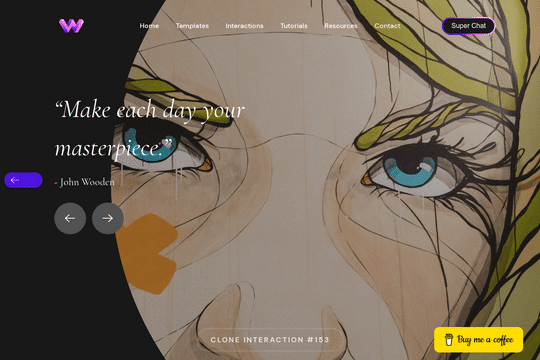
The Reverse Image on Mouse Move is a unique cloneable that allows you to create an interaction in which images reverse movement based on mouse location in Webflow. This cloneable features two images facing opposite directions on both sides of the screen, which move further and closer apart as you move your mouse on the x-axis. It's a very simple effect that can be modified to create endless opportunities. This cloneable uses two identical images to save on load time, with one flipped horizontally on the y-axis. Both images are set to overflow hidden, and then a mouse move in viewport interaction is applied to both images to make them move on the x-axis. This cloneable is categorized under Rotate, Image, Mouse, and Interactions, and was created by WebDevForYou. The Reverse Image on Mouse Move is a powerful tool for enhancing the user experience on your website. It's an easy way to add some extra interactivity and visual appeal to your site, and is sure to impress your visitors. So if you want to create an interaction in which images reverse movement based on mouse location in Webflow, be sure to check out the Reverse Image on Mouse Move.