Infinite Scroll Marquee Hover Effect

Try the cloneable below

Cloneable tags

Description

The Infinite Scroll Marquee Hover Effect is a unique interaction for Webflow that allows you to add an infinite scroll marquee animation to a link when a user hovers over it. This effect is perfect for adding extra emphasis and animation to a menu or navbar within Webflow. This cloneable was created by Anil Pervaiz and is categorized under the Marquee, Hover, Interactions, and Animation categories. The Infinite Scroll Marquee Hover Effect is built entirely using Webflow's native interactions and requires no custom code to implement. Simply add it to your site using the instructions provided and your users will be able to enjoy the infinite scroll marquee animation whenever they hover over a link. This effect can add a visually appealing and interactive element to your Webflow site.

A fun way of adding a water mouse hover ripple effect to your Webflow site. Simply add a tiny code and the javascript library and you're all set.

A fun way of changing the gradient background color via mouse in Webflow. Please note this will not work in Firefox. This is a native Webflow interaction and just a single line of CSS code. The CSS controls the pointer events to none while the interactions control the location of the blur and it's surrounding effects.

A huge selection of premade Webflow animations, including animated buttons, click buttons, circular hover buttons, scroll down animations, nav link animations, tab animations, search bars, social media buttons, text animations, contact cards, blog cards, product cards and more.

Here's a beautiful WebGL colorful background animation on page load. A great way to add extra color and a dynamic element to your Webflow site.

A unique stacking cards on scroll interaction in Webflow. When you scroll down the page the cards on the right side stack on top of each other. A unique interaction perfect for a SaaS or technology site. The stacking cards effect was built entirely using Webflow interactions and does not require any additional code or scripts. The effect is created by using the While scrolling into view trigger, with the use of Scale and Filter. The filter applied reduces the overall brightness of the card and the scaling is used to send the item back smaller. Overall a well designed and thought out solution for a stacking card interaction.

A two colored spiral galaxy animation for Webflow created with Three.js. This spiral galaxy spins in the background of your Webflow site and offers zoom in/zoom out functionality by the scroll wheel on your mouse.

Add a liquid metal background animation to your Webflow site via WebGL. Please note that this example relies heavily on scripts and custom code so you'll need to add the custom code found within the page settings.

An animated timeline scrolling effect perfect for about pages, historical pages and many others. As the user scrolls down the page a fun native interaction is applied that allows users to visit historical timelines with a unique Webflow interaction. The current date and item that is in view increases brightness while others out of view are faded out. The user can scroll down the page and have historical information provided in a unique and interactive fashion. This interaction uses while scrolling in view and while page is scrolling page trigger interactions.

DRAG
Real-time sorting by

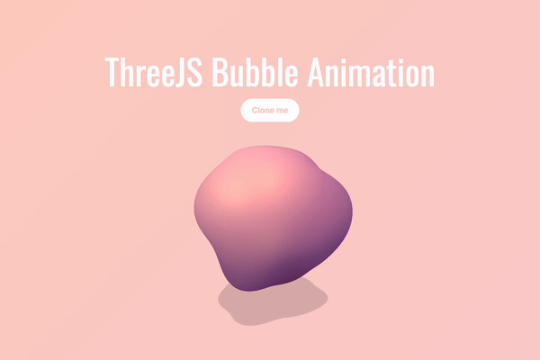
A fun, interactive bubble blog for your Webflow site driven by Three.js. This interactive bubble blob follows the mouse around the page and moves and interacts based on it's location. A fun way of adding a dynamic and interactive background animation to your Webflow site.

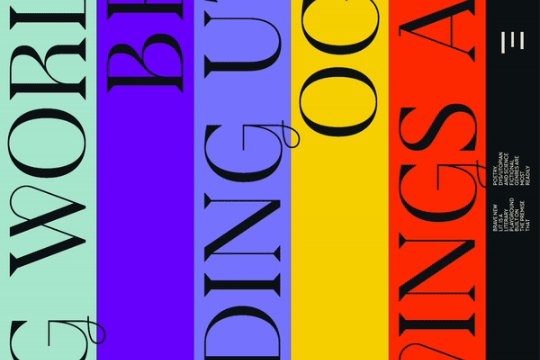
Horizontal vertical marquees are easy to create in Webflow. However vertical infinite scroll marquees aren't as prevalent. Here's a way to create a vertical infinite scroll marquee in Webflow. This example even includes a masking hover over effect for each different scrolling marquee. Each marquee is built with native Webflow interactions and no custom code.

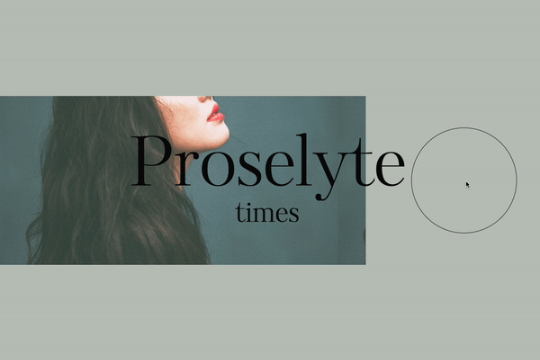
A beautiful text hover animation for Webflow built entirely from native Webflow interactions. On hovering over the circle the text changes its position on the page. A great way of adding a unique text animation effect to your Webflow site.

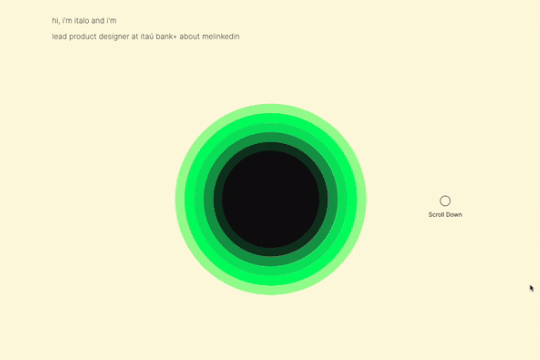
A sun circle animation that grows based on the page scroll in Webflow. This entire animation is built natively with Webflow interactions and requires no custom code. A great example of how you can use Webflow's native interactions to build in depth, multi stage animations based on page scrolling.

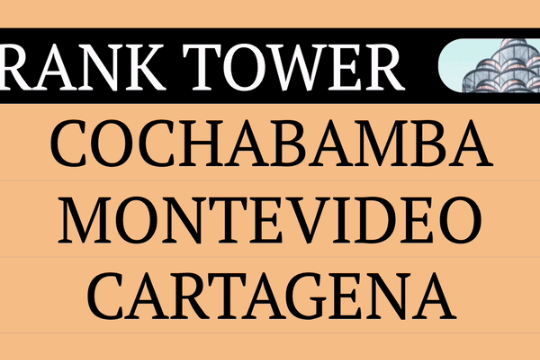
An infinite scroll marquee on hover interaction for Webflow. When a user hovers over a link an infinite scroll marquee animation is displayed. This is perfect for a menu or navbar within Webflow in which you'd like to add extra emphasis and animation design to. This was built entirely from Webflow's native interactions and requires no custom code.

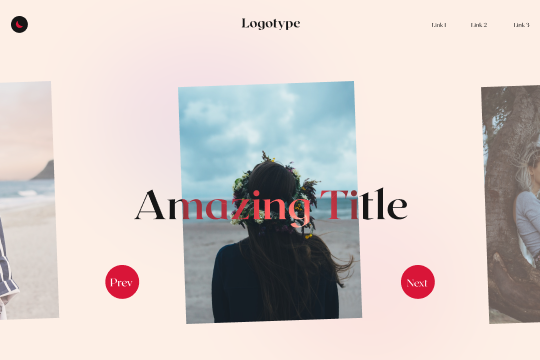
A native Webflow CMS driven slider that uses Splide.js to create unique next/previous buttons and transitions. Splide.js is a popular slider alternative that many Webflow designers use to customize their Webflow sliders beyond the capabilities offered via the standard slider functionality. Be sure to add the custom code found in the page settings for this to work properly.

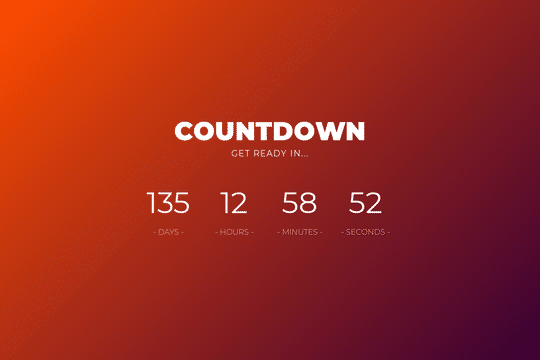
Easily add a countdown or launch timer to Webflow. With this you can easily add this into your own project. The numbers have separate IDs for Hours, days, Minutes and of course Seconds. To change the time simply go into the Custom code and change the date. The date is in the following format, "2018-09-28-00"

DRAG
Real-time sorting by