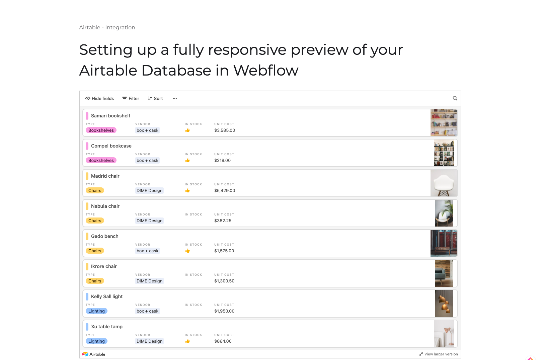
This Webflow cloneable allows you to easily add a fully responsive preview of your Airtable spreadsheet to your Webflow site. By using the custom code provided, you can easily embed your Airtable database and display it on your Webflow site. This is a great way to showcase data, create interactive tables, and make your site more dynamic and engaging. Using the Embed Airtable Spreadsheet Webflow cloneable, you can easily customize the appearance and layout of your Airtable database to match the style of your site. Simply copy and paste the code into your Webflow site to get started.
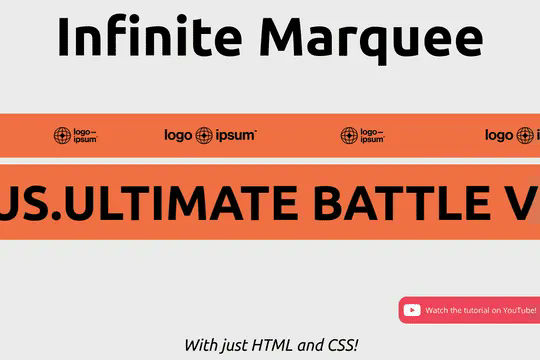
Add an infinite horizontal marquee to your Webflow site using only HTML & CSS. Building infinite marquees with Webflow interactions can be difficult and confusing. This solution allows you to easily add a horizontal marquee to your Webflow site using HTML embeds or Webflow's custom code. The infinite marquee is lightweight and allows you to customize the direction, as well as the speed at which the marquee is displayed on your site. Skip the confusing calculations typically required for native Webflow interactions and add an infinite Webflow horizontal marquee to your site in seconds.
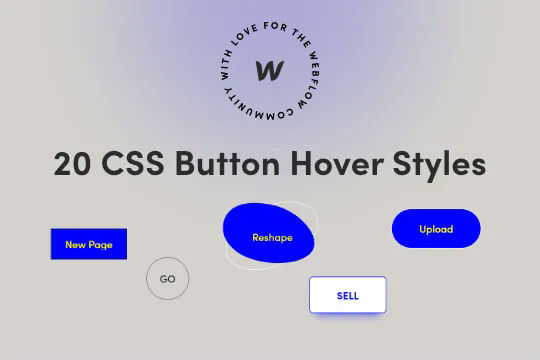
Twenty prebuilt CSS button hover effects to allow you to easily add button hover effects without complicated Webflow interactions. These include a number of unique effects such as marquee text on hover, fade in and fade out, 3D expanding effects, chat widget buttons, rotating and much more. You can add these to your Webflow site by copying the HTML embed with the relevant CSS scripts for the button effects that you want. Add the custom css class to your buttons and you'll immediately be able to view the button effects within Webflow designer. This makes for easy, and lightweight buttons that provide fun effects without the headache of interactions or complicated hover states.
Here's a way to add TikTok videos in a slider with Finsweet client first naming conventions driven by Webflow native CMS. Adding videos could be automated with Make/Integromat or Zapier with the creation of new items in the slider from this collection. This uses the CMS to drive the videos and uses Client-first CSS classes.
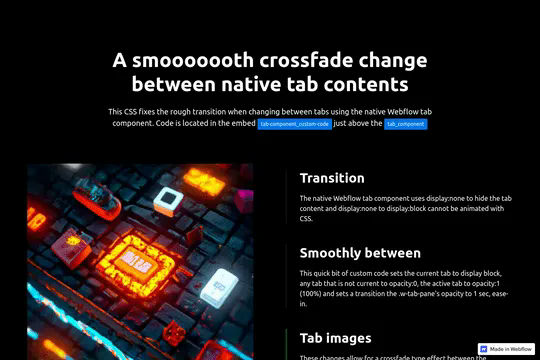
Unfortunately Webflow's native component switches between tabs can be rough on the eyes and somewhat jarring. Using a bit of CSS this cloneable allows for a smooth transition between tabs with visual images by using a small snippet of CSS to override the default tab transition making for a milky smooth transition.
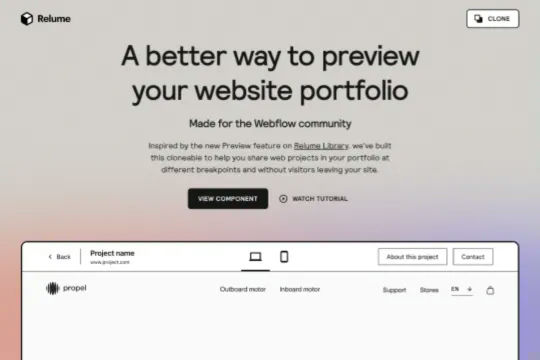
Create a popup iframe modal in Webflow easily with this cloneable. This cloneable allows you to you easily create a popup modal of an iframe URL, perfect for portfolios or pages in which users do not need to navigate to another page. Keep users engaged and on your site while allowing them to preview portfolio sites and other similar projects.
A very unique JS hack that shows your sites publishing status in your browser tab. Helpful for Webflow's slow publishing times. Navigate to another page/browser tab and watch the status of the publishing LIVE. In order to get this technique to work you'll need to inject the code found on the cloneable to your browser. To inject the code you'll need to use a 3rd party javascript injection tool for Chrome such as CJS or CJS2. You can then copy and paste the elements above and set it to only load on Webflow.com.
Add a cookie consent to your Webflow site in no time. Here are 5 different designs for a cookie consent with working codes attached at the bottom of the page.
20 predesigned CSS link hover effects perfect to copy and paste on your next Webflow project. Each individual text link hover effect includes its own CSS for the hover effect. Simply add this to a custom HTML embed or to your sites custom code section. Effects include strikethrough, double underlines, scramble, moving in from both sides, growing and much more. A simple way to easily enhance your sites experience through simple, micro interactions.
An example of a fixed slogan/text that changes when scrolling through different sections on a Webflow site. The embedded code is compatible with all major browsers, including some variations of Internet Explorer and Edge.
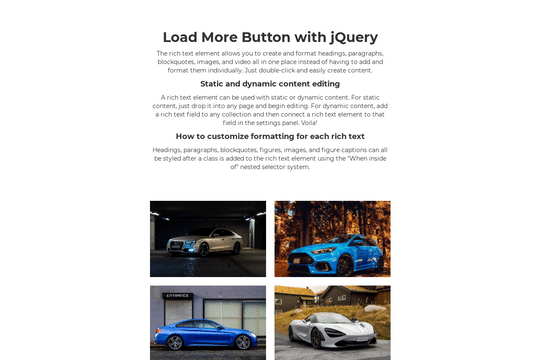
Here's a way to create a load more option for content on a Webflow site. There are different techniques to showing more information and one of the best ways is via a load more button to display content dynamically. This method provides a light jQuery option with a focus (scroll to) the newly displayed content and a fade-out effect when all of the content has been displayed.
Add a fully responsive preview of your Airtable database in Webflow