Diagonal Sections Technique

Try the cloneable below

Cloneable tags

Description

The Diagonal Sections Technique is a no-code way to create slanted or diagonal sections on your Webflow site. With this cloneable, you'll be able to create sections that aren't flat, but instead have a slant or diagonal edge between sections. This can add visual interest and a unique look to your Webflow site. This cloneable is categorized under Layout and was created by Aviv Shwartz. If you're looking to add some flair and creativity to your Webflow site, the Diagonal Sections Technique is a great choice. So why wait? Check out the Diagonal Sections Technique today and start building beautiful and unique sections for your Webflow site!

Add numbered paginations to your CMS collection lists via this small custom code snippet.

Easily add a grainy effect to your entire site. This uses a grain png that was on a Webflow site. You can create your own grains as well to change it up.

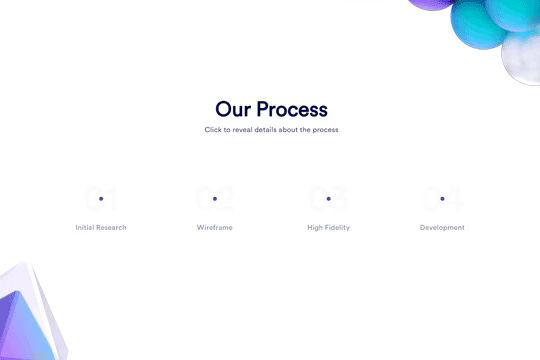
Here's a unique clickable process/steps section in Webflow. Whenever someone clicks on each step an interaction triggers that displays the number as well as further information about that specific step. Simply edit the content, update the interactions based on your requirements and enjoy a unique steps/process section on your site.

A simple way to create complex CMS grid layouts. You can define a layout for any item in the grid. You can make it multiple spans of columns and rows. You can also set columns and rows to the nth items as well as even or odd items.

Here are six unique, well designed hero sections for Webflow. Easily add a unique hero section to your Webflow site with this copy and paste cloneable.

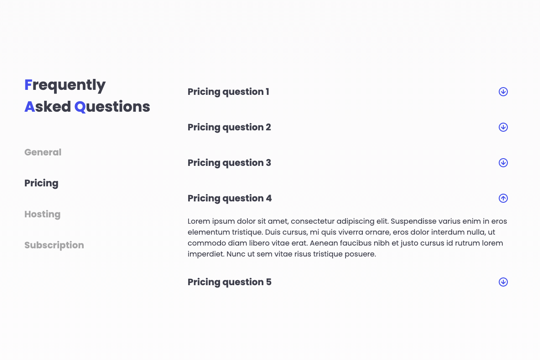
A FAQ section with a sticky sidebar and accordions for various FAQ questions.

Three different testimonial sections for your Webflow site. These free testimonial sections include two slider designs and one non slider to feature testimonials on your Webflow site.

Here's a way to achieve a unique hero section using grid and the Wizardry method in Webflow.

DRAG
Real-time sorting by
Here's a way of rotating/transitioning text on a section of your Webflow site. Perfect for hero and headline sections in which multiple headlines or text is needed to explain or demonstrate something.

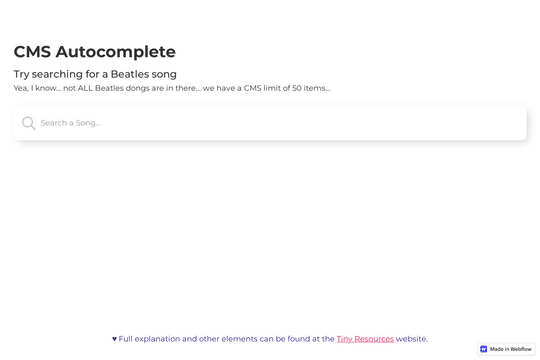
Here's a way of creating an autocomplete style search input in Webflow via a small JS snippet. This is perfect for giving your users autosuggestions as they search based on items within your native Webflow CMS list. Be sure to add the custom code found within the closing body tags of the Page Settings for this to work properly.

Here's a way to add background video, with sound, to your Webflow site that features a mute/unmute button. This is completed using plyr.js plugin and works on any Webflow site. Perfect for background videos or other sections that require sound/audio but with the ability for users to mute and unmute. Be sure to add the html video embed, as well as the plyr.js code found in the closing body tag section of the Page Settings.

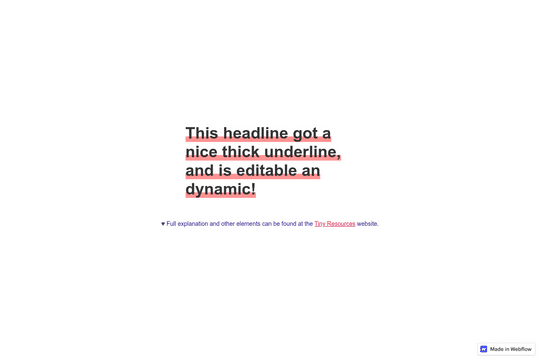
Here's a way to add an underline effect to your Webflow headlines and text. The underline is fully editable to customize to your requirements.

Ever wanted to achieve slanted/diagonal sections on your Webflow site? With this no code technique you'll be able to create a Webflow section that isn't flat but has a slant or diagonal edge between sections.

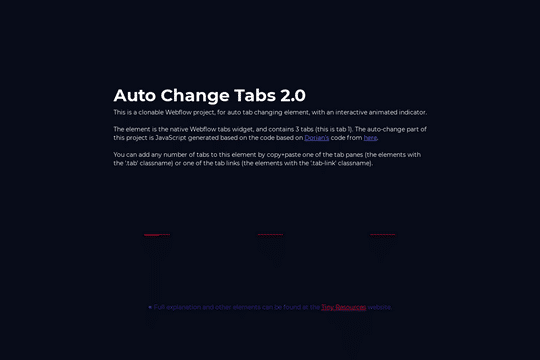
Add dynamic, auto changing tabs to your Webflow site. These tabs can be changed automatically based on a time interval. Add a dynamic layer to your Webflow native tabs via this unique interaction.

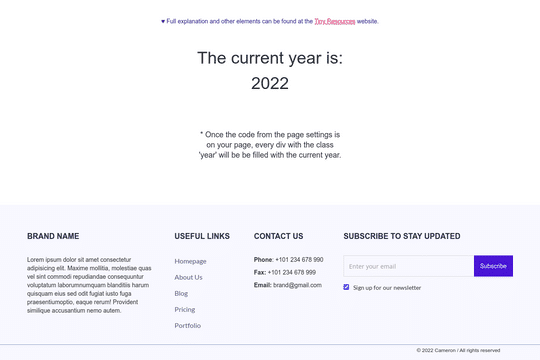
Never change the copyright year or other year on your Webflow site again. With this simple javascript code you'll be able to have years automatically update on all of your Webflow sites. Simply add the custom code found within the body tag section in Page settings, identify the div, and you're all set.

Here's a unique contact form designed as a chat widget in Webflow. Perfect for simulating a chat widget on your site without paying hefty fees. This gives the user a feeling of a live chat element that's hooked up to Webflow's native forms.

DRAG
Real-time sorting by