Sticky FAQ Accordion

Try the cloneable below

Cloneable tags

Description

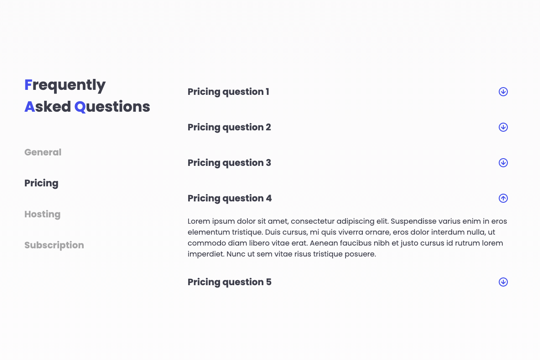
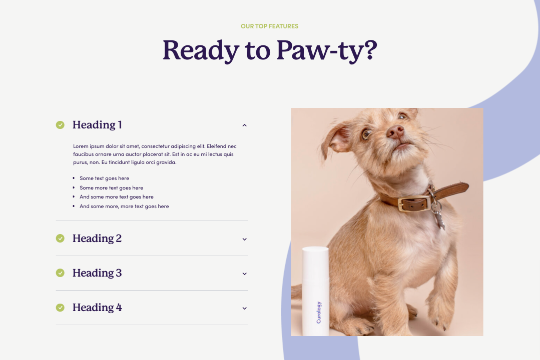
The Sticky FAQ Accordion Webflow cloneable is a convenient and easy-to-use tool that allows you to create a FAQ section with a sticky sidebar and accordions for various FAQ questions. This cloneable, created by Slashmint, is categorized under Layout and Accordion and is a great way to provide your users with quick and easy access to frequently asked questions on your website. The Sticky FAQ Accordion is fully responsive and easy to customize, making it a great choice for any website. Whether you want to provide your users with easy access to important information or simply want to make your FAQ section more interactive and visually appealing, the Sticky FAQ Accordion is a great choice. It is a good idea to use this cloneable on your website to improve user experience and add uniqueness to your website.
Are you looking to use Webflow tabs with a rich text CMS field? By default Webflow doesn't allow rich text fields to be placed in the tabs by default. This technique uses a bit of JavaScript so if you change the classes be sure to update the code within the page settings. The arrows in this demonstration are from Font Awesome and the colors can also be updated in the page settings.

An FAQ accordion for Webflow that includes all of the Webflow interactions to make it work. This accordion offers a simple design and is fully responsive with prebuilt interactions to make the magic happen.

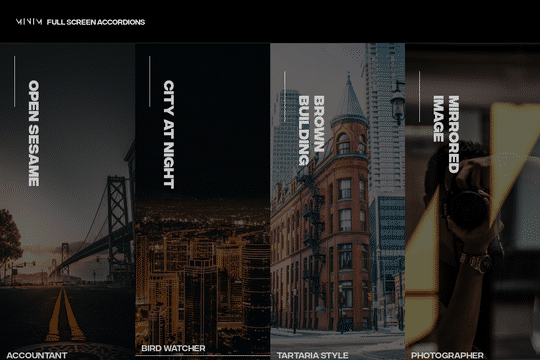
A fullscreen photo accordion with hover over interactions for Webflow. This Webflow cloneable features a unique full screen accordion powered by Webflow's native CMS system. When a user hovers over each card the card expands to show a larger image and detailed information about the accordion. While a majority of the effects were created with Webflow's native interactions there is some custom code that needs to be applied.

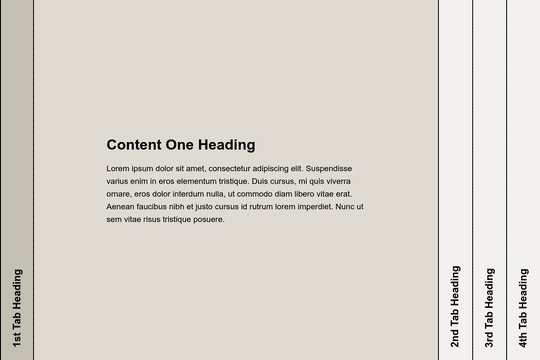
Here's a way to add a full page, horizontal accordion to your Webflow site. Using this method you can change the traditional horizontal accordion design to a full page, vertical accordion. Please note that this uses custom code found within the body section of the Page settings.

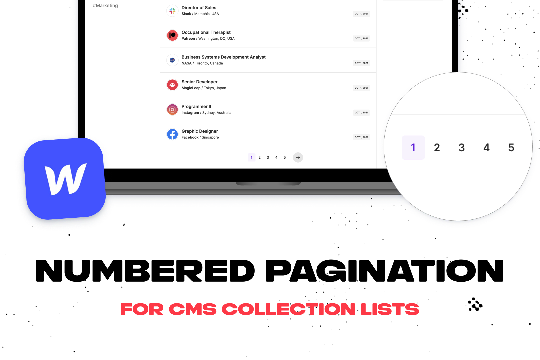
Add numbered paginations to your CMS collection lists via this small custom code snippet.

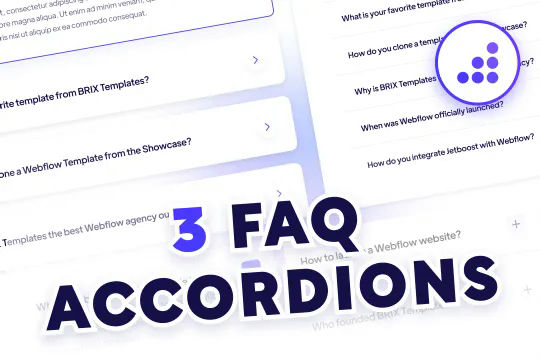
Quality FAQ accordions designed and ready to be cloned for Webflow. Three variations of FAQ Accordions with predesigned Webflow interactions with modern design aesthetics. The first variation features large expandable cards with drop shadows and card highlighting all built with Webflow interactions. When selecting the card the arrow icon changes direction and becomes blue, the card also features an outline to let you know that it's been expanded. The second variation features tabs for extra FAQs and to help split your FAQ up by topics. This is a great way to feature a ton of FAQ questions on your page without taking up valuable real estate. The third variation is a grid form that also allows you to feature more questions in a smaller space, although the limited space means that large FAQs may not be ideal for this FAQ accordion.

Easily add a grainy effect to your entire site. This uses a grain png that was on a Webflow site. You can create your own grains as well to change it up.

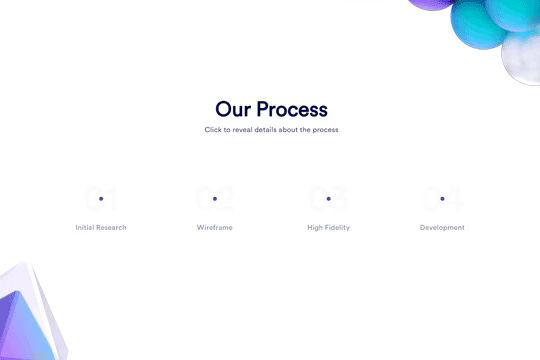
Here's a unique clickable process/steps section in Webflow. Whenever someone clicks on each step an interaction triggers that displays the number as well as further information about that specific step. Simply edit the content, update the interactions based on your requirements and enjoy a unique steps/process section on your site.

DRAG
Real-time sorting by

A FAQ section with a sticky sidebar and accordions for various FAQ questions.

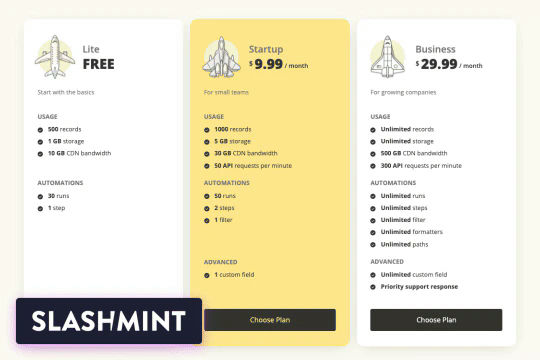
A complete pricing table driven by Webflow CMS. No need to customize pricing, features, or images. All of it is being driven via CMS to make it easy for you or your clients to update their pricing information.

DRAG
Real-time sorting by