





Cloneable tags
Description
The Three Testimonials Designs cloneable is a useful resource for adding professional and stylish testimonial sections to your Webflow site. This free cloneable, which was created by BRIX Templates, includes three different designs for showcasing testimonials on your site, including two slider designs and one non-slider design. These testimonial sections are categorized under Slider and Layout, and are a great way to add credibility and customer feedback to your site. Whether you're looking to add a touch of elegance to your site or simply want to highlight the positive experiences of your customers, the Three Testimonials Designs cloneable has you covered. Don't miss out on this opportunity to elevate your site with these professional and stylish testimonial sections.
Related cloneables



A beautiful Swiper.js overlapping cards slider built for Webflow. This Swiper.js slider is perfect for a hero section or features section of a site. When a user navigates between slides the top card is removed and the next card in line comes into view. The cards are stacked with various offsets so it looks like playing cards. There are text transitions for each text associated with the slide. This slider was created using Swiper.js and utilizes Webflow's native CMS collections. This allows you to dynamically generate slides based on the collection list items. This requires custom code so be sure to look at the pages custom code for the Swiper.js code. You can modify the Swiper.js code to include grabcursor, looping, and utilizing arrows to navigate between slides.

Add a progress bar to your draggable CMS slider sections in Webflow. Typically most draggable, or third party sliders, don't offer a progress bar indicator. Using the power of Dragdealer.js you can now add a progress bar and draggable CMS slider to your Webflow site. Please note that you'll need to add the global styles HTML embed as well as the custom script found in the closing body tag within the Page settings for this to work properly.
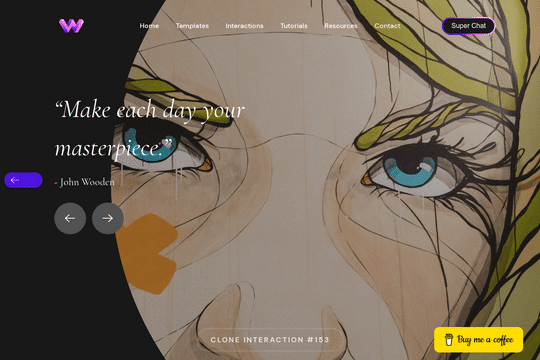

Here's a unique way to add transition animations to a full screen slider. Using both Swiper.js and a GSAP animation script.

A complete Splide.js CMS slider solution for Webflow. Splide.js offers a great solution over Webflow's native slider solution. Lightweight and mobile friendly this slider offers four different designs and implementations, including a Webflow CMS slider solution using Splide.js. This technique does require custom code that you'll find within the page settings, custom code area. Using this solution you can update the number of items per page, the number of items changed per slide, infinite looping, pagination, speed, drag threshold and much more.

A 3D Splide.js CMS draggable slider for Webflow. This 3D draggable slider created with Splide.js allows you to integrate Webflow's native CMS solution with Splide.js to create a dynamic and interactive slider with Webflow. The slider features navigation arrows and the ability to drag between each slide item, perfect for desktop or mobile. There's also a 3D effect with the slides entering and exiting the viewport. The Splide.js slider allows you to customize the number of items per page, per move as well as various break point functionality for mobile responsiveness. You're also able to modify the delay, duration and easing in and out. This example is infinite looping so that there's no beginning or end and the users can navigate endlessly between each individual slide that is powered by Webflow CMS.
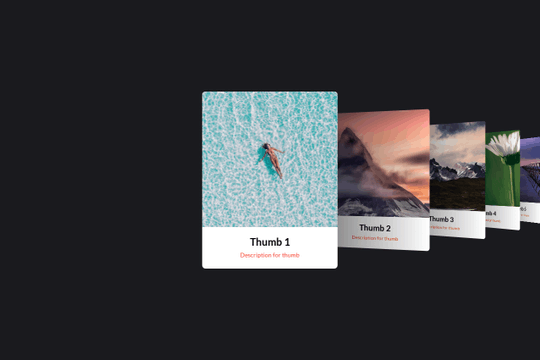

Here's a basic example of utilizing Swiper.js for a slider within your Webflow site. Swiper.js is great for adding a draggable slider with a variety of effects within Webflow.
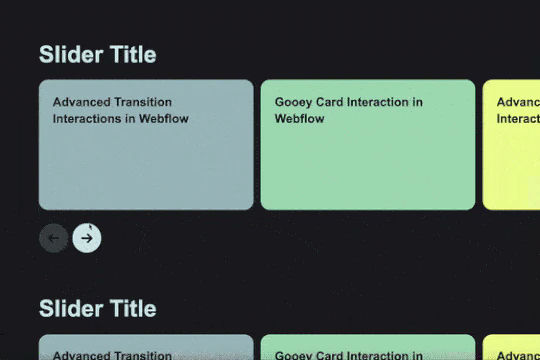
Add custom CMS slider with stacking and overlapping cards.


A stunning and easy to implement Swiper.js draggable slider created for Webflow. This slider is completely draggable for both desktop and mobile devices, when the next slide is triggered there's a slide in feature that is powered by Webflow interactions. This makes the next card appear to slide in upon being visible. Swiper.js powers the slider and allows for custom functionality such as speed, looping, breakpoints and much more. Keep in mind that this utilizes data attributes to work properly so you will need to update each slides data attributes in order for the Swiper.js functionality to work properly.

More from author

A unique slider pricing calculator that updates the pricing table based on the slider options in Webflow. This is a great way to customize your pricing page tailored to the users unique features that dictate your pricing for your Webflow site and service.
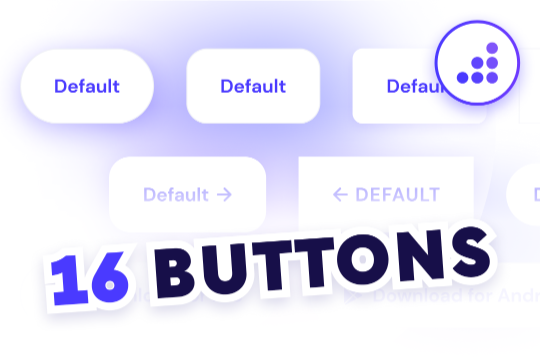
Looking to easily add buttons to your Webflow site? Here are 16 different button designs with prebuilt hover state interactions.

Here's a dynamic pricing table that updates the pricing and currency symbols based on the selected currency in Webflow. A great way to show different pricing based on the currency selection of your users.
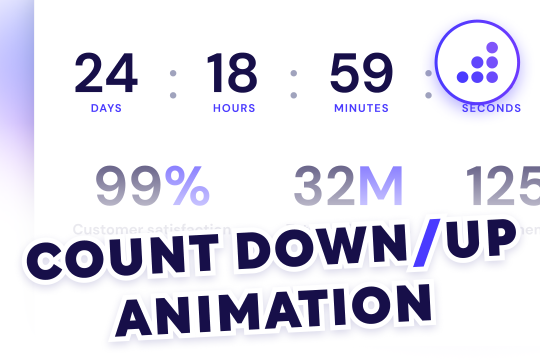
Want to add a countdown or number count up to your Webflow site? Clone this easy and free prebuilt counter animation in Webflow and get it up and running in minutes.

Add a monthly and yearly annual toggle pricing page to your Webflow site. This predesigned pricing table is built with the relevant toggle interactions to add an annual and monthly pricing table to your Webflow project.

Fourteen different testimonial components perfect for your Webflow site. These modern and well designed testimonials were created to help you add a testimonial section to your site quickly. The first variation has testimonials featured in an off centered design, the second variation showcases a simple 3 design with a primary quote and user avatar. The third variation is a large slider perfect to include a larger testimonial section to your site. Other variations included branded colored cards in a slider, a picture of the person with their company logo over their face, a large centered slider, a twitter card style, a video testimonial, tab testimonials and many other variations. This is a perfect cloneable if you wanted to add simple or complex designed testimonials to your site.

Eight unique Webflow preloader animations that can be easily added to your Webflow projects.

Three different testimonial sections for your Webflow site. These free testimonial sections include two slider designs and one non slider to feature testimonials on your Webflow site.