





Cloneable tags
Description
The Cursor Following Div Dog Webflow cloneable is a fun and interactive way to add some visual interest to your site. This cloneable features an animated dog that follows the cursor as it moves around the page. It's driven fully by div elements and a bit of CSS and JS, making it easy to implement on your Webflow site. Simply add it to your page and customize it to your liking. This cloneable was created by Corey Moen and falls under the categories of Mouse, Interactions, and Animation. With the Cursor Following Div Dog, you can add a dynamic and engaging touch to your Webflow site.
Related cloneables



A fun way of adding a water mouse hover ripple effect to your Webflow site. Simply add a tiny code and the javascript library and you're all set.


A huge selection of premade Webflow animations, including animated buttons, click buttons, circular hover buttons, scroll down animations, nav link animations, tab animations, search bars, social media buttons, text animations, contact cards, blog cards, product cards and more.


Here's a beautiful WebGL colorful background animation on page load. A great way to add extra color and a dynamic element to your Webflow site.


A unique stacking cards on scroll interaction in Webflow. When you scroll down the page the cards on the right side stack on top of each other. A unique interaction perfect for a SaaS or technology site. The stacking cards effect was built entirely using Webflow interactions and does not require any additional code or scripts. The effect is created by using the While scrolling into view trigger, with the use of Scale and Filter. The filter applied reduces the overall brightness of the card and the scaling is used to send the item back smaller. Overall a well designed and thought out solution for a stacking card interaction.


A two colored spiral galaxy animation for Webflow created with Three.js. This spiral galaxy spins in the background of your Webflow site and offers zoom in/zoom out functionality by the scroll wheel on your mouse.

Add a liquid metal background animation to your Webflow site via WebGL. Please note that this example relies heavily on scripts and custom code so you'll need to add the custom code found within the page settings.
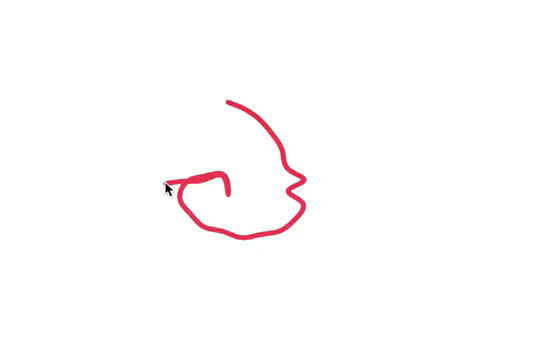

Here's a fun way of adding a custom worm style cursor to Webflow. The snake follows your cursor on the page and creates a trail effect. To customize the worm be sure to update the custom code.


An animated timeline scrolling effect perfect for about pages, historical pages and many others. As the user scrolls down the page a fun native interaction is applied that allows users to visit historical timelines with a unique Webflow interaction. The current date and item that is in view increases brightness while others out of view are faded out. The user can scroll down the page and have historical information provided in a unique and interactive fashion. This interaction uses while scrolling in view and while page is scrolling page trigger interactions.

More from author
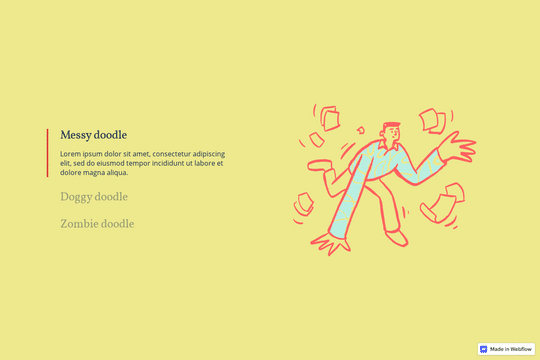
Here's a way to utilize a tab change interaction for your Webflow sites. Upon clicking the tab the elements animate and the tab changes. Note that any interactions happening within the tab page much start after any interactions within the tab link are finished. Otherwise the tab component will cut off the animation resulting in nothing happening within the tab pane itself.
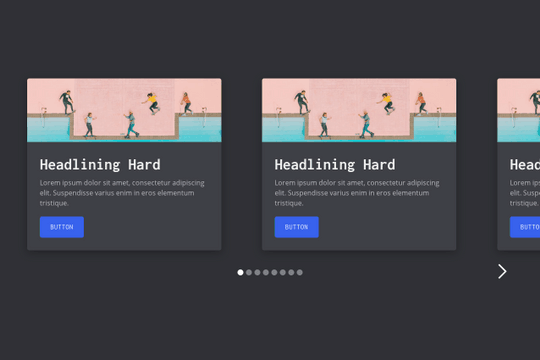
A multi-column, fully fluid responsive card slider for Webflow. The starting cards are left aligned while the final card is right aligned. The slider mask is set to percentage based width varying on the number of cards in the slider. This way you can control the number of cards shown depending on the size of the screen.
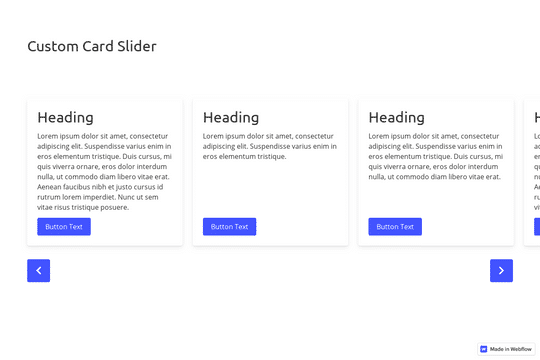
A great example of a CMS slider with custom navigation arrows that are designed within Webflow. It also features a dropdown to filter the slides. This uses the slick slider JS library.

The Mast CSS framework is one of our favorite Webflow frameworks. It's based on a developer first mentality and features essential classes and strategies to help you build efficient Webflow sites. It's built with the less is more mentality, less classes, less elements to maintain which means faster sites and less development time. This framework allows you to quickly build anything from scratch by utilizing an essential set of HTML and CSS building blocks. Get up and running quickly with the Styleguide that features typography, heading classes, body text classes for paragraph, eyebrow text elements, ordered lists, unordered lists, color swatches, text colors, components such as buttons (primary, secondary, text links, form fields with radios and checkboxes, cards, utility classes, padding, alignment, overflow, size, helpers, layout, grids, columns and other helpful items.
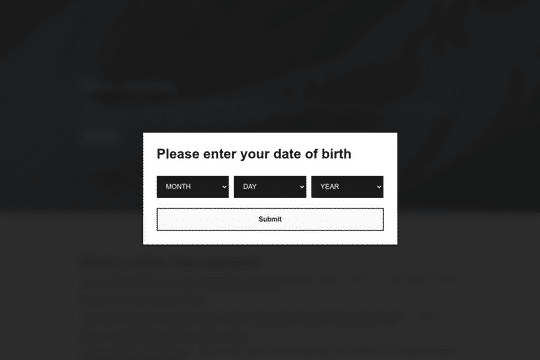
Here's a way to create an age gated pop up modal in Webflow. Using the power of cookies you can now gate your content/site with a age date requirement. The code in the settings takes the submission of the month, day and year of the persons birthday and calculates their age against todays date. If they validate that they are over 18, then a cookie will be added to their browser and the pop up modal will be hidden from them until they clear their cookies. If they are not over 18 then they are redirected from your site.
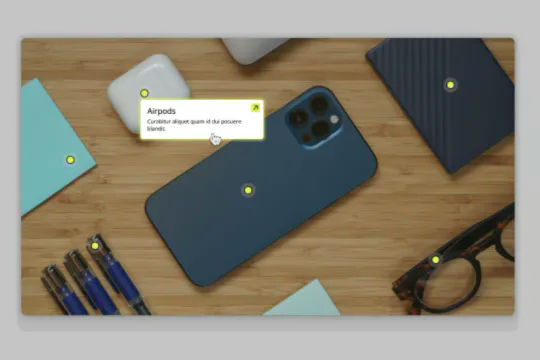
Connect Webflow's native CMS to an image plotter via this cloneable. With this cloneable you can add an image plotter to highlight features, locations, items, product features and much more. The multi-reference highlight items to each main gallery image item using a simple top and left coordinate value to set the specific location of the dots on the image. Each highlight dot also leverages conditional visibility to adjust the position of the tooltip image polotter depending on the location of the dot and whether or not the values were set in CMS.
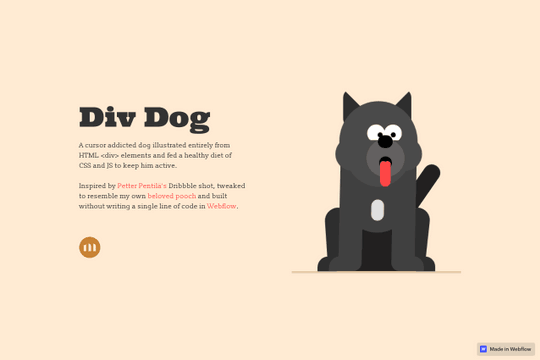
A fun way to have an animated, cursor following dog animation on Webflow. This is driven fully by div elements and a bit of CSS and JS to make the magic happen.
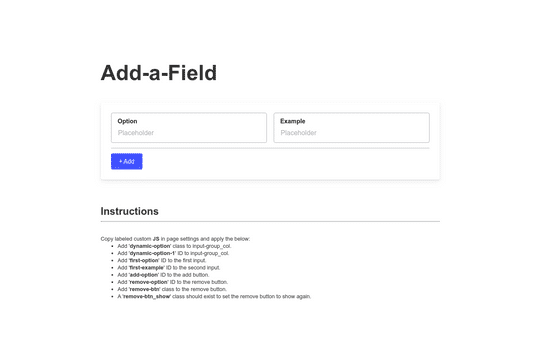
Here's a way to add or remove additional form fields in Webflow. This is a great way to have added functionality to native Webflow forms.
