





Cloneable tags
Description
The Cookie Age Gate Modal is a feature that allows you to create an age gated pop-up modal on your Webflow site. Using cookies, you can gate your content or site with an age requirement. The code in the settings takes the submission of the month, day, and year of the person's birthday and calculates their age against today's date. If they are over 18, a cookie will be added to their browser, and the pop-up modal will be hidden from them until they clear their cookies. If they are not over 18, they will be redirected from your site. This cloneable is categorized under Form, Link, and Modal and was created by Corey Moen. The Cookie Age Gate Modal is a useful tool for anyone who needs to restrict access to their website based on age. It is easy to set up and customize, and it can help you ensure that your content is only accessible to appropriate audiences. With the Cookie Age Gate Modal, you can easily implement age restrictions on your Webflow site.
Related cloneables
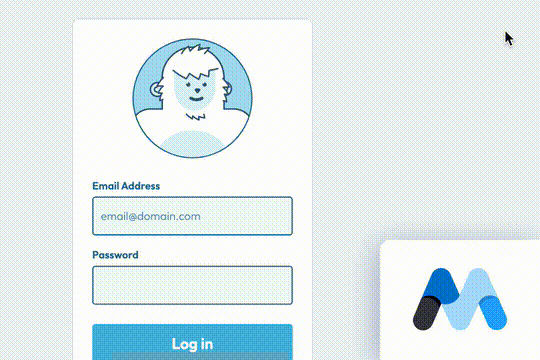


A fun login and sign up page for Webflow featuring a unique cartoon character that follows your mouse cursor. This is accomplished via 100% native Webflow interactions. The SVG was broken up into several parts, and added a hover over element interaction to the background and hover/in out interactions to the email, password and login fields. The rotating head effect is created by moving close-up elements slightly more than the background elements. For example, the nose moves 11px to the left or right, while the mouth only moves 9px and the face moves 6px while the body doesn't move at all.

Pop up contact form modal interaction for Webflow. A clean modal window appears with a contact form when clicking on the contact button. This contact modal form features all the native Webflow interactions required for a modal window in a fully responsive design.


This is the official starter UI kit for the Untitled UI Webflow components library driven by Relume. This project contains a styleguide with all of the necessary pre-built classes. There are no pages, no layouts and nothing that you need to delete. This Untitled UI kit uses the client-first Webflow styling system. The styleguide features all typography, H1 headings, H2 headings all the way through H6 headings. This also includes the heading classes from xxlarge to xsmall, paragraphs, links, block quotes, unordered and ordered lists. You'll find the class text sizes such as text size large, text weights, text heights, text styles, color swatches, including error, warning and success color states. Background colors, text colors, shadows, UI buttons and all necessary elements, badges, badge groups, form elements such as inputs, dropdowns, checkboxs and radios. This is the complete Untitled UI styleguide kit to jump start your next Webflow builds.


Here's a way to create a multi-step Webflow form that includes a step counter, custom confirmation animations and custom checkboxes. A perfect way to filter leads, create long forms that are filled out, and segment your lists/clients.
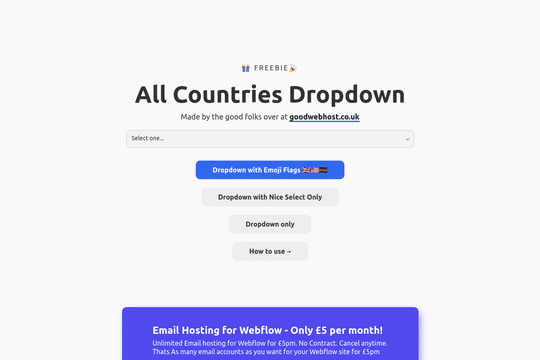

A way to add a dropdown with all the countries and flags to your Webflow site. There are several examples that utilize Nice Select, including flags, no flags and a dropdown only. You can copy-paste the custom code element with a select tag with all the countries in it. Note that this is achieved via JS and you won't be able to preview this within the WEbflow designer.


Perfect for a services or overview page on a Webflow site. This progress bar indicates where you've scrolled through and which content you're currently viewing. The progress bar was created to scroll to the dynamic CMS collection blocks, typically this is not possible with Webflow since collections can't have anchor links. This was resolved via a nice hack by assigning the ID to the collection classes through an embed and then converting the progress bar links to anchor links so that you can scroll through the various content naturally.
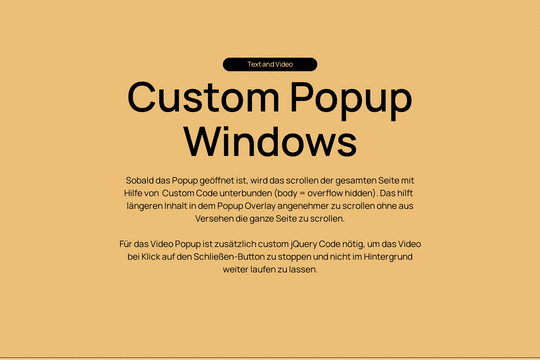

Here's a way of adding custom popup modals for video and content to your Webflow site. These custom content modals utilize custom code to disable scrolling when the pop up modal window is open. This helps prevent user confusion and scrolling of the site when these modal windows are open. For the video popup additional jQuery code is utilized to stop the video from running in the background when the window has been closed.
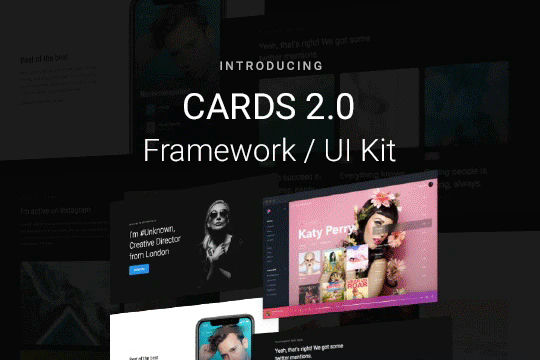

Cards 2 is an amazing UI kit and framework to allow you to quickly design and wireframe your next landing page using Webflow. There are over 100+ different prebuilt symbols and components included for hi-fidelity wireframing for any UI/UX designers. Create landing pages and designs faster with the Cards 2.0 UI kit directly in Webflow and ready to be published directly with code. This UI kit includes 50 new cards as Webflow components/symbols in both dark and light variations. 3 complete landing page designs in both dark and light. Symbols/components for both hero sections, features, testimonials, team, pricing pages, blog posts and more. These are responsive for all 4 breakpoints and all cards are offered in a Sketch file. This UI kit allows you to build your designs faster and begin the design process directly in Webflow.

More from author
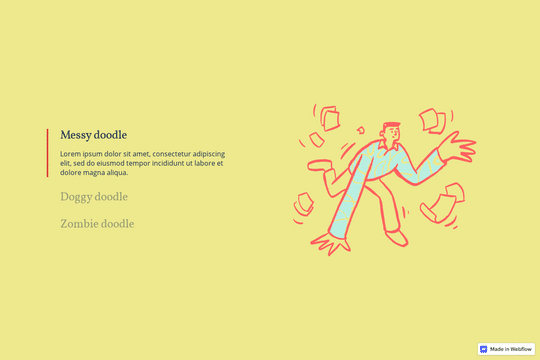
Here's a way to utilize a tab change interaction for your Webflow sites. Upon clicking the tab the elements animate and the tab changes. Note that any interactions happening within the tab page much start after any interactions within the tab link are finished. Otherwise the tab component will cut off the animation resulting in nothing happening within the tab pane itself.
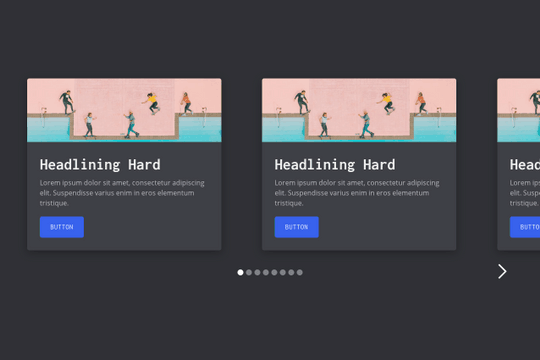
A multi-column, fully fluid responsive card slider for Webflow. The starting cards are left aligned while the final card is right aligned. The slider mask is set to percentage based width varying on the number of cards in the slider. This way you can control the number of cards shown depending on the size of the screen.
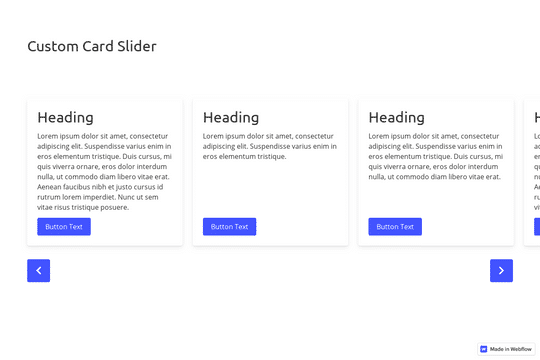
A great example of a CMS slider with custom navigation arrows that are designed within Webflow. It also features a dropdown to filter the slides. This uses the slick slider JS library.
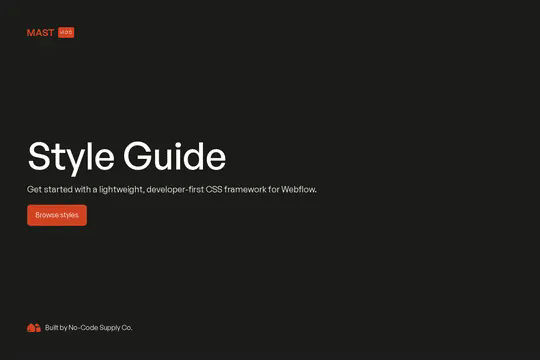
The Mast CSS framework is one of our favorite Webflow frameworks. It's based on a developer first mentality and features essential classes and strategies to help you build efficient Webflow sites. It's built with the less is more mentality, less classes, less elements to maintain which means faster sites and less development time. This framework allows you to quickly build anything from scratch by utilizing an essential set of HTML and CSS building blocks. Get up and running quickly with the Styleguide that features typography, heading classes, body text classes for paragraph, eyebrow text elements, ordered lists, unordered lists, color swatches, text colors, components such as buttons (primary, secondary, text links, form fields with radios and checkboxes, cards, utility classes, padding, alignment, overflow, size, helpers, layout, grids, columns and other helpful items.
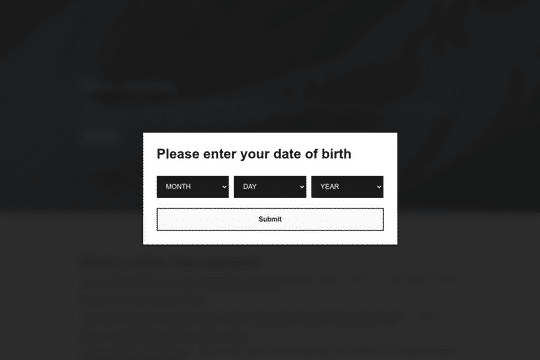
Here's a way to create an age gated pop up modal in Webflow. Using the power of cookies you can now gate your content/site with a age date requirement. The code in the settings takes the submission of the month, day and year of the persons birthday and calculates their age against todays date. If they validate that they are over 18, then a cookie will be added to their browser and the pop up modal will be hidden from them until they clear their cookies. If they are not over 18 then they are redirected from your site.
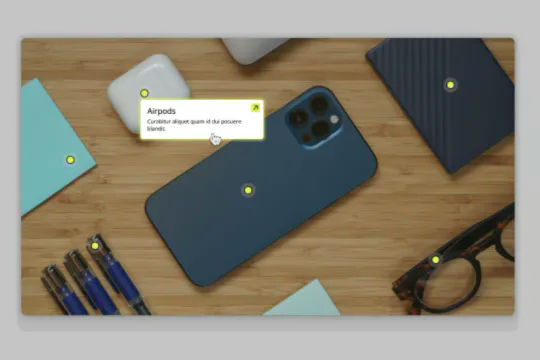
Connect Webflow's native CMS to an image plotter via this cloneable. With this cloneable you can add an image plotter to highlight features, locations, items, product features and much more. The multi-reference highlight items to each main gallery image item using a simple top and left coordinate value to set the specific location of the dots on the image. Each highlight dot also leverages conditional visibility to adjust the position of the tooltip image polotter depending on the location of the dot and whether or not the values were set in CMS.
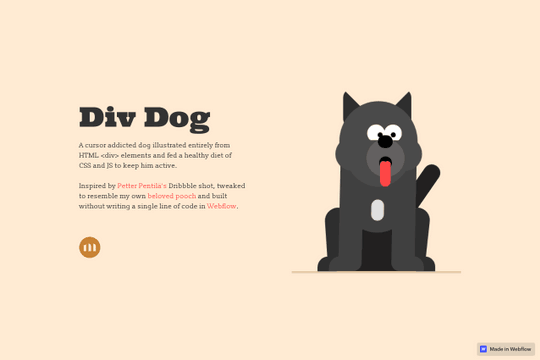
A fun way to have an animated, cursor following dog animation on Webflow. This is driven fully by div elements and a bit of CSS and JS to make the magic happen.
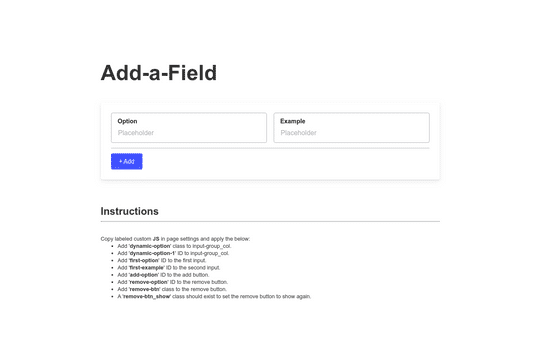
Here's a way to add or remove additional form fields in Webflow. This is a great way to have added functionality to native Webflow forms.
