


The Top 31 Hero Webflow cloneables
Webflow hero section cloneables that enable you to build amazing and eye-catching Webflow hero sections.



A beautiful Swiper.js overlapping cards slider built for Webflow. This Swiper.js slider is perfect for a hero section or features section of a site. When a user navigates between slides the top card is removed and the next card in line comes into view. The cards are stacked with various offsets so it looks like playing cards. There are text transitions for each text associated with the slide. This slider was created using Swiper.js and utilizes Webflow's native CMS collections. This allows you to dynamically generate slides based on the collection list items. This requires custom code so be sure to look at the pages custom code for the Swiper.js code. You can modify the Swiper.js code to include grabcursor, looping, and utilizing arrows to navigate between slides.


A fun example of how to utilize native div shapes to create ultra gradients in Webflow. In this example the author creates unique gradients via Webflow by creating colored blobs and utilizing a number of different effects to create a gradient style background for your Webflow site. This utilizes a combination of border radius, 2d & 3d transforms and other effects to allow you to create gradients without 3rd party images or CSS gradient classes. Add in native Webflow interactions and you can build Stripe like animated gradients in no time.
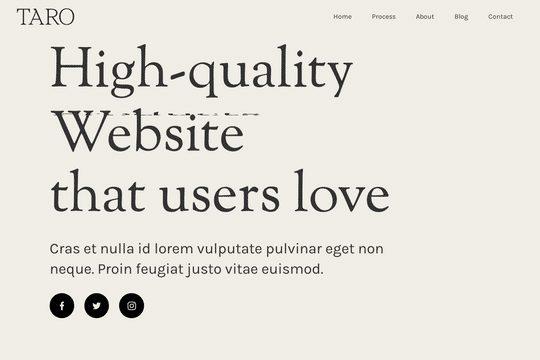

A demonstration of how to add an infinity cycle text header rotation with 3D style changes in Webflow. This technique uses native Webflow interactions and does not require any 3rd party scripts or plugins to work properly.
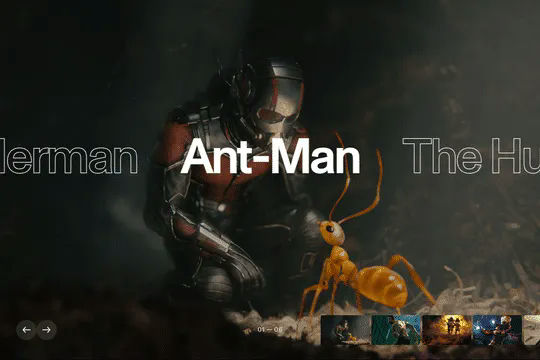
An excellent example of Swiper.js for Webflow CMS items. This example is perfect for a hero section, or any Webflow slider that wants to be upgraded to utilize Swiper.js. This demo includes scroll interactions, in which each card is changed upon scroll up or down on the mouse and also includes next & previous buttons to navigate between slides. Each slide changes the thumbnail previews of each slide, updates the slide active and slides the text of each slide. The thumbnails and text titles allow you to navigate between each slide as well. This script utilizes Webflow CMS, allowing you to utilize Webflow's CMS items in your native Swiper.js slider. Keep in mind that this utilizes Webflow's custom code section and you'll find the relevant code within Webflow's page custom code settings of this Webflow cloneable.
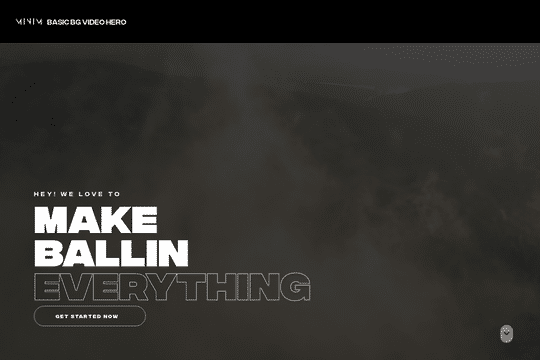

A full page background video hero section design in Webflow. An easy way to integrate a background video hero section in your Webflow projects with unique button interactions, and a scroll indicator.
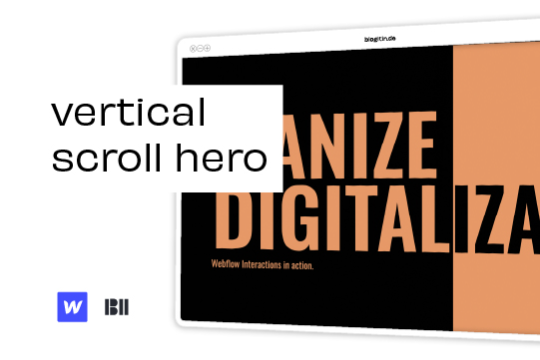

Liven up your hero section with this unique vertical hero scroll animation.


A demonstration of using Swiper.js in a hero section. This is also mobile friendly by becoming full-width.
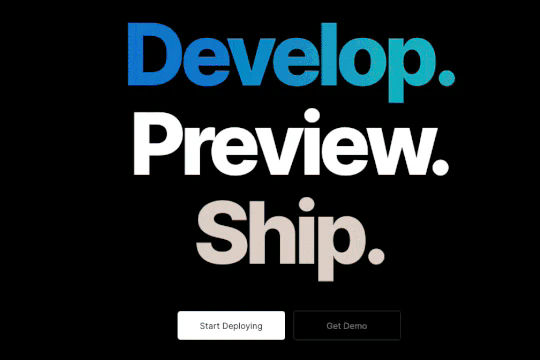

A unique gradient hero text animation in which the text of the hero section becomes a gradient a timed interval. This technique uses Webflow native interactions and a little bit of custom code.
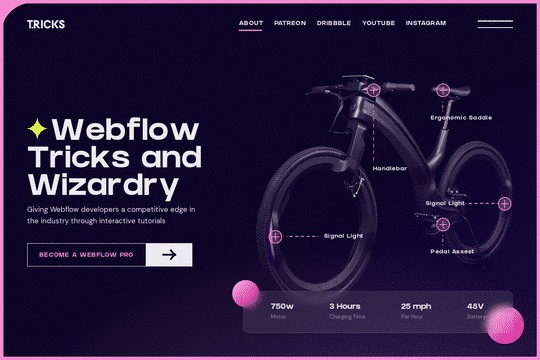
A fun way of showing off a product by allowing for feature zoom in on click. Great for ecommerce sites that need to provide context into features with an interactive zoom in capability.


A simple and clean Hero section for a Webflow site that features content on the left and a large lottie hero image on the right. A perfect lightweight and clean Hero design perfect for any SaaS or tech company. The Hero section has a bold statement, two buttons and a large demonstration Lottie image. The design is fully responsive and can be used used to add a hero section to your Webflow sites landing page in seconds. This also uses Webflow's interactions for a unique logo animation on page load. This cloneable does not use any custom code or HTML embeds so adding to your site is super simple.
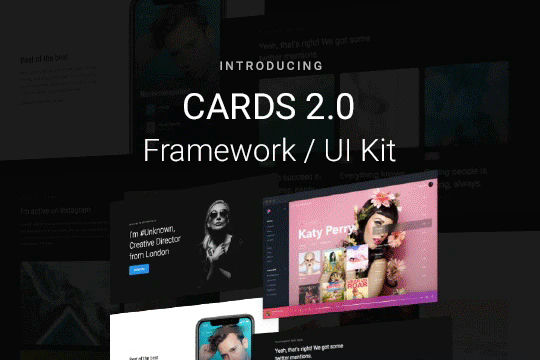

Cards 2 is an amazing UI kit and framework to allow you to quickly design and wireframe your next landing page using Webflow. There are over 100+ different prebuilt symbols and components included for hi-fidelity wireframing for any UI/UX designers. Create landing pages and designs faster with the Cards 2.0 UI kit directly in Webflow and ready to be published directly with code. This UI kit includes 50 new cards as Webflow components/symbols in both dark and light variations. 3 complete landing page designs in both dark and light. Symbols/components for both hero sections, features, testimonials, team, pricing pages, blog posts and more. These are responsive for all 4 breakpoints and all cards are offered in a Sketch file. This UI kit allows you to build your designs faster and begin the design process directly in Webflow.


A unique, fancy background hero with text masking effect over a background autoplay video.


Here are six unique, well designed hero sections for Webflow. Easily add a unique hero section to your Webflow site with this copy and paste cloneable.
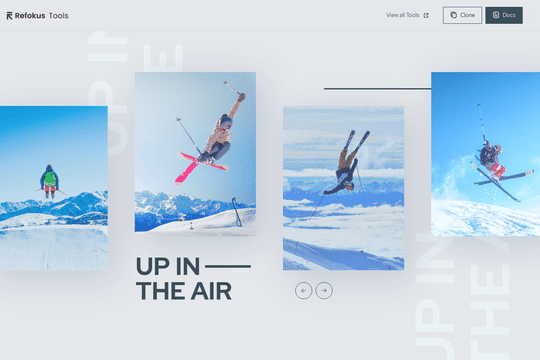

An easier way to create custom slides in Webflow. Includes animations with static elements or CMS collection lists. This is powered by SlickJS, allowing you to use all of the slider functionality offered without writing any code.
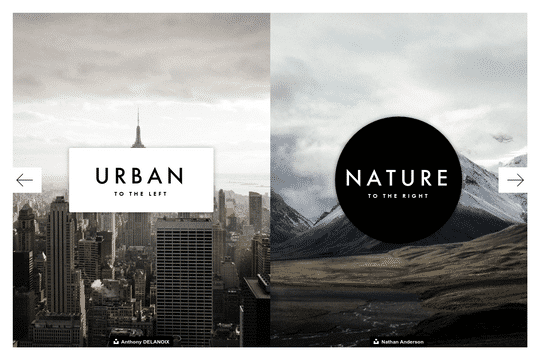

A linkable hero overlay for your Webflow site that grows as the user hovers over the different split sections. Perfect for a modern hero section, pre-landing page, and other similar sections on your Webflow site.


A demonstration of using Spline to create an interactive and embeddable 3D background. This interaction will not appear on the project preview and you'll need to visit the actual page to learn more about this technique.


A free cloneable hero section with blue and white fonts. Includes buttons, social media links and a pre-made menu.


A well designed hero section that offers 3D styled product demonstrations with hover over interactions. Perfect for a startup or services company that wants a fun, well designed hero for their homepage.


A real estate hero section design for Webflow. This hero features a custom load animation, call to action buttons, fully designed slide in menu/nav bar and much more. This features a JS snippet to disable scroll once the menu is open, which can be found in the home settings before the body tag.
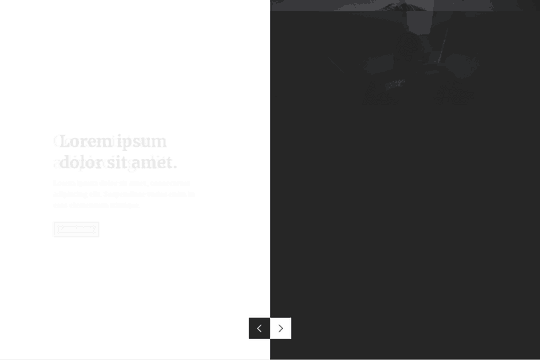

A slick split hero slider design with unique slider transitions that rotate both half of the pages in different directions upon each slide. Perfect for a unique hero section in Webflow that allows for an eye catching and dynamic hero slider section.


Here's a unique way to add a timed automatic slider to your Webflow site. Typically native sliders stop autoplaying as soon as you interact with it, however this version allows it to continue to play even after interacting with the slider. The progress of the slider is tracked via a lottie animation. This is accomplished via native interactions and CSS only code.
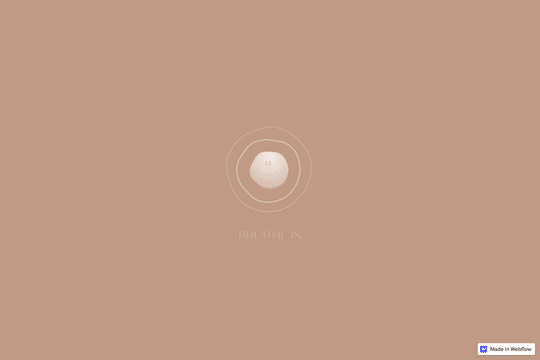

Here's a fun hero section that offers a hover slider image interaction for your Webflow site. The images move based on the mouse location and expand and focus on hover state.
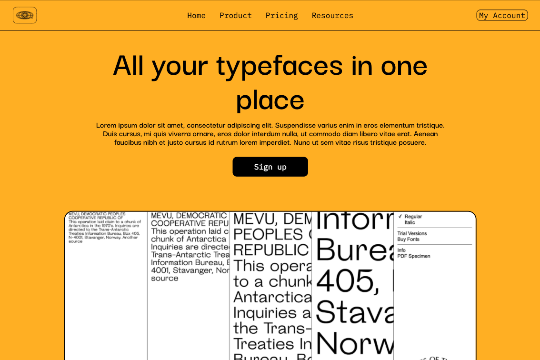

A simple yet clean header hero component for your Webflow site. This features a large headline, subheadline, call to action and product image section. It also has a basic menu section and is fully responsive.


Here's a way of creating a parallax hero image on page scroll in Webflow. As you scroll down the hero section a layered effect occurs with the landscape image. A great way of adding depth to a Webflow site that intrigues the user as they scroll down the page.

A free cloneable fashion site hero section, perfect for a website or portfolio section. This was inspired by a Dribble and to test out the authors expertise in Webflow. Initially starting the design in Figma, and then translating it to Webflow. For the interactions the author utilized Class Adder via Finsweet and for the text animations utilized a javascript library provided by Timothy Ricks.
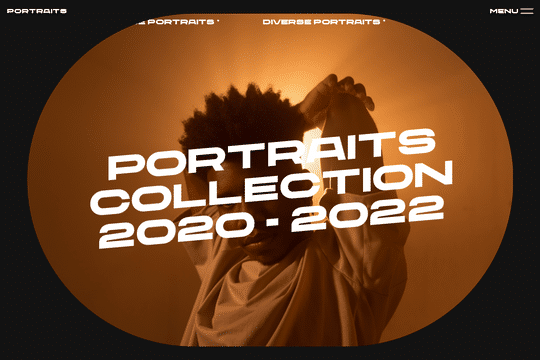
A hero header component design in Webflow featuring scrolling text marquee and a unique image design. This design is perfect for photographers, videographers and other creatives due to it's unique slanted text effects, infinite text marquee, and unique primary image vignette.
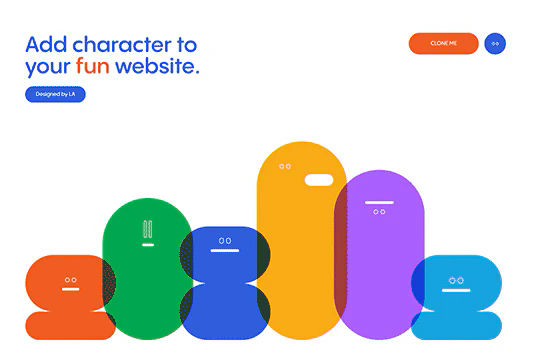

A set of fun characters created via strictly from Webflow interactions utilizing divs and no images. A great exercise in the abilities of Webflow interactions. The interactions rely on movement, size of divs with a loop to make this continuous animated character interaction.


A fun and clean hero and menu loading interaction in Webflow. When a user loads the page the text appears to load at different intervals, move around and then eventually load the entire page including the menu. There's a scrolling text marquee at the top of the page, parallax style scroll interactions, a menu with slide in interactions and much more. This was built using all native Webflow interactions and was built with the Finsweet client first framework and is fully fluid responsive.
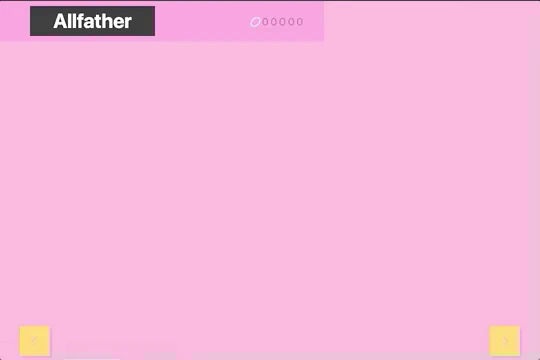

A fully dynamic hero slider that's responsive and includes a vertical slider that switches out the primary heros image. This was built entirely with Webflow, some CSS and Webflow's native interactions. At the top you'll notice a horizontal marquee, this is powered by custom CSS which you'll find via an HTML embed. You'll also notice an extensive use of Webflow native sliders and a variety of individual interactions for each slide change associated with each and every slider. A very extensive use of Webflow sliders and interactions. This hero slider does not use custom code within the page settings so you'll want to dive into the HTML embed and then the Webflow interactions which make this entire thing possible.


A simple, yet modern hero section for SaaS and similar companies in Webflow. This cloneable hero section is a perfect way to quickly add a well designed hero section to your Webflow site.
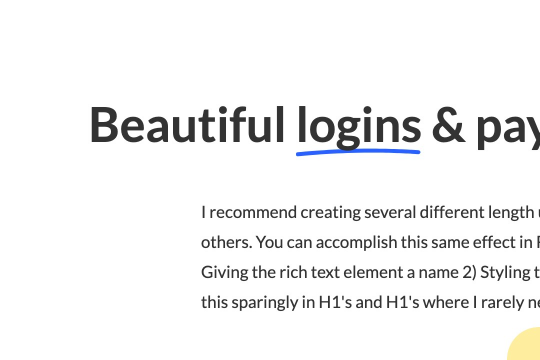

Here's a way to create a simple drawn underline for text in Webflow. This method demonstrates how to create a span text class and use a hand drawn underline image in text for Webflow. It's recommended to create several different underline length spans as some words look better than others with different sizes.