





Cloneable tags
Description
The Parallax Hero Scroll Technique cloneable is a visually appealing feature that allows you to create a parallax hero image on page scroll in Webflow. As the user scrolls down the hero section, a layered effect occurs with the landscape image, adding depth and intrigue to the user's experience. This technique is a great way to add some visual interest to your Webflow site and engage the user as they scroll down the page. The Parallax Hero Scroll Technique cloneable is easy to use and integrate into your Webflow project, and it is categorized under Parallax and Hero. It was created by WebDevForYou, and it is a great way to add some depth and visual interest to your Webflow site. So, if you want to create a parallax hero image on page scroll in Webflow, consider using the Parallax Hero Scroll Technique cloneable.
Related cloneables



A beautiful Swiper.js overlapping cards slider built for Webflow. This Swiper.js slider is perfect for a hero section or features section of a site. When a user navigates between slides the top card is removed and the next card in line comes into view. The cards are stacked with various offsets so it looks like playing cards. There are text transitions for each text associated with the slide. This slider was created using Swiper.js and utilizes Webflow's native CMS collections. This allows you to dynamically generate slides based on the collection list items. This requires custom code so be sure to look at the pages custom code for the Swiper.js code. You can modify the Swiper.js code to include grabcursor, looping, and utilizing arrows to navigate between slides.


A fun example of how to utilize native div shapes to create ultra gradients in Webflow. In this example the author creates unique gradients via Webflow by creating colored blobs and utilizing a number of different effects to create a gradient style background for your Webflow site. This utilizes a combination of border radius, 2d & 3d transforms and other effects to allow you to create gradients without 3rd party images or CSS gradient classes. Add in native Webflow interactions and you can build Stripe like animated gradients in no time.
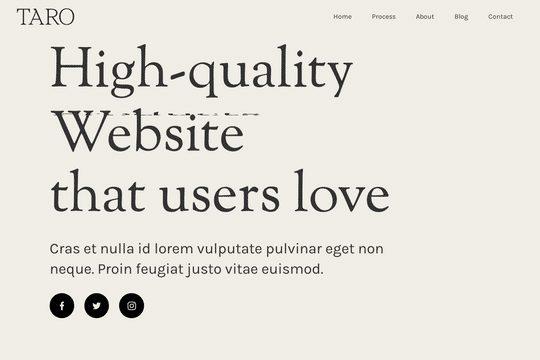

A demonstration of how to add an infinity cycle text header rotation with 3D style changes in Webflow. This technique uses native Webflow interactions and does not require any 3rd party scripts or plugins to work properly.
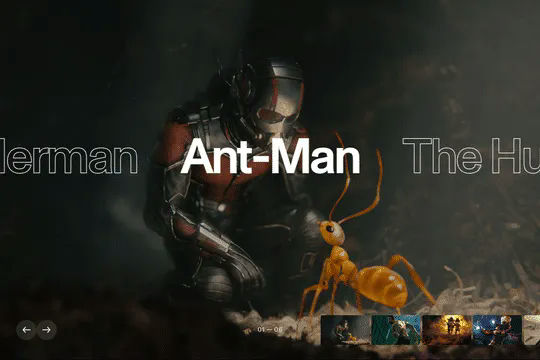
An excellent example of Swiper.js for Webflow CMS items. This example is perfect for a hero section, or any Webflow slider that wants to be upgraded to utilize Swiper.js. This demo includes scroll interactions, in which each card is changed upon scroll up or down on the mouse and also includes next & previous buttons to navigate between slides. Each slide changes the thumbnail previews of each slide, updates the slide active and slides the text of each slide. The thumbnails and text titles allow you to navigate between each slide as well. This script utilizes Webflow CMS, allowing you to utilize Webflow's CMS items in your native Swiper.js slider. Keep in mind that this utilizes Webflow's custom code section and you'll find the relevant code within Webflow's page custom code settings of this Webflow cloneable.


A full page background video hero section design in Webflow. An easy way to integrate a background video hero section in your Webflow projects with unique button interactions, and a scroll indicator.
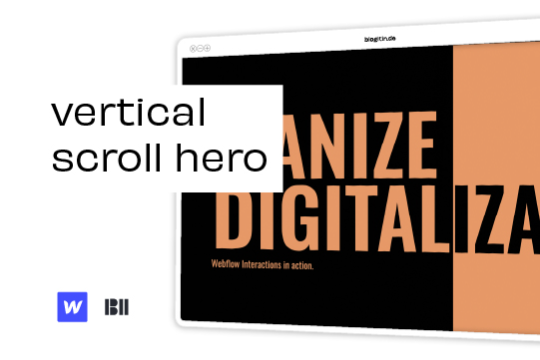

Liven up your hero section with this unique vertical hero scroll animation.
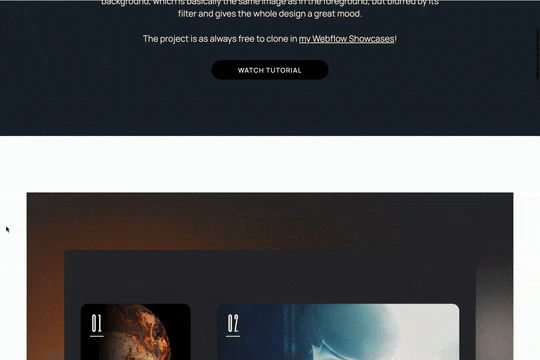
Here's a unique parallax blur scrolling animation that's perfect for portfolio sections in Webflow. This parallax blur scrolling animation effect adds the image that's being scrolled to the background with a blur filter effect. All of this is achieved via native Webflow interactions.


A demonstration of using Swiper.js in a hero section. This is also mobile friendly by becoming full-width.

More from author
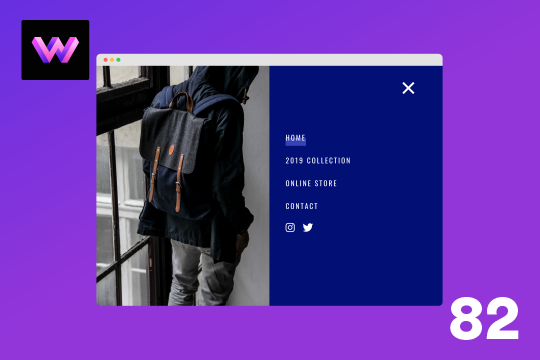
Here's a full screen menu navigation with animations and interactions in Webflow. This is a great way to easily add a menu/navigation to your Webflow site. This was comprised of three components during the build process. First, an image wrapper with an image inside of it. Second, the blue background and third a right wrapper with the menu items inside of it. The image wrapper and right wrapper are both 50% width within the menu. The width of the blue background is 150% so it has a quicker animation as it scales in. By having separate wrappers inside of the menu wrapper the scaling effect can also apply to the image, and the blue background as well as individual animations to the menu items. The menu trigger also turns into a close icon on click and then back to the hamburger button.
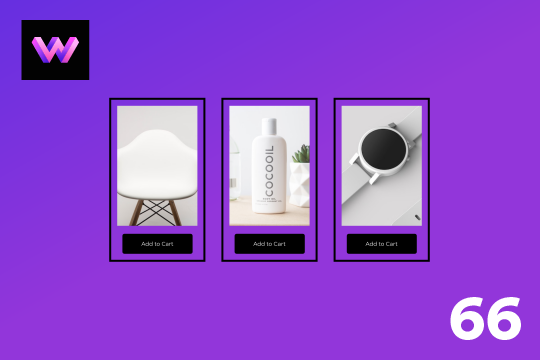
An add to cart hover button animation for Webflow. When a user hovers over the Add to Cart button a shopping cart icon slides in from the right side. This helps users understand the action taking place on the button and helps add a new level of dynamic buttons to your Webflow site.
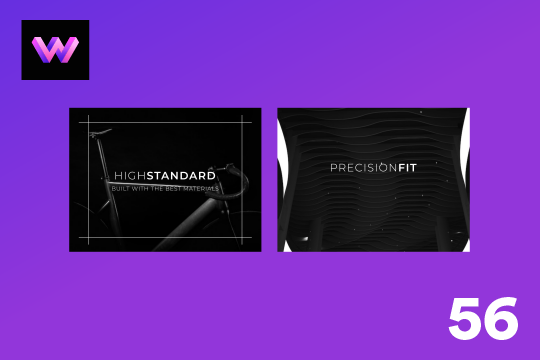
A unique product card animation on hover in Webflow. When a user hovers over a card the image shifts down, and a border appears with an animation, there's also a description of the card that appears as well. This animation effect was built entirely with Webflow's native interactions.
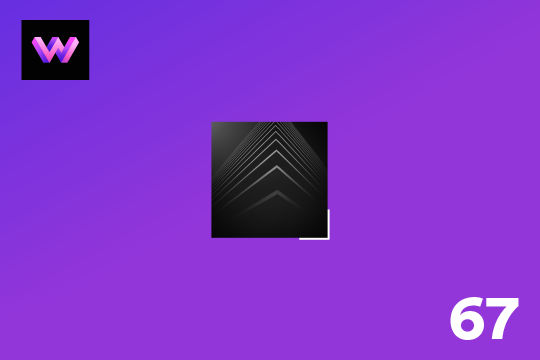
Showcase and feature your CTA by adding moving lines to the border in Webflow. Using this technique you can showcase anything that you want to draw the users eyes to by adding moving lines and a 3D hover rotation to products, cards and other important aspects on your site.
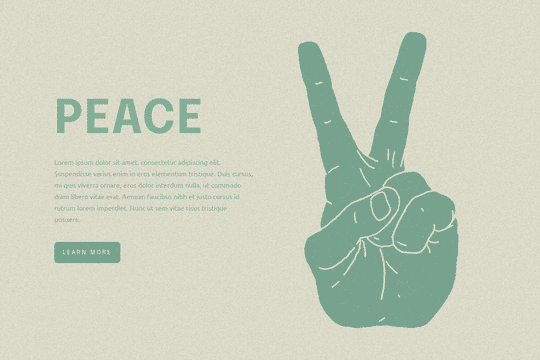
Easily add a grainy effect to your entire site. This uses a grain png that was on a Webflow site. You can create your own grains as well to change it up.
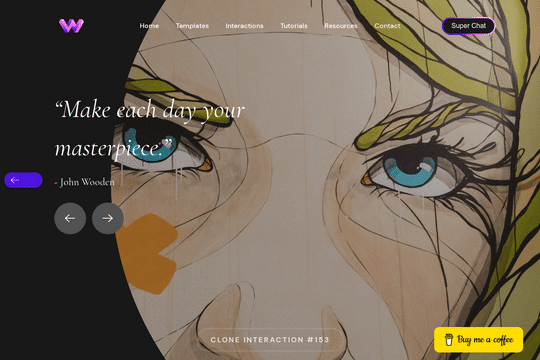
Here's a unique way to add transition animations to a full screen slider. Using both Swiper.js and a GSAP animation script.
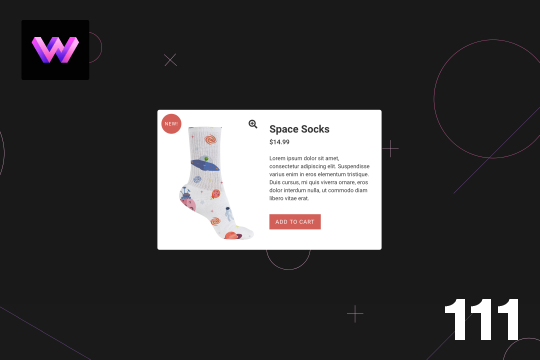
Here's a product card with image zoom on hover for Webflow. When the user hovers over the product image it scales up and zooms so the user can see more information about the physical product. This was accomplished by placing the image div inside of a wrapper with an overflow hidden. When the user hovers over the image wrapper the image div scales up to double the size. Then with the mouse over element interaction the image moves in different directions when hovering over the image wrapper. This allows the user to hover around the image to see different parts.

A simple way to add a mouse scroll animation with a dot moving from the top to bottom. This is not a lottie file or gif, this is made with interactions and divs.