





Cloneable tags
Description
The Header Component Flowkit 1 is a simple yet effective header hero component for use on Webflow sites. It includes a large headline, subheadline, call to action, and product image section, as well as a basic menu section. This component is fully responsive, ensuring that it looks great on all devices. The Header Component Flowkit 1 is a great choice for any website that needs a clean and professional header hero component. This Webflow cloneable, which was created by Tom Buizer, is categorized under Hero and Menu.
Related cloneables



A beautiful Swiper.js overlapping cards slider built for Webflow. This Swiper.js slider is perfect for a hero section or features section of a site. When a user navigates between slides the top card is removed and the next card in line comes into view. The cards are stacked with various offsets so it looks like playing cards. There are text transitions for each text associated with the slide. This slider was created using Swiper.js and utilizes Webflow's native CMS collections. This allows you to dynamically generate slides based on the collection list items. This requires custom code so be sure to look at the pages custom code for the Swiper.js code. You can modify the Swiper.js code to include grabcursor, looping, and utilizing arrows to navigate between slides.
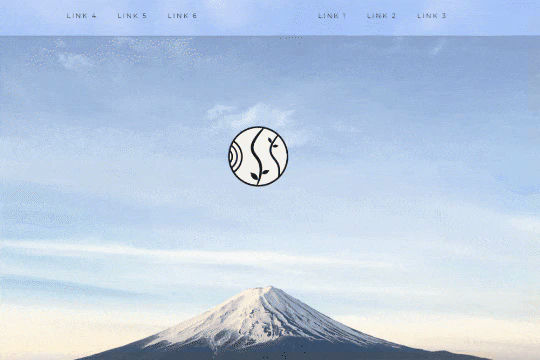

A unique way of showcasing your logo front and center and have it move up on page scroll in Webflow. This adds a fun dynamic element to your Webflow site and draws the users attention in. This interaction was created entirely from Webflow's native interactions using the While page is scrolling functionality and size, move, scale, opacity and more. This requires no additional custom code and can be cloned and setup quickly.


A fully cloneable mega menu navigation with full page dropdown interactions for Webflow. A great way to quickly get your Webflow menu/navigation launched with pre-built dropdowns, CTA buttons, and more. This was built with clear class names, native Webflow interactions, basic dropdown triggers and fully responsive.


A fun example of how to utilize native div shapes to create ultra gradients in Webflow. In this example the author creates unique gradients via Webflow by creating colored blobs and utilizing a number of different effects to create a gradient style background for your Webflow site. This utilizes a combination of border radius, 2d & 3d transforms and other effects to allow you to create gradients without 3rd party images or CSS gradient classes. Add in native Webflow interactions and you can build Stripe like animated gradients in no time.

Have your navbar shrink on page scroll via this Webflow cloneable. Easily create dynamic navbars for your Webflow site that shrink upon scrolling down the page. Once a user reaches a certain point on the page the navbar transitions from dark to light while shrinking. This does not require any custom code and utilizes Webflow's native interactions. This utilizes Webflow's While scrolling in view for two different classes and as previously mentioned does not require any extra custom code. This cloneable is perfect for anyone looking to create a dynamic navbar that allows for dynamic changes based on the users scroll depth on the site.
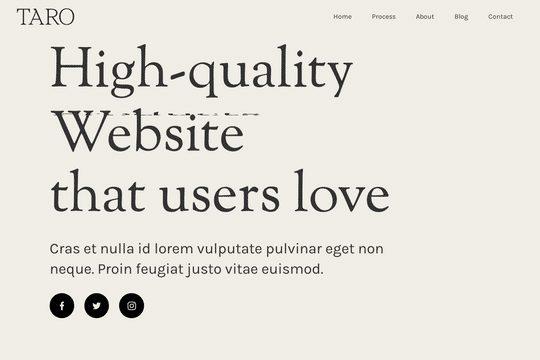

A demonstration of how to add an infinity cycle text header rotation with 3D style changes in Webflow. This technique uses native Webflow interactions and does not require any 3rd party scripts or plugins to work properly.

An excellent example of Swiper.js for Webflow CMS items. This example is perfect for a hero section, or any Webflow slider that wants to be upgraded to utilize Swiper.js. This demo includes scroll interactions, in which each card is changed upon scroll up or down on the mouse and also includes next & previous buttons to navigate between slides. Each slide changes the thumbnail previews of each slide, updates the slide active and slides the text of each slide. The thumbnails and text titles allow you to navigate between each slide as well. This script utilizes Webflow CMS, allowing you to utilize Webflow's CMS items in your native Swiper.js slider. Keep in mind that this utilizes Webflow's custom code section and you'll find the relevant code within Webflow's page custom code settings of this Webflow cloneable.
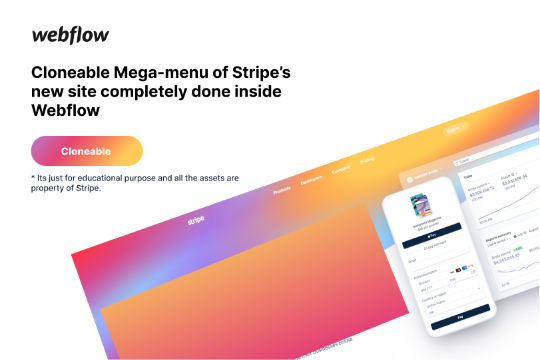

Here's a rebuild of Stripes mega menu design in Webflow. Add a unique mega menu design and navbar to your site inspired by Stripe's mega menu.

More from author

A hero header component design in Webflow featuring scrolling text marquee and a unique image design. This design is perfect for photographers, videographers and other creatives due to it's unique slanted text effects, infinite text marquee, and unique primary image vignette.
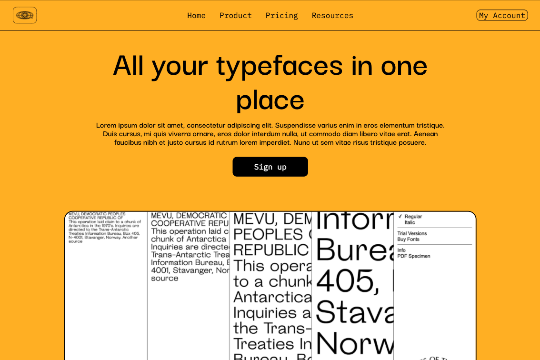
A simple yet clean header hero component for your Webflow site. This features a large headline, subheadline, call to action and product image section. It also has a basic menu section and is fully responsive.