Split Hero Overlay Interaction

Try the cloneable below

Cloneable tags

Description

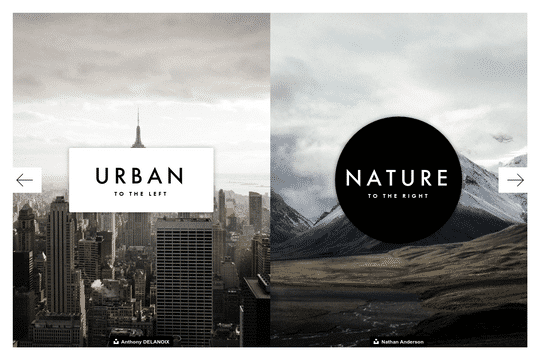
Our Split Hero Overlay Interaction is a stylish and interactive feature that you can add to your Webflow website. This linkable hero overlay is perfect for use in modern hero sections, pre-landing pages, and other similar sections on your site. As the user hovers over the different split sections, the overlay grows and expands, creating a dynamic and visually appealing effect. This cloneable element can be found in the categories of Hero, Mouse, and Interactions and was created by Patrick Urwyler. If you're looking to add some flair and interactivity to your website's hero sections, our Split Hero Overlay Interaction is the perfect solution. With its sleek design and customizable options, it's sure to become a valuable asset in your Webflow toolkit. Whether you're looking to draw attention to your website's most important content or simply add some visual interest to your page, this element is sure to make an impact.

A fun way of adding a water mouse hover ripple effect to your Webflow site. Simply add a tiny code and the javascript library and you're all set.

A huge selection of premade Webflow animations, including animated buttons, click buttons, circular hover buttons, scroll down animations, nav link animations, tab animations, search bars, social media buttons, text animations, contact cards, blog cards, product cards and more.

A unique stacking cards on scroll interaction in Webflow. When you scroll down the page the cards on the right side stack on top of each other. A unique interaction perfect for a SaaS or technology site. The stacking cards effect was built entirely using Webflow interactions and does not require any additional code or scripts. The effect is created by using the While scrolling into view trigger, with the use of Scale and Filter. The filter applied reduces the overall brightness of the card and the scaling is used to send the item back smaller. Overall a well designed and thought out solution for a stacking card interaction.

A beautiful Swiper.js overlapping cards slider built for Webflow. This Swiper.js slider is perfect for a hero section or features section of a site. When a user navigates between slides the top card is removed and the next card in line comes into view. The cards are stacked with various offsets so it looks like playing cards. There are text transitions for each text associated with the slide. This slider was created using Swiper.js and utilizes Webflow's native CMS collections. This allows you to dynamically generate slides based on the collection list items. This requires custom code so be sure to look at the pages custom code for the Swiper.js code. You can modify the Swiper.js code to include grabcursor, looping, and utilizing arrows to navigate between slides.

Here's a fun way of adding a custom worm style cursor to Webflow. The snake follows your cursor on the page and creates a trail effect. To customize the worm be sure to update the custom code.

An animated timeline scrolling effect perfect for about pages, historical pages and many others. As the user scrolls down the page a fun native interaction is applied that allows users to visit historical timelines with a unique Webflow interaction. The current date and item that is in view increases brightness while others out of view are faded out. The user can scroll down the page and have historical information provided in a unique and interactive fashion. This interaction uses while scrolling in view and while page is scrolling page trigger interactions.

Add a progress bar to your draggable CMS slider sections in Webflow. Typically most draggable, or third party sliders, don't offer a progress bar indicator. Using the power of Dragdealer.js you can now add a progress bar and draggable CMS slider to your Webflow site. Please note that you'll need to add the global styles HTML embed as well as the custom script found in the closing body tag within the Page settings for this to work properly.

Here's a demonstration of using three.js for the background of your Webflow site.

DRAG
Real-time sorting by

Here are two different examples of logo animations in Webflow. Great inspiration for ways that you could animation your Webflow site logo with native interactions.

This is a fun mouse cursor effect that creates an artificial spotlight effect in Webflow. Simple settings with mouse movement interaction. There are two versions, shadow and white on white. Any color or text is possible.

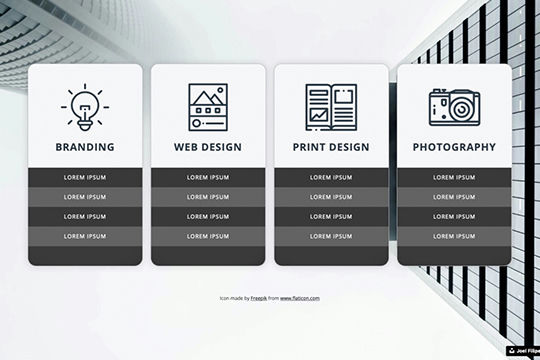
Here are well designed service cards that have a rotation hover interaction that highlights and rotates the card for Webflow. This perfect for adding 3D dimension to a Webflow site via service cards, project cards or even pricing tables.

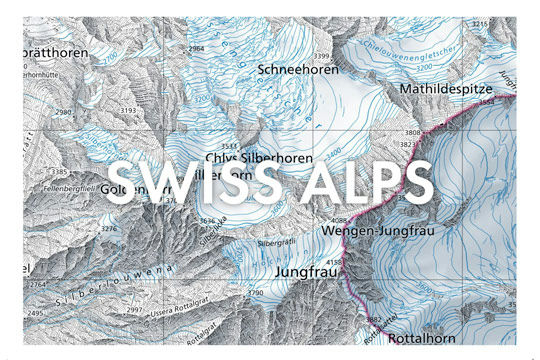
A great way of adding draggable background maps to your Webflow site. This is an example of a topographic map of Switzerland although could be adapted to other maps. This is easy to embed to your Webflow site.

A linkable hero overlay for your Webflow site that grows as the user hovers over the different split sections. Perfect for a modern hero section, pre-landing page, and other similar sections on your Webflow site.

Three individual animated buttons with hover interactions, which changes color, scale and rotates. On hover the svg mask changes its color via a button color background.

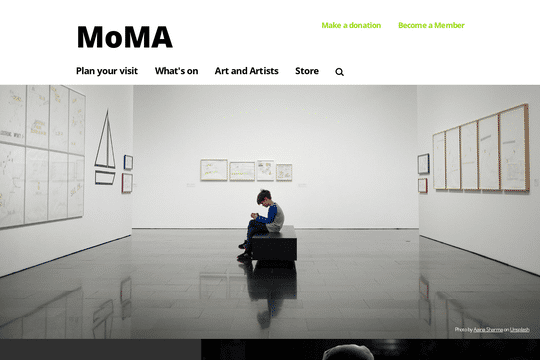
Here's a rebuild of MoMA's website navigation and menu bar. A great way to add a well designed and thought out navigation and menu bar to your Webflow site.

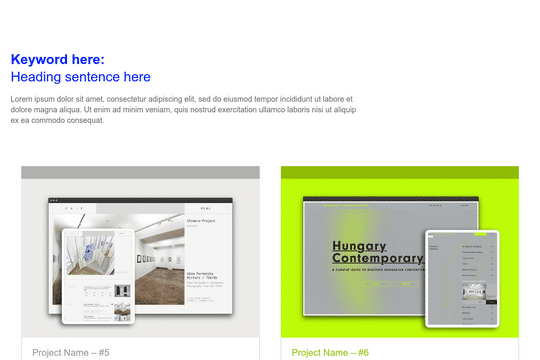
Cards with a full page transition effect upon click. Upon clicking the transition effect and full screen modal is loaded. Each card has individual colors. Be sure to watch out for the combo classes upon duplication and adding new interactions for each card.

DRAG
Real-time sorting by