Staggered Page Transition

Try the cloneable below

Cloneable tags

Description

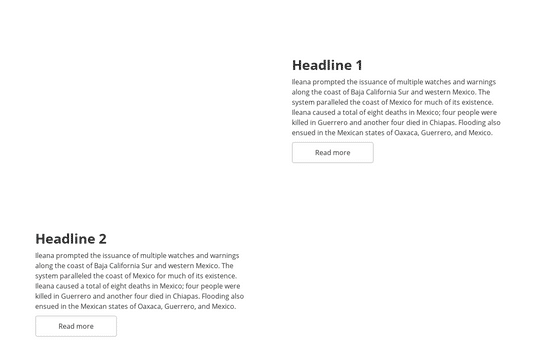
The Staggered Page Transition is a unique and visually appealing way to transition between pages on a website. Created by Emil Villumsen, this Webflow cloneable is created using custom code that allows the transition to take place within Webflow. The transition is staggered, adding an extra layer of dynamism and visual interest to the design. This feature is a great way to add a touch of creativity and personality to a website, and is sure to impress visitors with its unique design. The Staggered Page Transition is a valuable tool for any business looking to add an interactive and visually appealing element to their website. This design is categorized in the Animation, Interactions, and Transition categories.

A fun way of adding a water mouse hover ripple effect to your Webflow site. Simply add a tiny code and the javascript library and you're all set.

A huge selection of premade Webflow animations, including animated buttons, click buttons, circular hover buttons, scroll down animations, nav link animations, tab animations, search bars, social media buttons, text animations, contact cards, blog cards, product cards and more.

Here's a beautiful WebGL colorful background animation on page load. A great way to add extra color and a dynamic element to your Webflow site.

A unique stacking cards on scroll interaction in Webflow. When you scroll down the page the cards on the right side stack on top of each other. A unique interaction perfect for a SaaS or technology site. The stacking cards effect was built entirely using Webflow interactions and does not require any additional code or scripts. The effect is created by using the While scrolling into view trigger, with the use of Scale and Filter. The filter applied reduces the overall brightness of the card and the scaling is used to send the item back smaller. Overall a well designed and thought out solution for a stacking card interaction.

A two colored spiral galaxy animation for Webflow created with Three.js. This spiral galaxy spins in the background of your Webflow site and offers zoom in/zoom out functionality by the scroll wheel on your mouse.

Add a liquid metal background animation to your Webflow site via WebGL. Please note that this example relies heavily on scripts and custom code so you'll need to add the custom code found within the page settings.

An animated timeline scrolling effect perfect for about pages, historical pages and many others. As the user scrolls down the page a fun native interaction is applied that allows users to visit historical timelines with a unique Webflow interaction. The current date and item that is in view increases brightness while others out of view are faded out. The user can scroll down the page and have historical information provided in a unique and interactive fashion. This interaction uses while scrolling in view and while page is scrolling page trigger interactions.

Add a progress bar to your draggable CMS slider sections in Webflow. Typically most draggable, or third party sliders, don't offer a progress bar indicator. Using the power of Dragdealer.js you can now add a progress bar and draggable CMS slider to your Webflow site. Please note that you'll need to add the global styles HTML embed as well as the custom script found in the closing body tag within the Page settings for this to work properly.

DRAG
Real-time sorting by

Here's a way to use CMS video backgrounds with Webflow that fit the entire container. This works with Webflow's own compressions, as well as mp4 and webm. The background videos are via lazyload and will only load on scroll.

For a CMS collection making alternative grid items isn't possible natively, unfortunately. However using a unique technique you can accomplish this. The first line of code forces every second item to go from right to left. The second line then forces the text wrapper to always be on the left so that our text doesn't get messed up. Browsers support this method fine. Check out the custom CSS code to accomplish this technique.

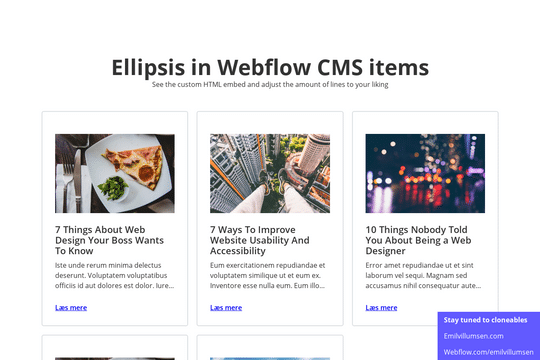
Here's a way of creating a text/content limit for how many lines of text that you'd like a paragraph of text to display. This allows you to have artificial limits to limit clients or keep design elements similar. Refer to the HTML embed code to achieve this and adjust the code according to your needs.

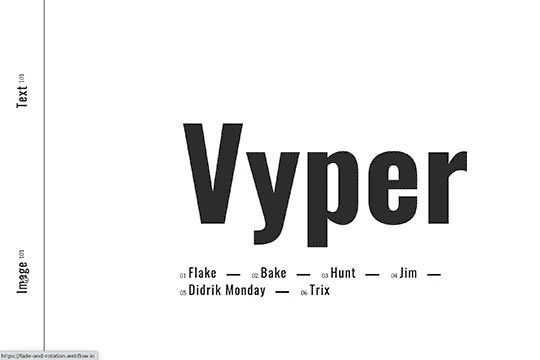
Here's a fade and rotate page transition for your Webflow site. This transition occurs using a small snippet of custom code that allows the transition to happen.

A unique, staggered page transition that's created via. custom piece of code that allows the page transition to happen in Webflow.

Here's a way to highlight text or categories of like and similar nature by hover over. This is a great way to add emphasis to certain items on your site/page by simply hovering over a category or text item. This could be extended for CMS items as well and your own collections.

DRAG
Real-time sorting by