





Cloneable tags
Description
The Product Card Designs cloneable is a beautifully designed feature that allows you to easily add professional-looking product cards to your Webflow site. This cloneable is easy to implement and can be easily integrated into your Webflow project, making it a quick and convenient way to add product cards to your site. The Product Card Designs cloneable is categorized under Card and Product, and it was created by UIFlow. If you want to add high-quality product cards to your Webflow site, the Product Card Designs cloneable is a great option to consider.
Related cloneables



A unique stacking cards on scroll interaction in Webflow. When you scroll down the page the cards on the right side stack on top of each other. A unique interaction perfect for a SaaS or technology site. The stacking cards effect was built entirely using Webflow interactions and does not require any additional code or scripts. The effect is created by using the While scrolling into view trigger, with the use of Scale and Filter. The filter applied reduces the overall brightness of the card and the scaling is used to send the item back smaller. Overall a well designed and thought out solution for a stacking card interaction.


A beautiful Swiper.js overlapping cards slider built for Webflow. This Swiper.js slider is perfect for a hero section or features section of a site. When a user navigates between slides the top card is removed and the next card in line comes into view. The cards are stacked with various offsets so it looks like playing cards. There are text transitions for each text associated with the slide. This slider was created using Swiper.js and utilizes Webflow's native CMS collections. This allows you to dynamically generate slides based on the collection list items. This requires custom code so be sure to look at the pages custom code for the Swiper.js code. You can modify the Swiper.js code to include grabcursor, looping, and utilizing arrows to navigate between slides.


A way of utilizing sticky cards that stack on scroll in Webflow. Using position sticky and a scrolling into view interaction allows for this effect without any custom code.
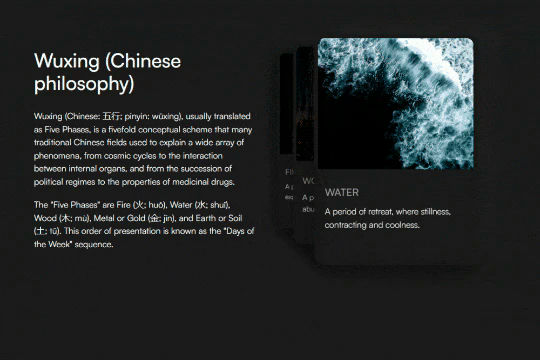

A unique 3D looping card animation built with zero code on Webflow. This is perfect for a unique way to display features, services, images and more on a site. This infinite looping card animation continues endlessly and provides a fun and unique interaction animation that adds a dynamic flair to your Webflow site.
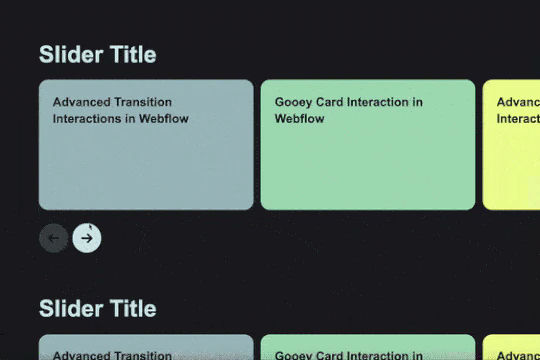
Add custom CMS slider with stacking and overlapping cards.

Here's a way of adding a flipping card animation to cards on your site. This component can be used for a number of scenarios and allows for additional information to be displayed on your cards without taking up important site real estate.
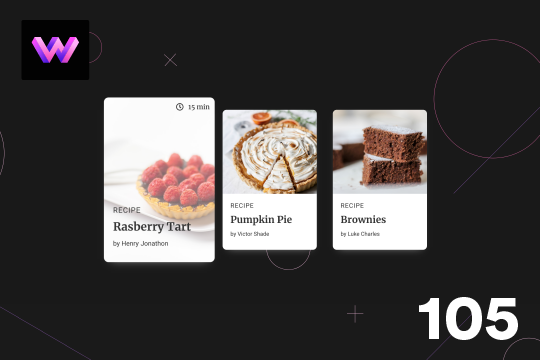

Here's a unique, recipe card animation created in Webflow. This is perfect for showcasing recipes on your Webflow site in a unique and interactive way. When hovering over the card the image becomes full height, and the card moves forward on the z-axis. The card was placed in a wrapper with a perspective applied to it to bring the card forward. Also a timer icon shows up on the top right corner to display the time it takes to create each recipe.
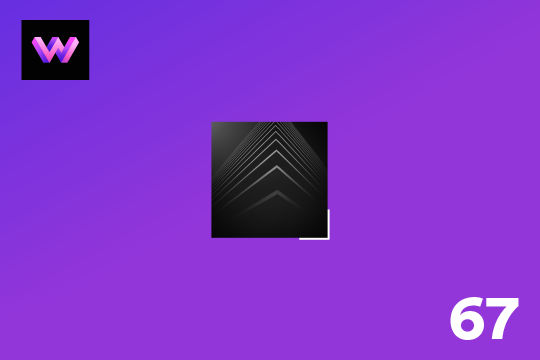
Showcase and feature your CTA by adding moving lines to the border in Webflow. Using this technique you can showcase anything that you want to draw the users eyes to by adding moving lines and a 3D hover rotation to products, cards and other important aspects on your site.

More from author

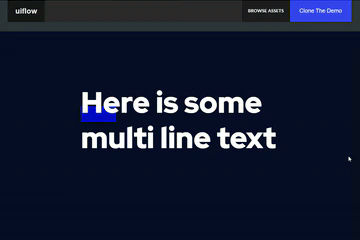
Here's a way to add a dropped in text underline on hover in Webflow. When you hover over the multiple lines of text an underline interaction is triggered and the underline appears over the text.

Pop up contact form modal interaction for Webflow. A clean modal window appears with a contact form when clicking on the contact button. This contact modal form features all the native Webflow interactions required for a modal window in a fully responsive design.
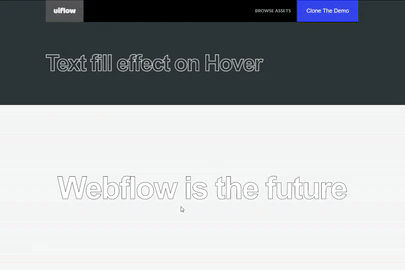
A text fill on hover effect for Webflow. When you hover over text on your Webflow site it fills the text with an animation effect.

Here's a way to create a zoom in on click technique in Webflow. If you need to magnify an image on your Webflow site this cloneable is perfect for you.

Here's a unique way of showing images, app screenshots or more in an iPhone mobile slider. The images continuously rotate through and infinite loop.

Here's a text stroke interaction based on the mouse movement for Webflow. Upon moving the mouse around the text stroke follows the cursor around the Webflow site.

Here's a way to add a image splitting interaction on hover in Webflow. Using a grid and clip path to make this interaction happen. With this example when someone hovers on an image, the image opens in half and a text description is shown.