





Cloneable tags
Description
The Text Fill Hover Effect for Webflow allows you to add an animation effect to your text when a visitor hovers over it on your site. This cloneable, which was created by UIFlow, can be found in the Text Effects and Hover categories. When using this effect, the text will fill with a designated color or animation when a user moves their cursor over it, creating a visually appealing and interactive experience for your visitors. The Text Fill Hover Effect is a great way to add some flair and personality to your Webflow site and make it stand out.
Related cloneables



A fun way of adding a water mouse hover ripple effect to your Webflow site. Simply add a tiny code and the javascript library and you're all set.


A fun way of changing the gradient background color via mouse in Webflow. Please note this will not work in Firefox. This is a native Webflow interaction and just a single line of CSS code. The CSS controls the pointer events to none while the interactions control the location of the blur and it's surrounding effects.


A huge selection of premade Webflow animations, including animated buttons, click buttons, circular hover buttons, scroll down animations, nav link animations, tab animations, search bars, social media buttons, text animations, contact cards, blog cards, product cards and more.


Ever wanted to add an infinite text rotation/changer to your Webflow site? This infinite text rotation technique allows you to have a long list of words that rotate in from bottom to the top and then repeat endlessly. This includes an infinite loop version and a finite version that only runs once. This is fully responsive and easy to customize.

A method to highlight text on page scroll in Webflow. A unique a fun interaction in which the text on the page begins to highlight as you scroll down the page. Each letter even partially highlights depending on where you've scrolled on the page. This effect uses GSAP and Scrolltrigger.js to create the effect. You'll need to add the custom code found on page settings for this to work properly.


An animated timeline scrolling effect perfect for about pages, historical pages and many others. As the user scrolls down the page a fun native interaction is applied that allows users to visit historical timelines with a unique Webflow interaction. The current date and item that is in view increases brightness while others out of view are faded out. The user can scroll down the page and have historical information provided in a unique and interactive fashion. This interaction uses while scrolling in view and while page is scrolling page trigger interactions.

Featuring 10 different text and typography scroll effects powered by GSAP, ScrollTrigger, Lenis.js, splitting.imin.js and Scrolltype.js. Keep in mind that these effects are great but you will need to have some understanding of code in order to modify these significantly as they rely on simply the JS libraries and data attributes to apply each effect. The first effect rotates the text and highlights each letter as the paragraph comes into view. This is achieved via the data attributes as mentioned previously. The second text effect showcases each letter coming into view from a different rotation and then all combines together to make the visible text. The third effect has each word come in at different positions from out of view and then into view on page scroll. The third version unwraps each word letter by letter as you scroll down the page. The fourth effect takes each letter and has it fold up at random intervals as you scroll into view. The fifth demonstration shows each letter rotating into place upon scrolling into view. The next demonstration creates a rolling hills effect for the letters as you scroll into view. The next one showcases a paragraph in which each letter is grown from the initial position as you scroll down the page. An appear example follows this one in which each letter of a word appears to be blurry and come into focus as you scroll down the page. The next and final variation has each word come in from random directions to create the paragraph.
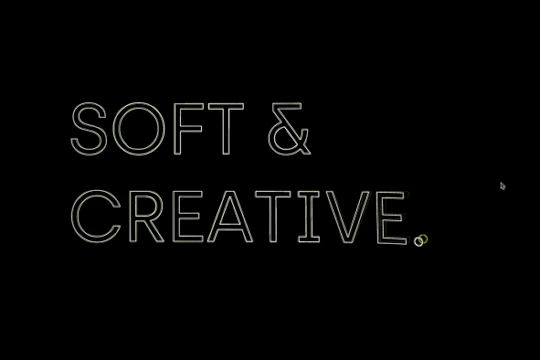

An exploding text particles animation using Three.js in Webflow. A good demonstration of how to add Three.js to your Webflow site. In this cloneable the text begins to morph and explode as you move the cursor over it. Please note that this uses custom code found in the head and closing body tags of the page settings.

More from author

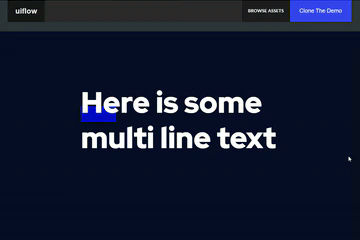
Here's a way to add a dropped in text underline on hover in Webflow. When you hover over the multiple lines of text an underline interaction is triggered and the underline appears over the text.
Pop up contact form modal interaction for Webflow. A clean modal window appears with a contact form when clicking on the contact button. This contact modal form features all the native Webflow interactions required for a modal window in a fully responsive design.
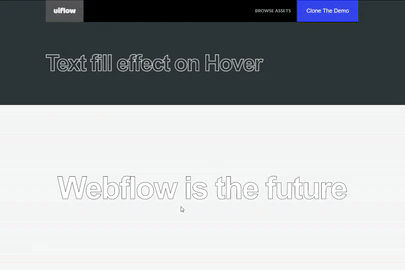
A text fill on hover effect for Webflow. When you hover over text on your Webflow site it fills the text with an animation effect.

Here's a way to create a zoom in on click technique in Webflow. If you need to magnify an image on your Webflow site this cloneable is perfect for you.

Here's a unique way of showing images, app screenshots or more in an iPhone mobile slider. The images continuously rotate through and infinite loop.

Here's a text stroke interaction based on the mouse movement for Webflow. Upon moving the mouse around the text stroke follows the cursor around the Webflow site.
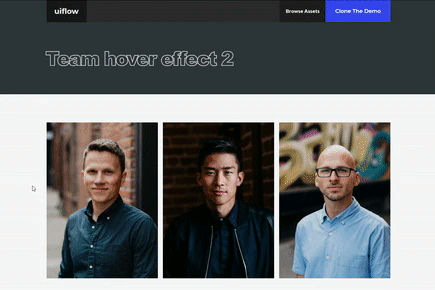
Here's a way to add a image splitting interaction on hover in Webflow. Using a grid and clip path to make this interaction happen. With this example when someone hovers on an image, the image opens in half and a text description is shown.