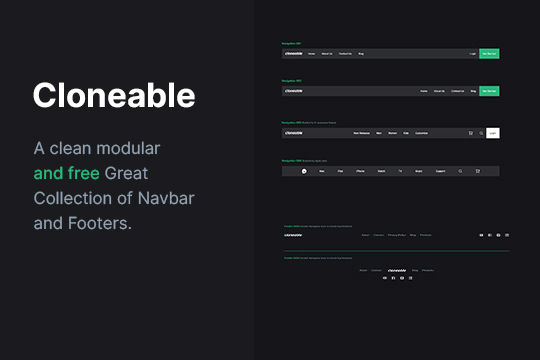
Navigation & Footer Designs

Try the cloneable below

Cloneable tags

Description

The Navigation & Footer Designs cloneable for Webflow is a collection of six beautifully designed material style navigation menus and footers. Created by Flyingminds, this cloneable can be found in the Layout category. These designs are perfect for quickly building either navigation menus, footers, or both for your Webflow site. The Navigation & Footer Designs cloneable is a great resource for anyone looking to add a professional and stylish touch to the layout of their site. Whether you're building a new site from scratch or looking to update the design of an existing one, these designs are sure to impress.
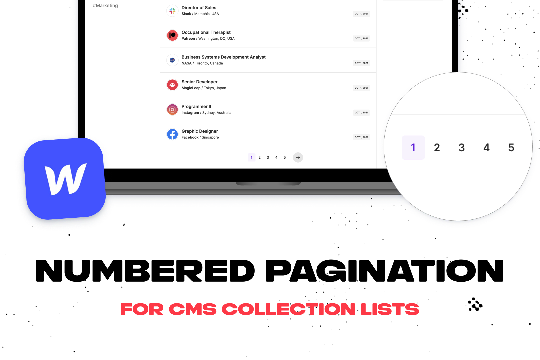
Add numbered paginations to your CMS collection lists via this small custom code snippet.

Easily add a grainy effect to your entire site. This uses a grain png that was on a Webflow site. You can create your own grains as well to change it up.

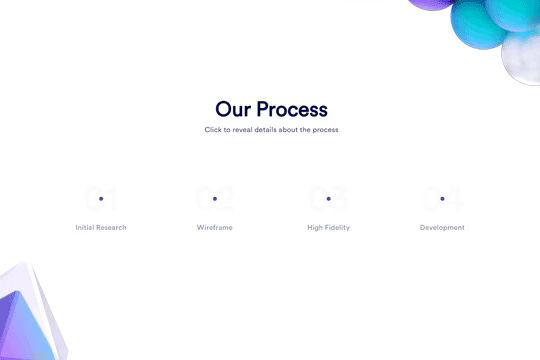
Here's a unique clickable process/steps section in Webflow. Whenever someone clicks on each step an interaction triggers that displays the number as well as further information about that specific step. Simply edit the content, update the interactions based on your requirements and enjoy a unique steps/process section on your site.

A simple way to create complex CMS grid layouts. You can define a layout for any item in the grid. You can make it multiple spans of columns and rows. You can also set columns and rows to the nth items as well as even or odd items.

Here are six unique, well designed hero sections for Webflow. Easily add a unique hero section to your Webflow site with this copy and paste cloneable.

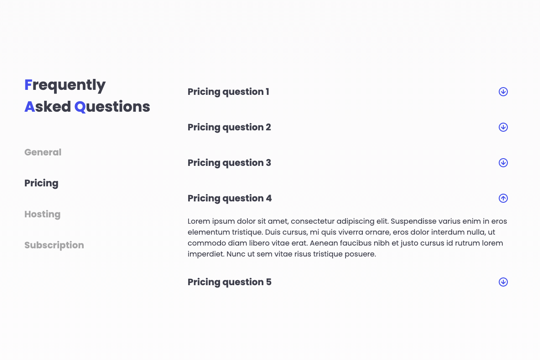
A FAQ section with a sticky sidebar and accordions for various FAQ questions.

Three different testimonial sections for your Webflow site. These free testimonial sections include two slider designs and one non slider to feature testimonials on your Webflow site.

Here's a way to achieve a unique hero section using grid and the Wizardry method in Webflow.

DRAG
Real-time sorting by
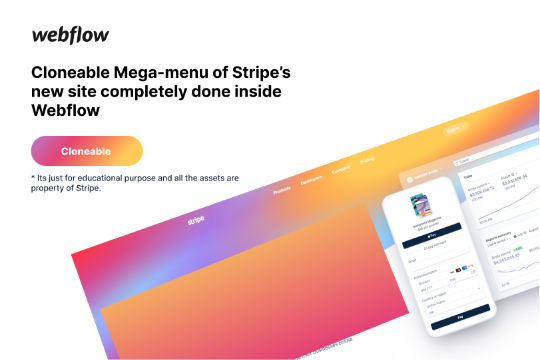
Here's a rebuild of Stripes mega menu design in Webflow. Add a unique mega menu design and navbar to your site inspired by Stripe's mega menu.

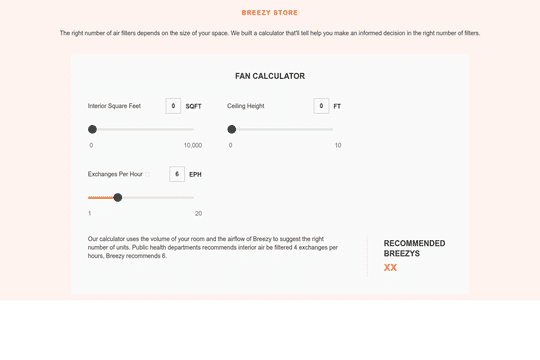
Here's a way to bulid a pricing calculator based on multiple slider inputs to get an estimate/quote for your clients. This is accomplished using the native Webflow slider element and a bit of CSS to style the controls. Values are updated by the sliders as well as by entering in a number within the top input fields. This is perfect for custom pricing and quotes needed on a pricing page.

Six different wonderfully designed material style navigation menus and footers for Webflow. These are perfect cloneables to quickly build either navigation menus, footers, or both for your Webflow site.

DRAG
Real-time sorting by