SVG Animated Overlay Menu

Try the cloneable below

Cloneable tags

Description

The SVG Animated Overlay Menu is a great tool to add some flair to your Webflow site. This cloneable includes several examples of multi-layered SVG shape overlays with generated animations, providing a good demonstration of how to use these overlays. The SVG colors can easily be modified in the custom code panel, allowing you to create a unique transition for your menu links. In addition, there are two demonstrations included to help prevent multiple clicks and keep the menu in sync with a Webflow interaction. This cloneable, created by CJ Hersh, can be found in the Menu, Animation categories and is sure to add some visual interest to your website. Be sure to check out the SVG Animated Overlay Menu for yourself and see how it enhances your user experience.

A fun way of adding a water mouse hover ripple effect to your Webflow site. Simply add a tiny code and the javascript library and you're all set.

A huge selection of premade Webflow animations, including animated buttons, click buttons, circular hover buttons, scroll down animations, nav link animations, tab animations, search bars, social media buttons, text animations, contact cards, blog cards, product cards and more.

Here's a beautiful WebGL colorful background animation on page load. A great way to add extra color and a dynamic element to your Webflow site.

A two colored spiral galaxy animation for Webflow created with Three.js. This spiral galaxy spins in the background of your Webflow site and offers zoom in/zoom out functionality by the scroll wheel on your mouse.

Add a liquid metal background animation to your Webflow site via WebGL. Please note that this example relies heavily on scripts and custom code so you'll need to add the custom code found within the page settings.

Here's a demonstration of using three.js for the background of your Webflow site.

A liquid 3D mesh net with gradients and transitions engulfs the background of your Webflow site. Inside there are shaders and code found in the page. You can adjust the values to customize the effects of this liquid 3D mesh design.

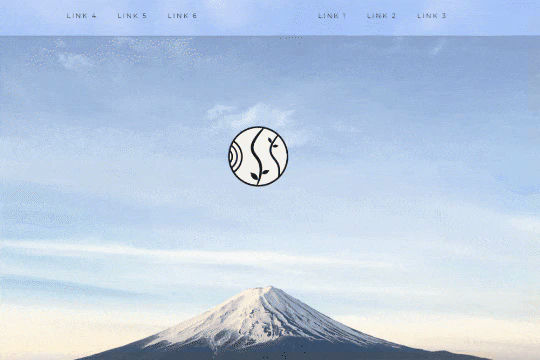
A unique way of showcasing your logo front and center and have it move up on page scroll in Webflow. This adds a fun dynamic element to your Webflow site and draws the users attention in. This interaction was created entirely from Webflow's native interactions using the While page is scrolling functionality and size, move, scale, opacity and more. This requires no additional custom code and can be cloned and setup quickly.

DRAG
Real-time sorting by

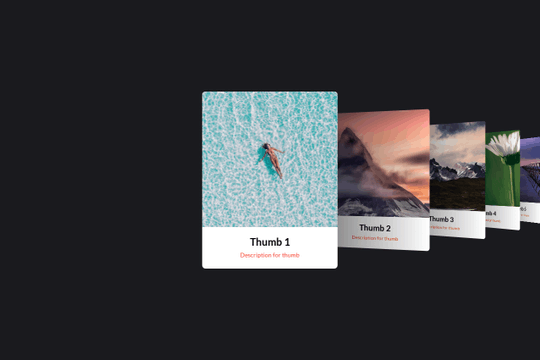
Here's a basic example of utilizing Swiper.js for a slider within your Webflow site. Swiper.js is great for adding a draggable slider with a variety of effects within Webflow.

Three different link hover effects perfect for a menu on Webflow. These three effects create an image hover distortion using three.js.

A set of unique and interesting image slider transitions including distortion and warping effects made with WebGL. The code was modified to behave as bidrectional looping slider. This works on both desktop and on mobile.

A smooth scrolling effect in Webflow that zooms into images as the page is scrolled. Perfect for adding smooth page scrolling and an image effect within your Webflow site.

Here are examples of multi-layered SVG shape overlays with generated animations for your Webflow site. There are several examples in this cloneable and provide good demonstration of how to use SVG shape overlays. Now you can easily modify the SVG colors in each pages custom code panel (header). Easily create a transition for your menu links. There are two demonstrations of ways to prevent multiple clicks and having the menu get out of sync via a Webflow interaction.

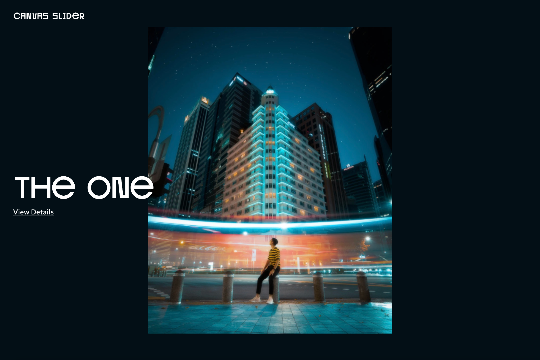
A custom WebGL draggable slider with 3D effects in Webflow. This is a very unique and cool effect to achieve a 3D expand and collapse between transitions on your Webflow site. You can update the text, links, and images in footer via the page settings. Easily modify the effects speed, frequency and more in the footer via the page settings.

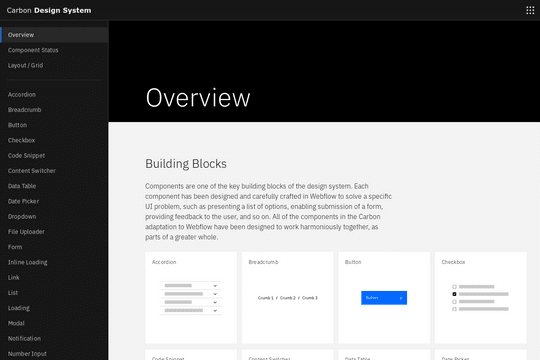
A full UI kit for your next Webflow site. This includes just about everything you could ever need, including accordions, breadcrumbs, buttons, checkbox, code snippets, data tables, date pickers, dropdowns, file uploaders, forms, loading elements, lists, pagination, progress indicator and much much more. This is a great source for just about every type of element you'd ever need for your Webflow projects.

A beautiful, draggable slider for your Webflow site. Some notes about the draggable slider, in mobile view it uses hammer.js for the slider. Images can be updated by changing the attributes found in each <li> item>. The view details URLs can be updated the same way. You can also change the view details and view project by changing the data-video to false. If you want it to say something else you can dive into the code and update that way.

DRAG
Real-time sorting by