Flatpicker.js Date Picker

Try the cloneable below

Cloneable tags

Description

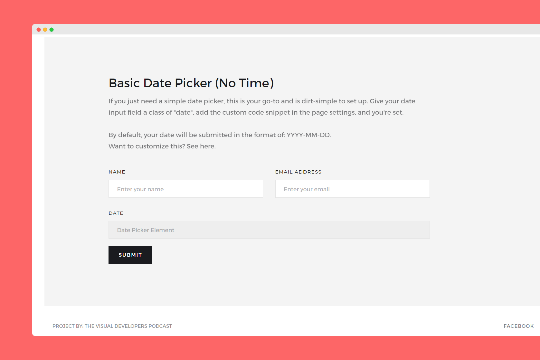
The Flatpicker.js Date Picker is a quick and easy way to add a date picker to your Webflow site. This cloneable element uses flatpicker.js, a widely respected and customizable library that makes it easy to add a date picker to your site. Flatpicker.js is known for being quick, easy to use, and highly customizable, making it a great choice for adding a date picker to your Webflow site. You can find more information about flatpicker.js and its capabilities at the official documentation page, https://flatpickr.js.org/. This cloneable component was created by Matt Varughese, a skilled designer and developer, and it falls under the categories of Date/Time and Form. If you're looking to add a date picker to your Webflow site and want a quick and easy solution that's also highly customizable, the Flatpicker.js Date Picker is a great choice.
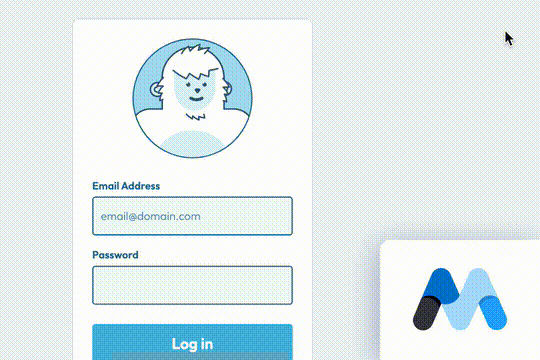
A fun login and sign up page for Webflow featuring a unique cartoon character that follows your mouse cursor. This is accomplished via 100% native Webflow interactions. The SVG was broken up into several parts, and added a hover over element interaction to the background and hover/in out interactions to the email, password and login fields. The rotating head effect is created by moving close-up elements slightly more than the background elements. For example, the nose moves 11px to the left or right, while the mouth only moves 9px and the face moves 6px while the body doesn't move at all.

Pop up contact form modal interaction for Webflow. A clean modal window appears with a contact form when clicking on the contact button. This contact modal form features all the native Webflow interactions required for a modal window in a fully responsive design.

A sticky horizontal scrolling timeline container for your Webflow site. This is a combination of sticky position, overflow-x hidden and a scrolling in view interaction. This is perfect for timelines, milestones, process steps, about, history and much more.

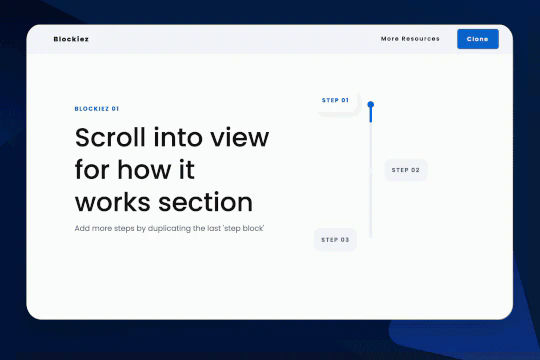
A simple animation that has a scroll bar interaction/animation as you scroll down the page in Webflow. The animation is applied to the class, if you want to add more steps simply duplicate the last step and then edit the content.

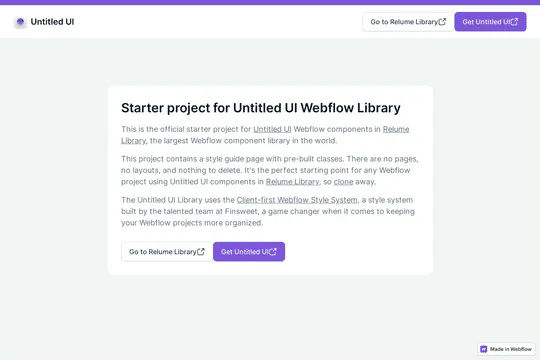
This is the official starter UI kit for the Untitled UI Webflow components library driven by Relume. This project contains a styleguide with all of the necessary pre-built classes. There are no pages, no layouts and nothing that you need to delete. This Untitled UI kit uses the client-first Webflow styling system. The styleguide features all typography, H1 headings, H2 headings all the way through H6 headings. This also includes the heading classes from xxlarge to xsmall, paragraphs, links, block quotes, unordered and ordered lists. You'll find the class text sizes such as text size large, text weights, text heights, text styles, color swatches, including error, warning and success color states. Background colors, text colors, shadows, UI buttons and all necessary elements, badges, badge groups, form elements such as inputs, dropdowns, checkboxs and radios. This is the complete Untitled UI styleguide kit to jump start your next Webflow builds.

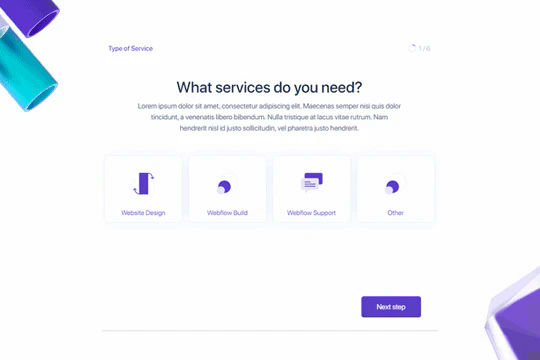
Here's a way to create a multi-step Webflow form that includes a step counter, custom confirmation animations and custom checkboxes. A perfect way to filter leads, create long forms that are filled out, and segment your lists/clients.

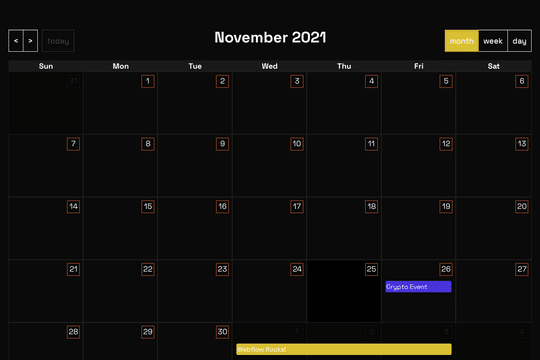
A full page Calendar with week/day/month setting and works with Webflow CMS. This full page calendar design relies on custom stylesheet and JS to work so you'll need to copy both the CSS and JS found in the head and closing body tag of the page settings. Please note that this is primarily driven via CSS and thus Webflow's designer becomes rather useless for the design other than the Webflow CMS elements tied to it.

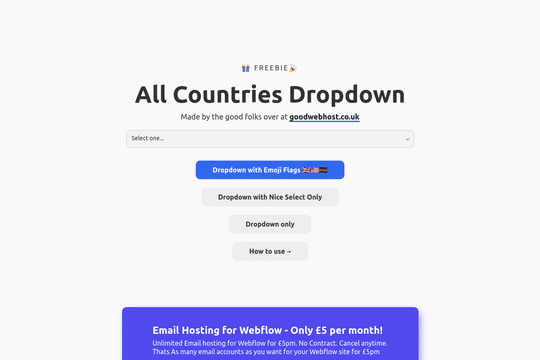
A way to add a dropdown with all the countries and flags to your Webflow site. There are several examples that utilize Nice Select, including flags, no flags and a dropdown only. You can copy-paste the custom code element with a select tag with all the countries in it. Note that this is achieved via JS and you won't be able to preview this within the WEbflow designer.

DRAG
Real-time sorting by

Here's a quick and easy way to add a date picker to your Webflow site via flatpicker.js. The reason we love flatpicker.js is because it's a quick, and easy solution and is incredibly customizable. You can find flatpicker.js docs here: https://flatpickr.js.org/

Here's a way to add a live clock to your Webflow site via the power of Vue.js. Please note that the custom code section is what allows this to work properly. It's also suggested to use some type of preloader for your page as it takes a second to load the clock properly and for the code to execute.

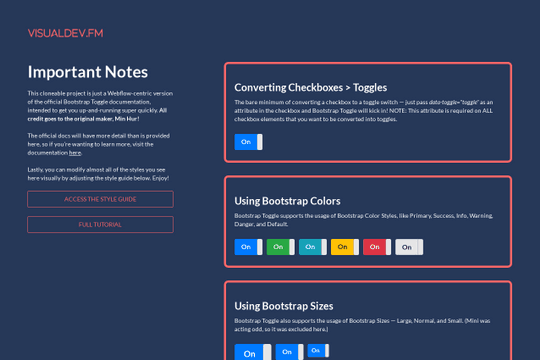
Here's a way of achieving a toggle switch via native checkboxes in Webflow. These Boostrap toggles, a third party library which converts checkboxes to goggles, without needing to import all of Bootstrap's classes and styles. The Bootstrap default colors have all been defined in a style guide so that you can alter the colors yourself without having to touch any code.

DRAG
Real-time sorting by