Call to Action Designs

Try the cloneable below

Cloneable tags

Description

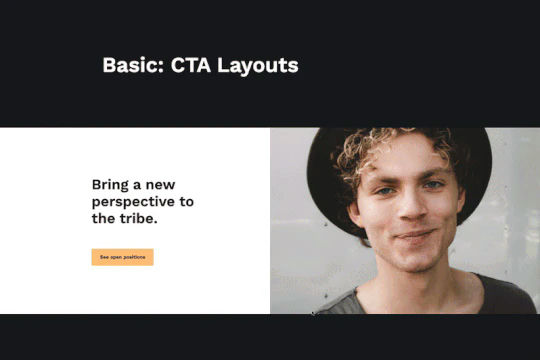
The Call to Action Designs cloneable is a convenient and easy-to-use tool for adding important call to actions to your Webflow site. With six different designs included, this cloneable is a great choice for those looking to add some visual interest and variety to their call to action buttons. Created by Studio99, this cloneable falls under the category of Layout, making it a practical and functional choice for any website. Whether you're looking to add some professional and visually appealing call to action buttons to your site or simply want to give your site a more modern and contemporary feel, the Call to Action Designs cloneable is a great choice.
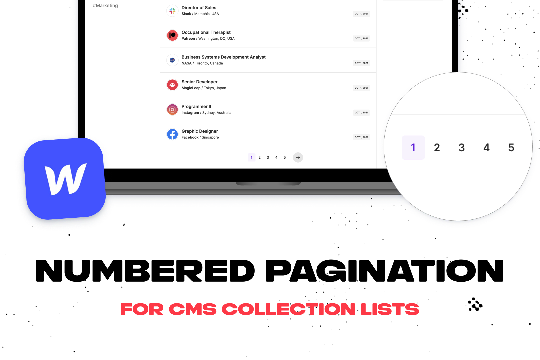
Add numbered paginations to your CMS collection lists via this small custom code snippet.

Easily add a grainy effect to your entire site. This uses a grain png that was on a Webflow site. You can create your own grains as well to change it up.

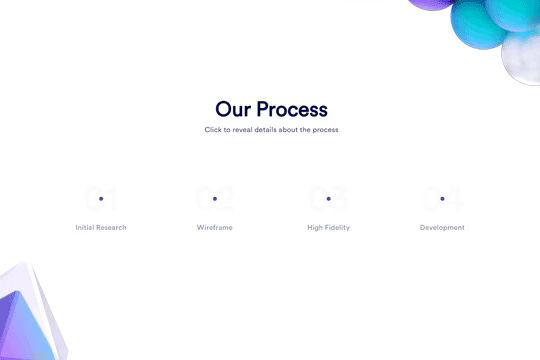
Here's a unique clickable process/steps section in Webflow. Whenever someone clicks on each step an interaction triggers that displays the number as well as further information about that specific step. Simply edit the content, update the interactions based on your requirements and enjoy a unique steps/process section on your site.

A simple way to create complex CMS grid layouts. You can define a layout for any item in the grid. You can make it multiple spans of columns and rows. You can also set columns and rows to the nth items as well as even or odd items.

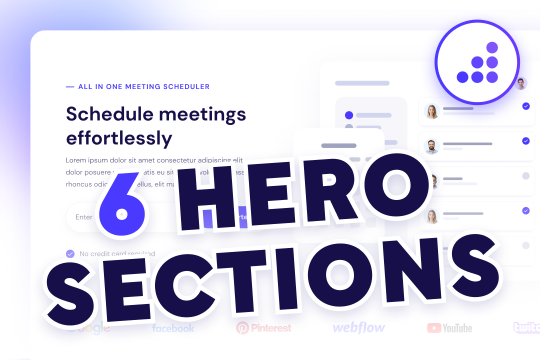
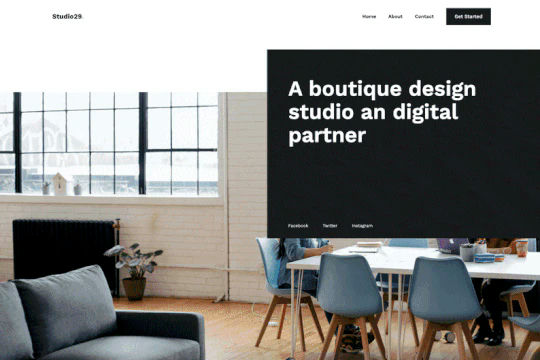
Here are six unique, well designed hero sections for Webflow. Easily add a unique hero section to your Webflow site with this copy and paste cloneable.

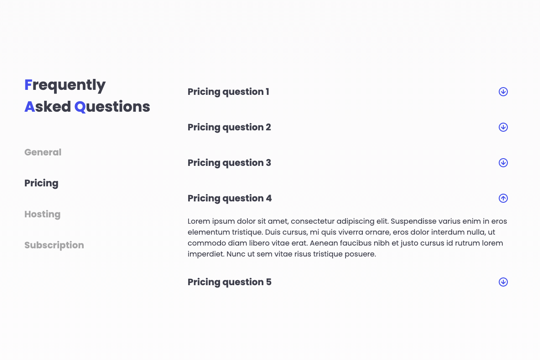
A FAQ section with a sticky sidebar and accordions for various FAQ questions.

Three different testimonial sections for your Webflow site. These free testimonial sections include two slider designs and one non slider to feature testimonials on your Webflow site.

Here's a way to achieve a unique hero section using grid and the Wizardry method in Webflow.

DRAG
Real-time sorting by

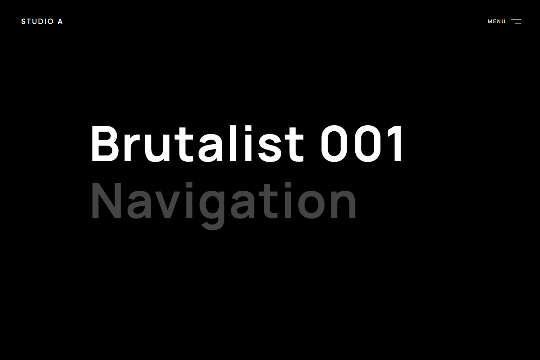
A full page, dark themed, hamburger menu navigation for Webflow. Built with interactions and animations for sliding the menu in as well as hover states for the links.

A pricing table with tabs to display pricing in a unique and interactive way. This allows for nearly full screen descriptions of each tabbed pricing item.

A modern, full screen menu with a slide in animation as well as hover over text effects.

Fullscreen unique loading animation for your Webflow site.

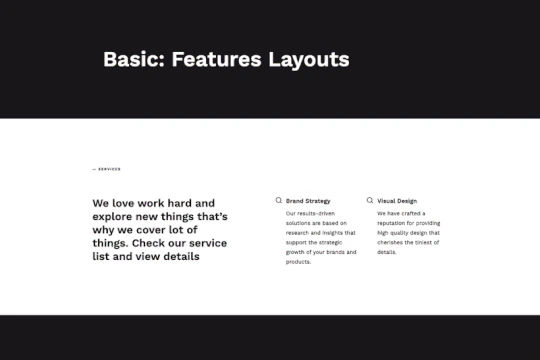
Seven different feature layout designs for Webflow. These unique designs allow you to easily add feature sections to your Webflow site. Great looking, responsive designs.

A great example of a slide in full page animated menu with mouse hover effects.

Six different call to action designs for your Webflow site. An easy way to add important call to actions to your Webflow site via a cloneable.

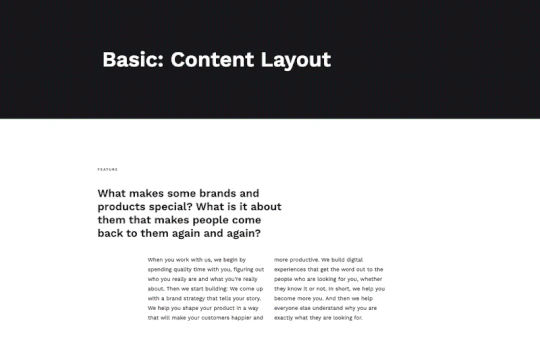
Eight different content layout designs for your Webflow site. Easily add beautifully designed content layouts to your Webflow site.

DRAG
Real-time sorting by