Blurred Div Effect

Try the cloneable below

Cloneable tags

Description

The Blurred Div Effect is a great way to create a layered, blurred div effect on your Webflow site. This technique involves placing a blurred div on top of another div, creating a transparent layer that blurs the bottom div. This is a great way to add depth and visual interest to your website, and opens up all sorts of possibilities for creativity and design. This cloneable is categorized under Layout and was created by Aaron Ocampo. The Blurred Div Effect is a powerful tool for enhancing the visual appeal of your Webflow site. Whether you're looking to add some extra depth to your layout or simply want to create a unique and eye-catching design, this cloneable is sure to be a hit. So if you want to add some extra visual interest to your Webflow project, be sure to check out the Blurred Div Effect.

Add numbered paginations to your CMS collection lists via this small custom code snippet.

Easily add a grainy effect to your entire site. This uses a grain png that was on a Webflow site. You can create your own grains as well to change it up.

Here's a unique clickable process/steps section in Webflow. Whenever someone clicks on each step an interaction triggers that displays the number as well as further information about that specific step. Simply edit the content, update the interactions based on your requirements and enjoy a unique steps/process section on your site.

A simple way to create complex CMS grid layouts. You can define a layout for any item in the grid. You can make it multiple spans of columns and rows. You can also set columns and rows to the nth items as well as even or odd items.

Here are six unique, well designed hero sections for Webflow. Easily add a unique hero section to your Webflow site with this copy and paste cloneable.

A FAQ section with a sticky sidebar and accordions for various FAQ questions.

Three different testimonial sections for your Webflow site. These free testimonial sections include two slider designs and one non slider to feature testimonials on your Webflow site.

Here's a way to achieve a unique hero section using grid and the Wizardry method in Webflow.

DRAG
Real-time sorting by

Here's a way of creating structured CMS pop up modal for your CMS items in Webflow.

Here's an interaction to shrink the navigation/menu on page scroll for your Webflow site.

Here's a technique to add growing divs or sections on mouse hover in Webflow.

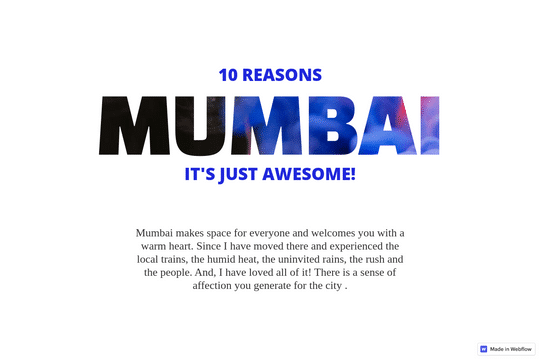
Add a background text clipping effect to your Webflow site. This allows you to use any image as the text colors/styling by adding a clipping effect that allows the image to pass through the text.

Here's a technique to add a rotating images on page scroll via Webflow interactions. This adds a dynamic feeling to your site as your users scroll down on your Webflow site the images rotate around the page.

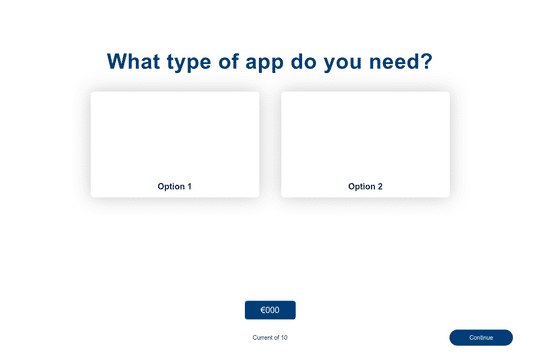
Build a multi-step estimator calculator for your Webflow site. This is perfect for unique pricing pages, contact forms, and internal tools for your team.

Here's a way to create a layered, blurred div effect in Webflow. The blurred div sits on top of another div and creates a transparent layer that blurs the bottom div. A great way to add depth to your Webflow site and opens Webflow up to all types of possibilities.

DRAG
Real-time sorting by