


The Top 101 Slider Webflow cloneables
Webflow sliders don't need to suck. Webflow slider cloneables built by expert Webflow designers.



A beautiful Swiper.js overlapping cards slider built for Webflow. This Swiper.js slider is perfect for a hero section or features section of a site. When a user navigates between slides the top card is removed and the next card in line comes into view. The cards are stacked with various offsets so it looks like playing cards. There are text transitions for each text associated with the slide. This slider was created using Swiper.js and utilizes Webflow's native CMS collections. This allows you to dynamically generate slides based on the collection list items. This requires custom code so be sure to look at the pages custom code for the Swiper.js code. You can modify the Swiper.js code to include grabcursor, looping, and utilizing arrows to navigate between slides.

Add a progress bar to your draggable CMS slider sections in Webflow. Typically most draggable, or third party sliders, don't offer a progress bar indicator. Using the power of Dragdealer.js you can now add a progress bar and draggable CMS slider to your Webflow site. Please note that you'll need to add the global styles HTML embed as well as the custom script found in the closing body tag within the Page settings for this to work properly.


Here's a unique way to add transition animations to a full screen slider. Using both Swiper.js and a GSAP animation script.

A complete Splide.js CMS slider solution for Webflow. Splide.js offers a great solution over Webflow's native slider solution. Lightweight and mobile friendly this slider offers four different designs and implementations, including a Webflow CMS slider solution using Splide.js. This technique does require custom code that you'll find within the page settings, custom code area. Using this solution you can update the number of items per page, the number of items changed per slide, infinite looping, pagination, speed, drag threshold and much more.

A 3D Splide.js CMS draggable slider for Webflow. This 3D draggable slider created with Splide.js allows you to integrate Webflow's native CMS solution with Splide.js to create a dynamic and interactive slider with Webflow. The slider features navigation arrows and the ability to drag between each slide item, perfect for desktop or mobile. There's also a 3D effect with the slides entering and exiting the viewport. The Splide.js slider allows you to customize the number of items per page, per move as well as various break point functionality for mobile responsiveness. You're also able to modify the delay, duration and easing in and out. This example is infinite looping so that there's no beginning or end and the users can navigate endlessly between each individual slide that is powered by Webflow CMS.


Here's a basic example of utilizing Swiper.js for a slider within your Webflow site. Swiper.js is great for adding a draggable slider with a variety of effects within Webflow.
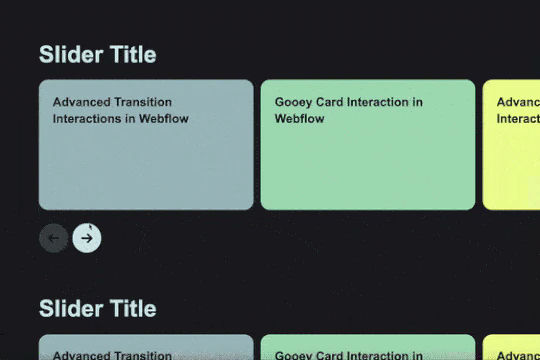


A stunning and easy to implement Swiper.js draggable slider created for Webflow. This slider is completely draggable for both desktop and mobile devices, when the next slide is triggered there's a slide in feature that is powered by Webflow interactions. This makes the next card appear to slide in upon being visible. Swiper.js powers the slider and allows for custom functionality such as speed, looping, breakpoints and much more. Keep in mind that this utilizes data attributes to work properly so you will need to update each slides data attributes in order for the Swiper.js functionality to work properly.


This is a unique way of adding Curtain.js WebGL slider to your Webflow site. This allows for a variety of transitions and change effects not available to the standard slider. This is based on Curtain.js and is fully customizable in both shape and size, it's also responsive behaving like CSS cover. There are many options from autoplay to buttons, transition duration, displacement maps and even pixel distance, built in easings without libraries.


Explore techniques for implementing unique Webflow CMS sliders via Swiper.js. Flow Ninja built 8 different slider options including a basic slider, a thumbnail slider, infinite loop swiper great for client logos, auto height, pop-up modal sliders, grid sliders, vertical sliders and a number pagination slider. These prebuilt Webflow sliders utilize Swiper.js to operate correctly so it's important to add the code implemented in the head tag and closing body tag found in the Page Settings for this to work properly.

Add a unique circular slider to your Webflow hero. This demo showcases a circular slider with animated panels via the background. These panels were created in Adobe After Effects and triggered via a slider element within Webflow. The main slider is also linked to a secondary slider that showcases the text. The sliders were then linked together via custom code.


Here's a beautifully designed rotating testimonial slider in Webflow. A great way to build trust with your prospective clients. This testimonial component will auto slide between your testimonials with a smooth transitioning effect.

An excellent example of Swiper.js for Webflow CMS items. This example is perfect for a hero section, or any Webflow slider that wants to be upgraded to utilize Swiper.js. This demo includes scroll interactions, in which each card is changed upon scroll up or down on the mouse and also includes next & previous buttons to navigate between slides. Each slide changes the thumbnail previews of each slide, updates the slide active and slides the text of each slide. The thumbnails and text titles allow you to navigate between each slide as well. This script utilizes Webflow CMS, allowing you to utilize Webflow's CMS items in your native Swiper.js slider. Keep in mind that this utilizes Webflow's custom code section and you'll find the relevant code within Webflow's page custom code settings of this Webflow cloneable.


Here's a way to add an infinite, transparent slider to your Webflow site. An easy cloneable that you can copy and paste to your site and have it setup and running in no time.
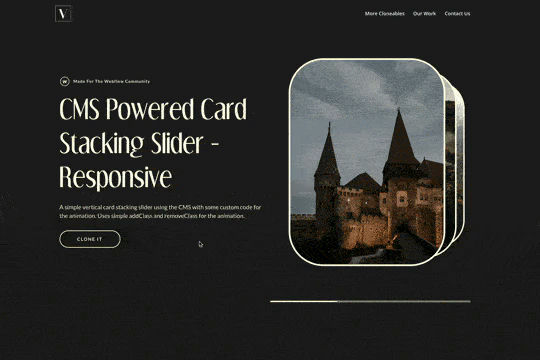

A simple way of adding a CMS driven stacked slider to Webflow using addClass and removeClass jquery code that is fully responsive. This opens up a new way of adding a 3D stacked effect for your native Webflow sliders.



A beautiful example of a horizontal slider created with GSAP for Webflow. As the user scrolls through the site it smoothly transitions to a horizontal slider. This slider was built using GSAP & ScrollTrigger.js and you can find the custom code in the page settings. This is not setup to use Webflow CMS although it could be modified if you have an understanding of GSAP and code. The horizontal scroll can be modified to adjust the scaling of the image, rotation and much more. Be sure to check out this horizontal slider if you're looking to implement a GSAP variation on your Webflow site.

A set of unique and interesting image slider transitions including distortion and warping effects made with WebGL. The code was modified to behave as bidrectional looping slider. This works on both desktop and on mobile.
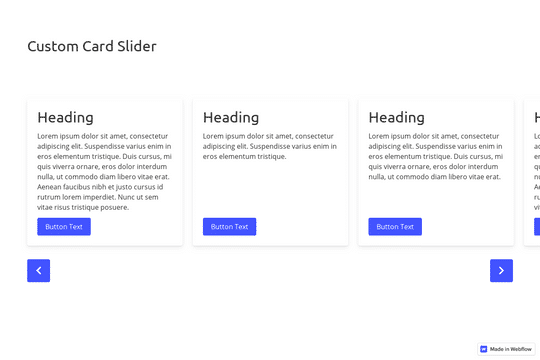

A great example of a CMS slider with custom navigation arrows that are designed within Webflow. It also features a dropdown to filter the slides. This uses the slick slider JS library.


A Webflow slider created with SplideJS tied into Webflow's native CMS system. This slider features a draggable slider with a progress bar. In order to get this to work properly you'll need to add the HTML embed splide code as well as the code found within the page settings.


Here's a way to add a simple horizontal scrolling cards section to your Webflow site. The cards are designed for horizontal scrolling on desktop and tablets and vertical stacking on mobile. Since this was designed using Flexbox, you can add/remove cards and the scroll will still work. Although you'll likely want to resize the scroll track if you use a lot of cards. Each card can have a background video added to the card for a neat reveal on hover effect.

A unique GSAP velocity based interaction demonstration for Webflow. When a user drags the slider the items react based on the velocity of the drag on the slider. A unique interaction that adds a new dynamic layer to a normally static style draggable slider. Take note that this utilizes GSAP and Observer.js to work properly and you'll find the custom code within the custom code page settings. In this you can update the attributes of the velocity such as the velocity, and CLAMP. You can also adjust the rotation amount, duration and easing used. This is a mobile friendly and desktop friendly slider solution that utilizes the power of GSAP and Observer to work with Webflow's native CMS collection lists.

Here's a way to create a multi-step Webflow form that includes a step counter, custom confirmation animations and custom checkboxes. A perfect way to filter leads, create long forms that are filled out, and segment your lists/clients.


A great way of adding a slider component with a splitscreen gallery slideshow that automatically rotates a collage while animating each slide with it's own transition. View the tutorial here: https://youtu.be/IvxswB5jy-w


A demonstration of using Swiper.js in a hero section. This is also mobile friendly by becoming full-width.

Here's a way to add a parallax slider to your Webflow site. You can navigate the slider via dragging or using your arrow keys.

Here's a wonderfully designed full section testimonial slider for Webflow. Each slide has it's own transitions as well as custom slider arrows using Webflow's native slider. Perfect for adding a testimonial section to your Webflow site.


A free widget to display your customers Trustpilot reviews and feedback, or other feedback and reviews to your site via a slider element.


A unique way of adding a CMS driven draggable slider to Webflow with background videos playing on hover.
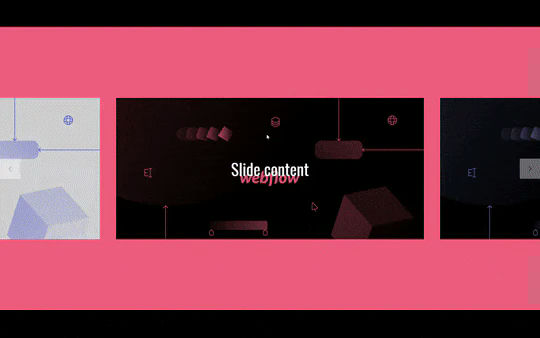

An infinite slider design for Webflow built using Webflow's native slider and interactions. This fully responsive Webflow slider features unique hover over interactions in which the next and previous navigation appears only on hover. The slide continues endlessly by looping to the starting slide upon finishing the rotation.


Fourteen different testimonial components perfect for your Webflow site. These modern and well designed testimonials were created to help you add a testimonial section to your site quickly. The first variation has testimonials featured in an off centered design, the second variation showcases a simple 3 design with a primary quote and user avatar. The third variation is a large slider perfect to include a larger testimonial section to your site. Other variations included branded colored cards in a slider, a picture of the person with their company logo over their face, a large centered slider, a twitter card style, a video testimonial, tab testimonials and many other variations. This is a perfect cloneable if you wanted to add simple or complex designed testimonials to your site.
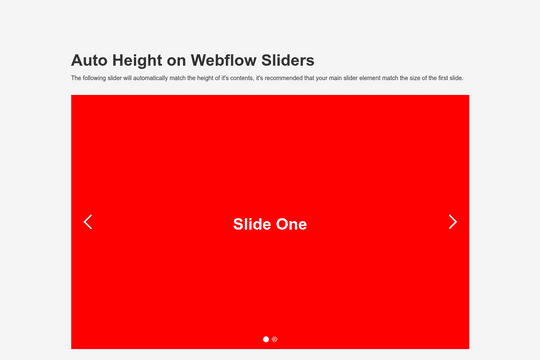

Here's a way to have Webflow's native slider adjust to the height of the contents within each slide. This allows you to dynamically change the size of the slider based on the height of each slides content rather than having the content adjust to the height of the entire slide module.


Infinite slider carousels built with Webflow native interactions and no custom JS code or necessary embeds.

Here's a large testimonial slider component with auto-transitions for Webflow. This smooth transitioning testimonial slider is perfect for any Webflow site. It transitions smoothly between each testimonial and provides unique interactions. This demonstration also includes the possibility of a video as well.

Add Trustpilot reviews to your Webflow site with this premade Trustpilot review slider. This slider was built using Finsweet's client first and uses only SVG images for the icons. A great way to add testimonials and reviews to your Webflow site.
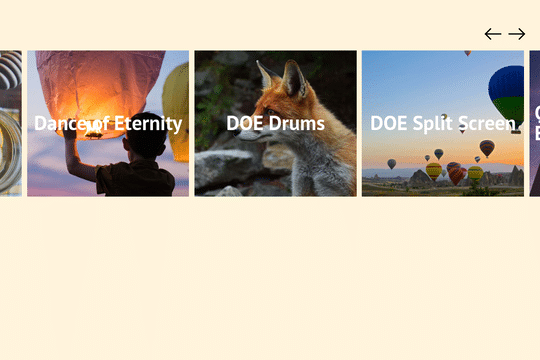

Add a CMS driven draggable slider with smoothing to your Webflow site. This slider offers the ability to slide with a trackpad and also has mobile smoothing. There's a small webkit code that removes the scrollbar as well.


A great way to add mouse aware, location aware slider navigation interactions to a slider.

A custom javascript solution to a CMS stacking slider in Webflow. This custom Javascript CMS driven stacking slider works great, although may be a bit confusing for beginners. It utilizes custom Javascript and utilizes Custom attributes in order to work properly. When a user clicks on the next item, the text description in the header changes and the next image is shown. This requires two different CMS collections, one for the content and one for the images. You'll need to add 2 attributes and 1 HTML embed into the CMS collection for the images and utilize the proper class names. Update the slider navigation buttons and assign the custom attributes. Overall this is a great slider but is tailored to someone familiar with Webflow.

A modern and yet sophisticated multi-step quote request form for Webflow. This multi step form features a status indicator for which step you are currently in with the form. The form was created using Webflow forms and embedding various native Webflow sliders within the Webflow form. This method does NOT require any extra custom code or HTML embeds to work properly and is a perfect starting point for any multi-step form. The form utilizes checkboxes for large options on the second portion of the form, there are also custom designed radio buttons, and a final confirmation page to submit the form. Overall this is an excellent cloneable if you plan on adding multi-step forms, contact forms or questionairre's/onboarding pages for your Webflow site.


A unique Webflow slider created with Three.js and GlslCanvas. While this is a good example of a slider it uses hand coded image URLs rather than Webflow sliders. A good demonstration of how to add Three.js slider effects to your Webflow site but will need some customization to make it work properly on a Webflow site.


A custom, automatic slider with unique animations on Webflow. It was made with Webflow with custom interactions.


An easier way to create custom slides in Webflow. Includes animations with static elements or CMS collection lists. This is powered by SlickJS, allowing you to use all of the slider functionality offered without writing any code.


Here's a way to achieve a dual slider effect in Webflow. When clicking on the next or previous two different sliders will be triggered via the single onlick trigger via a custom button. This clicks on two hidden slider links simultaneously allowing you to maximize the slider transitions and effects.


Want to add a range slider to Webflow? Here's a way to add a range slider inside Webflow using Finsweet's Attributes. This slider can be used for either forms or filters on your Webflow projects. Please note that you'll need to add a custom JS library found within the head tag in order for this to work properly. Also check the documentation in order to ensure you've set this up correctly.

A beautiful example of a Splide.js Webflow slider that features a variety of features in a beautiful design. This slider offers navigation buttons (previous/next), fading out of the person image that isn't active, text description fade in on current active item and more. This example utilizes Webflow's native CMS collections which helps make this even more expandable and future proofing for you or your clients. This example also features infinite looping so that no matter the number of slides users can navigate endlessly through the items. With Splide and this example, you can customize a variety of options such as perPage, perMove, focus, the gap between items, arrows, pagination, the speed that the slider changes items, the dragthreshold, rewind speed and individual breakpoint styling effects. Keep in mind there is some custom CSS that you'll need to add as well which can be found in page settings and via an embed.


A unique slider that provides functionality support not found in my other sliders in Webflow. Including responsive, swipe gestures, keyboard arrows. Easy to customize simply copy and paste the slide item to add more items. Place content within the content wrapper. This slider utilizes Slick Carousel to create the slider and thus requires you to add the custom JS code found in the closing body tag.

Three different testimonial sections for your Webflow site. These free testimonial sections include two slider designs and one non slider to feature testimonials on your Webflow site.
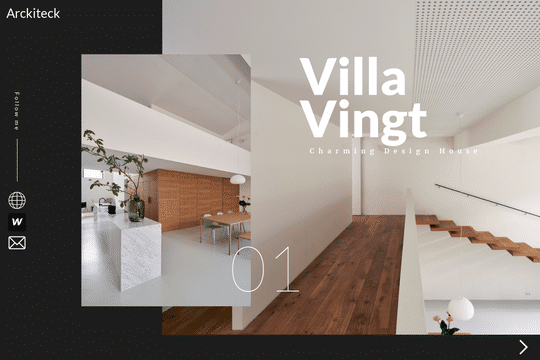

An amazing full page multi image slider for Webflow. This slider is built with great interactions and transitions and loads multiple images per slide. Perfect for portfolios, architecture images and much more.
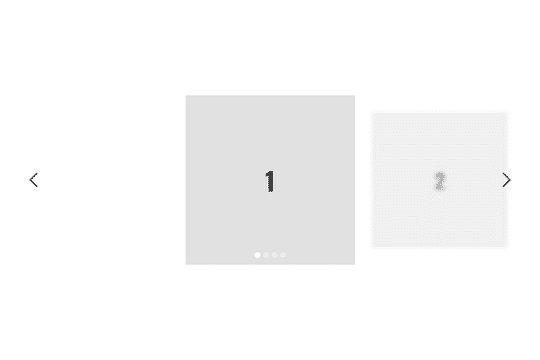
A custom slider that changes the size and focus of the slide after it changes to the next slide. Perfect for emphasis on the main slide while maintaining a transition effect for the other non-primary slides in Webflow.

Add a stacking slider as inspired by houseof.world. This adds a fun, 3D effect to your sliders that transitions and moves the cards forward, and to the back upon next slide.
