





Cloneable tags
Description
The Custom Range Slider technique allows you to add a range slider to your Webflow projects using Finsweet's Attributes. This slider can be used for forms or filters on your Webflow projects, and can be easily implemented by adding a custom JS library found within the head tag. To ensure that this slider is set up correctly, it's important to consult the documentation provided with this Webflow cloneable. This cloneable has been categorized under the Slider and Form categories and was created by Finsweet. Whether you're looking to add a range slider to your Webflow projects for form or filter purposes or simply want to enhance the user experience, the Custom Range Slider technique is a valuable tool to have at your disposal. By using this technique, you can easily add a range slider to your Webflow projects using Finsweet's Attributes and customize it to meet your specific needs.
Related cloneables



A beautiful Swiper.js overlapping cards slider built for Webflow. This Swiper.js slider is perfect for a hero section or features section of a site. When a user navigates between slides the top card is removed and the next card in line comes into view. The cards are stacked with various offsets so it looks like playing cards. There are text transitions for each text associated with the slide. This slider was created using Swiper.js and utilizes Webflow's native CMS collections. This allows you to dynamically generate slides based on the collection list items. This requires custom code so be sure to look at the pages custom code for the Swiper.js code. You can modify the Swiper.js code to include grabcursor, looping, and utilizing arrows to navigate between slides.

Add a progress bar to your draggable CMS slider sections in Webflow. Typically most draggable, or third party sliders, don't offer a progress bar indicator. Using the power of Dragdealer.js you can now add a progress bar and draggable CMS slider to your Webflow site. Please note that you'll need to add the global styles HTML embed as well as the custom script found in the closing body tag within the Page settings for this to work properly.
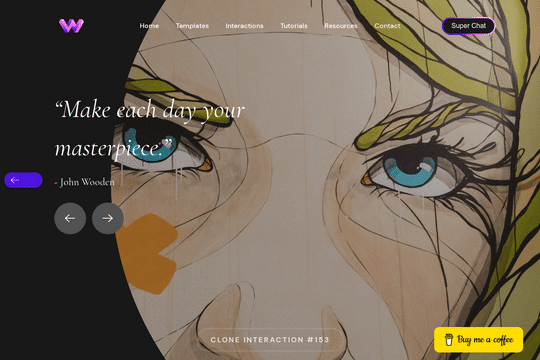

Here's a unique way to add transition animations to a full screen slider. Using both Swiper.js and a GSAP animation script.
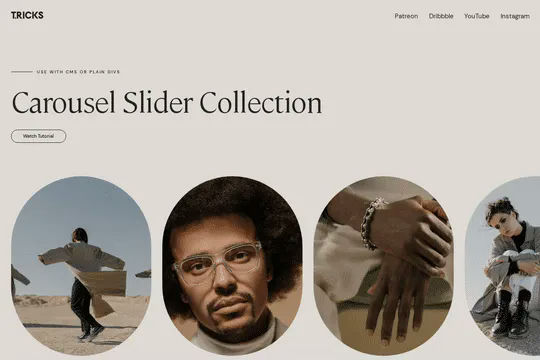
A complete Splide.js CMS slider solution for Webflow. Splide.js offers a great solution over Webflow's native slider solution. Lightweight and mobile friendly this slider offers four different designs and implementations, including a Webflow CMS slider solution using Splide.js. This technique does require custom code that you'll find within the page settings, custom code area. Using this solution you can update the number of items per page, the number of items changed per slide, infinite looping, pagination, speed, drag threshold and much more.


A fun login and sign up page for Webflow featuring a unique cartoon character that follows your mouse cursor. This is accomplished via 100% native Webflow interactions. The SVG was broken up into several parts, and added a hover over element interaction to the background and hover/in out interactions to the email, password and login fields. The rotating head effect is created by moving close-up elements slightly more than the background elements. For example, the nose moves 11px to the left or right, while the mouth only moves 9px and the face moves 6px while the body doesn't move at all.
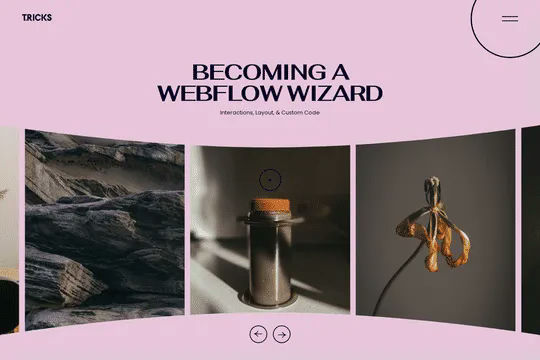
A 3D Splide.js CMS draggable slider for Webflow. This 3D draggable slider created with Splide.js allows you to integrate Webflow's native CMS solution with Splide.js to create a dynamic and interactive slider with Webflow. The slider features navigation arrows and the ability to drag between each slide item, perfect for desktop or mobile. There's also a 3D effect with the slides entering and exiting the viewport. The Splide.js slider allows you to customize the number of items per page, per move as well as various break point functionality for mobile responsiveness. You're also able to modify the delay, duration and easing in and out. This example is infinite looping so that there's no beginning or end and the users can navigate endlessly between each individual slide that is powered by Webflow CMS.
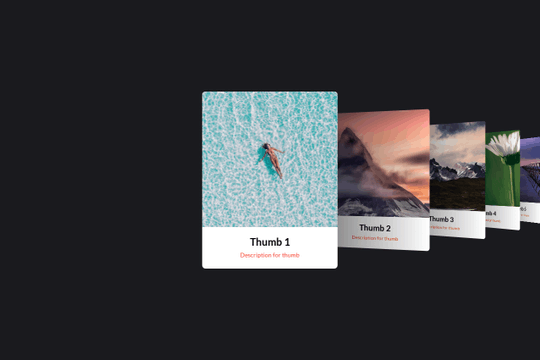

Here's a basic example of utilizing Swiper.js for a slider within your Webflow site. Swiper.js is great for adding a draggable slider with a variety of effects within Webflow.
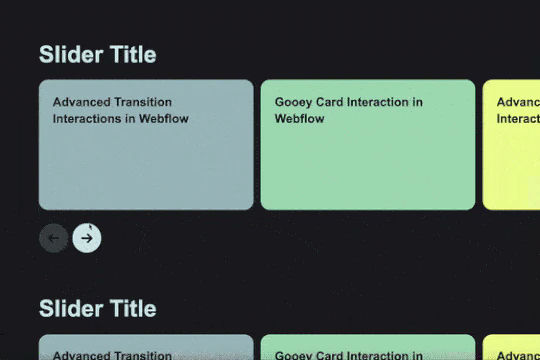
Add custom CMS slider with stacking and overlapping cards.

More from author
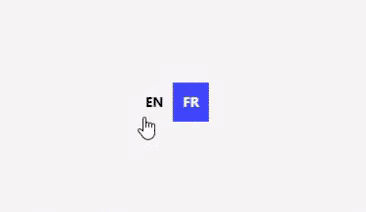
A set of various language switcher elements designed for your Webflow site. If you use translation on your site these handy language switcher elements will come in handy. There are 14 different designs with necessary interactions to make them easy to copy and paste into your Webflow site. Nearly every kind of design you could think of to make this easy to implement.

An advanced demonstration of using Finsweets Attributes CMS Filter using no-code for Webflow. The example includes a search input, sorting, checkboxes, range slider, sorting, drop down, radio buttons and more. A great way to understand the capabilities and advanced filtering options of Attributes CMS filtering.

This is the official project starter cloneable for Client-First. It contains a style guide page with all the utility classes that come with the Client-First style system. What is Client-First? https://www.finsweet.com/client-first Full docs: https://www.finsweet.com/client-first/docs Made with 💪 by Finsweet

Backdrop filters for Webflow that show three different background effects including inverting colors, saturating colors, hue rotation, and grayscale created by Finsweet. This cloneable was created to showcase Webflow's latest native backdrop filters.

Unique, lottie backgrounds that add a dynamic layer to your Webflow site. Static backgrounds are boring, add some flair and uniqueness to your Webflow site with lottie backgrounds.
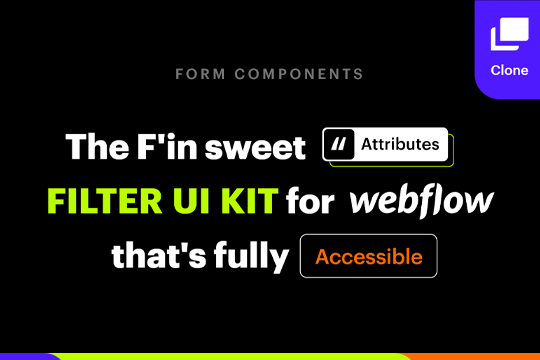
A full suite of wonderfully designed and accessible components for Finsweets Attributes CMS Filter and Webflow forms. Includes radio button, checkbox, dropdown, search input, select, range slider and more!

Complex techniques to achieve amazing background effects using unique blending and backdrop filter effects and blending effects. In this demo you'll see a hide/show background effect on scroll, moving divs/assets wherever on a page and the various blending techniques, mouse hover over to effect background effects and more. Combine separate channels into full colour photo; magically hide and show objects simultaneously using nothing but solid coloured divs; play with stacking various blend modes on top of each other; see the mind-bending inception of inversion of already inverted objects; use interactive colour changer for your elements, that does not even touch the elements themselves; create fun colour-restoring games; reveal the magical world invisible to naked eye with your blend-empowered cursor.

A simple and clean Hero section for a Webflow site that features content on the left and a large lottie hero image on the right. A perfect lightweight and clean Hero design perfect for any SaaS or tech company. The Hero section has a bold statement, two buttons and a large demonstration Lottie image. The design is fully responsive and can be used used to add a hero section to your Webflow sites landing page in seconds. This also uses Webflow's interactions for a unique logo animation on page load. This cloneable does not use any custom code or HTML embeds so adding to your site is super simple.
