Lottie Scroll in View Interaction

Try the cloneable below

Cloneable tags

Description

The Lottie Scroll in View Interaction cloneable is a creative and interactive way to add dynamic animations to your website using Lottie files and a scroll into view interaction. This cloneable allows you to position the animations so that they become sticky as you scroll, making for a visually engaging and dynamic experience for your visitors. This cloneable, created by SketchzLab, is categorized under the categories of Scroll, Animation, and Interactions, and it's a great way to add some visual interest and engagement to your website. If you want to add Lottie animations with a scroll in view interaction to your website, the Lottie Scroll in View Interaction cloneable is a great choice. So why wait? Try this cloneable today and see how the Lottie Scroll in View Interaction can enhance your website.

A fun way of adding a water mouse hover ripple effect to your Webflow site. Simply add a tiny code and the javascript library and you're all set.

A huge selection of premade Webflow animations, including animated buttons, click buttons, circular hover buttons, scroll down animations, nav link animations, tab animations, search bars, social media buttons, text animations, contact cards, blog cards, product cards and more.

Here's a beautiful WebGL colorful background animation on page load. A great way to add extra color and a dynamic element to your Webflow site.

A unique stacking cards on scroll interaction in Webflow. When you scroll down the page the cards on the right side stack on top of each other. A unique interaction perfect for a SaaS or technology site. The stacking cards effect was built entirely using Webflow interactions and does not require any additional code or scripts. The effect is created by using the While scrolling into view trigger, with the use of Scale and Filter. The filter applied reduces the overall brightness of the card and the scaling is used to send the item back smaller. Overall a well designed and thought out solution for a stacking card interaction.

A method to highlight text on page scroll in Webflow. A unique a fun interaction in which the text on the page begins to highlight as you scroll down the page. Each letter even partially highlights depending on where you've scrolled on the page. This effect uses GSAP and Scrolltrigger.js to create the effect. You'll need to add the custom code found on page settings for this to work properly.

A two colored spiral galaxy animation for Webflow created with Three.js. This spiral galaxy spins in the background of your Webflow site and offers zoom in/zoom out functionality by the scroll wheel on your mouse.

Add a liquid metal background animation to your Webflow site via WebGL. Please note that this example relies heavily on scripts and custom code so you'll need to add the custom code found within the page settings.

An animated timeline scrolling effect perfect for about pages, historical pages and many others. As the user scrolls down the page a fun native interaction is applied that allows users to visit historical timelines with a unique Webflow interaction. The current date and item that is in view increases brightness while others out of view are faded out. The user can scroll down the page and have historical information provided in a unique and interactive fashion. This interaction uses while scrolling in view and while page is scrolling page trigger interactions.

DRAG
Real-time sorting by

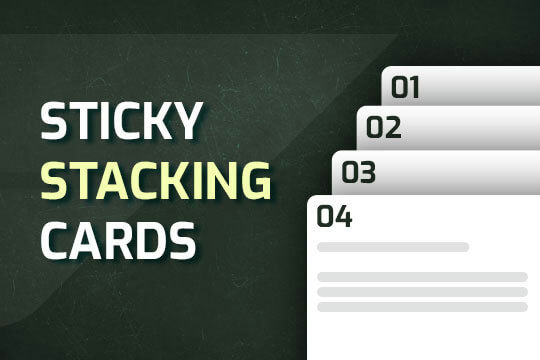
A way of utilizing sticky cards that stack on scroll in Webflow. Using position sticky and a scrolling into view interaction allows for this effect without any custom code.

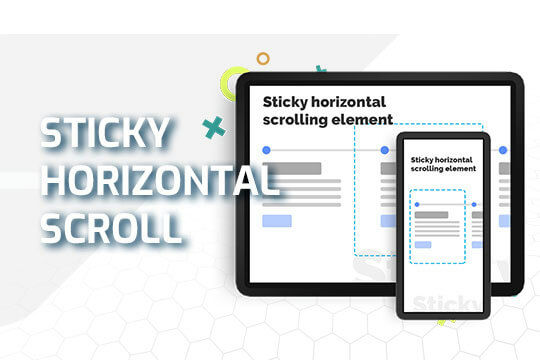
A sticky horizontal scrolling timeline container for your Webflow site. This is a combination of sticky position, overflow-x hidden and a scrolling in view interaction. This is perfect for timelines, milestones, process steps, about, history and much more.

A simple to implement neon glow text effect for Webflow.

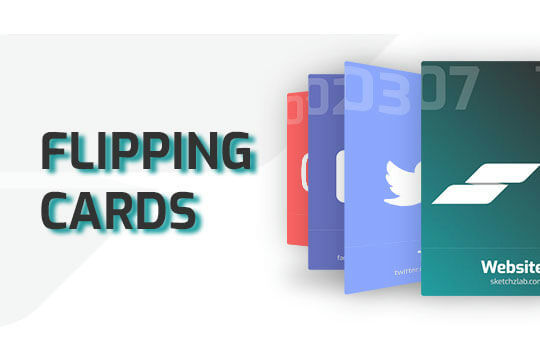
Here's a way of adding a flipping card animation to cards on your site. This component can be used for a number of scenarios and allows for additional information to be displayed on your cards without taking up important site real estate.

Here's a technique to fade text in and out on page scroll with various sections and different texts in Webflow.

Here's a way to create a fixed header text section within Webflow in which the header text stays static as the page is scrolled. A little tweak with the interaction and by moving the header 100VH up and down while scrolling over an element.

A custom slider that changes the size and focus of the slide after it changes to the next slide. Perfect for emphasis on the main slide while maintaining a transition effect for the other non-primary slides in Webflow.

Here's a way to achieve a dual slider effect in Webflow. When clicking on the next or previous two different sliders will be triggered via the single onlick trigger via a custom button. This clicks on two hidden slider links simultaneously allowing you to maximize the slider transitions and effects.

DRAG
Real-time sorting by