





Cloneable tags
Description
A method to create more dynamic and interactive experience by allowing your users to view a simple cursor animation powered by GSAP and Cuberto Mouse Follower. This utilizes custom code so you'll want to make sure you check the pages custom code section for stylesheet and JS code. This combines the power of GSAP and mouse-follower.min.js to create a smooth mouse following animation. With this you can modify the MouseFollower scripts speed, skewing and skewingText functionality to your specifications. Unlock the power of GSAP powered dynamic site elements for your Webflow site today.
Related cloneables



A fun way of adding a water mouse hover ripple effect to your Webflow site. Simply add a tiny code and the javascript library and you're all set.

A method to highlight text on page scroll in Webflow. A unique a fun interaction in which the text on the page begins to highlight as you scroll down the page. Each letter even partially highlights depending on where you've scrolled on the page. This effect uses GSAP and Scrolltrigger.js to create the effect. You'll need to add the custom code found on page settings for this to work properly.

A beautiful Swiper.js overlapping cards slider built for Webflow. This Swiper.js slider is perfect for a hero section or features section of a site. When a user navigates between slides the top card is removed and the next card in line comes into view. The cards are stacked with various offsets so it looks like playing cards. There are text transitions for each text associated with the slide. This slider was created using Swiper.js and utilizes Webflow's native CMS collections. This allows you to dynamically generate slides based on the collection list items. This requires custom code so be sure to look at the pages custom code for the Swiper.js code. You can modify the Swiper.js code to include grabcursor, looping, and utilizing arrows to navigate between slides.
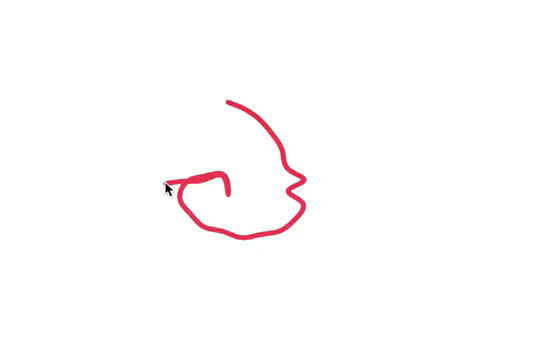

Here's a fun way of adding a custom worm style cursor to Webflow. The snake follows your cursor on the page and creates a trail effect. To customize the worm be sure to update the custom code.


Here's a demonstration of using three.js for the background of your Webflow site.


Featuring 10 different text and typography scroll effects powered by GSAP, ScrollTrigger, Lenis.js, splitting.imin.js and Scrolltype.js. Keep in mind that these effects are great but you will need to have some understanding of code in order to modify these significantly as they rely on simply the JS libraries and data attributes to apply each effect. The first effect rotates the text and highlights each letter as the paragraph comes into view. This is achieved via the data attributes as mentioned previously. The second text effect showcases each letter coming into view from a different rotation and then all combines together to make the visible text. The third effect has each word come in at different positions from out of view and then into view on page scroll. The third version unwraps each word letter by letter as you scroll down the page. The fourth effect takes each letter and has it fold up at random intervals as you scroll into view. The fifth demonstration shows each letter rotating into place upon scrolling into view. The next demonstration creates a rolling hills effect for the letters as you scroll into view. The next one showcases a paragraph in which each letter is grown from the initial position as you scroll down the page. An appear example follows this one in which each letter of a word appears to be blurry and come into focus as you scroll down the page. The next and final variation has each word come in from random directions to create the paragraph.
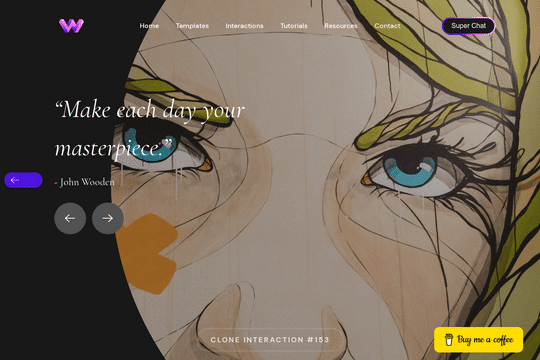

Here's a unique way to add transition animations to a full screen slider. Using both Swiper.js and a GSAP animation script.

A complete Splide.js CMS slider solution for Webflow. Splide.js offers a great solution over Webflow's native slider solution. Lightweight and mobile friendly this slider offers four different designs and implementations, including a Webflow CMS slider solution using Splide.js. This technique does require custom code that you'll find within the page settings, custom code area. Using this solution you can update the number of items per page, the number of items changed per slide, infinite looping, pagination, speed, drag threshold and much more.

More from author
Here's a way of adding a text reveal animation on scroll to Webflow powered by Anime.js and Luxy.js. As a user scrolls down the page the text animation is displayed showing one letter fading in at a time. As you scroll further down the page you'll notice the smooth scrolling effect created by Luxy.js. All of this is powered by the custom code found within the page settings of both the header and body section. Be sure to add these to your site in order for this method to work properly.

A method to create more dynamic and interactive experience by allowing your users to view a simple cursor animation powered by GSAP and Cuberto Mouse Follower. This utilizes custom code so you'll want to make sure you check the pages custom code section for stylesheet and JS code. This combines the power of GSAP and mouse-follower.min.js to create a smooth mouse following animation. With this you can modify the MouseFollower scripts speed, skewing and skewingText functionality to your specifications. Unlock the power of GSAP powered dynamic site elements for your Webflow site today.

A simple but unique text link hover animation powered by Splittext.js, CSS and custom Javascript. When a user hovers over a text link the letters produce a splitting animation in which every other letter moves in alternating directions. There's also a sound effect that plays that's simple yet effective. This cloneable also features a mouse gesture in which a ball follows the mouse cursor location, when hovering over the text link the ball increases in size and then appears appears to text mask and invert the colors of the text that it's hovering over. If you plan on using this cloneable keep in mind that you'll need to add the custom CSS found in the custom code page settings as well as the Splittype.js script. The splittype.js script can be modified and relies on the css class .menu-link in this example. You can also customize and define the audio files in the script, although keep in mind that you'll want to host these externally. The cursor effect is built with Webflow's native interactions using Mouse click interactions.