Dynamic Counter Metrics Interaction

Try the cloneable below

Cloneable tags

Description

The Dynamic Counter Metrics Interaction is a powerful and visually appealing way to add dynamic counter metrics to your Webflow site. This cloneable element allows you to easily add a section to your site that displays a series of counters that increment or decrement in real time, creating a dynamic and engaging user experience. This effect is achieved using simple JS available in the custom code section of the page settings, making it easy to implement and customize. This cloneable component was created by Flowbase, a team of experienced designers and developers, and it falls under the categories of Text Effects, Interactions, and Animation. Whether you're looking to showcase important statistics and data in a visually striking way or simply want to add a touch of interactivity to your site, the Dynamic Counter Metrics Interaction is a great choice.

A fun way of adding a water mouse hover ripple effect to your Webflow site. Simply add a tiny code and the javascript library and you're all set.

A huge selection of premade Webflow animations, including animated buttons, click buttons, circular hover buttons, scroll down animations, nav link animations, tab animations, search bars, social media buttons, text animations, contact cards, blog cards, product cards and more.

Here's a beautiful WebGL colorful background animation on page load. A great way to add extra color and a dynamic element to your Webflow site.

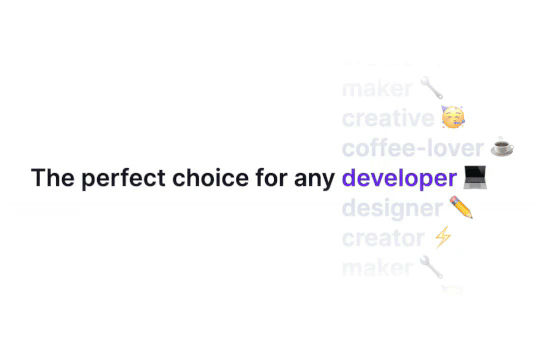
Ever wanted to add an infinite text rotation/changer to your Webflow site? This infinite text rotation technique allows you to have a long list of words that rotate in from bottom to the top and then repeat endlessly. This includes an infinite loop version and a finite version that only runs once. This is fully responsive and easy to customize.

A unique stacking cards on scroll interaction in Webflow. When you scroll down the page the cards on the right side stack on top of each other. A unique interaction perfect for a SaaS or technology site. The stacking cards effect was built entirely using Webflow interactions and does not require any additional code or scripts. The effect is created by using the While scrolling into view trigger, with the use of Scale and Filter. The filter applied reduces the overall brightness of the card and the scaling is used to send the item back smaller. Overall a well designed and thought out solution for a stacking card interaction.

A method to highlight text on page scroll in Webflow. A unique a fun interaction in which the text on the page begins to highlight as you scroll down the page. Each letter even partially highlights depending on where you've scrolled on the page. This effect uses GSAP and Scrolltrigger.js to create the effect. You'll need to add the custom code found on page settings for this to work properly.

A two colored spiral galaxy animation for Webflow created with Three.js. This spiral galaxy spins in the background of your Webflow site and offers zoom in/zoom out functionality by the scroll wheel on your mouse.

Add a liquid metal background animation to your Webflow site via WebGL. Please note that this example relies heavily on scripts and custom code so you'll need to add the custom code found within the page settings.

DRAG
Real-time sorting by

An FAQ accordion for Webflow that includes all of the Webflow interactions to make it work. This accordion offers a simple design and is fully responsive with prebuilt interactions to make the magic happen.

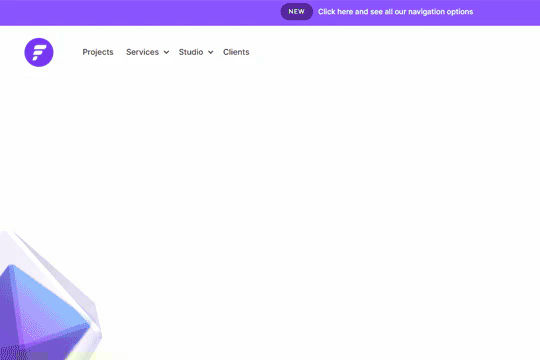
A well designed starter dropdown navigation menu with hover over for Webflow. This consists of clear class names, 100% native interactions and basic dropdown triggers. It's also mobile friendly and responsive design.

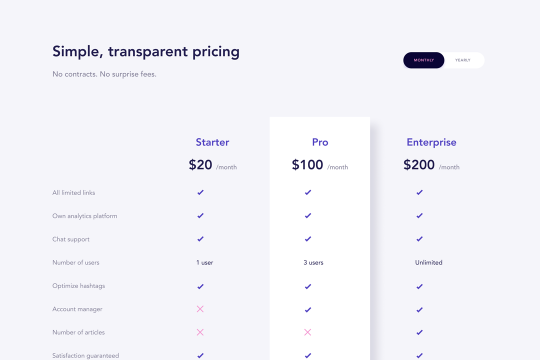
A wonderfully designed pricing comparison table with everything you'd need to showcase and feature a pricing page on your site.

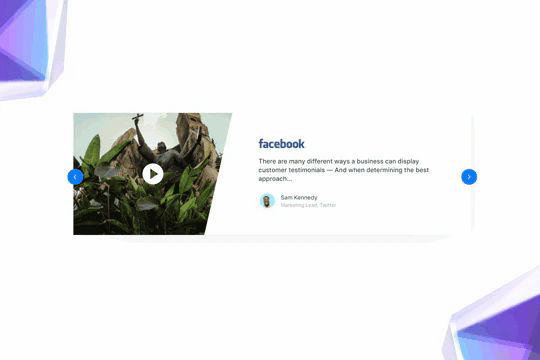
Here's a beautifully designed rotating testimonial slider in Webflow. A great way to build trust with your prospective clients. This testimonial component will auto slide between your testimonials with a smooth transitioning effect.

Power up your Webflow tabs through a timed, auto-rotating tabs feature. This is perfect to add emphasis to your Webflow tabs and more specifically demos, explainers, testimonials and just about everything else you can think of. This is a super simple script that adds auto rotation to Webflows native tabs.

Want to add smooth scrolling to your Webflow site? With this cloneable you'll be able to add smooth scrolling via luxy.js. Adding smooth scrolling doesn't need to be complicated and there are plenty of options to achieve this inertia type scroll effect although Luxy.js provides a great way to achieve this.

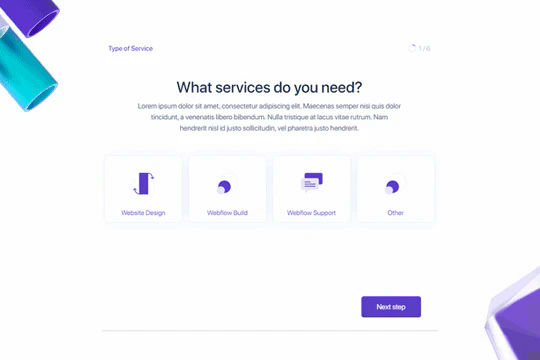
Here's a way to create a multi-step Webflow form that includes a step counter, custom confirmation animations and custom checkboxes. A perfect way to filter leads, create long forms that are filled out, and segment your lists/clients.

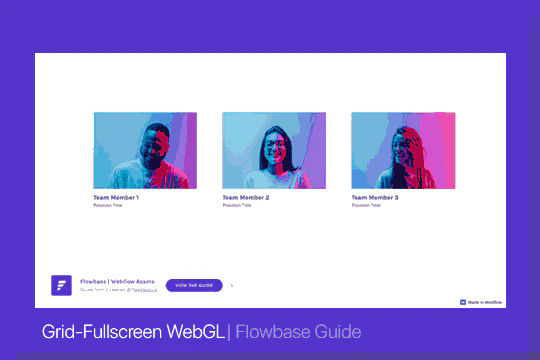
Here's a way of adding a unique, full screen image transition to your Webflow site via Three.js Each image loads a unique transition upon clicking them and turns the images full screen upon click.

DRAG
Real-time sorting by