Lottie Background Effects

Try the cloneable below

Cloneable tags

Description

The Lottie Background Effects cloneable for Webflow is a collection of unique lottie backgrounds that add a dynamic layer to your site. Created by Finsweet, this cloneable can be found in the Background and Animation categories. Static backgrounds can be boring, but with these lottie backgrounds, you can add some flair and uniqueness to your Webflow site. These backgrounds offer a variety of creative and eye-catching animations that are sure to catch the attention of your visitors and make your site stand out. Whether you're building a new site from scratch or looking to add some visual interest to an existing one, the Lottie Background Effects cloneable is a great resource for anyone looking to make their site more engaging and interactive.

A fun way of adding a water mouse hover ripple effect to your Webflow site. Simply add a tiny code and the javascript library and you're all set.

A fun way of changing the gradient background color via mouse in Webflow. Please note this will not work in Firefox. This is a native Webflow interaction and just a single line of CSS code. The CSS controls the pointer events to none while the interactions control the location of the blur and it's surrounding effects.

A huge selection of premade Webflow animations, including animated buttons, click buttons, circular hover buttons, scroll down animations, nav link animations, tab animations, search bars, social media buttons, text animations, contact cards, blog cards, product cards and more.

Here's a beautiful WebGL colorful background animation on page load. A great way to add extra color and a dynamic element to your Webflow site.

A two colored spiral galaxy animation for Webflow created with Three.js. This spiral galaxy spins in the background of your Webflow site and offers zoom in/zoom out functionality by the scroll wheel on your mouse.

Add a liquid metal background animation to your Webflow site via WebGL. Please note that this example relies heavily on scripts and custom code so you'll need to add the custom code found within the page settings.

Here's a demonstration of using three.js for the background of your Webflow site.

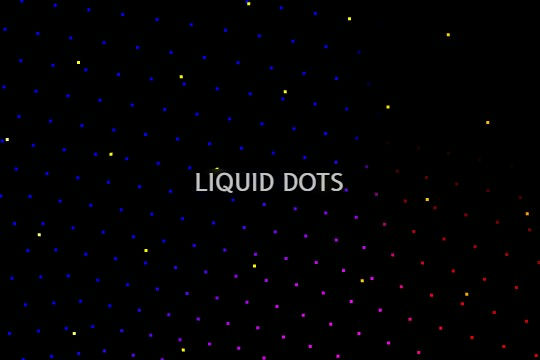
A liquid 3D mesh net with gradients and transitions engulfs the background of your Webflow site. Inside there are shaders and code found in the page. You can adjust the values to customize the effects of this liquid 3D mesh design.

DRAG
Real-time sorting by

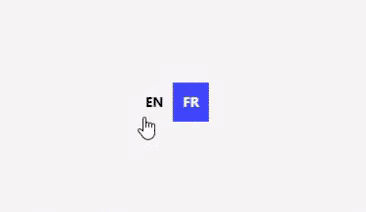
A set of various language switcher elements designed for your Webflow site. If you use translation on your site these handy language switcher elements will come in handy. There are 14 different designs with necessary interactions to make them easy to copy and paste into your Webflow site. Nearly every kind of design you could think of to make this easy to implement.

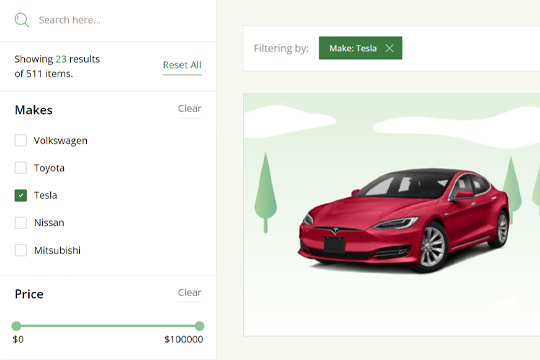
An advanced demonstration of using Finsweets Attributes CMS Filter using no-code for Webflow. The example includes a search input, sorting, checkboxes, range slider, sorting, drop down, radio buttons and more. A great way to understand the capabilities and advanced filtering options of Attributes CMS filtering.

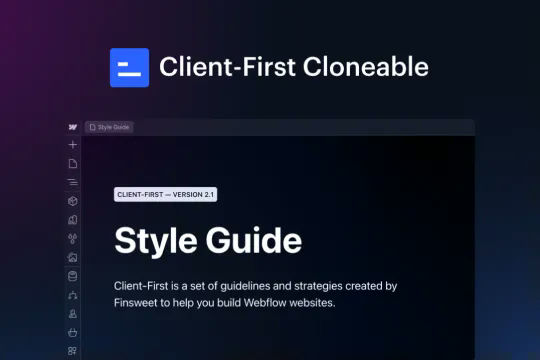
This is the official project starter cloneable for Client-First. It contains a style guide page with all the utility classes that come with the Client-First style system. What is Client-First? https://www.finsweet.com/client-first Full docs: https://www.finsweet.com/client-first/docs Made with 💪 by Finsweet

Backdrop filters for Webflow that show three different background effects including inverting colors, saturating colors, hue rotation, and grayscale created by Finsweet. This cloneable was created to showcase Webflow's latest native backdrop filters.

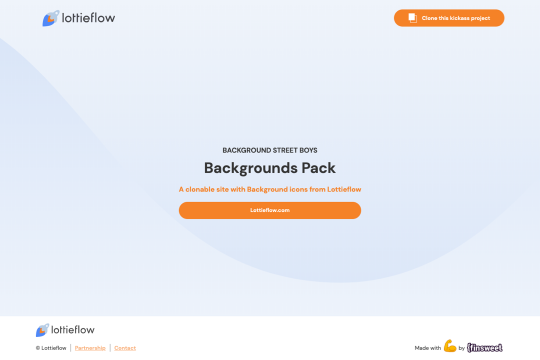
Unique, lottie backgrounds that add a dynamic layer to your Webflow site. Static backgrounds are boring, add some flair and uniqueness to your Webflow site with lottie backgrounds.

A full suite of wonderfully designed and accessible components for Finsweets Attributes CMS Filter and Webflow forms. Includes radio button, checkbox, dropdown, search input, select, range slider and more!

Complex techniques to achieve amazing background effects using unique blending and backdrop filter effects and blending effects. In this demo you'll see a hide/show background effect on scroll, moving divs/assets wherever on a page and the various blending techniques, mouse hover over to effect background effects and more. Combine separate channels into full colour photo; magically hide and show objects simultaneously using nothing but solid coloured divs; play with stacking various blend modes on top of each other; see the mind-bending inception of inversion of already inverted objects; use interactive colour changer for your elements, that does not even touch the elements themselves; create fun colour-restoring games; reveal the magical world invisible to naked eye with your blend-empowered cursor.

A simple and clean Hero section for a Webflow site that features content on the left and a large lottie hero image on the right. A perfect lightweight and clean Hero design perfect for any SaaS or tech company. The Hero section has a bold statement, two buttons and a large demonstration Lottie image. The design is fully responsive and can be used used to add a hero section to your Webflow sites landing page in seconds. This also uses Webflow's interactions for a unique logo animation on page load. This cloneable does not use any custom code or HTML embeds so adding to your site is super simple.

DRAG
Real-time sorting by