The Zoom in Image Interaction Webflow cloneable is a useful tool for showcasing products on your website. This cloneable allows you to add a zoom in feature to images on your site, giving your customers a closer look at the details of your products. The interaction works only on desktop and on mobile, the image will appear as a normal image without the zoom in effect. This cloneable also includes custom code to disable and enable body scroll when the interaction is activated, allowing for a seamless user experience. Whether you are showcasing products, art, or any other type of image, the Zoom in Image Interaction Webflow cloneable is a valuable tool for adding an interactive element to your website.

A huge selection of premade Webflow animations, including animated buttons, click buttons, circular hover buttons, scroll down animations, nav link animations, tab animations, search bars, social media buttons, text animations, contact cards, blog cards, product cards and more.
A unique stacking cards on scroll interaction in Webflow. When you scroll down the page the cards on the right side stack on top of each other. A unique interaction perfect for a SaaS or technology site. The stacking cards effect was built entirely using Webflow interactions and does not require any additional code or scripts. The effect is created by using the While scrolling into view trigger, with the use of Scale and Filter. The filter applied reduces the overall brightness of the card and the scaling is used to send the item back smaller. Overall a well designed and thought out solution for a stacking card interaction.
An animated timeline scrolling effect perfect for about pages, historical pages and many others. As the user scrolls down the page a fun native interaction is applied that allows users to visit historical timelines with a unique Webflow interaction. The current date and item that is in view increases brightness while others out of view are faded out. The user can scroll down the page and have historical information provided in a unique and interactive fashion. This interaction uses while scrolling in view and while page is scrolling page trigger interactions.
Add a progress bar to your draggable CMS slider sections in Webflow. Typically most draggable, or third party sliders, don't offer a progress bar indicator. Using the power of Dragdealer.js you can now add a progress bar and draggable CMS slider to your Webflow site. Please note that you'll need to add the global styles HTML embed as well as the custom script found in the closing body tag within the Page settings for this to work properly.
Here's a demonstration of using three.js for the background of your Webflow site.
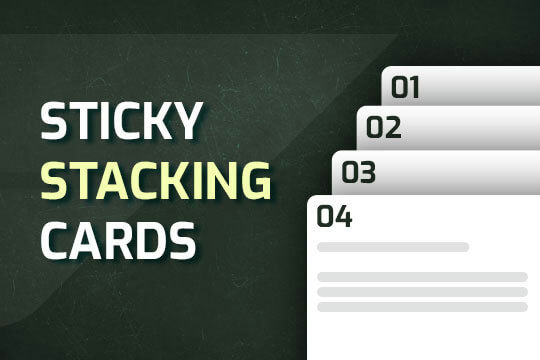
A way of utilizing sticky cards that stack on scroll in Webflow. Using position sticky and a scrolling into view interaction allows for this effect without any custom code.
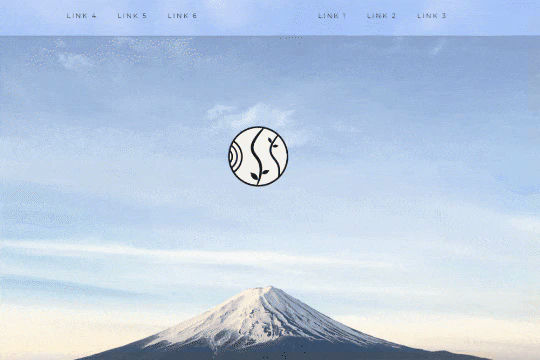
A unique way of showcasing your logo front and center and have it move up on page scroll in Webflow. This adds a fun dynamic element to your Webflow site and draws the users attention in. This interaction was created entirely from Webflow's native interactions using the While page is scrolling functionality and size, move, scale, opacity and more. This requires no additional custom code and can be cloned and setup quickly.
Power up your Webflow tabs through a timed, auto-rotating tabs feature. This is perfect to add emphasis to your Webflow tabs and more specifically demos, explainers, testimonials and just about everything else you can think of. This is a super simple script that adds auto rotation to Webflows native tabs.
A way of utilizing sticky cards that stack on scroll in Webflow. Using position sticky and a scrolling into view interaction allows for this effect without any custom code.
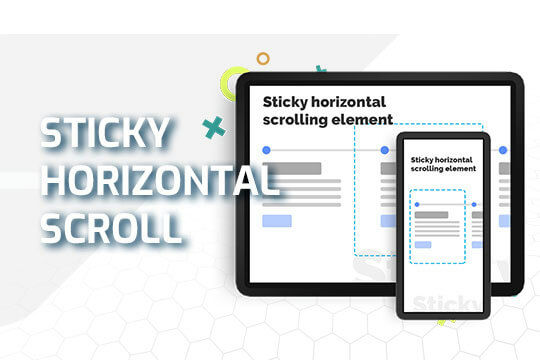
A sticky horizontal scrolling timeline container for your Webflow site. This is a combination of sticky position, overflow-x hidden and a scrolling in view interaction. This is perfect for timelines, milestones, process steps, about, history and much more.
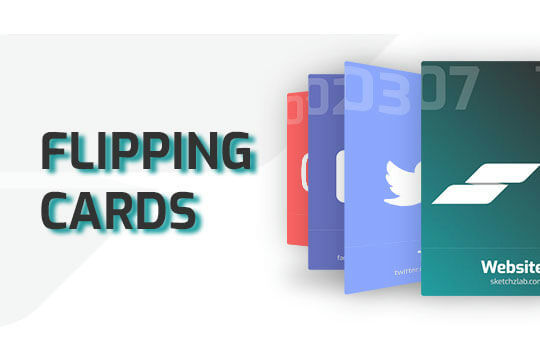
Here's a way of adding a flipping card animation to cards on your site. This component can be used for a number of scenarios and allows for additional information to be displayed on your cards without taking up important site real estate.
Here's a technique to fade text in and out on page scroll with various sections and different texts in Webflow.
Here's a way to create a fixed header text section within Webflow in which the header text stays static as the page is scrolled. A little tweak with the interaction and by moving the header 100VH up and down while scrolling over an element.
A custom slider that changes the size and focus of the slide after it changes to the next slide. Perfect for emphasis on the main slide while maintaining a transition effect for the other non-primary slides in Webflow.
Here's a way to achieve a dual slider effect in Webflow. When clicking on the next or previous two different sliders will be triggered via the single onlick trigger via a custom button. This clicks on two hidden slider links simultaneously allowing you to maximize the slider transitions and effects.