





Cloneable tags
Description
The Simple Accordion Interaction is a sleek and stylish accordion interaction for your Webflow site. This cloneable comes with pre-built interactions that allow users to expand and close the accordion by clicking on it. This cloneable is categorized under Accordion and was created by Aaron Grieve. If you're looking to add an elegant and user-friendly accordion interaction to your Webflow site, the Simple Accordion Interaction is a great choice. So why wait? Check out the Simple Accordion Interaction today and start building a beautiful and functional accordion for your Webflow site!
Related cloneables
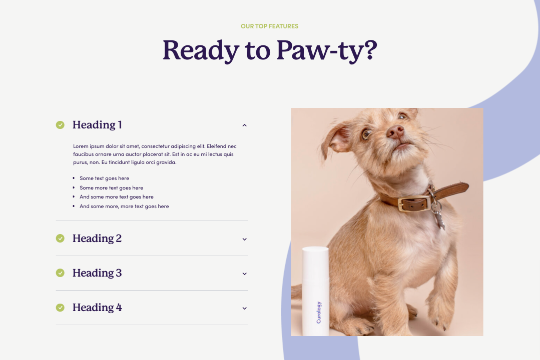


Are you looking to use Webflow tabs with a rich text CMS field? By default Webflow doesn't allow rich text fields to be placed in the tabs by default. This technique uses a bit of JavaScript so if you change the classes be sure to update the code within the page settings. The arrows in this demonstration are from Font Awesome and the colors can also be updated in the page settings.


An FAQ accordion for Webflow that includes all of the Webflow interactions to make it work. This accordion offers a simple design and is fully responsive with prebuilt interactions to make the magic happen.
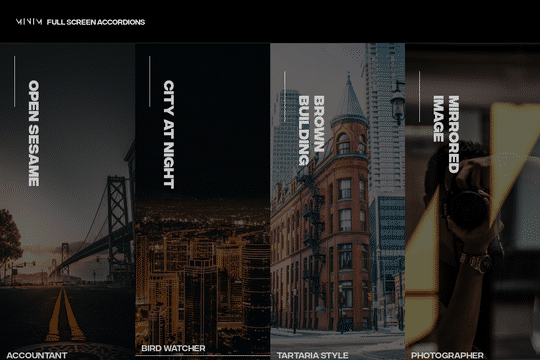

A fullscreen photo accordion with hover over interactions for Webflow. This Webflow cloneable features a unique full screen accordion powered by Webflow's native CMS system. When a user hovers over each card the card expands to show a larger image and detailed information about the accordion. While a majority of the effects were created with Webflow's native interactions there is some custom code that needs to be applied.
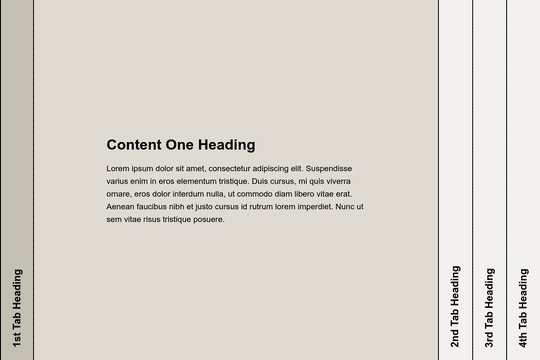

Here's a way to add a full page, horizontal accordion to your Webflow site. Using this method you can change the traditional horizontal accordion design to a full page, vertical accordion. Please note that this uses custom code found within the body section of the Page settings.
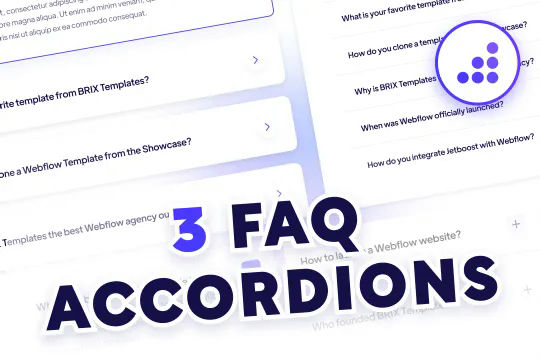

Quality FAQ accordions designed and ready to be cloned for Webflow. Three variations of FAQ Accordions with predesigned Webflow interactions with modern design aesthetics. The first variation features large expandable cards with drop shadows and card highlighting all built with Webflow interactions. When selecting the card the arrow icon changes direction and becomes blue, the card also features an outline to let you know that it's been expanded. The second variation features tabs for extra FAQs and to help split your FAQ up by topics. This is a great way to feature a ton of FAQ questions on your page without taking up valuable real estate. The third variation is a grid form that also allows you to feature more questions in a smaller space, although the limited space means that large FAQs may not be ideal for this FAQ accordion.
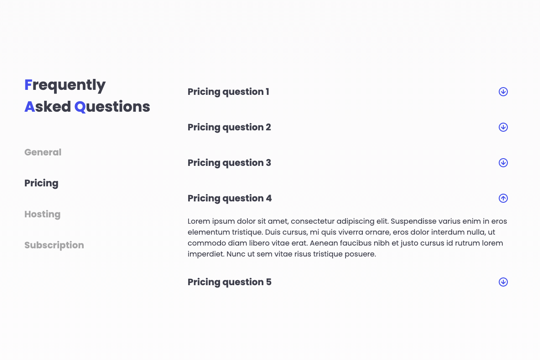

A FAQ section with a sticky sidebar and accordions for various FAQ questions.


An interactive accordion design for your Webflow site. This design is a full width accordion built with all necessary open and close interactions as well as a custom mouse cursor design.
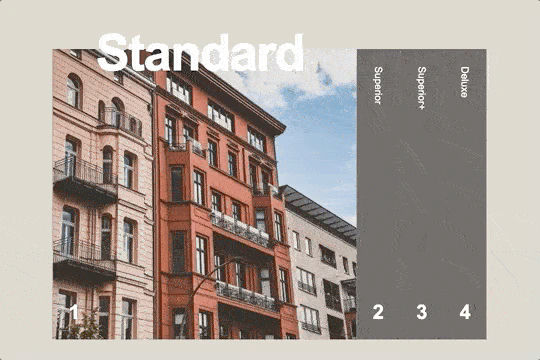

Here's a simple way to create tall horizontal accordions within Webflow. This is implemented using interactions, some custom CSS properties for the vertical text, and a touch of magic. There is a lot of math involved with this implementation and will need to be modified if you want to remove or add any accordions.

More from author
A simple, yet elegant accordion interaction for your Webflow site. This accordion has pre-built interactions so that when a user clicks on the accordion the information is expanded and then closed on second click.
A slick split hero slider design with unique slider transitions that rotate both half of the pages in different directions upon each slide. Perfect for a unique hero section in Webflow that allows for an eye catching and dynamic hero slider section.
A clean menu and navigation dropdown design for your Webflow site. When a user hovers over the navigation bar the secondary menu drops down with a nice animation effect.
A clean and modern Webflow menu navigation design with hover over interactions/animations. A perfect cloneable to get your Webflow site started with a modern and aesthetically pleasing menu navigation. Upon hovering on a navigation link their's an interaction that shows a growing underline.
An easy to implement tooltips for your Webflow site. With this cloneable you can easily add tooltips to your Webflow sites.
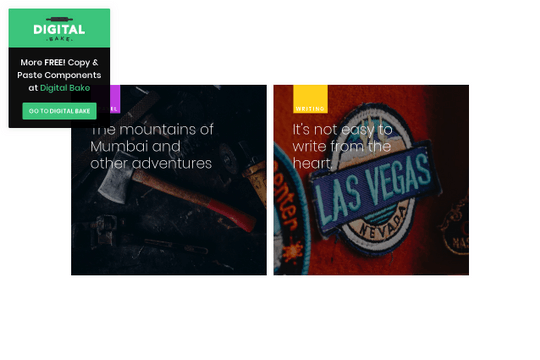
Here's a great blog post card design with hover interactions perfect for any Webflow site. When the user hovers over the card the image is zoomed in, becomes brighter and the authors details are shown.
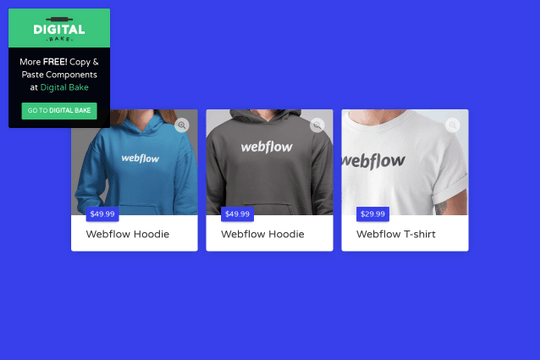
A perfect product preview card interaction and animation that upon card click shows an image preview modal window in Webflow. A great product card design with pre-built interactions and animations that are perfect for your ecommerce or product/sales pages.