Love Button Matter.js

Try the cloneable below

Cloneable tags

Description

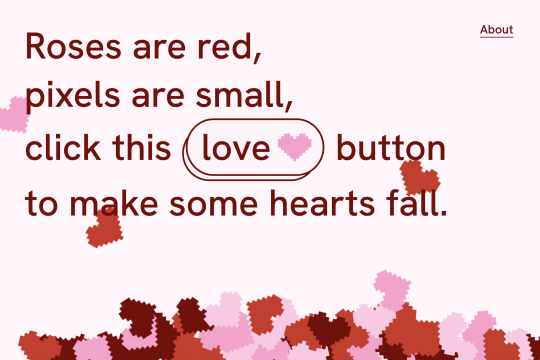
The Love Button Matter.js is a fun and interactive element that can be added to a Webflow site. This cloneable, which was featured in the Webflow 2021 Year in Review site, uses the Matter.js library to make hearts fall and bounce around as if they have weight. The Love Button Matter.js is highly customizable, allowing users to add their own shapes, adjust the speed, or even make it rain puppies. The possibilities are endless with this cloneable, which was created by Webflow. The Love Button Matter.js is categorized under the Button and Matter.js categories and is a great addition to any site looking to add a playful and engaging feature.

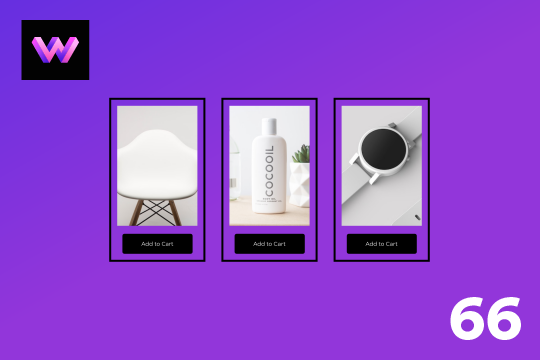
A huge selection of premade Webflow animations, including animated buttons, click buttons, circular hover buttons, scroll down animations, nav link animations, tab animations, search bars, social media buttons, text animations, contact cards, blog cards, product cards and more.

A wacky and fun button animation in which emoji's explode after clicking a button in Webflow. This effect was created using custom JS so be sure to add the code found in the page settings to your site in order for it to work properly. While this could be created natively with Webflow interactions a simple JS library helps create this effect faster and easier.

An add to cart hover button animation for Webflow. When a user hovers over the Add to Cart button a shopping cart icon slides in from the right side. This helps users understand the action taking place on the button and helps add a new level of dynamic buttons to your Webflow site.

A fun crystal ball hover styled button for Webflow. This was designed entirely with native Webflow interactions and does not use any type of custom code.

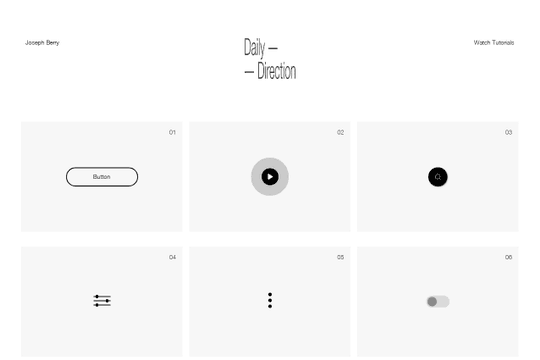
A full set of beautifully designed interactions in Webflow for your projects. These interactions include buttons, play buttons, search, toggles, hamburger buttons, toggles, social sharing and much more.

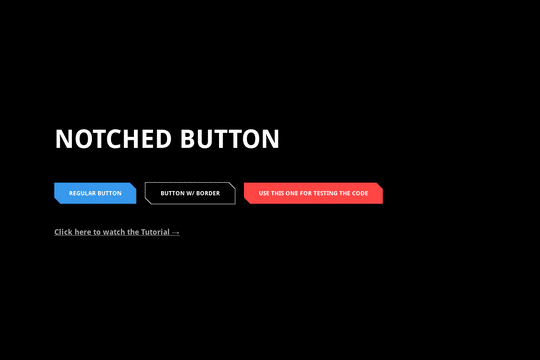
Here's a way to add notched/slanted buttons in Webflow. Using custom code you're now able to create a custom notched button by simply adding a subclass to your button. This code can also be modified to create notched blocks on other objects than just buttons.

A unique button design in Webflow with hover over interactions. When a user hovers over the button the button fills from right to left and on hover out the fill moves from left to right creating a unique Webflow button via native interactions.

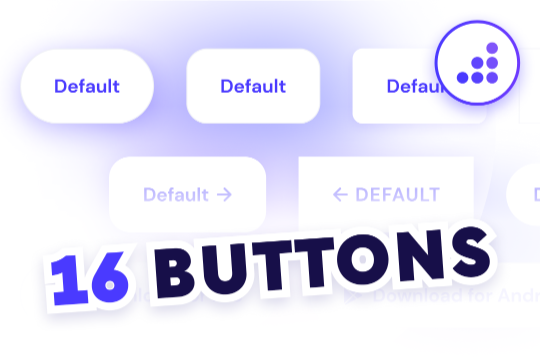
Looking to easily add buttons to your Webflow site? Here are 16 different button designs with prebuilt hover state interactions.

DRAG
Real-time sorting by

Featured in the Webflow 2021 Year in Review site (https://webflow.com/year-in-review/2021), this Love button uses the Matter.js library (https://brm.io/matter-js/) — a 2D physics engine for the web — to make hearts fall and bounce around as if they have weight. Customize it by adding your own shapes, tweak the speed, or make it rain puppies instead. The sky’s the limit.

DRAG
Real-time sorting by