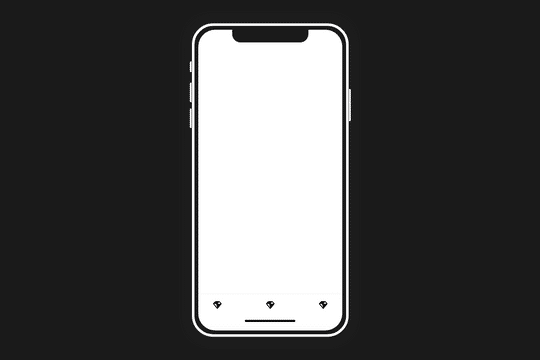
iPhone Mockup Design

Try the cloneable below

Cloneable tags

Description

The iPhone Mockup Design Webflow cloneable is a great tool for showcasing your mobile app or website in a professional and visually appealing way. This cloneable includes a full page iPhone mockup design that has been pre-designed and is ready for you to add your own content. With this cloneable, you can easily add an iPhone mockup design to your Webflow site and impress your visitors with a realistic and stylish presentation of your app or website. The iPhone Mockup Design cloneable is categorized under Layout and was created by Jean Aldo, making it an excellent resource for anyone looking to add a high-quality mockup design to their Webflow site.
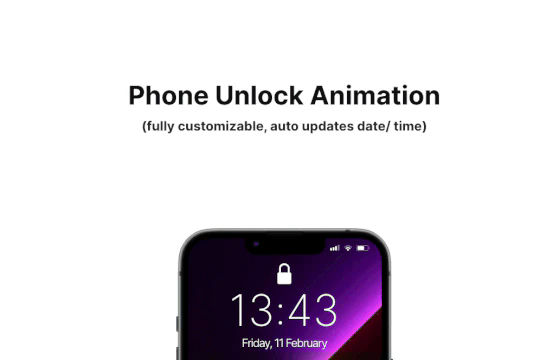
Add some dynamic flair to your iPhone mockups in Webflow. When you scroll down the animated phone unlocking animation is shown to reveal content. The phone has auto updating date and time based on the users location. The iPhone GUI was recreated and the phone has the ability to unlock and reveal content on scroll. The mockup is fully customizable and you can change the content and wallpaper and is also fully responsive on all devices.

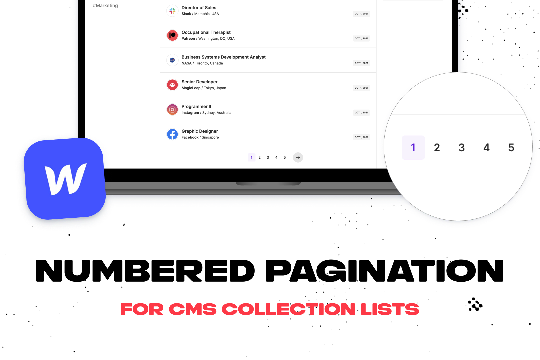
Add numbered paginations to your CMS collection lists via this small custom code snippet.

A great way of displaying videos within a mobile iPhone mockup. You can design the story layout and upload multiple videos into one mobile frame.

Easily add a grainy effect to your entire site. This uses a grain png that was on a Webflow site. You can create your own grains as well to change it up.

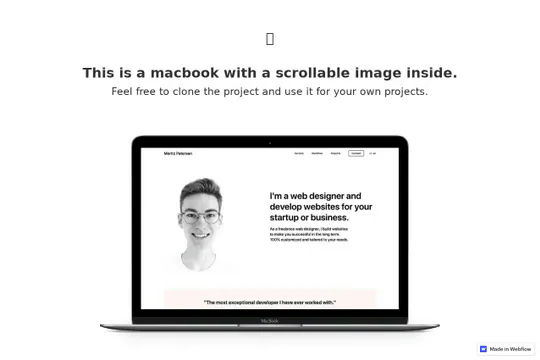
Make those Macbook mockups interactive by adding internal scroll to the screens via this Webflow cloneable. This cloneable requires no additional code and can easily be applied to your site. Simply copy the element to your site and then modify the image found in the Macbook wrapper called website image and modify it. This will allow you to add an image inside of a Macbook mockup so that the users can scroll inside of it. A fun way of showcasing items, features, portfolio site screenshots and more.

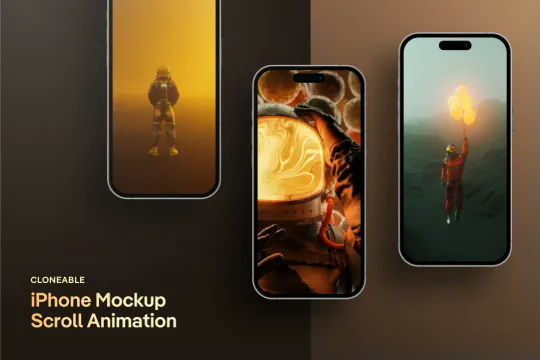
A unique iPhone mockup screen scroll animation for Webflow and perfect for portfolios and similar design elements. This cloneable features no additional custom code or HTML embeds and utilizes Webflow's native interactions to perform the unique animation. As a user scrolls down the page the images in the iPhone mockup provide a scroll interaction that appears to show the images scroll down as the page is scrolled down. Utilizing Webflow's While scrolling in view this moves the images within the iPhone mockups as the page is scrolled down. Since this is class based this works for all of the iPhone mockup images throughout the site. A simple, yet effective Webflow interaction that makes any portfolio pop.

Here's a unique clickable process/steps section in Webflow. Whenever someone clicks on each step an interaction triggers that displays the number as well as further information about that specific step. Simply edit the content, update the interactions based on your requirements and enjoy a unique steps/process section on your site.

A simple way to create complex CMS grid layouts. You can define a layout for any item in the grid. You can make it multiple spans of columns and rows. You can also set columns and rows to the nth items as well as even or odd items.

DRAG
Real-time sorting by

Here's a full page iPhone mockup design for Webflow. A great way to add an iPhone mockup design to your site with all of the elements already designed for you.

DRAG
Real-time sorting by