Foxycart Pricing Table Rebuild

Try the cloneable below

Cloneable tags

Description

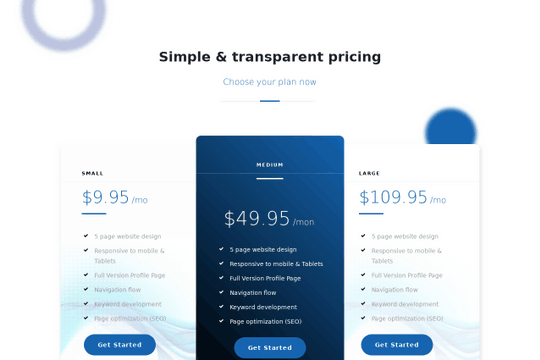
The Foxycart Pricing Table Rebuild in Webflow is a simple but effective tool for presenting your pricing options to users. This pricing table features a three column design and has a blue design with gradients, animated circles background, and a primary pricing package with features options. This cloneable has been created by Yader Gil and is classified in the categories of Pricing and Animation. The Foxycart Pricing Table Rebuild is a great way to organize and present your pricing options in a visually appealing way. Its simple design and interactive elements are sure to catch the eye of users and help them make an informed decision about which pricing option is best for them.

A fun way of adding a water mouse hover ripple effect to your Webflow site. Simply add a tiny code and the javascript library and you're all set.

A huge selection of premade Webflow animations, including animated buttons, click buttons, circular hover buttons, scroll down animations, nav link animations, tab animations, search bars, social media buttons, text animations, contact cards, blog cards, product cards and more.

Here's a beautiful WebGL colorful background animation on page load. A great way to add extra color and a dynamic element to your Webflow site.

A two colored spiral galaxy animation for Webflow created with Three.js. This spiral galaxy spins in the background of your Webflow site and offers zoom in/zoom out functionality by the scroll wheel on your mouse.

Add a liquid metal background animation to your Webflow site via WebGL. Please note that this example relies heavily on scripts and custom code so you'll need to add the custom code found within the page settings.

Here's a demonstration of using three.js for the background of your Webflow site.

A liquid 3D mesh net with gradients and transitions engulfs the background of your Webflow site. Inside there are shaders and code found in the page. You can adjust the values to customize the effects of this liquid 3D mesh design.

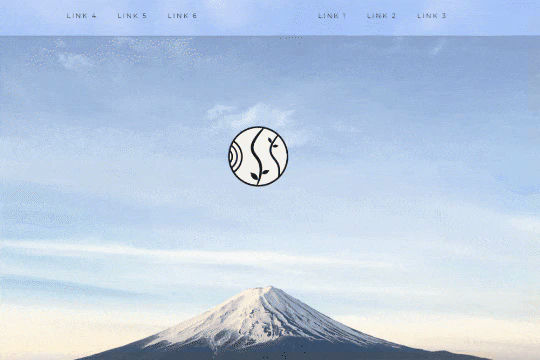
A unique way of showcasing your logo front and center and have it move up on page scroll in Webflow. This adds a fun dynamic element to your Webflow site and draws the users attention in. This interaction was created entirely from Webflow's native interactions using the While page is scrolling functionality and size, move, scale, opacity and more. This requires no additional custom code and can be cloned and setup quickly.

DRAG
Real-time sorting by
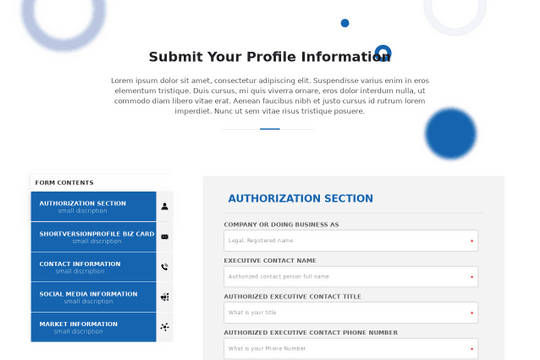
Want to build a multi step form in Webflow? This is a way to build a multi-step form in Webflow. By default creating a form you're limited to only a single form, using this method you can create a multi step contact form via a native Webflow slider.

A simple pricing table with a three column design for Webflow. This simple pricing table features a blue design with gradients, animated circles background, and a primary pricing package with features options.

DRAG
Real-time sorting by