The Firefox Browser Light Mockup is a cloneable template in Webflow that allows users to recreate the Firefox browser window as a mockup in their own Webflow projects. This mockup is fully functional with open and closeable tabs, forms that act as the URL bar, and hover states for all of the browser buttons. It is an excellent tool for creating product images, product demonstrations, and more in Webflow. This mockup is built entirely with native Webflow interactions and is a great example of the capabilities of Webflow for creating interactive and realistic mockups. The Firefox Browser Light Mockup was created by Duncan Hamra and is classified under the categories of Mockup and Rebuild in Webflow.
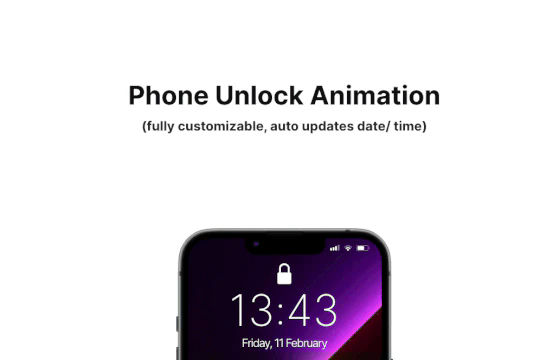
Add some dynamic flair to your iPhone mockups in Webflow. When you scroll down the animated phone unlocking animation is shown to reveal content. The phone has auto updating date and time based on the users location. The iPhone GUI was recreated and the phone has the ability to unlock and reveal content on scroll. The mockup is fully customizable and you can change the content and wallpaper and is also fully responsive on all devices.
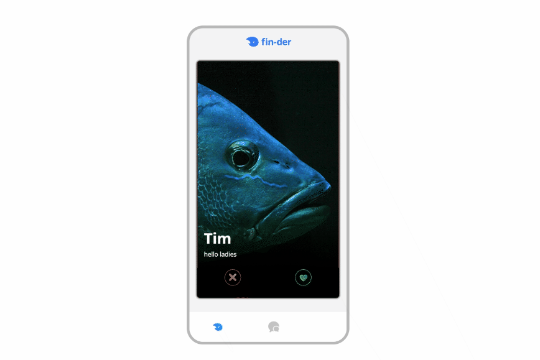
A unique tinder style swiping module for Webflow. This demonstration uses fish and a tinder like design to like, or dislike fish. This was built using Webflow CMS and Jetboost for the like feature.
A great way of displaying videos within a mobile iPhone mockup. You can design the story layout and upload multiple videos into one mobile frame.
Make those Macbook mockups interactive by adding internal scroll to the screens via this Webflow cloneable. This cloneable requires no additional code and can easily be applied to your site. Simply copy the element to your site and then modify the image found in the Macbook wrapper called website image and modify it. This will allow you to add an image inside of a Macbook mockup so that the users can scroll inside of it. A fun way of showcasing items, features, portfolio site screenshots and more.
Here's a way to add TikTok videos in a slider with Finsweet client first naming conventions driven by Webflow native CMS. Adding videos could be automated with Make/Integromat or Zapier with the creation of new items in the slider from this collection. This uses the CMS to drive the videos and uses Client-first CSS classes.
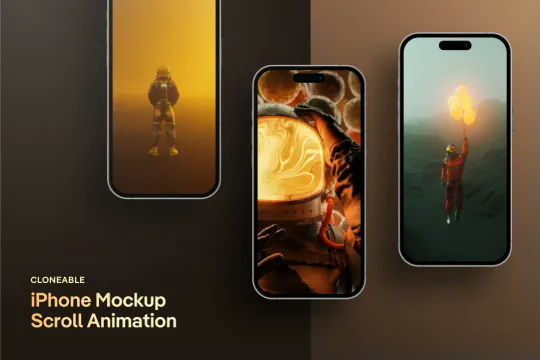
A unique iPhone mockup screen scroll animation for Webflow and perfect for portfolios and similar design elements. This cloneable features no additional custom code or HTML embeds and utilizes Webflow's native interactions to perform the unique animation. As a user scrolls down the page the images in the iPhone mockup provide a scroll interaction that appears to show the images scroll down as the page is scrolled down. Utilizing Webflow's While scrolling in view this moves the images within the iPhone mockups as the page is scrolled down. Since this is class based this works for all of the iPhone mockup images throughout the site. A simple, yet effective Webflow interaction that makes any portfolio pop.
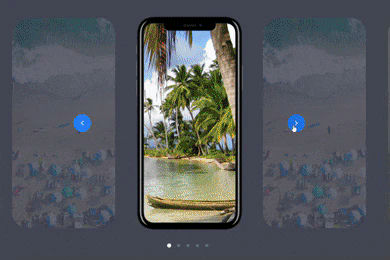
Here's a unique way of showing images, app screenshots or more in an iPhone mobile slider. The images continuously rotate through and infinite loop.
How about a 3D interactive iPad mockup in Webflow? Here's a way to add an interactive, 3D iPad mockup to your site.
Another fun text effect, this one shows you how to scramble text between transitions.
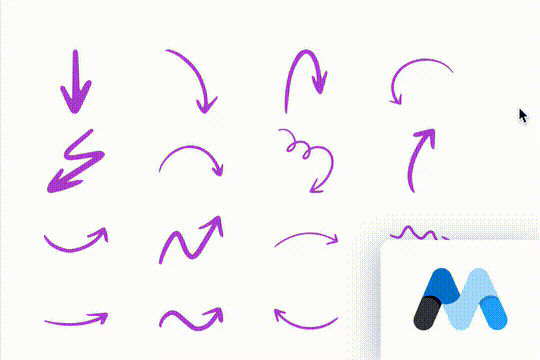
Here are 18 hand drawn SVG elements for your Webflow site. This cloneable includes 18 different arrows inside individual custom embeds. The great thing about SVGs, when setup properly is that they can inherit their color from the font-color of the parent elements.
A 100% native Webflow tooltips solution. Most tooltips utilize third party JS libraries to add tool tips to Webflow. These tooltips are created 100% with Webflow dropdowns to create a unique solution to creating tooltips within Webflow.
A fun login and sign up page for Webflow featuring a unique cartoon character that follows your mouse cursor. This is accomplished via 100% native Webflow interactions. The SVG was broken up into several parts, and added a hover over element interaction to the background and hover/in out interactions to the email, password and login fields. The rotating head effect is created by moving close-up elements slightly more than the background elements. For example, the nose moves 11px to the left or right, while the mouth only moves 9px and the face moves 6px while the body doesn't move at all.
A Matrix style text scramble effect in Webflow. This entire effect relies on custom code which is included as an HTML embed and was found on a CodePen. In order to modify the text you'll need to update the custom code in the HTML embed.
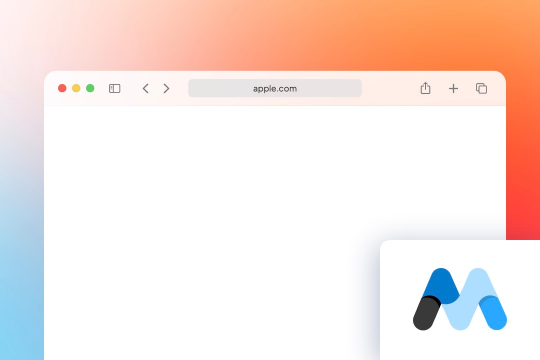
A responsive safari mockup built for Webflow. A perfect way to showcase a product demonstration or image in a responsive Safari style window. This Apple Safari mockup window is a light version rather than a dark version.
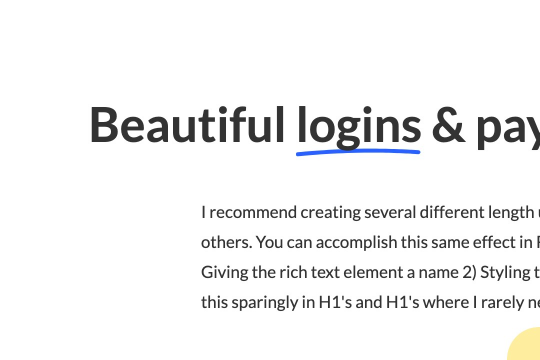
Here's a way to create a simple drawn underline for text in Webflow. This method demonstrates how to create a span text class and use a hand drawn underline image in text for Webflow. It's recommended to create several different underline length spans as some words look better than others with different sizes.