


The Top 138 Scroll Webflow cloneables
Scroll based interactions and Webflow cloneables that utilize scroll effects to transform your site.



A unique stacking cards on scroll interaction in Webflow. When you scroll down the page the cards on the right side stack on top of each other. A unique interaction perfect for a SaaS or technology site. The stacking cards effect was built entirely using Webflow interactions and does not require any additional code or scripts. The effect is created by using the While scrolling into view trigger, with the use of Scale and Filter. The filter applied reduces the overall brightness of the card and the scaling is used to send the item back smaller. Overall a well designed and thought out solution for a stacking card interaction.


A method to highlight text on page scroll in Webflow. A unique a fun interaction in which the text on the page begins to highlight as you scroll down the page. Each letter even partially highlights depending on where you've scrolled on the page. This effect uses GSAP and Scrolltrigger.js to create the effect. You'll need to add the custom code found on page settings for this to work properly.


An animated timeline scrolling effect perfect for about pages, historical pages and many others. As the user scrolls down the page a fun native interaction is applied that allows users to visit historical timelines with a unique Webflow interaction. The current date and item that is in view increases brightness while others out of view are faded out. The user can scroll down the page and have historical information provided in a unique and interactive fashion. This interaction uses while scrolling in view and while page is scrolling page trigger interactions.


Featuring 10 different text and typography scroll effects powered by GSAP, ScrollTrigger, Lenis.js, splitting.imin.js and Scrolltype.js. Keep in mind that these effects are great but you will need to have some understanding of code in order to modify these significantly as they rely on simply the JS libraries and data attributes to apply each effect. The first effect rotates the text and highlights each letter as the paragraph comes into view. This is achieved via the data attributes as mentioned previously. The second text effect showcases each letter coming into view from a different rotation and then all combines together to make the visible text. The third effect has each word come in at different positions from out of view and then into view on page scroll. The third version unwraps each word letter by letter as you scroll down the page. The fourth effect takes each letter and has it fold up at random intervals as you scroll into view. The fifth demonstration shows each letter rotating into place upon scrolling into view. The next demonstration creates a rolling hills effect for the letters as you scroll into view. The next one showcases a paragraph in which each letter is grown from the initial position as you scroll down the page. An appear example follows this one in which each letter of a word appears to be blurry and come into focus as you scroll down the page. The next and final variation has each word come in from random directions to create the paragraph.
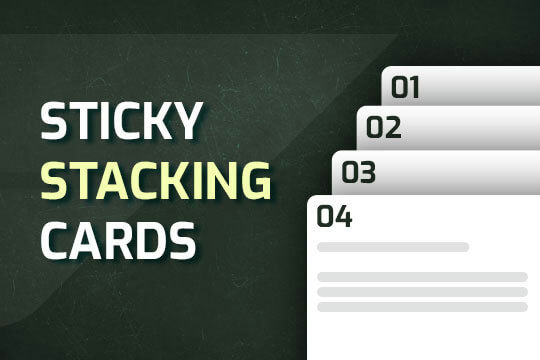

A way of utilizing sticky cards that stack on scroll in Webflow. Using position sticky and a scrolling into view interaction allows for this effect without any custom code.
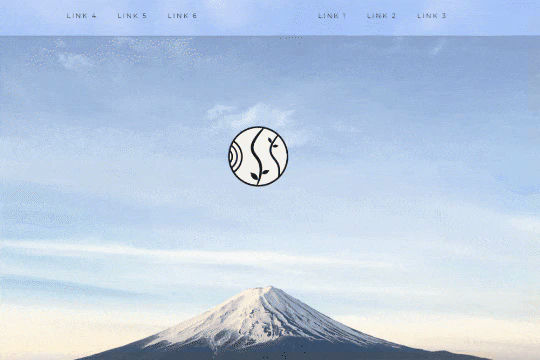

A unique way of showcasing your logo front and center and have it move up on page scroll in Webflow. This adds a fun dynamic element to your Webflow site and draws the users attention in. This interaction was created entirely from Webflow's native interactions using the While page is scrolling functionality and size, move, scale, opacity and more. This requires no additional custom code and can be cloned and setup quickly.

Learn how to implement GSAP ScrollTrigger in Webflow. This tutorial and example cloneable showcases several different Scrolltrigger GSAP effects to turn your Webflow site into a dynamic powerhouse. When loading the page you are presented with a primary image and brand name. As you scroll down the brand moves from the bottom of the page to the top menu while reducing size. Further down the hero section appears and one of the words begins to move behind other text. Further down an image appears and then grows as you scroll further down the page. This shifts into the product section in which images appear with a parralax effect over certain words. This shifts into another product section and the backgrounds transition while the images still float above the text. Each section has a different background color/text color with the images continually scrolling above the text. This utilizes a lot of custom code, and utilizes Webflow's native CMS for products and items found on this page with CSS nth-child. You will need to add the custom code found in Page Settings to get this to work properly. Watch my GSAP Scrolltrigger tutorial for this project at https://www.youtube.com/watch?v=x-BVEhyYW50 Conceptual design for https://www.minimalgoods.co/

Supercharged marquees powered by GSAP. These unlock a whole new level of customization to your marquees via GSAP. The first example showcases two marquees, both on different z-indexes with an image in between both of them so that one marquee is in front of the image and the other is behind it. The next marquee provides a unique vertical marquee that speeds up or slows down as you scroll it into view. The third and final marquee is a horizontal marquee that does the same as the second. As you scroll this marquee into view it speeds up the marquee while the page is scrolling. As mentioned these demos rely upon GSAP and Scrolltrigger to function properly and provide the functionality. You can customize the code from within the custom code page settings.
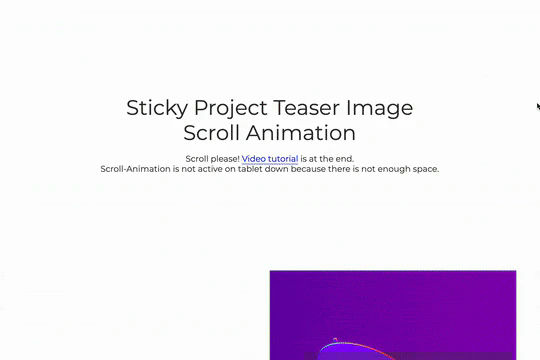

A great way to achieve a sticky Webflow effect for features, about sections or really anything in which the image becomes sticky in the viewport while the text still scrolls. As you scroll down the images are sticky while the text is scrollable, between each section there's an image transition effect. This effect uses no custom code and is all accomplished via Webflow's while scrolling into view interaction with the opacity and scale options.


Here's an easy way to create a masked video in text in Webflow. No custom code is required. This was created with an SVG file and added interactions to zoom in while scrolling.
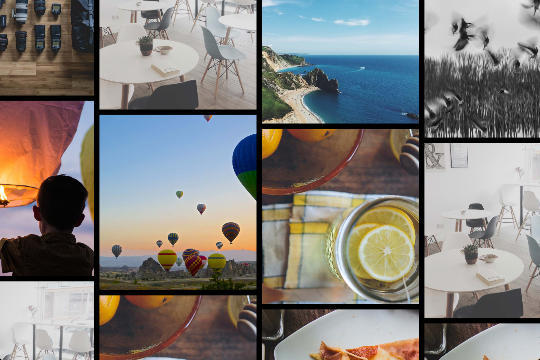
Here's a way of adding a full page infinite scrollable and draggable grid in Webflow. This grid is fully draggable in ALL directions, horizontal and vertical as well as in any other direction. A perfect way of adding a unique design for portfolios, photography and much more in Webflow. This can also be used to tie into Webflow's native CMS system.
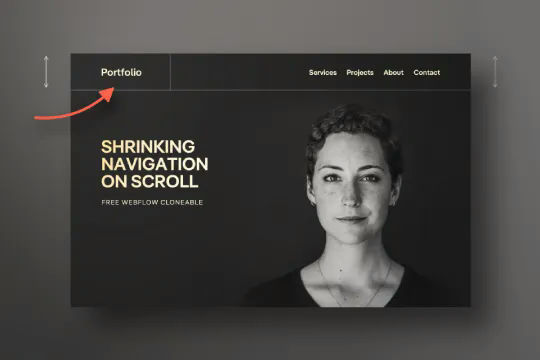
Have your navbar shrink on page scroll via this Webflow cloneable. Easily create dynamic navbars for your Webflow site that shrink upon scrolling down the page. Once a user reaches a certain point on the page the navbar transitions from dark to light while shrinking. This does not require any custom code and utilizes Webflow's native interactions. This utilizes Webflow's While scrolling in view for two different classes and as previously mentioned does not require any extra custom code. This cloneable is perfect for anyone looking to create a dynamic navbar that allows for dynamic changes based on the users scroll depth on the site.
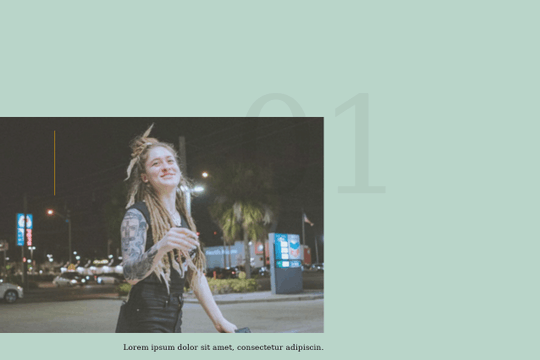

A smooth scrolling effect in Webflow that zooms into images as the page is scrolled. Perfect for adding smooth page scrolling and an image effect within your Webflow site.
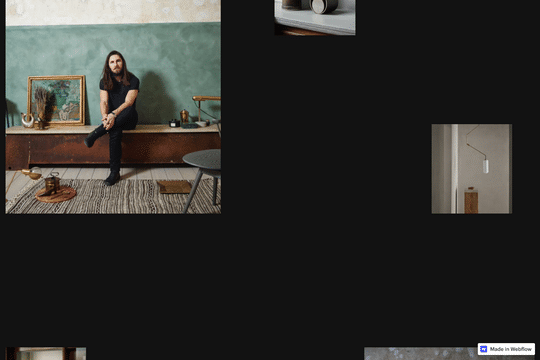

An infinite scrolling vertical image interaction for Webflow. A great way of achieving a vertical scrolling looping image on your Webflow site. This technique uses custom CSS and JS so be sure to check the custom code within the Page Settings.

A well designed scrolling sections that utilizes no additional page code or custom codes in order to achieve the effect. As a user scrolls down the page it appears that each section is on a different Z-index, which in turn makes it seem like the sections are unfolding. There's also a unique text masking effect being applied to one section so that the text appears transparent and you can view the background change in the text as you scroll down. As mentioned this cloneable doesn't use custom code or even Webflow native interactions to showcase it's effects. Instead it uses Webflow designer and unique positioning and text masking functionality.
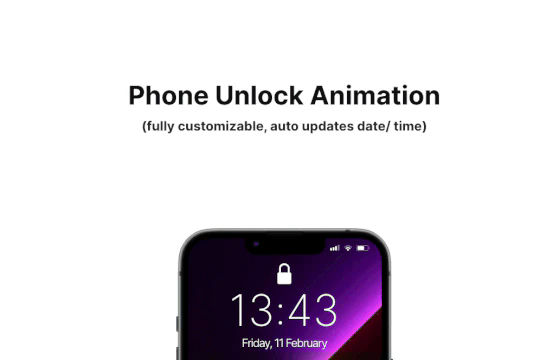
Add some dynamic flair to your iPhone mockups in Webflow. When you scroll down the animated phone unlocking animation is shown to reveal content. The phone has auto updating date and time based on the users location. The iPhone GUI was recreated and the phone has the ability to unlock and reveal content on scroll. The mockup is fully customizable and you can change the content and wallpaper and is also fully responsive on all devices.
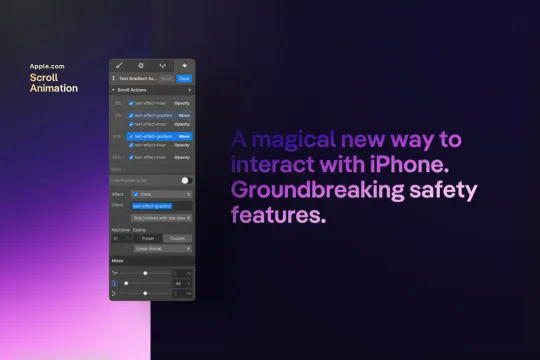
A text gradient scroll effect that was similar to the one used on Apple's website. This text scroll effect showcases a block of text, which has a gradient effect applied to it. As the user scrolls down the bottom portion of the text is visible and as the user scrolls down further the entire text is visible, scrolling down further on the page the text then fades out. This effect does not require any HTML embed or custom code and utilizes Webflow's native interactions. This interaction utilizes the element trigger and while scrolling into view to create the effect. This interaction works by changing the opacity and moving an object over the text.
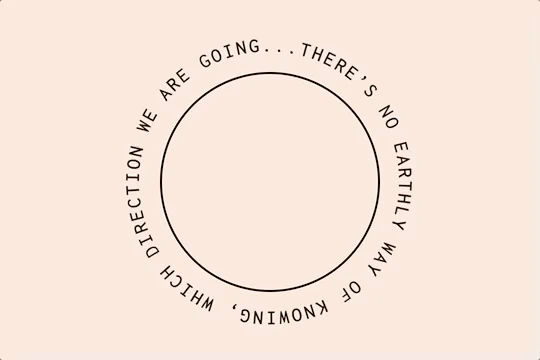

Here's a way of adding a circular text with movement effect to Webflow via circulartype.js. Unfortunately the sizing is a little weird and doesn't work properly, although it does work. This includes an interaction for page load, scrolling through sections ad for page transitions.

A sticky horizontal scrolling timeline container for your Webflow site. This is a combination of sticky position, overflow-x hidden and a scrolling in view interaction. This is perfect for timelines, milestones, process steps, about, history and much more.
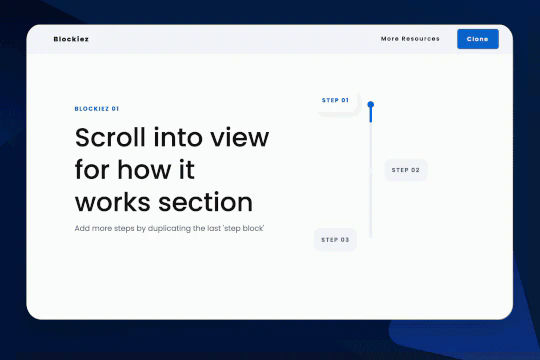

A simple animation that has a scroll bar interaction/animation as you scroll down the page in Webflow. The animation is applied to the class, if you want to add more steps simply duplicate the last step and then edit the content.
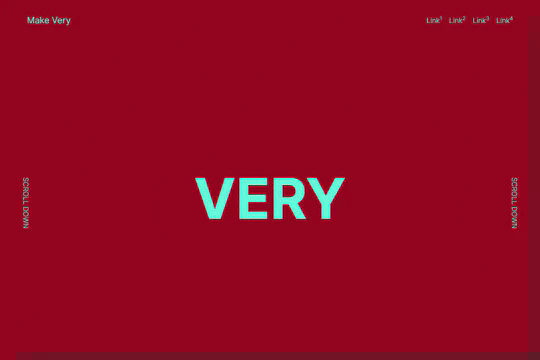

Here's another way to add full page scroll snapping functionality to Webflow via Fullpage.js. In this example you can see full page, smooth snapping section on scroll. Please note that you'll need to add the custom code found within the page settings found in both the header and body sections.
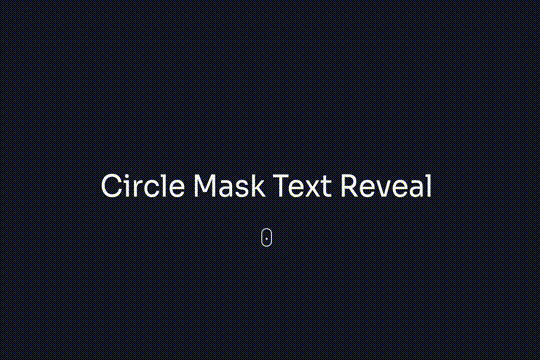

Here are four different text reveal animations on scroll interactions in Webflow. These designs all use custom code via HTML embeds. The four techniques include classic text review on scroll, growing circle mask on scroll, and text in from left and right on scroll.
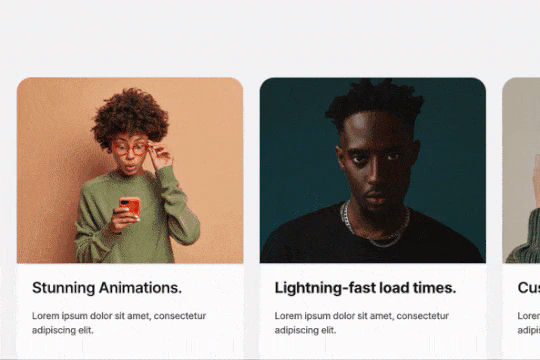
Here's a way to add a simple horizontal scrolling cards section to your Webflow site. The cards are designed for horizontal scrolling on desktop and tablets and vertical stacking on mobile. Since this was designed using Flexbox, you can add/remove cards and the scroll will still work. Although you'll likely want to resize the scroll track if you use a lot of cards. Each card can have a background video added to the card for a neat reveal on hover effect.
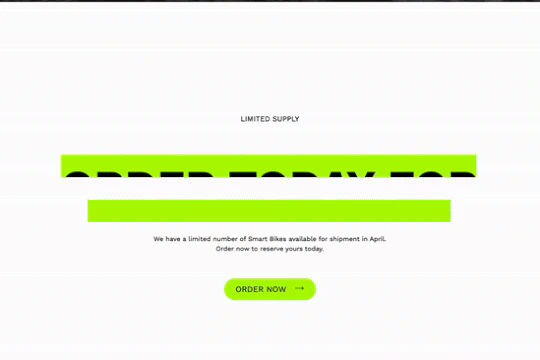
Here's a way to add a text reveal on scroll to your Webflow site. An eye catching animation reveals the text as the user scrolls down the page. An underline appears and then glitches the color and finally rolls away as you scroll.
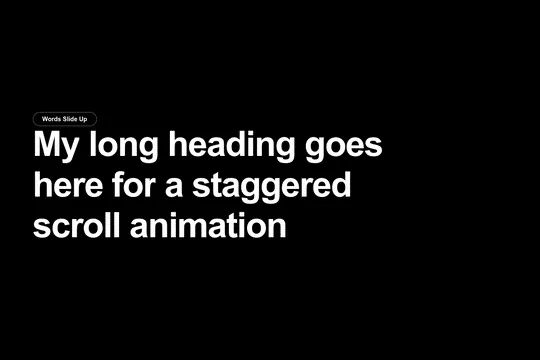
Integrate GSAP scroll text effects to your Webflow site. Eight different text scroll effects powered by GSAP for your Webflow site. The effects include words sliding up, individual words rotating in, words sliding in from the right, individual letters sliding up, individual letters sliding down, and individual letters fading in. This effect utilizes GSAP, ScrollTrigger and split type in order to work properly, you'll also need to add and modify the pages custom JS code in order for it to work. The code can be modified to change the start offset of the effect, the opacity, the duration, the ease effect and much more. Unlock the power of GSAP for various text effects today in your Webflow projects.
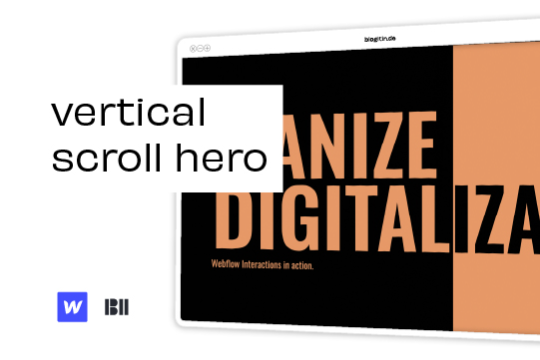

Liven up your hero section with this unique vertical hero scroll animation.

Here's a way of adding a text reveal animation on scroll to Webflow powered by Anime.js and Luxy.js. As a user scrolls down the page the text animation is displayed showing one letter fading in at a time. As you scroll further down the page you'll notice the smooth scrolling effect created by Luxy.js. All of this is powered by the custom code found within the page settings of both the header and body section. Be sure to add these to your site in order for this method to work properly.
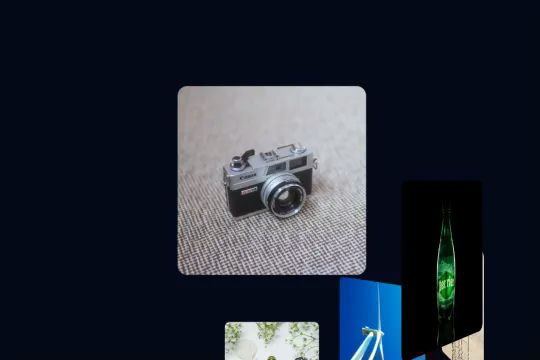

A spiral 3D spinning interaction that requires no WebGL, third party libraries or any custom code. This was built entirely in Webflow with Webflow's native interactions. As a user scrolls down the page the images spin around and rotate around the page. A fun and unique interaction that showcases the power of Webflow. This is perfect for portfolios, or other items on your site. This was built utilizing While scrolling in view and taking advantage of only two options, move and rotate. Essentially the items layout allows for the positioning of the item. By utilizing class names each class will have the same result and effect.
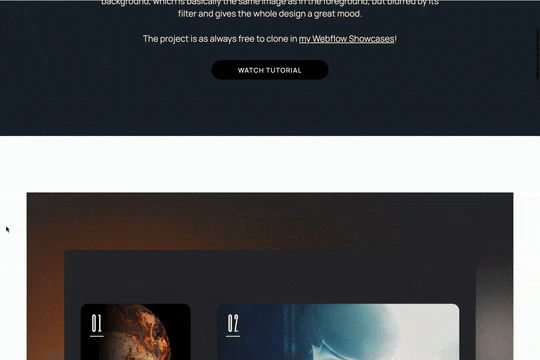
Here's a unique parallax blur scrolling animation that's perfect for portfolio sections in Webflow. This parallax blur scrolling animation effect adds the image that's being scrolled to the background with a blur filter effect. All of this is achieved via native Webflow interactions.


Here's a way to create a rotating image on page scroll in Webflow. Perfect for portfolios, products images, and much more.
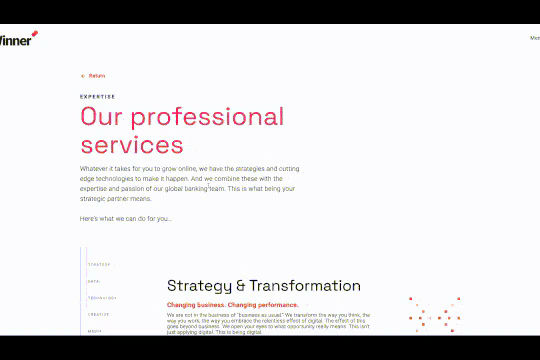

Perfect for a services or overview page on a Webflow site. This progress bar indicates where you've scrolled through and which content you're currently viewing. The progress bar was created to scroll to the dynamic CMS collection blocks, typically this is not possible with Webflow since collections can't have anchor links. This was resolved via a nice hack by assigning the ID to the collection classes through an embed and then converting the progress bar links to anchor links so that you can scroll through the various content naturally.
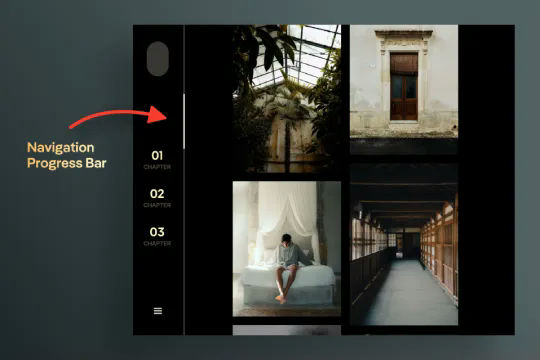
A unique vertical navbar with a page scroll progress bar for Webflow. This vertical navbar features a progress bar that indicates how far down the page the user is and was created entirely with Webflow interactions. Note there is some CSS however this controls hiding the browsers default scroll bar. Otherwise this was built and created entirely with Webflow interactions. Taking advantage of While page is scrolling a div is moved down the page based on the percentage of the page that the user has scrolled down. This is perfect for storytelling or blog posts or pages with a large amount of information. A wonderful vertical menu solution for Webflow.
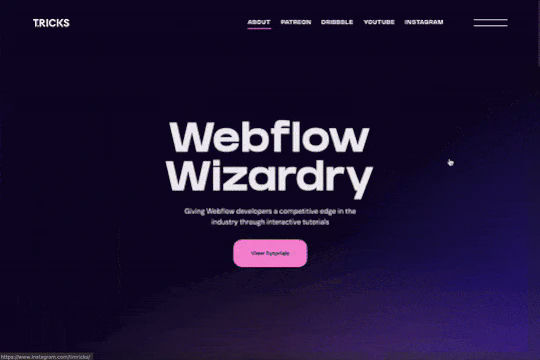
A GSAP CMS horizontal scroll effect that utilizes a combination of Webflow's CMS, Webflow interactions and GSAP to allow for horizontal scrolling. This allows for distance based on the number of cards within each section and if not enough cards are present in the section the section will still appear without having the horizontal scroll effect. Using ScrollTrigger you can customize the number of items viewable upon load and the scroll speed between each slide. This mobile and responsive friendly solution allows you to customize the number of items viewable in each resolution. The individual cards can be powered by Webflow CMS allowing for truly dynamic Webflow sites and designs without a major refactoring of any code in order for it to work.
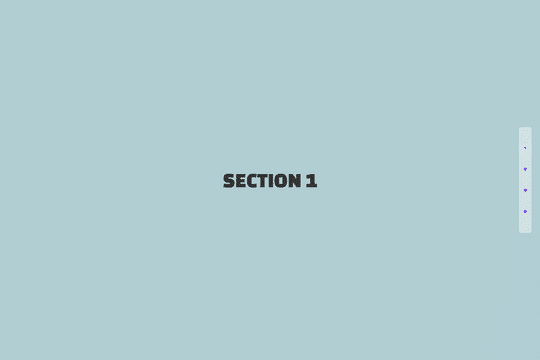

Here's a way to achieve a full view experience on scroll for different sections on your site. Essentially this is a way to achieve snap on scroll between sections with a pagination to indicate which section the viewer is viewing. There is code added to the page so be sure to add that to your site as well. This will not work in preview and will only work on the published site.
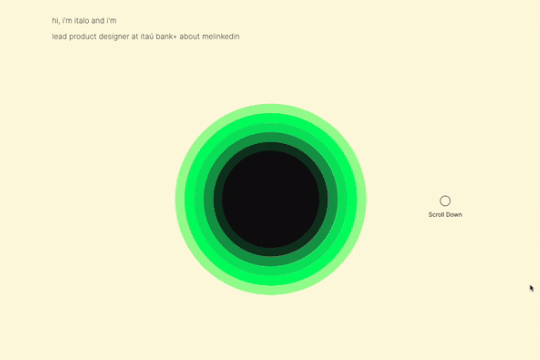

A sun circle animation that grows based on the page scroll in Webflow. This entire animation is built natively with Webflow interactions and requires no custom code. A great example of how you can use Webflow's native interactions to build in depth, multi stage animations based on page scrolling.
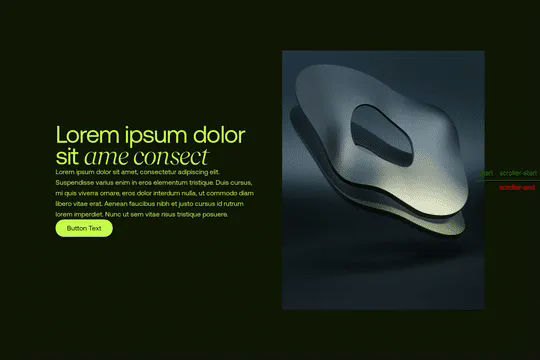
A unique demonstration of using GSAP Flip & Scrolltrigger to move a video around the page based on the users page scroll in Webflow. As the user scrolls down the page the video transforms and moves in different locations on the page. It grows, rotates, and shifts locations, becoming the background of a section, moving to the right of a card and following the user throughout the navigation throughout the site. This method requires the custom code found within the custom code section in page settings. Utilizing GSAP, Flip.js and Scrolltrigger.js you can customize the locations and targets based on element IDs. Be sure to check the page design as well since there are custom CSS HTML embeds found on the page as well.
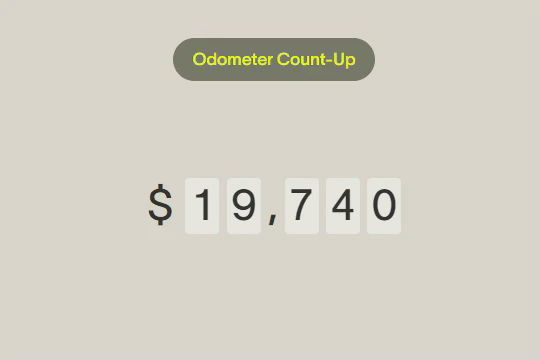

Here's a unique way of adding count up odometers to your Webflow site via Hubspots odometer library. This cloneable includes several features, count up by 1 in a fixed interval, trigger odometer via GSAP Scrolltrigger, currency options, interval increase by own value, interval increment with a randomly generated number in a range, show numbers on a button click and a tutorial of how to make it work.
A unique 3D depth of field native Webflow interaction. As a user scrolls through this section the images come towards you from the back of the page. This technique was built using only Webflow interactions and does not use any extra custom code or HTML embeds. This Webflow interaction utilizes the While scrolling in view trigger, it then moves the Z property from 0 to 250 rem. Each individual item also has an opacity and filter applied to it as it's scrolled into the view. A well thought out and unique Webflow interaction that will surely impress your visitors.


Make those Macbook mockups interactive by adding internal scroll to the screens via this Webflow cloneable. This cloneable requires no additional code and can easily be applied to your site. Simply copy the element to your site and then modify the image found in the Macbook wrapper called website image and modify it. This will allow you to add an image inside of a Macbook mockup so that the users can scroll inside of it. A fun way of showcasing items, features, portfolio site screenshots and more.


Want to add smooth scrolling to your Webflow site? With this cloneable you'll be able to add smooth scrolling via luxy.js. Adding smooth scrolling doesn't need to be complicated and there are plenty of options to achieve this inertia type scroll effect although Luxy.js provides a great way to achieve this.


Using Webflow's new blending modes this text effect on scroll becomes apparent of the capabilities of blend modes.

A unique iPhone mockup screen scroll animation for Webflow and perfect for portfolios and similar design elements. This cloneable features no additional custom code or HTML embeds and utilizes Webflow's native interactions to perform the unique animation. As a user scrolls down the page the images in the iPhone mockup provide a scroll interaction that appears to show the images scroll down as the page is scrolled down. Utilizing Webflow's While scrolling in view this moves the images within the iPhone mockups as the page is scrolled down. Since this is class based this works for all of the iPhone mockup images throughout the site. A simple, yet effective Webflow interaction that makes any portfolio pop.


An example of a fixed slogan/text that changes when scrolling through different sections on a Webflow site. The embedded code is compatible with all major browsers, including some variations of Internet Explorer and Edge.
A scroll into view CMS driven portfolio or features interaction. Also has hover over effect.

Here's a way to achieve a sticky horizontal scroll section within your Webflow site. Using CSS sticky and interactions you can now have a showcase section that horizontally scrolls on scroll down in Webflow.

Here's a way of adding GSAP's motionpath technique using Scrolltrigger and Motionpath in Webflow. As a user scrolls down the page an animation follows a wavy path. Please note in order to get this to work you'll need to add the custom code found. in the closing body tag as well as the custom HTML embed found near the image file.

A sticky, stackable cards section that stacks upon scrolling on the Webflow site.


A unique horizontal scrolling technique created for Webflow and built using a combination of Webflow interactions, custom CSS code and jQuery. This allows you to add horizontal scrolling to your Webflow site, this cloneable also features a page loader and a mouse cursor interaction. As you scroll down the page you'll notice the horizontal slider that also features parallax style effects, there's a unique text outline stroke effect. Each section is driven by Webflow CMS which allows you to easily add or remove pages based on your needs and requirements. This was built to work on both mobile and desktop devices making it responsive for any size browser.


A unique, fancy background hero with text masking effect over a background autoplay video.

Here's a horizontal scrolling technique with a progress bar and pop up navigation for Webflow. A perfect example of how to add horizontal scrolling to your Webflow site with a progress bar indicating how far you've scrolled.
